FullStack Alpha logoBestAITradingTools.comby FullStack Alpha
Candlestick chart climbing across a dark grid

Trading Workflows

Day Trading Tools and Workflows That Fit Your Budget

Follow the publicly taught routines of the stock trading educators you watch, from premarket scans to trade review. Compare the tools behind each task with lower-cost alternatives and AI options that can reduce repetitive work. Choose your trading style and budget, then see which tools fit, what they cost, and how to put them together.

Updated 2026
combined YouTube subscribers
11.9M
combined channel views
1.02B
videos published across their channels
29,833
channels screened
13
videos broken down by FullStack Alpha
98
transcripts read
96
tool and data plans priced
37

Channel figures from YouTube, research and prices checked 2026.

One trading day, as taught

Sourced
  1. Premarket scan7:00 ET

    Sort the leading gainers through five filters.

    Ross Cameron

  2. Plan ready8:45 ET

    Market regime, calendar, and day and swing lists done.

    Humbled Trader · Source

  3. First trade window9:35 ET

    Wait out the first five-minute range, then size at 1% risk.

    TraderTV Live · Source

  4. Review4:30 ET

    Clip the day's trades and collect charts for study.

    Lance Breitstein, SMB Capital · Source

Times come from each educator's public lessons. Copy the order, then set times that fit your own day.

The Educators You Already Watch

They Built the Audience. We Built the Spreadsheet.

Meet the YouTube trading educators millions of traders learn from. We broke down what's actually on their screens: the scanners, the screeners, the setups, even the monitors. Then we found AI alternatives that do the same job, usually for less.

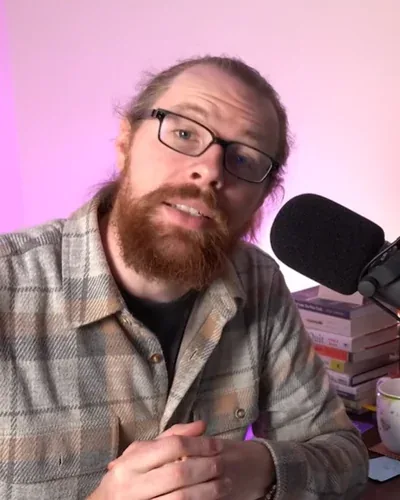
  • Ross Cameron, day trading educator

    Day Trading

    Ross Cameron

    Ross trades fast-moving small-cap stocks, mostly in the premarket session, and teaches a strict five-filter stock selection process. Here is the stack behind that routine, and the tools that can do the same jobs.

    2.1M subscribers · 2026

    Watch on YouTube

  • Humbled Trader, day and swing trading educator

    Day Trading / Swing Trading

    Humbled Trader

    Humbled Trader day-trades premarket gappers and swing-trades daily-chart pullbacks, scanning in Trade Ideas and executing through Interactive Brokers. In 2026 she started building her own AI scanner and trade dashboard with Claude and Codex. Here is her full stack, what it costs, and the cheaper tools that do the same jobs.

    1.5M subscribers · 2026

    Watch on YouTube
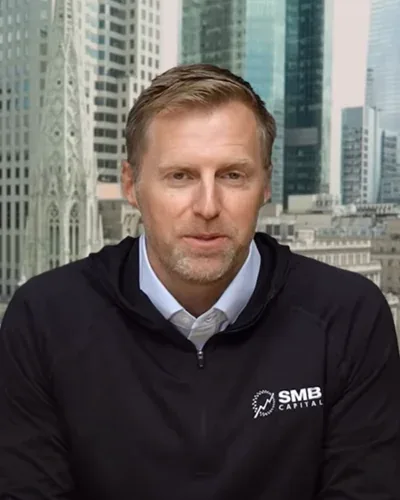
  • SMB Capital, day trading educator

    Day Trading

    SMB Capital

    SMB Capital's traders teach several distinct playbooks, from opening momentum and intraday mean reversion to multi-day relative-strength breakouts and systematic strategy testing. Here is the stack each trader shows publicly, and the tools that can do the same jobs.

    767K subscribers · 2026

    Watch on YouTube
  • The Rumers trading channel

    Day Trading

    The Rumers

    Doug and Silvia

    Doug and Silvia trade intraday price action and reversals inside a higher-timeframe trend, and Silvia also teaches Sunday and overnight index futures sessions. Here are their two distinct chart methods, the stack behind them, and the tools that can do the same jobs for stock and futures traders.

    452K subscribers · 2026

    Watch on YouTube
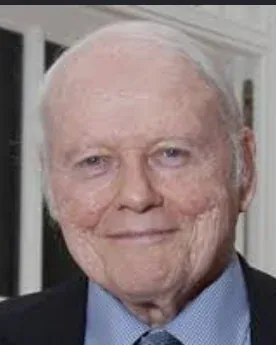
  • William J. O'Neil, founder of Investor's Business Daily and creator of CAN SLIM

    William J. O'Neil (1933 to 2023), IBD founder. He does not present the current videos referenced on this page.

    CAN SLIM Growth Investing

    Since 1984

    Investor's Business Daily (CAN SLIM)

    IBD teaches CAN SLIM, a growth-stock process that pairs earnings and sales research with relative strength, chart bases, and a market-direction check before any buy. Here is the research stack its presenters use, and the tools that can do parts of the same jobs.

    184K subscribers · 2026

    Watch on YouTube
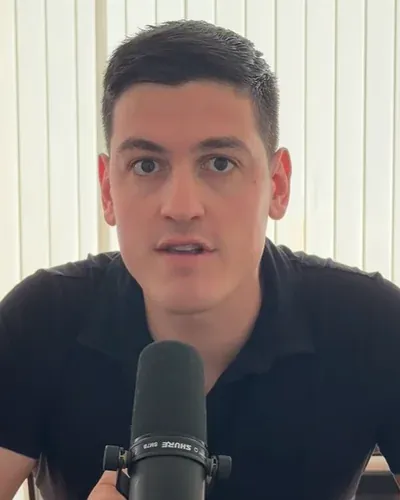
  • Brendan of AI Pathways, AI-assisted trading research educator

    AI-Assisted Research / Systematic Trading

    Rising educator

    AI Pathways

    Brendan builds trading research systems with AI and shows the plumbing: data, backtests, alerts, and trade audits, with the honest caveat that asking an AI for a profitable strategy does not produce one. Here is the stack behind those workflows, what each piece needs to run (code, an API key, or a server), and the tools that can do the same jobs.

    81K subscribers · 2026

    Watch on YouTube
  • Rayner Teo, systematic trading educator from Singapore

    Rule-Based Swing Systems

    Rayner Teo

    Rayner teaches rule-based systems: momentum, mean reversion, and Bollinger Band pullbacks, each with entry, exit, and allocation rules he tests on years of data and walks through on TradingView. His channel covers several markets; this page keeps the stock lessons. Here is the stack behind those systems, and the tools that can do the same jobs.

    2.2M subscribers · 2026

    Watch on YouTube
  • Ricky Gutierrez, stock trading educator

    Swing Patterns and Market Plays

    Ricky Gutierrez

    Ricky teaches beginners how to start trading stocks, the chart patterns he watches for swing trades, and his plan for the day's market, with a big library of market-reaction videos. His tutorials walk through thinkorswim, and one series shows a full live trade on Webull. Here is the stack behind that routine, and the tools that can do the same jobs.

    1.2M subscribers · 2026

    Watch on YouTube
  • Adam Khoo, stock trading and investing educator

    Stock Selection, Value, and Breakouts

    Adam Khoo

    Adam teaches how to pick and value stocks, size positions from account risk and stop distance, and trade breakouts without chasing extended moves. He separates a trade from a long-term investment in nearly every lesson. Here is the stack behind that process, and the tools that can do the same jobs.

    1.1M subscribers · 2026

    Watch on YouTube
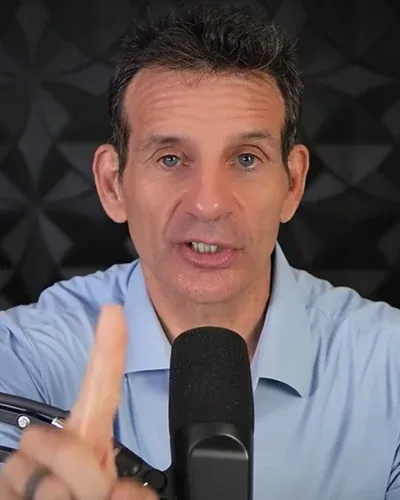
  • Charlie Plattus of ZipTrader, swing trading educator

    Beginner Swing Trading

    ZipTrader

    ZipTrader is Charlie Plattus's channel. His most-watched lessons teach beginner swing trading: three swing patterns, waiting for confirmation before buying, planning the sale before the buy, and setting up the Webull app. Here is the stack behind that routine, and the tools that can do the same jobs.

    899K subscribers · 2026

    Watch on YouTube
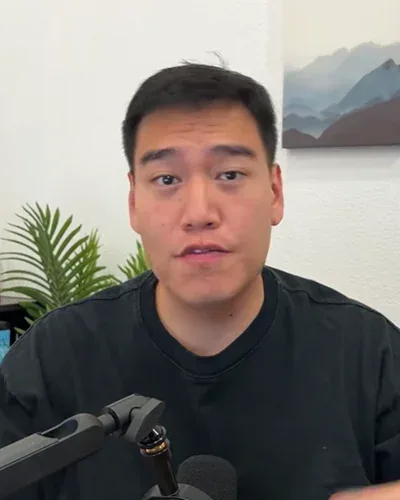
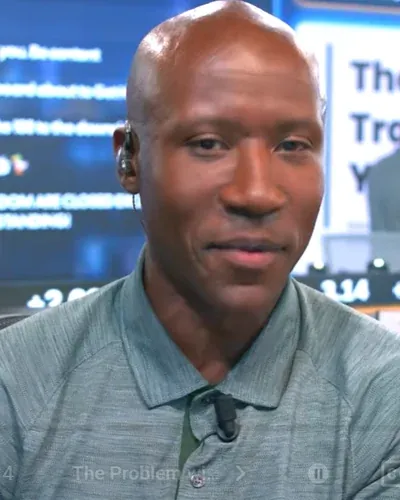
  • TraderTV Live host on the trading floor

    Trading Floor Day Trading

    TraderTV Live

    Shawn Catena and Neal Roberts and Brendan Wickens

    TraderTV Live runs a live trading floor show built around stock day trading: a short premarket list, scanner settings that cut the noise, waiting out the first five minutes, a 1% risk rule, and Level 2. Here is the stack behind that routine, and the tools that can do the same jobs.

    590K subscribers · 2026

    Watch on YouTube

  • Live Traders presenter

    Pattern Day Trading and Planning

    Live Traders

    Jared Wesley

    Live Traders is a group of traders whose most-watched lessons come from Jared Wesley: the 3 Bar Play, the premarket play, a written trading plan, and a trade-tracking spreadsheet, demonstrated on TradeStation. Here is the stack behind that process, and the tools that can do the same jobs.

    380K subscribers · 2026

    Watch on YouTube
  • Financial Wisdom channel logo

    Channel logo. Financial Wisdom is a channel, not a single personal brand.

    Weekly Breakout Swing Trading

    Financial Wisdom

    Financial Wisdom is a channel that studies how famous traders trade, from Minervini to Darvas and O'Neil, and teaches a weekly breakout system built on those lessons: a tight weekly box, a stop inside the pattern, a smaller position when the box is wide, and a few minutes of work a week. Here is the stack behind that system, and the tools that can do the same jobs.

    319K subscribers · 2026

    Watch on YouTube

02 / Style

Are You a Day Trader, Swing Trader, or Position Trader?

Filters the educator grid and the featured workflow. Some educators teach more than one style. Read the full style guide

04 / Routine

What Does a Day Trader's Routine Look Like, From Premarket to Review?

Every step comes from a named educator's public lesson, with the tools they document and a link to the source. Flip a card for cheaper tools that do the same job.

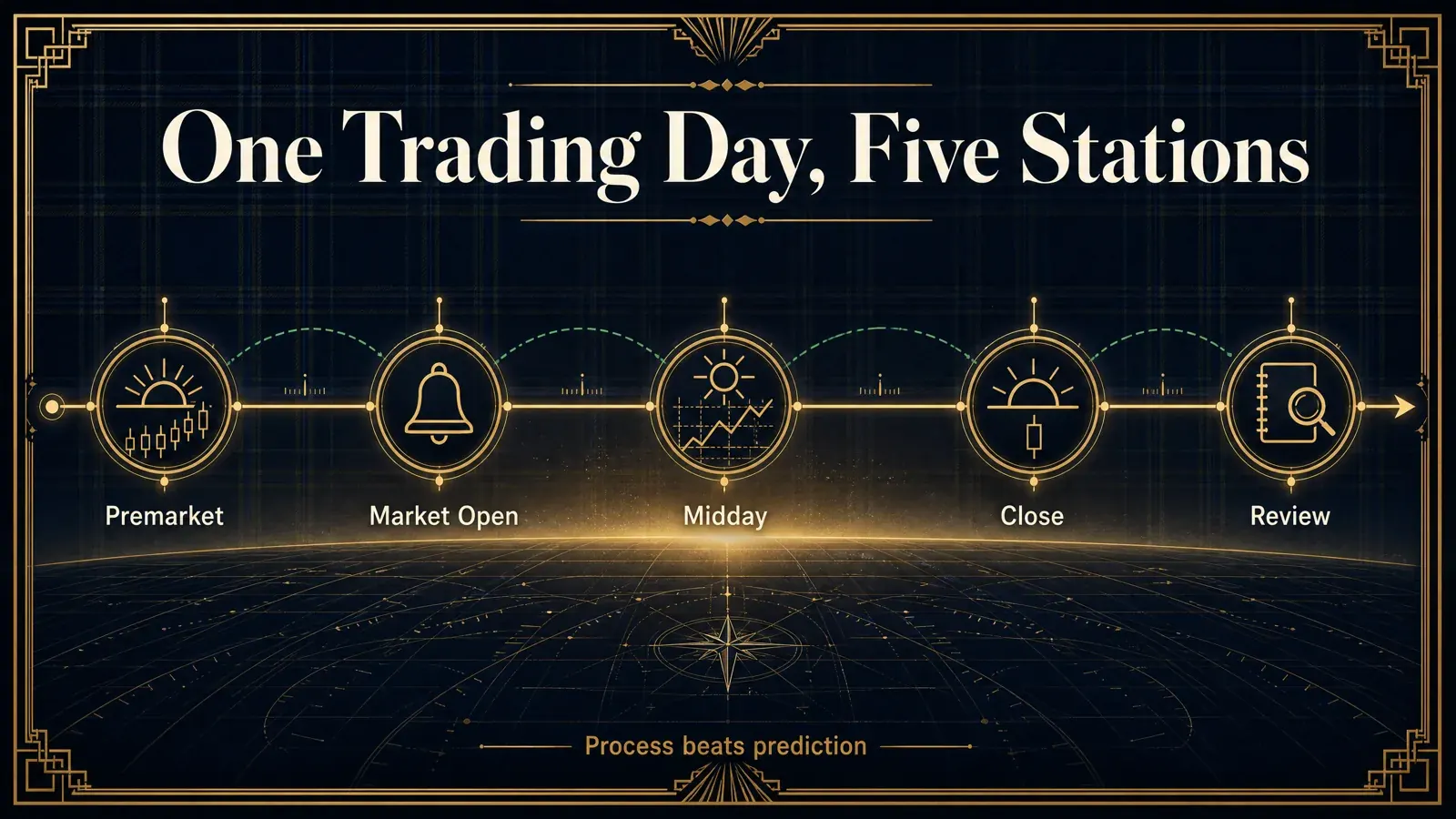
Infographic: one trading day in five stations, Premarket, Market Open, Midday, Close, and Review
  1. STEP 01

    Premarket

    About 7:00 a.m., sort the leading gainers through five filters, then check each catalyst and daily level before the bell.

    Day Trade Dash $197/moBuilt-in news feed

    As taught by Ross Cameron

    Showing the routine for Premarket

  2. STEP 02

    Market Open

    Skip the first print. Wait for the first five-minute range, confirm volume, then set the entry and risk 1% of the account.

    ScannerLevel 2 and tapeExecution screen

    As taught by TraderTV Live · Source

    Showing the routine for Market Open

  3. STEP 03

    Midday

    From about 11:00 a.m., run the swing scan, open every daily chart, and reject the weak patterns instead of forcing day trades.

    Trade IdeasInteractive Brokers TWS

    As taught by Humbled Trader · Source

    Showing the routine for Midday

  4. STEP 04

    Close

    After the close, refresh the trade-tracking sheet and review the day while the trades are still fresh.

    Excel tracking sheetTradeStation

    As taught by Jared Wesley, Live Traders · Source

    Showing the routine for Close

  5. STEP 05

    Review

    Grade three things separately: the idea, the execution, and your self-management. A good result can hide a bad trade.

    Daily report cardSetup playbook

    As taught by Brett Steenbarger, SMB Capital · Source

    Showing the routine for Review

05.5 / Reddit

What Do Traders Actually Say About Their Tools?

First-hand comments from traders on Reddit, word for word. Fans and critics both.
  • Reddit

    r/Daytrading

    5 points · a trader on Reddit

    Fan
    “I use Trade Ideas. It alerts me as soon as a stock starts moving up and they have external linking so as soon as it alerts me, i click the ticker and it fills my chart platform and trading platform with that ticker and im ready to trade straight away”
    On: Trade IdeasView on Reddit
  • Reddit

    r/Daytrading

    9 points · a trader on Reddit

    Fan
    “I just use thinkorswim with top daily % gainers and a relative volume filter, it's free and works fine never had a prob”
    On: thinkorswimView on Reddit
  • Reddit

    r/Daytrading

    1 point · a trader on Reddit

    Fan
    “TC2000 has a great Scanner. I've been using it for a few years. It's similar to Trades ideas, but it's a $100 cheaper.”
    On: TC2000View on Reddit
  • Reddit

    r/Daytrading

    29 points · a trader on Reddit

    Fan
    “I'm a huge fan of Bookmap (I use it through ThinkOrSwim's desktop app). ... I don't understand why more people don't use it, it's amazing.”
    On: Bookmap in thinkorswimView on Reddit
  • Reddit

    r/Daytrading

    2 points · a trader on Reddit

    Mixed
    “I've used both and prefer Tradingview, but I wouldn't say Trendspider is bad... just overpriced and Tradingview is a little easier to use.”
    On: TradingView vs TrendSpiderView on Reddit
  • Reddit

    r/Daytrading

    2 points · a trader on Reddit

    Critic
    “What upped my game was deleting all the tools and just drawing support and resistance. ... 90% of the indicators are B's and are just extra noise.”
    On: Too many toolsView on Reddit

Quoted word for word, typos included. Usernames left off. Threads checked live Oct 11, 2026. Opinions are the posters' own, not FullStack Alpha's.

06 / Stack

How Much Does a Complete Trading Tool Stack Cost per Month?

  • Free Start

    $0/mo

    No subscriptions

    Screen, chart, and journal for $0. Learn the process before you pay for speed.

    • Finviz Free
    • TradingView Basic
    • LibreOffice Calc

    From Financial Wisdom's page: Free Start

    Load this stack
  • AI Prep

    OUR PICK

    $20/mo

    $200/yr with annual plans where offered

    The free stack plus one AI subscription that writes the premarket plan and checks your risk rule.

    • thinkorswim
    • SEC EDGAR
    • LibreOffice Calc
    • Claude Pro

    From TraderTV Live's page: AI Prep

    Load this stack
  • Full Desk

    $340.99/mo

    $2,972.88/yr with annual plans where offered

    The most complete software stack on the site. Speed you pay for, not edge you buy.

    • Trade Ideas Premium
    • Benzinga Pro Basic
    • Tenji
    • TradesViz Platinum
    • Claude Pro

    From Ross Cameron's page: AI Full Stack

    Load this stack

06.5 / Numbers

13 Educators by the Numbers

  • Ross Cameron headshotRoss Cameron2.1M
  • Humbled Trader headshotHumbled Trader1.5M
  • SMB Capital headshotSMB Capital767K
  • The Rumers headshotThe Rumers452K
  • IBD CAN SLIM headshotIBD CAN SLIM184K
  • AI Pathways headshotAI Pathways81K
  • Rayner Teo headshotRayner Teo2.2M
  • Ricky Gutierrez headshotRicky Gutierrez1.2M
  • Adam Khoo headshotAdam Khoo1.1M
  • ZipTrader headshotZipTrader899K
  • TraderTV Live headshotTraderTV Live590K
  • Live Traders headshotLive Traders380K
  • Financial Wisdom headshotFinancial Wisdom319K

Avg views per video is total channel views divided by public video count, the channel average. All figures 2026.

07 / Checklist

What Should a Trading Setup Checklist Include?

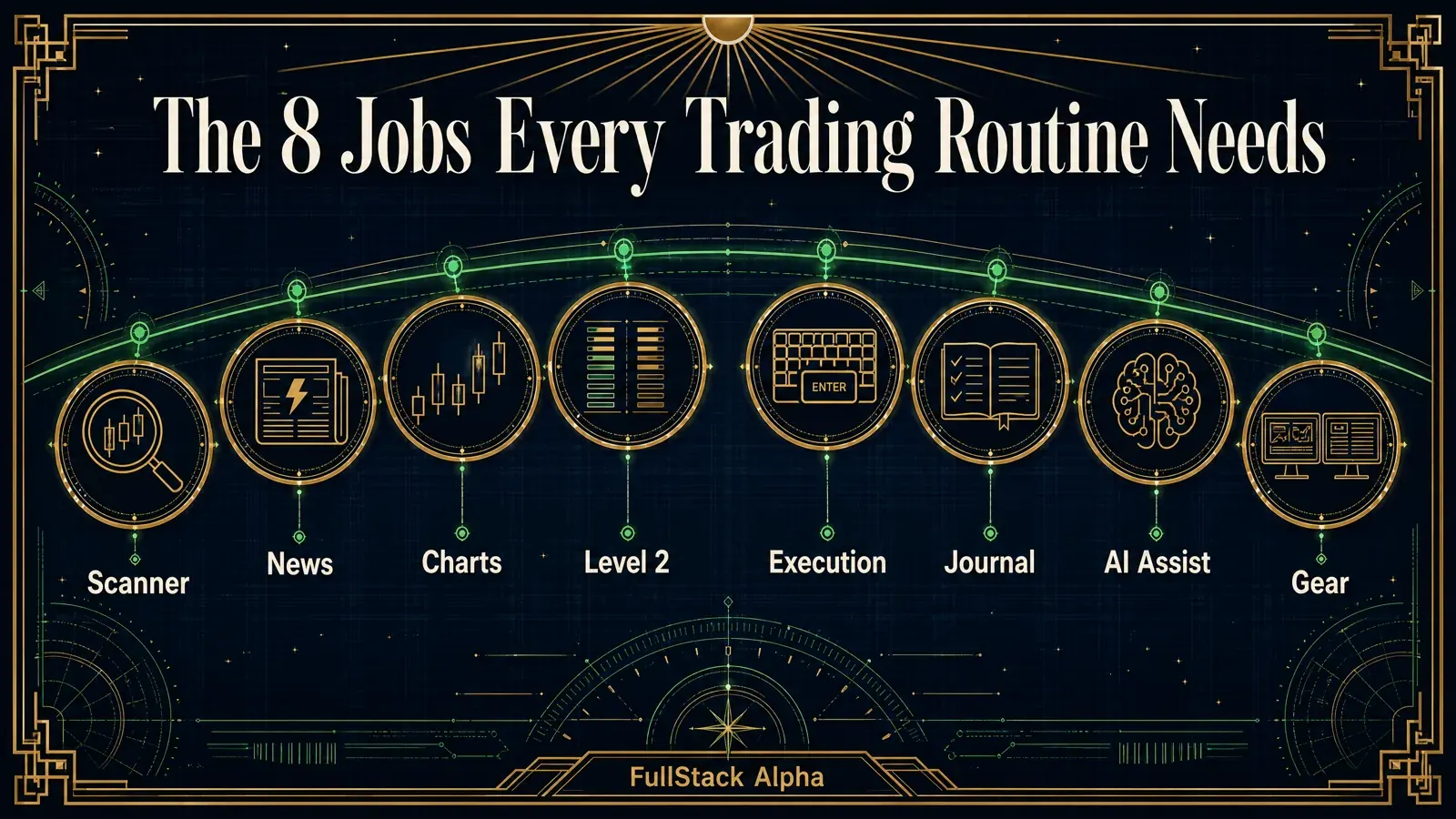
Eight jobs every trading routine needs. For each one you get what to check before you pay, the tools the 13 educators actually use with prices and links, and a line to write down your own pick. Print it or save it as a PDF.

Get the weekly brief: tool price changes and new educator stacks. Unsubscribe in one click.

08 / FAQ

Trading Workflow FAQ

What tools do day traders use?

Across the 13 channels we broke down, the same few platforms keep showing up. thinkorswim appears in The Rumers', Ricky Gutierrez's, and ZipTrader's lessons. TradingView appears with The Rumers, AI Pathways, and Rayner Teo.

Interactive Brokers runs Humbled Trader's execution. Dedicated scanners are rarer and cost more: Day Trade Dash at $197/mo for Ross Cameron and Trade Ideas from $127/mo for Humbled Trader. The tool matters less than the routine around it.

What is the best premarket scanner for day trading?

The one that matches what you trade. Ross Cameron sorts small-cap gappers in Day Trade Dash ($197/mo). Humbled Trader runs separate large-cap and small-cap gap scans in Trade Ideas (Standard $127/mo or $1,068/yr).

If you are starting out, Finviz Elite ($39.50/mo) covers real-time gap and relative volume screens, and thinkorswim's Stock Hacker is $0 for eligible Schwab clients. You give up speed and Level 2, not the idea.

How do you find stocks to swing trade?

Screen first, chart second, and cut the list hard. Financial Wisdom runs a weekly scan for tight consolidations. IBD's David Ryan inspects market and industry groups, then prunes to a ranked watchlist instead of forcing buys.

Adam Khoo runs quality and cash flow filters before he looks at a chart. A free start: Finviz Free for the screen, TradingView Basic for the weekly chart, and a written stop before every entry.

What does a day trading checklist look like?

Five stations. Premarket: sort the gainers and check each catalyst. Open: wait for the first five-minute range and risk a fixed 1% (TraderTV Live's rule). Midday: scan for setups instead of forcing trades.

Close: update your trade log while it is fresh. Review: grade the idea, the execution, and your self-management separately, the way SMB Capital's Brett Steenbarger teaches it.

Can AI tools replace parts of a trading routine?

The repetitive parts, yes. The judgment, no. Humbled Trader tested an AI scanner that runs her filters at 8:30 a.m. and every 30 minutes until 2:00 p.m., with alerts she reviews by hand. SMB Capital showed a scheduled Claude task writing the morning rundown from research emails.

AI Pathways sends computed trade metrics to Claude for review. In every example we reviewed, a human checks the output before any order.

How much does a complete trading tool stack cost per month?

From $0 to about $341 a month in software. The bundles on the 13 educator pages run $0 to $239.97 a month, and 11 of the 13 channels have a $0 starting stack built from free tools. Adding one AI subscription, such as Claude Pro at $20 a month, covers the premarket plan and the review.

The most complete stack on the site, Ross Cameron's AI Full Stack, runs $340.99 a month. Commissions, exchange data, and hardware are extra, so price your own build in the Stack Builder.

Every workflow links to a public source. Read how we source educator workflows and compare tools.

Incoming transmission | Free weekly newsletter

Stop paying for tools that don't earn their seat.

FullStack Alpha has tested 200 AI stock tools. Be honest: how many of yours do the same job, and which one did you forget you signed up for?

One email a week fixes that: which tools are worth the money, what they cost right now, and how the traders on this site wire them into a routine. Five minutes to read. Zero noise.

Free. One email a week. Unsubscribe in one click. We never sell your email.

  • Hot stock picks
  • Paid signal pitches
  • Fake countdown timers
  • Gurus selling courses

Inside every issue

5 MIN READ

  1. 01

    The Verdict

    One AI trading tool tested and scored. What it does well, what it costs, and the catch the sales page leaves out.

  2. 02

    Price Watch

    Price changes and live promos on the tools traders actually use, monthly and annual side by side, so you stop overpaying.

  3. 03

    Workflow Teardown

    One educator's routine taken apart: the scan, the chart, the tools, and the free swap for every paid one.

  4. 04

    Scan of the Week

    Exact scanner settings you can copy, pulled from the educator's own lesson with the timestamp.

Process beats prediction. This is the email that keeps your process honest.