FullStack Alpha logoBestAITradingTools.comby FullStack Alpha
Red and green candlestick chart recovering after a pullback on a dark background

Pattern Day Trading and Planning

Live Traders' 3 Bar Play, TradeStation Setup, and Costs

  • 3 Bar Play
  • Premarket Play
  • Trading Plans
  • Trade Reviews

Live Traders is a group of traders whose most-watched lessons come from Jared Wesley: the 3 Bar Play, the premarket play, a written trading plan, and a trade-tracking spreadsheet, demonstrated on TradeStation. Here is the stack behind that process, and the tools that can do the same jobs.

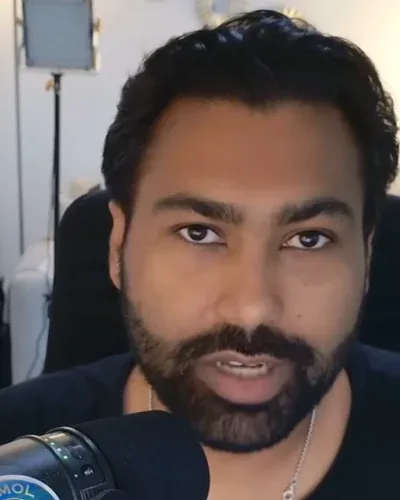
Live Traders is a group of traders. Most lessons below are taught by Jared Wesley; a 2026 trade review does not name its presenter. Lessons from 2019 and 2020 use TradeStation screens that have since changed.

  • Jared Wesley · 3 Bar Play, premarket play, trading plan, spreadsheet
Live Traders presenter

Subscribers

380K subscribers · 2026

Public statement, not verified

The channel describes a collaboration of professional traders; individual tenure is not stated.

Entity

organization, Jared Wesley

Channel joined 2015

Live Traders by the Numbers

Subscribers

380K

Channel views

21.5M

Videos

873

On YouTube since

2015

Avg views per video

about 24,700

Stack range

$0 to $39.99/mo

Did you know?

Jared Wesley's 3 Bar Play lesson runs over an hour and a half and has more than 520,000 views.

Avg views per video is total channel views divided by public video count, the channel average. Stack range runs from the Free Start bundle to the priciest bundle. All figures 2026.

What Is Live Traders's Trading Style?

Market focus

U.S. stocks.

Holding period

Intraday, with some swing trades.

Preferred conditions

A clean 3 Bar Play or premarket setup with a defined stop, inside a written plan.

What Setups Does Live Traders Teach?

3 Bar Play (Jared Wesley)

A defined three-bar pattern on a stock in play.

Cross-market sections are left out. More sources: https://www.youtube.com/watch?v=xEjUd82NVVg&t=846s · https://www.youtube.com/watch?v=xEjUd82NVVg&t=3328s

Entry
Entry on the pattern trigger, as defined in the lesson.
Exit
Trade management after the fill is covered in the lesson.
Risk
A set stop tied to the pattern.

Premarket play (Jared Wesley)

Read the premarket chart separately from the regular session.

More sources: https://www.youtube.com/watch?v=aqUD_MNTvqs&t=1081s · https://www.youtube.com/watch?v=aqUD_MNTvqs&t=1451s

Risk
Small risk with a defined stop.

Written trading plan (Jared Wesley)

Setup criteria written down before the session.

More sources: https://www.youtube.com/watch?v=X9OXtALfrgs&t=1491s · https://www.youtube.com/watch?v=X9OXtALfrgs&t=2416s

Entry
Entry, stop, and target set in advance.
Risk
Raise risk only after you have shown consistency.

What Is Live Traders's Daily Trading Routine?

  1. STEP 01

    Premarket · JARED

    Read the premarket chart separately from the regular session and mark the setup.

    As taught by Live Traders · Source

  2. STEP 02

    Plan · JARED

    Write the setup criteria, entry, stop, and target before trading.

    As taught by Live Traders · Source

  3. STEP 03

    Trade · JARED

    Take the 3 Bar Play only when the pattern and stop are clear.

    As taught by Live Traders · Source

  4. STEP 04

    After the close · JARED

    Refresh the tracking sheet and review the day.

    As taught by Live Traders · Source

  5. STEP 05

    Weekly

    Review entries, stops, and patience across the week's trades.

    As taught by Live Traders · Source

The Full Stack

What Is in Live Traders's Trading Stack?

Their pick on the left. Same job, different tool on the right. Prices sit side by side so you can do the math.

Scanner recipe

3 Bar Play Recipe

Jared's setup and planning rules, with the timestamp where he teaches each one.

  1. 01JARED · The 3 Bar Play: a defined pattern with a set entry and a set stop, then trade management after the fill.▶ 10:52▶ 14:06
  2. 02JARED · Finding candidates for the 3 Bar Play is its own section of the lesson.▶ 55:28
  3. 03JARED · Premarket play: read the premarket chart separately from the regular-session chart, and keep risk small with a defined stop.▶ 13:21▶ 24:11
  4. 04JARED · Written trading plan: setup criteria, entry, stop, and target before the trade.▶ 18:50▶ 24:51
  5. 05JARED · Increase risk only after you have shown consistency.▶ 40:16
  6. 06REVIEW (2026) · Review each trade by its entry, stop, and patience, not just the result.▶ 1:34▶ 15:40

Exact bar sizes and stop offsets are shown in the lesson; we list the structure. Cross-market sections of the 3 Bar Play lesson are left out. Testimonials and earnings claims on their site are marketing, not audited results.▶ 14:06

Load this recipe into

LAYER 01Candidate Search

Their pick

Candidate scanning for the 3 Bar Play

DEMONSTRATED 2019

Scanner product not named

Why they use it. Jared covers how to find 3 Bar Play candidates near the end of the lesson.

Same job, different tool

TradeStation RadarScreen logo

TradeStation RadarScreen

PARTIAL MATCH

Included with a TradeStation brokerage account; $99.99/mo as a platform-only subscription

Replaces. Real-time watchlist scans inside the platform he demonstrates

What you give up. Windows desktop; the brokerage account is what makes it cheap

Check Price

Affiliate link

Same job, different tool

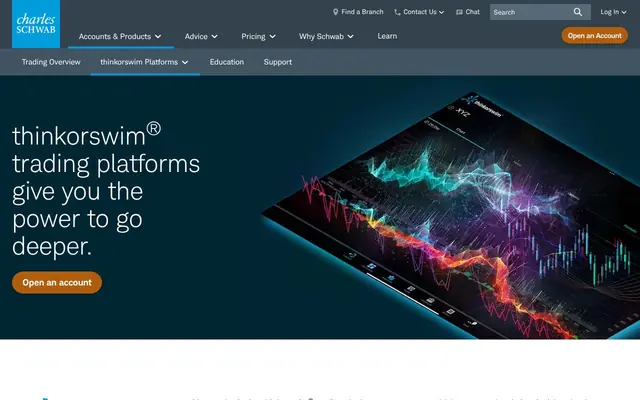
thinkorswim Stock Hacker logo

thinkorswim Stock Hacker

PARTIAL MATCH

$0 platform for eligible Schwab clients

Replaces. Custom scans for the same pattern

What you give up. Different scripting from TradeStation

Check Price

Affiliate link

LAYER 02Charts and Execution

Their pick

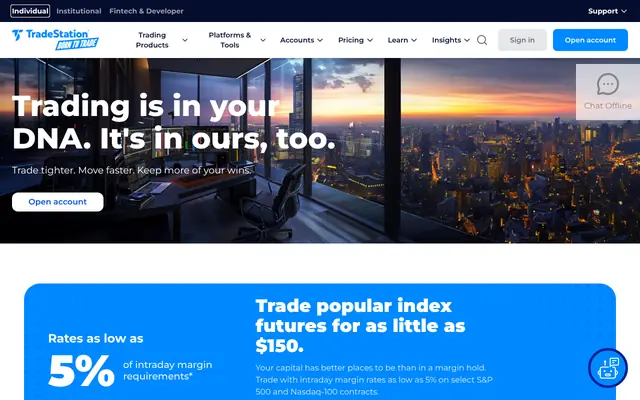
TradeStation official site
Official site · Oct 2026
TradeStation logo

TradeStation

HISTORICAL 2020JARED

$0 stock commissions; basic non-professional data at no charge; $99.99/mo platform subscription without a brokerage account

Why they use it. Jared demonstrates the 3 Bar Play and his day versus swing comparison on TradeStation charts.

Check Price

Affiliate link

Same job, different tool

TradingView Essential logo

TradingView Essential

PARTIAL MATCH

$14.95/mo or $155.40/yr

Replaces. Multi-timeframe charts and alerts

What you give up. Order entry needs a connected broker; exchange data extra

Check Price

Affiliate link

Read our review

Same job, different tool

thinkorswim (Charles Schwab) logo

thinkorswim (Charles Schwab)

FULL MATCH

$0 platform for eligible Schwab clients

Replaces. Charts and orders in one free platform

What you give up. Different hotkey and scripting setup

Check Price

Affiliate link

Read our review

LAYER 03Catalysts and News

Their pick

None found in the videos we reviewed.

Same job, different tool

SEC EDGAR + company investor pages logo

SEC EDGAR + company investor pages

COMPANION

$0

Replaces. The reason behind a premarket move

What you give up. Manual reading

Check Price

Affiliate link

LAYER 04Execution

Their pick

TradeStation official site
Official site · Oct 2026
TradeStation logo

TradeStation

HISTORICAL 2020JARED

$0 stock commissions (routing fees can apply)

Why they use it. His trade examples are taken on TradeStation.

Check Price

Affiliate link

Same job, different tool

Interactive Brokers TWS logo

Interactive Brokers TWS

PARTIAL MATCH

$0 platform; data from $4.50/mo

Replaces. Direct routing and hotkeys

What you give up. Steeper learning curve

Check Price

Affiliate link

Read our review

LAYER 05Journal and Review

Their pick

Excel trade-tracking spreadsheet

DEMONSTRATED 2023JARED

Part of Microsoft 365 (price not checked)

Why they use it. A full lesson builds a tracking sheet with a dashboard, performance filters, and a daily refresh and review routine.

Same job, different tool

LibreOffice Calc logo

LibreOffice Calc

FULL MATCH

$0

Replaces. The same tracking sheet and filters

What you give up. Some dashboard formulas need small fixes

Check Price

Affiliate link

Same job, different tool

TradesViz Pro logo

TradesViz Pro

FULL MATCHAI

$19.99/mo or $179/yr

Replaces. The dashboard and filters, built from broker imports

What you give up. Less control than your own sheet

What the AI actually does. Imports trades automatically and the AI coach does the filtering his sheet does by hand.

Check Price

Affiliate link

LAYER 06AI Assist

Their pick

None found in the videos we reviewed.

Same job, different tool

Claude Pro logo

Claude Pro

COMPANIONAI

$20/mo or $200/yr

Replaces. The written weekly review

What you give up. Only as good as the data you export

What the AI actually does. Reads your exported trade sheet and writes the weekly review his lessons describe: setup, entry, stop, patience.

Check Price

Affiliate link

LAYER 07Gear

Prices are subject to change fast, like AI technology.

LAYER 08Gear

Their setup (dated)

    Computer, monitor, and desk models were not shown in the videos we reviewed.

    Starter trading desk with two monitors, a laptop and a leather chair in a dark study

    Start smaller

    FullStack Alpha suggestion; Live Traders has not published a hardware list. Two monitors fit charts and a candidate list side by side.▶ 10:29

    Prices change daily on Amazon. Check each item's current price. Compare more in the Gear Lab

    Ready-made stacks

    Which Live Traders Stack Fits Your Budget?

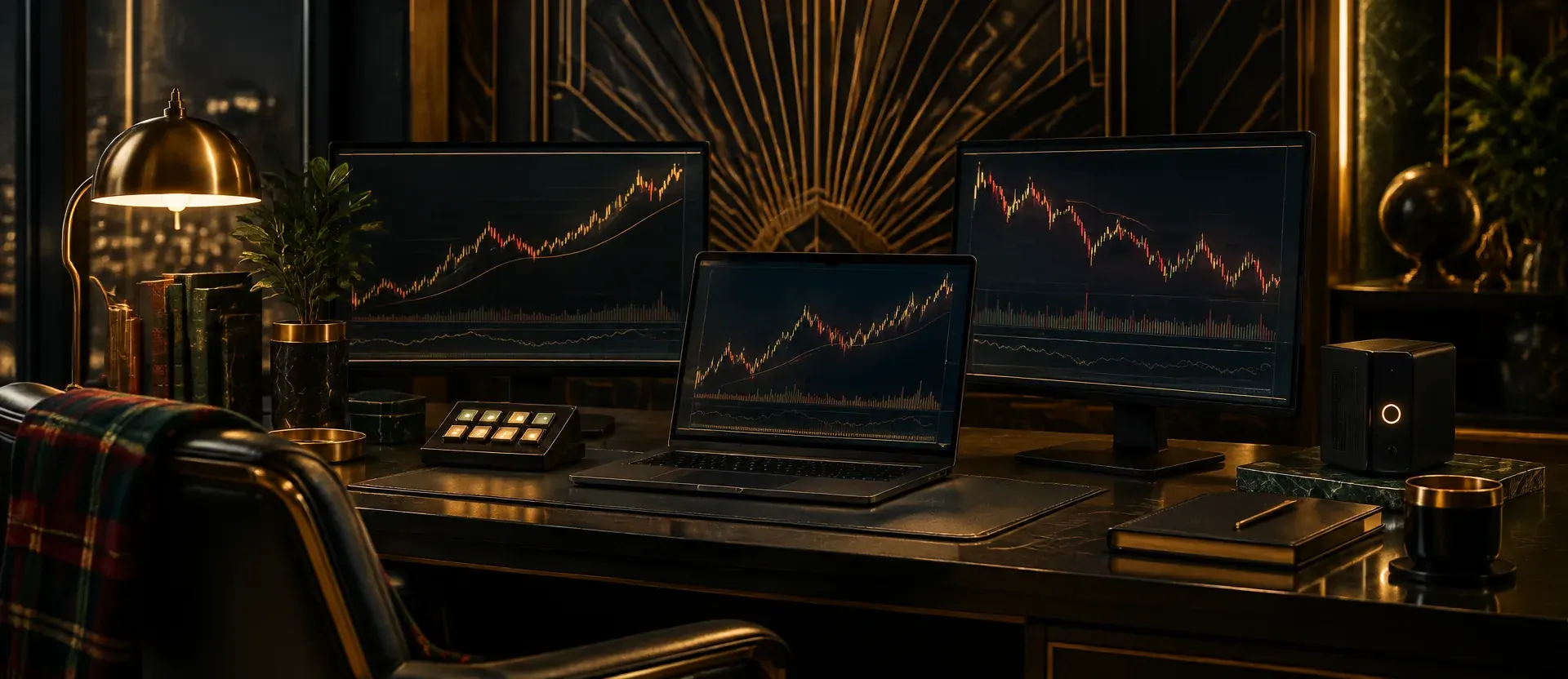
    Dark Art Deco trading desk with three monitors showing price charts and a plaid chair

    The AI Full Stack

    Live Traders' Process, Rebuilt With AI Tools

    Desk

    • Lenovo LOQ 15.6", Ryzen 7 250, RTX 5060, 16GB, 512GB$1,000 to $2,000
    • Dell 27 Plus QHD S2725DSM (x2)$100 to $250
    • HUANUO FlowLift DualUnder $100
    • Elgato Stream Deck MK.2$100 to $250
    • CyberPower CP1500PFCLCD$100 to $250

    One-time. Day Trader Core desk $700 to $800 + computer $1,000 to $2,000. Check current prices on Amazon. Gear Lab

    Software

    • TradeStation (brokerage account) logoTradeStation (brokerage account)Charts, scans, and executionFree
    • Benzinga Pro Basic logoBenzinga Pro BasicPremarket news$37/mo
    • TradesViz Pro logoTradesViz ProAI trade review$19.99/mo
    • Claude Pro logoClaude ProAI weekly review writer$20/mo

    $76.99/mo month to month

    $746/yr

    Commissions, routing fees, and exchange data beyond the basic package are separate.

    Built by FullStack Alpha from Live Traders' public lessons. This exact stack is not theirs and is not endorsed by them.

    $746/yr ($62.17/mo equivalent): Benzinga Pro Basic $367 + TradesViz Pro $179 + Claude Pro $200; TradeStation $0 with a brokerage account.

    • Free Start

      $0/mo

      • TradeStation (brokerage account) logoTradeStation (brokerage account)$0
      • SEC EDGAR logoSEC EDGAR$0
      • LibreOffice Calc logoLibreOffice Calc$0

      Stays manual. Scanning, the tracking sheet, every review

    • AI Plan and Review

      OUR PICK

      $20/mo

      Or $200/yr ($16.67/mo equivalent) $200/yr ($16.67/mo equivalent)

      • TradeStation (brokerage account) logoTradeStation (brokerage account)$0
      • SEC EDGAR logoSEC EDGAR$0
      • LibreOffice Calc logoLibreOffice Calc$0
      • Claude Pro logoClaude Pro$20

      Stays manual. Live trades; AI writes the plan check and weekly review

    • Automatic Journal

      $39.99/mo

      $379/yr ($31.58/mo equivalent) $379/yr ($31.58/mo equivalent)

      • TradeStation (brokerage account) logoTradeStation (brokerage account)$0
      • TradesViz Pro logoTradesViz Pro$19.99
      • Claude Pro logoClaude Pro$20

      Stays manual. Live trades

      Replaces Jared's hand-built spreadsheet with automatic imports.

    Totals cover software only. Commissions, routing fees, exchange data, hardware, and taxes are not included. Prices checked 2026.

    Find a tool like theirs

    Not sure Live Traders's exact stack fits you? These two finders cover the tools closest to this routine. Answer five questions and get three matches.

    What Broker, Scanner, and Charts Does Live Traders Use?

    What broker does Live Traders use?

    In the public videos we reviewed, Live Traders trade with TradeStation (historical in 2020; $0 stock commissions (routing fees can apply)). His trade examples are taken on TradeStation. Same job, different tool: Interactive Brokers TWS at $0 platform; data from $4.50/mo.

    What scanner does Live Traders use?

    For candidate search, Live Traders use Candidate scanning for the 3 Bar Play (demonstrated in 2019; Scanner product not named). Jared covers how to find 3 Bar Play candidates near the end of the lesson.

    Same job, different tool: TradeStation RadarScreen at Included with a TradeStation brokerage account; $99.99/mo as a platform-only subscription.

    What charting platform does Live Traders use?

    Live Traders chart on TradeStation (historical in 2020; $0 stock commissions; basic non-professional data at no charge; $99.99/mo platform subscription without a brokerage account). Jared demonstrates the 3 Bar Play and his day versus swing comparison on TradeStation charts. Same job, different tool: TradingView Essential at $14.95/mo or $155.40/yr.

    How much does it cost to trade like Live Traders?

    The software stacks on this page run $0 to $39.99/mo. The cheapest, Free Start, is TradeStation $0 (brokerage account) + SEC EDGAR $0 + LibreOffice Calc tracking sheet $0. Our pick, AI Plan and Review, is Free Start + Claude Pro $20. Commissions, exchange fees, and hardware are separate. Prices checked 2026.

    Does Live Traders use AI for trading?

    No AI tool appears in Live Traders' public videos that we reviewed. The AI Full Stack on this page is FullStack Alpha's rebuild of the same routine, not Live Traders' own setup.

    Which Live Traders Videos Should You Watch First?

    Real Trade Reviews: Entries, Exits, Risk Management & Lessons

    Live Traders presenter

    28:50 · 2026

    A Live Traders presenter, unnamed in the video, reviews real trades by their entries, exits, and risk management. Judge each trade by its entry, stop, and patience, not just the result, and run that review every week.

    Watch on YouTube

    The ULTIMATE Trade Tracking Spreadsheet to Maximize Results!

    Jared Wesley

    49:46 · 2023

    Jared Wesley builds an Excel trade-tracking spreadsheet with a dashboard and performance filters. The routine that makes it useful is simple: refresh the sheet after the close and review the day.

    Watch on YouTube

    Make a Living in 30 Minutes a Day Trading The Pre-Market Play

    Jared Wesley

    53:12 · 2020

    Jared Wesley teaches the Pre-Market Play, reading the premarket chart separately from the regular session and marking the setup before the open. Risk stays small with a defined stop, and the 30-minutes-a-day living pitch is his claim, not a given.

    Watch on YouTube

    Swing Trading vs. Day Trading: Which is Better?

    Jared Wesley

    69:49 · 2020

    Jared Wesley compares day trading and swing trading using trade examples taken on TradeStation charts. Treat it as a 2020 snapshot, since the TradeStation screens in his lessons have since changed.

    Watch on YouTube

    Trading The 3 Bar Play: Everything You Need To Know!!

    Jared Wesley

    103:32 · 2019

    Jared Wesley breaks down the 3 Bar Play: entry on the pattern trigger, a stop tied to the pattern, and how to find candidates. Take it only when the pattern and stop are clear, and get exact bar sizes and stop offsets from the lesson.

    Watch on YouTube

    How to Build a Profitable Trading Plan

    Jared Wesley

    70:30 · 2019

    Jared Wesley shows how to write a trading plan, with setup criteria down before the session and entry, stop, and target set in advance. His risk rule is to raise risk only after you have shown consistency.

    Watch on YouTube

    Dollar figures in video titles are the creator's own.

    What Order Should You Study Live Traders's Process In?

    1. Watch the foundation lesson

      Start with "Real Trade Reviews: Entries, Exits, Risk Management & Lessons" before the advanced material. Open on YouTube

    2. Write the setups down

      Copy the 3 setup cards on this page into your own words: conditions, entry, exit, risk.

    3. Build the Free Start stack

      TradeStation $0 (brokerage account) + SEC EDGAR $0 + LibreOffice Calc tracking sheet $0. Learn the process before you pay for speed. Load it in the Stack Builder

    4. Log 20 trades or paper trades

      Journal every one, including the bad ones. Your journal, not a video, decides what works for you.

    5. Upgrade to AI Plan and Review

      Free Start + Claude Pro $20. Add paid tools one layer at a time, starting with the job your journal says costs you most. Load it in the Stack Builder

    A FullStack Alpha study order built from Live Traders's public lessons. Process beats prediction: master one layer before you pay for the next.

    Where Does Each Live Traders Claim Come From?

    See all educator workflows

    Incoming transmission | Free weekly newsletter

    Stop paying for tools that don't earn their seat.

    FullStack Alpha has tested 200 AI stock tools. Be honest: how many of yours do the same job, and which one did you forget you signed up for?

    One email a week fixes that: which tools are worth the money, what they cost right now, and how the traders on this site wire them into a routine. Five minutes to read. Zero noise.

    Free. One email a week. Unsubscribe in one click. We never sell your email.

    • Hot stock picks
    • Paid signal pitches
    • Fake countdown timers
    • Gurus selling courses

    Inside every issue

    5 MIN READ

    1. 01

      The Verdict

      One AI trading tool tested and scored. What it does well, what it costs, and the catch the sales page leaves out.

    2. 02

      Price Watch

      Price changes and live promos on the tools traders actually use, monthly and annual side by side, so you stop overpaying.

    3. 03

      Workflow Teardown

      One educator's routine taken apart: the scan, the chart, the tools, and the free swap for every paid one.

    4. 04

      Scan of the Week

      Exact scanner settings you can copy, pulled from the educator's own lesson with the timestamp.

    Process beats prediction. This is the email that keeps your process honest.