
 76Score
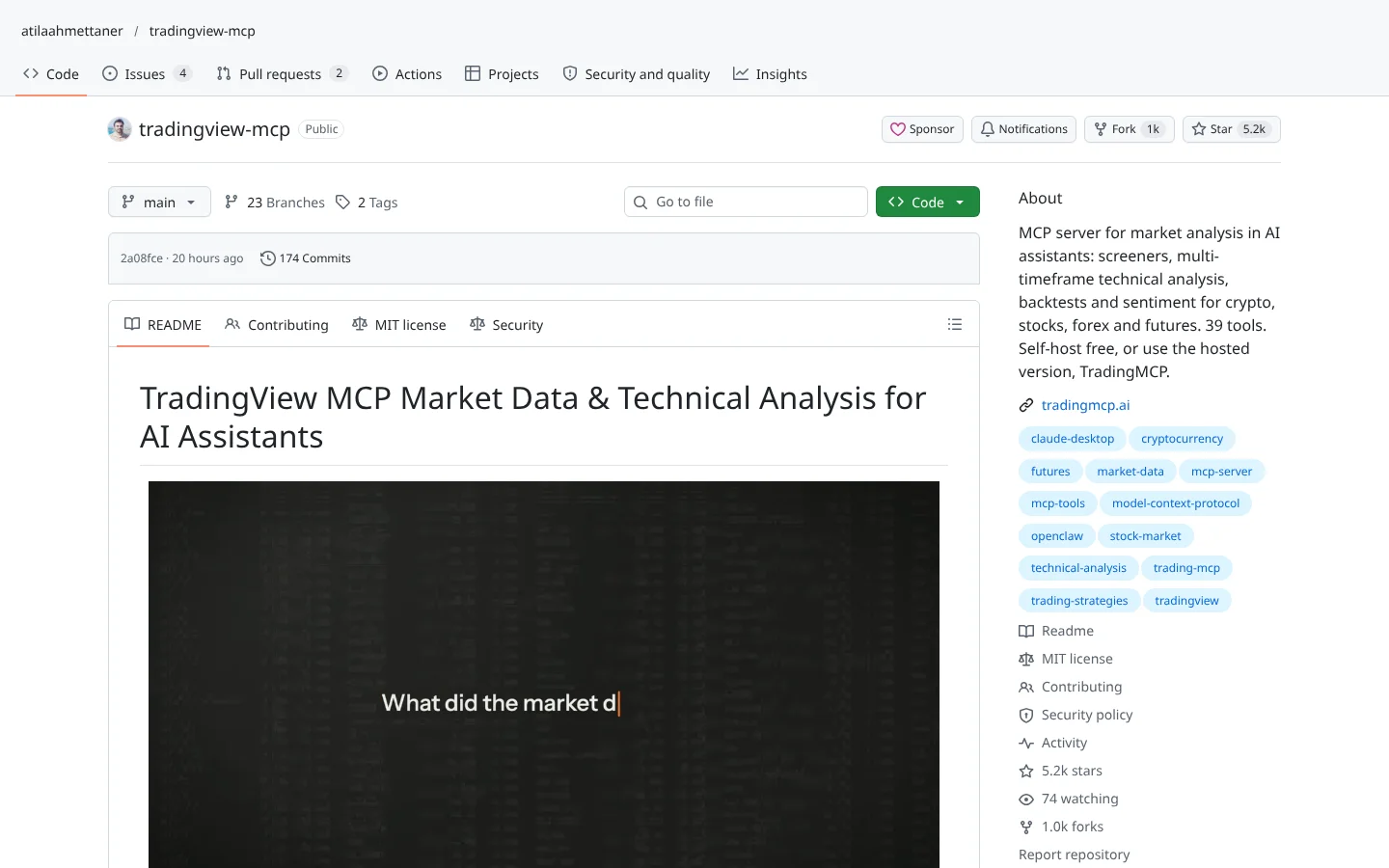
 TradingView MCP (atilaahmettaner)atilaahmettaner/tradingview-mcp
A community MCP server for screeners and multi-timeframe analysis, self-hosted free or as a paid hosted version.
★ 5.2k stars · Beginner · updated 2026-10
Connect Your AI deep dive
 OKX Agent Trade Kitokx/agent-trade-kit
OKX Agent Trade Kit is the crypto exchange's official, free toolkit for letting an AI assistant like  Claude or
  Codex read markets and place trades on your
  OKX account. It runs on your own machine and comes with a read-only switch and a demo profile for fake-money trading. The catch: US residents are blocked from OKX's global exchange, so most of the futures, options and bot tools are off the table for American readers.
Think of it as handing your AI assistant a keycard to your crypto exchange, where you decide whether the card opens only the viewing gallery or the trading floor too.
FullStack Alpha Editorial Team
Reviewed by Jay Rocco, Chief Editor
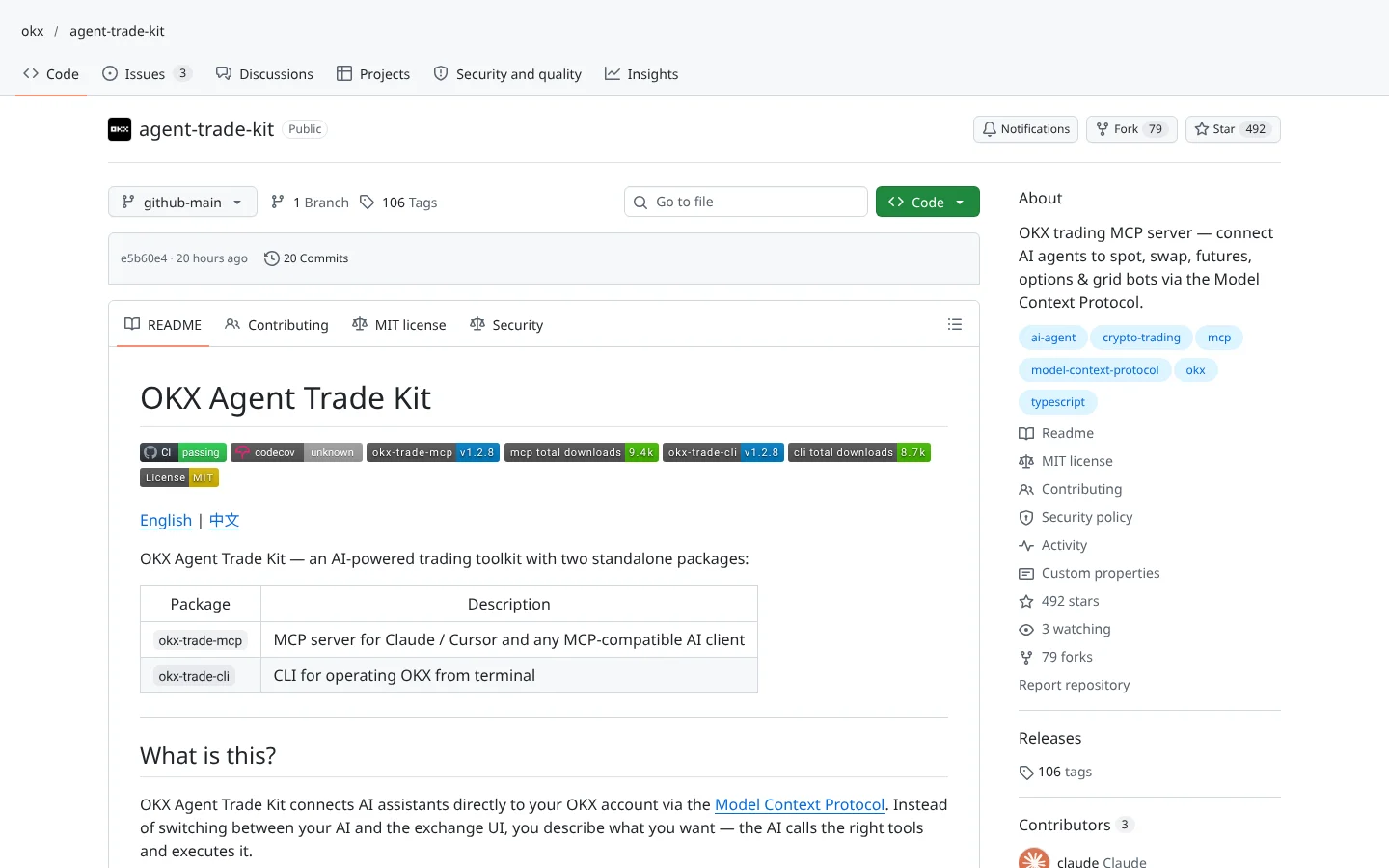
Every exchange wants to be the one your AI assistant talks to. OKX made its move with the Agent Trade Kit: two free packages, an MCP server (a plug that lets an AI assistant like Claude read data or use an app) and a command-line tool for typing instructions in a terminal. You describe what you want in plain English, and the assistant picks the right tool and sends the request to OKX.
The scope is wide. The README advertises about 170 tools across 11 modules: market data with 70-plus technical indicators, spot trading, perpetual swaps, futures, options, account balances and positions, Earn products, grid and DCA trading bots, event contracts, news and so-called smart money analytics. It also handles conditional orders, take-profit and stop-loss pairs, and trailing stops. That is most of what the OKX app does, exposed to an AI.
The safety design is better than most. Everything runs locally, and your API keys (passwords your code uses to talk to an exchange) stay in a config file on your machine. A read-only flag limits the AI to looking, not trading. You can load only the modules you want, and the default is spot, swap and account. The project's FAQ says to enable only Read and Trade permissions on your key and never Withdraw, and withdrawals are excluded from the tools entirely.
Most important for beginners: the configuration docs describe a demo profile. You create a separate demo API key in OKX's Demo Trading area, mark the profile as demo, and the assistant trades simulated funds. That is paper mode, meaning trading with fake money against real prices. You can even run a demo and a live profile side by side, which makes it easy to test a prompt before it touches real coins.
Community Score
66 / 100
GitHub data checked 2026. Community read: not enough independent discussion yet.
Works with
ClaudeCodexGood fit if you are
Skip it if you are
Community discussion is nearly nonexistent so far. The only thread we found was an Arabic-language write-up on r/menabtc. It was not a rave. It warned readers never to grant withdrawal permission and pointed out that the AI agent can hallucinate, meaning it can state something false with total confidence.
Those warnings line up with OKX's own FAQ, which is a point in the project's favor: the maker is telling you the same thing the skeptics are. The  GitHub repo itself is young but busy, with close to 500 stars and code pushed the day before we checked. Popularity will follow the AI agent trend. Whether trust follows depends on how it behaves in real accounts.
What they like
What they complain about
 npm, the package manager that comes with
  Node.js.
An OKX account with API access
The Agent Trade Kit only talks to OKX. You need a live key for real trading and a separate demo key for practice.
OKXNode.js 18 or newer
Both packages install through npm and run as a local process on your computer.
Node.jsAn MCP-compatible AI app
This is how you talk to the tools in plain English. The setup command supports these clients directly.
Claude DesktopClaude Code Cursor
 VS Code
 Windsurf
US users are mostly locked out
US residents are geoblocked from OKX's global exchange. The US site is reported to be spot-only, so the swap, futures, options and much of the Earn tooling here will not apply to American accounts.
AI hallucination with real money
An assistant can misread your request or invent a reason for a trade. With Trade permission on, that mistake becomes an order. Start in demo and keep sizes small.
Leverage in the toolbox
Swaps and futures usually involve borrowed money. Letting an AI place leveraged trades multiplies both the upside and the speed of losses.
Key permissions are your last line
OKX's own FAQ says enable Read and Trade only. Granting Withdraw on any key connected to an AI is an unforced error.
Tool overload in some apps
The docs warn that Cursor caps how many tools one server can load, so loading every module can break the connection. Pick a small set of modules.

Keep reading across FullStack Alpha
Not ready to run code yourself? Our hands-on AI stock tool reviews on AIStockPickerApp.com score finished products on five pillars, the AI stock tools directory at AIStockPickerApps.com sorts 200+ tools by the job they do, and AIStockTradingBots.com walks through broker APIs, bot setup and backtesting step by step. Or head back to the Trading Workflows home page to match tools to your own routine and budget.
76ScoreTradingView MCP (atilaahmettaner)atilaahmettaner/tradingview-mcpA community MCP server for screeners and multi-timeframe analysis, self-hosted free or as a paid hosted version.
★ 5.2k stars · Beginner · updated 2026-10
 72Score
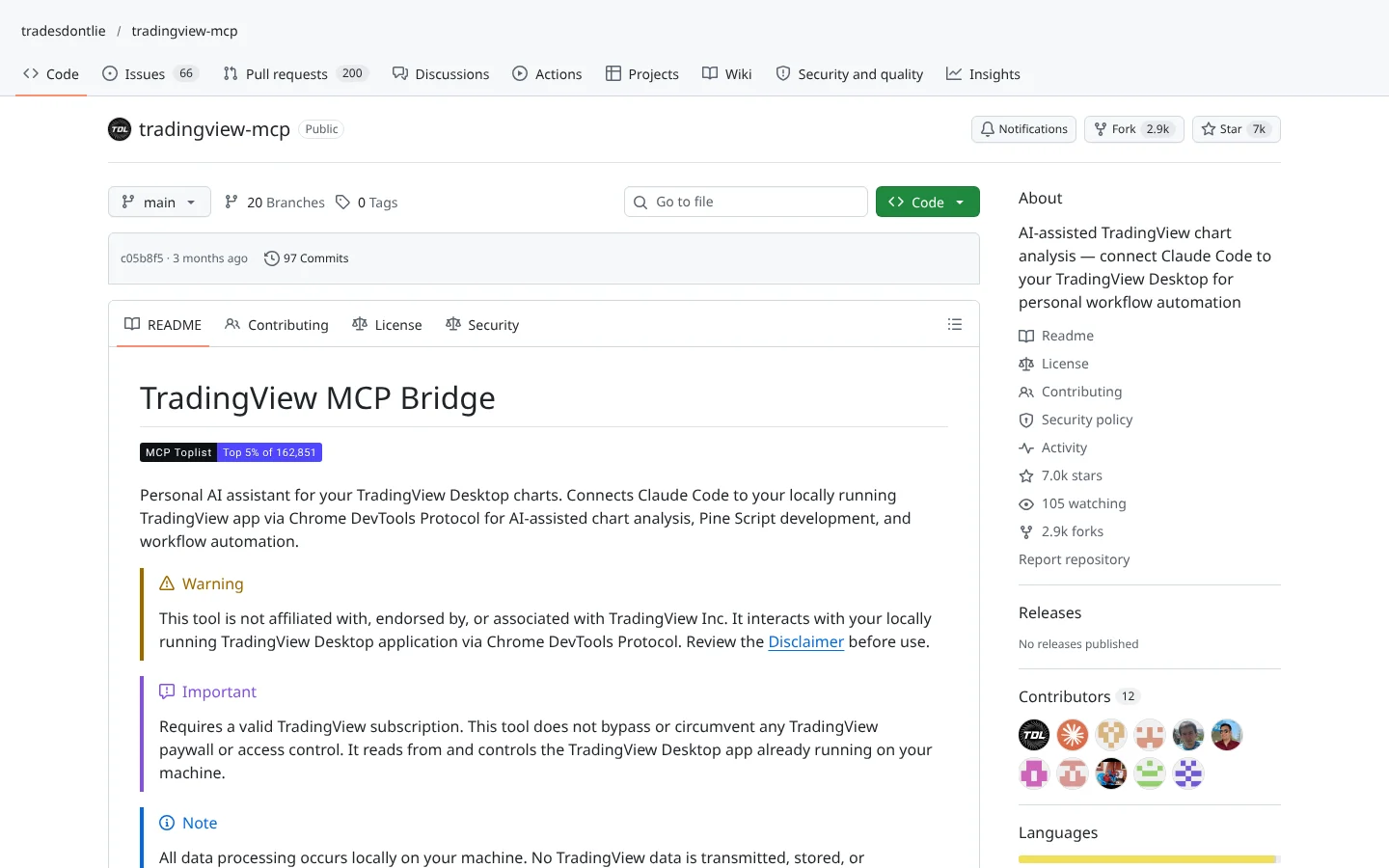
 TradingView MCP (tradesdontlie)tradesdontlie/tradingview-mcp
Connects Claude Code to TradingView Desktop for chart reading and Pine Script work.
★ 7.0k stars · Intermediate · updated 2026-10
 70Score
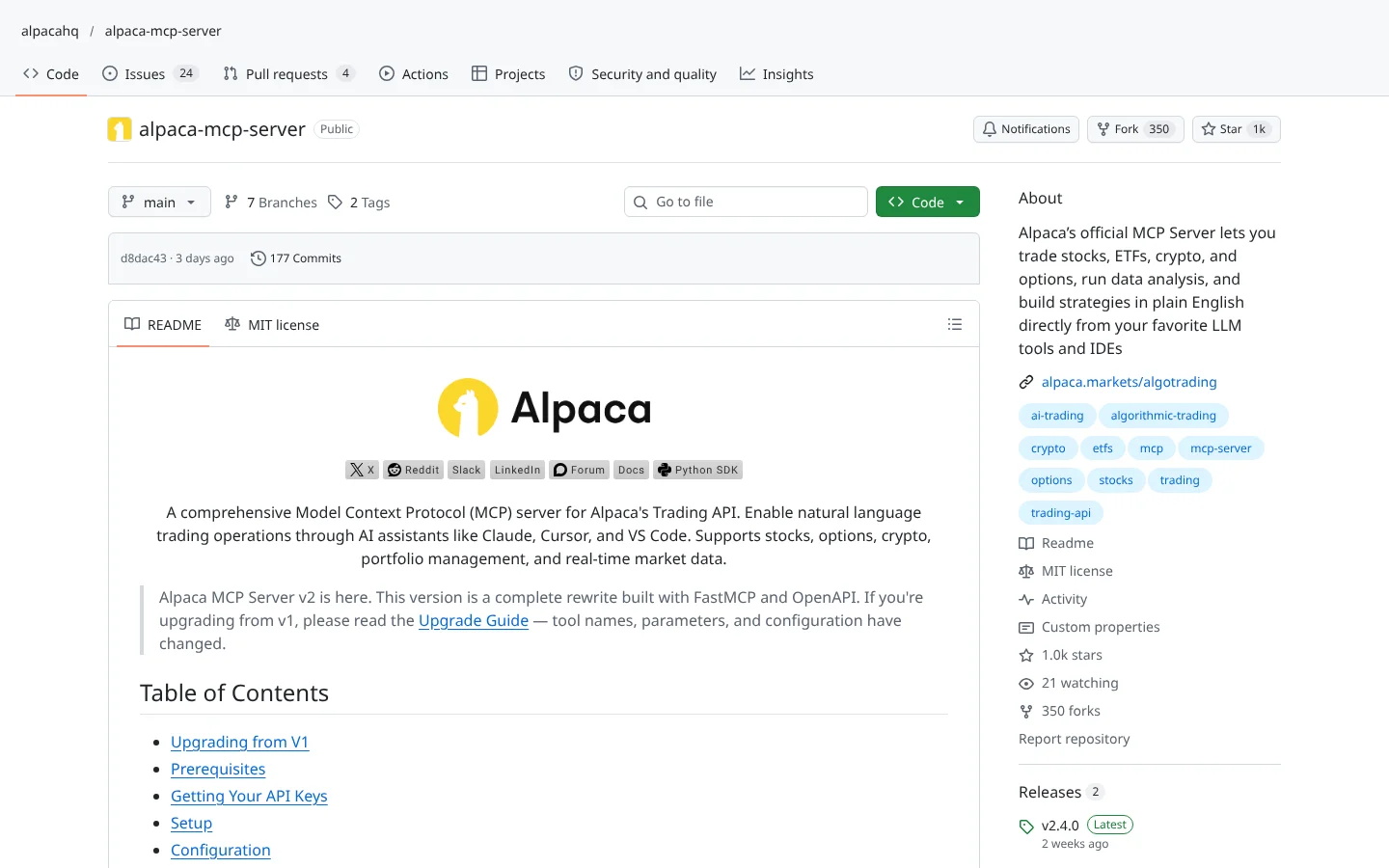
 Alpaca MCP Serveralpacahq/alpaca-mcp-server
Alpaca's official MCP server. Ask an AI assistant to check positions or place paper trades in plain English.
★ 1.0k stars · Beginner · updated 2026-10
OKX Agent Trade Kit is one of the better-built AI trading connectors on GitHub, and it should be: the exchange built it. Local keys, a read-only switch, module filtering, a demo profile and a clear rule against withdrawal permission. That is the safety posture you want before an AI touches your money.
The problem is geography, not engineering. American readers cannot use OKX's global exchange, which removes most of what makes the Agent Trade Kit interesting. If you trade on OKX from a supported country, the OKX MCP server is worth a careful demo run. If you are in the US, admire the design and look for a connector to an exchange you can actually use.
It is the okx-trade-mcp package in OKX Agent Trade Kit. It lets AI apps like Claude Desktop, Claude Code or Cursor read OKX market data and, if you allow it, place trades on your account through plain-English requests.
Yes. The toolkit is open source under the MIT license. Normal OKX trading fees still apply to any real trades, and any paid AI app you connect has its own cost.
Only in a limited way. US residents are blocked from OKX's global exchange, and the US site is reported to offer spot trading only. The Agent Trade Kit supports a US site setting, but most derivatives and bot tools will not apply.
Yes. You create a separate demo API key in OKX's Demo Trading area and set up a demo profile. The AI then trades simulated funds, and you can run demo and live side by side.
It is as safe as your settings. Use read-only mode or demo first, give keys Read and Trade permission only, never Withdraw, and review every order. The AI can still misunderstand you.
Incoming transmission | Free weekly newsletter
FullStack Alpha has tested 200 AI stock tools. Be honest: how many of yours do the same job, and which one did you forget you signed up for?
One email a week fixes that: which tools are worth the money, what they cost right now, and how the traders on this site wire them into a routine. Five minutes to read. Zero noise.
Inside every issue
5 MIN READ
The Verdict
One AI trading tool tested and scored. What it does well, what it costs, and the catch the sales page leaves out.
Price Watch
Price changes and live promos on the tools traders actually use, monthly and annual side by side, so you stop overpaying.
Workflow Teardown
One educator's routine taken apart: the scan, the chart, the tools, and the free swap for every paid one.
Scan of the Week
Exact scanner settings you can copy, pulled from the educator's own lesson with the timestamp.
Process beats prediction. This is the email that keeps your process honest.
FullStack Alpha Network
BestAITradingTools.com
Trading workflows, the tool matchmaker and the GitHub repo directory.