
 76Score
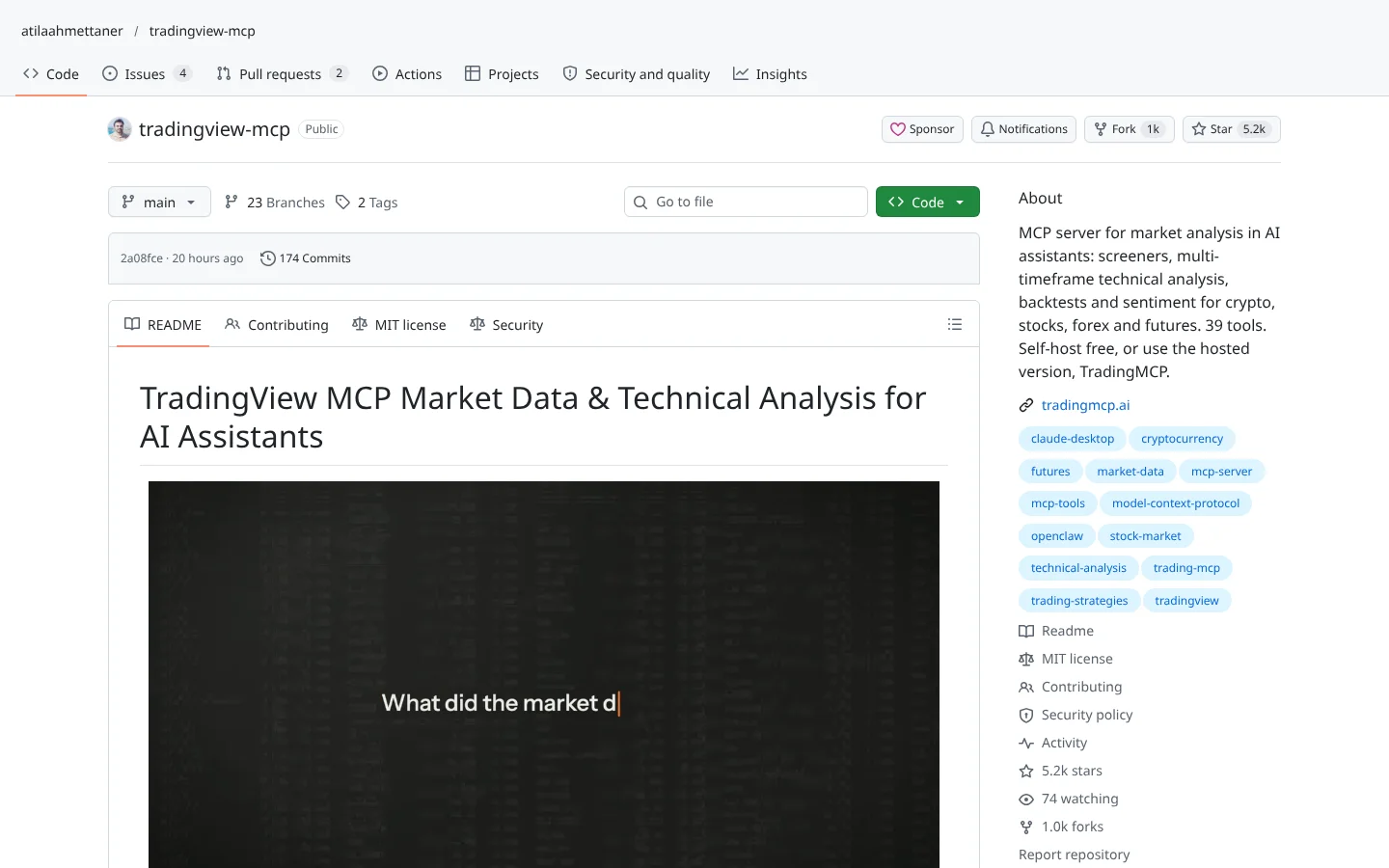
 TradingView MCP (atilaahmettaner)atilaahmettaner/tradingview-mcp
A community MCP server for screeners and multi-timeframe analysis, self-hosted free or as a paid hosted version.
★ 5.2k stars · Beginner · updated 2026-10

Connect Your AI
Plugs that let Claude, ChatGPT or Codex read the market and talk to your broker while you chat in plain English.
In plain English
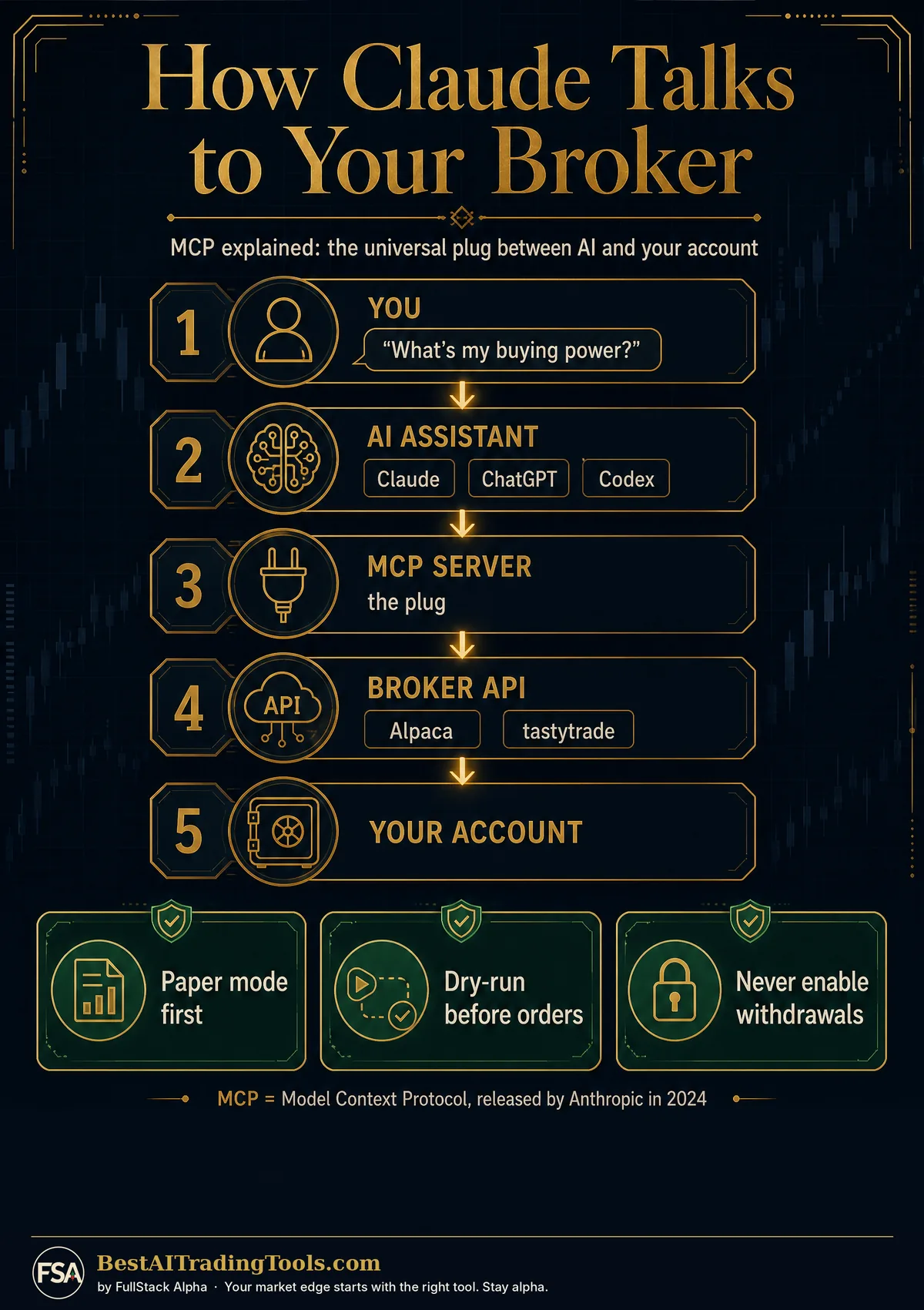
An MCP server is a plug. It lets an AI assistant like Claude, ChatGPT or Codex read market data or use your broker account while you chat in plain English.
Imagine asking Claude, what's my buying power, and getting the real number from your brokerage. That works today. Here's how, and how not to get burned.
The plumbing is called MCP, short for Model Context Protocol. Anthropic, the company behind Claude, released it in late 2024, and ChatGPT and Codex now speak it too. Think of it as a universal plug between an AI and your accounts.
The repos on this page are those plugs.
Official ones come from the companies themselves. Alpaca's server lets Claude check positions and place paper trades in plain English. tastytrade's adds a dry-run step before any live order.
Community ones are built by traders. Two TradingView servers let Claude read charts, run screeners and help write Pine Script. Another plug lets an AI control a running Freqtrade bot.
Official servers have fewer stars, but a company answers for them. That's worth more than a star count.
Now the warnings. OKX and Bybit both have official servers, but neither is open to most US traders. And the Financial Datasets server hasn't been updated in a while.
The rule: connect in read-only or paper mode first. An AI that can see your account is useful. An AI that can trade on a bad day is a liability until you've watched it behave.
Scroll down for every server, graded.
This is education, not financial advice. Your market edge starts with the right tool. Stay alpha.
Five years ago, connecting software to your brokerage meant writing code. Now you can type "what's my buying power?" into  Claude and get an answer from your real account. The plumbing that makes that work is called MCP, short for Model Context Protocol.
These repos are the plugs. Some come straight from the broker, like  Alpaca and
  tastytrade. Others are community projects built by traders. The official ones tend to be smaller on GitHub but safer to trust, because the company behind them answers for them.
The rule here is simple. Connect in read-only or paper mode first. An AI that can see your account is useful. An AI that can place orders on a bad day is a liability until you have watched it behave.
Who this lane is for
Where to start: Start with an official broker server in paper mode. Alpaca's is the easiest first plug for US stocks.
 76ScoreTradingView MCP (atilaahmettaner)atilaahmettaner/tradingview-mcp
A community MCP server for screeners and multi-timeframe analysis, self-hosted free or as a paid hosted version.
★ 5.2k stars · Beginner · updated 2026-10
 72Score
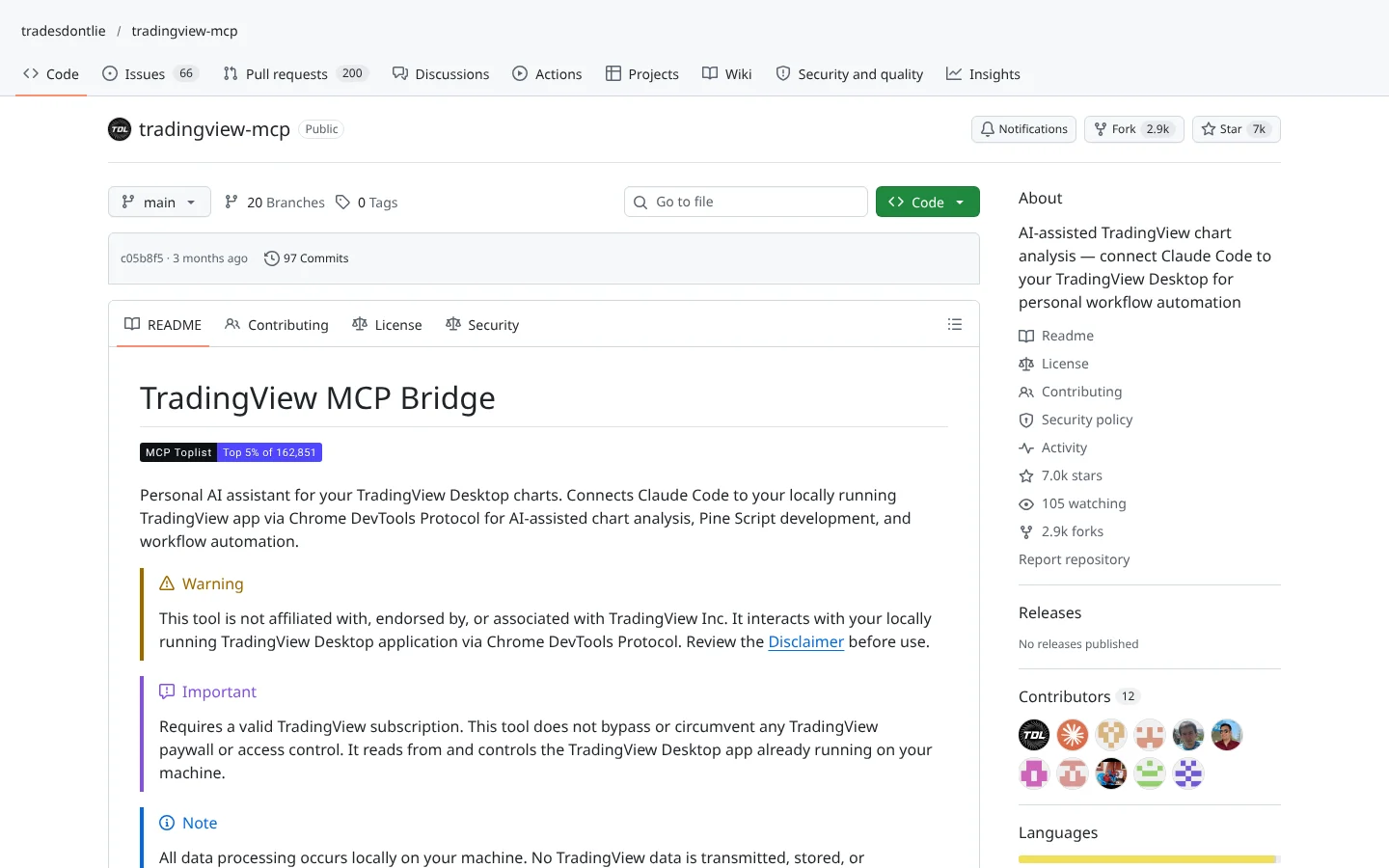
 TradingView MCP (tradesdontlie)tradesdontlie/tradingview-mcp
Connects Claude Code to TradingView Desktop for chart reading and Pine Script work.
★ 7.0k stars · Intermediate · updated 2026-10
 70Score
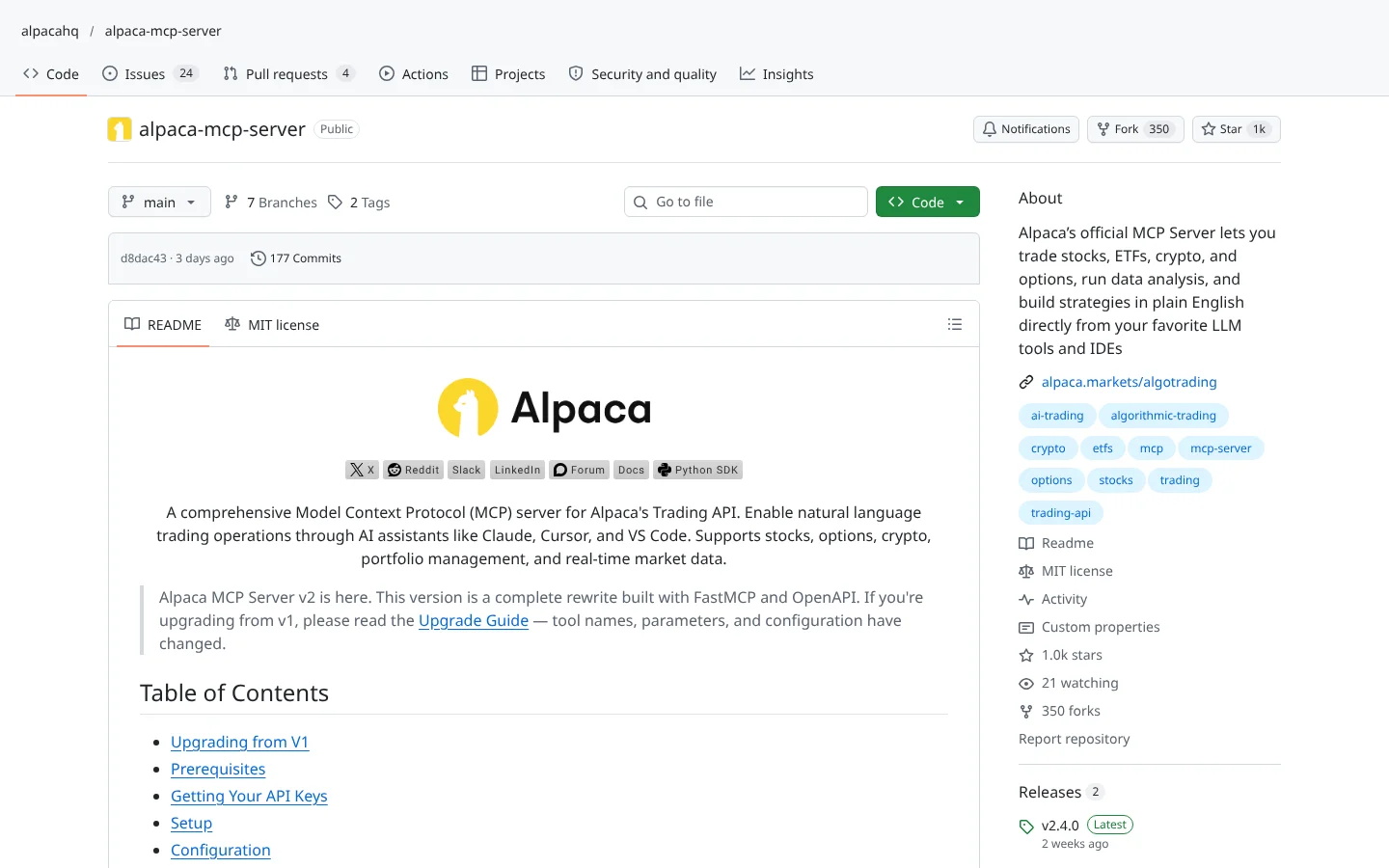
 Alpaca MCP Serveralpacahq/alpaca-mcp-server
Alpaca's official MCP server. Ask an AI assistant to check positions or place paper trades in plain English.
★ 1.0k stars · Beginner · updated 2026-10
 66Score
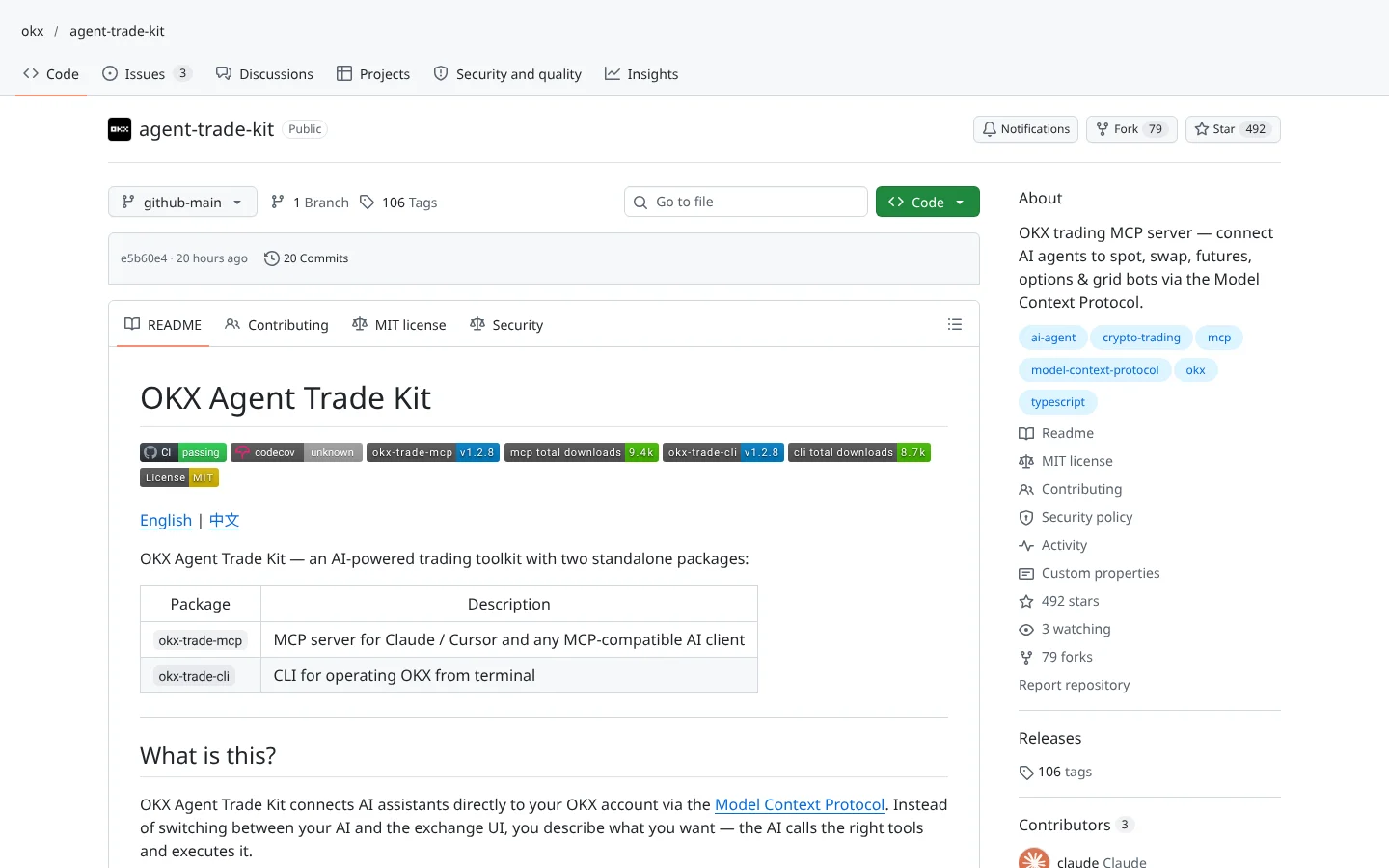
 OKX Agent Trade Kitokx/agent-trade-kit
OKX's official MCP toolkit with a read-only mode. OKX restricts US users.
★ 492 stars · Intermediate · updated 2026-10
Claude Codex
Codex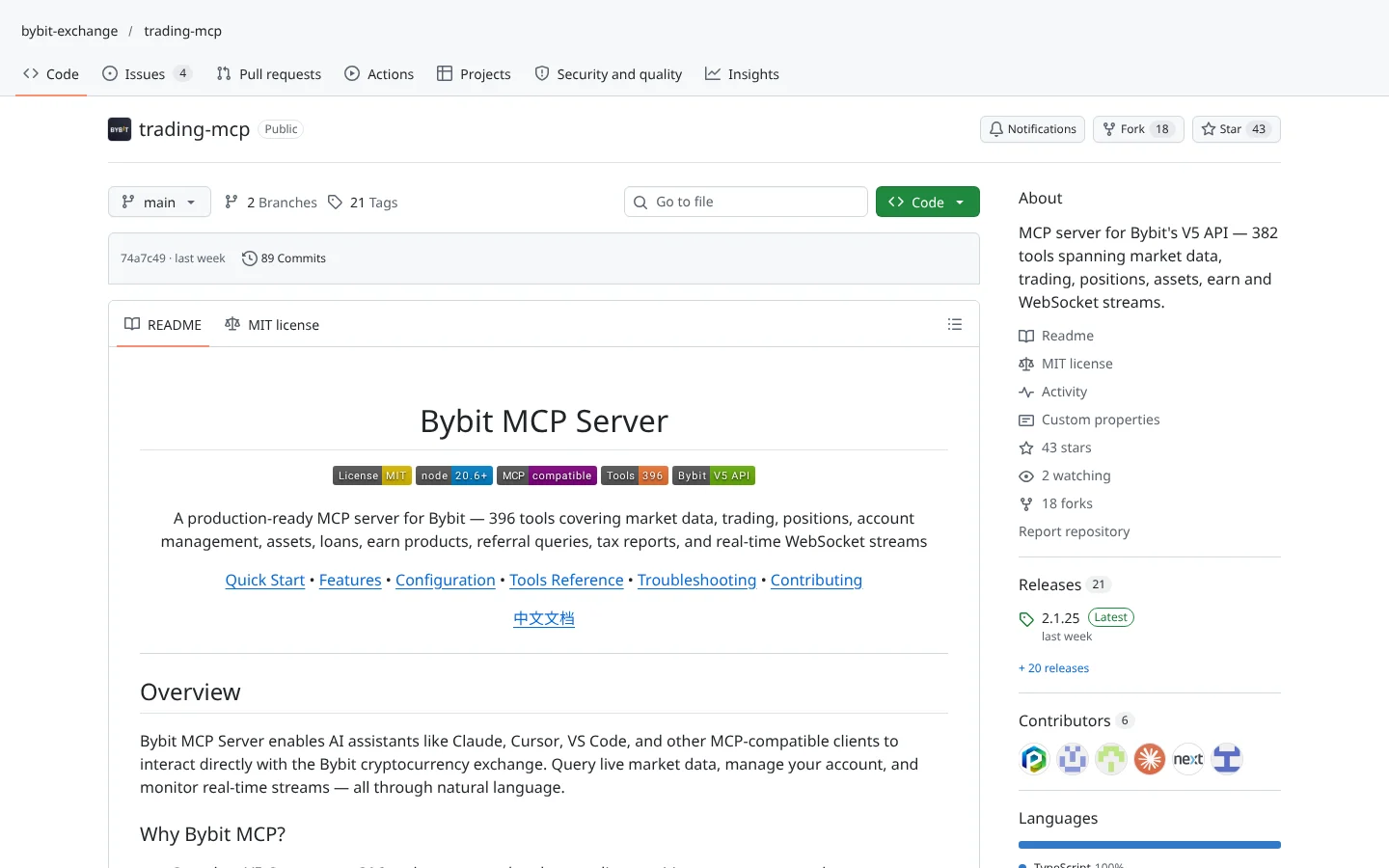 57Score
 Bybit Trading MCPbybit-exchange/trading-mcp
Bybit's official MCP server for its V5 API. Bybit is not available to US users.
★ 43 stars · Intermediate · updated 2026-10
Claude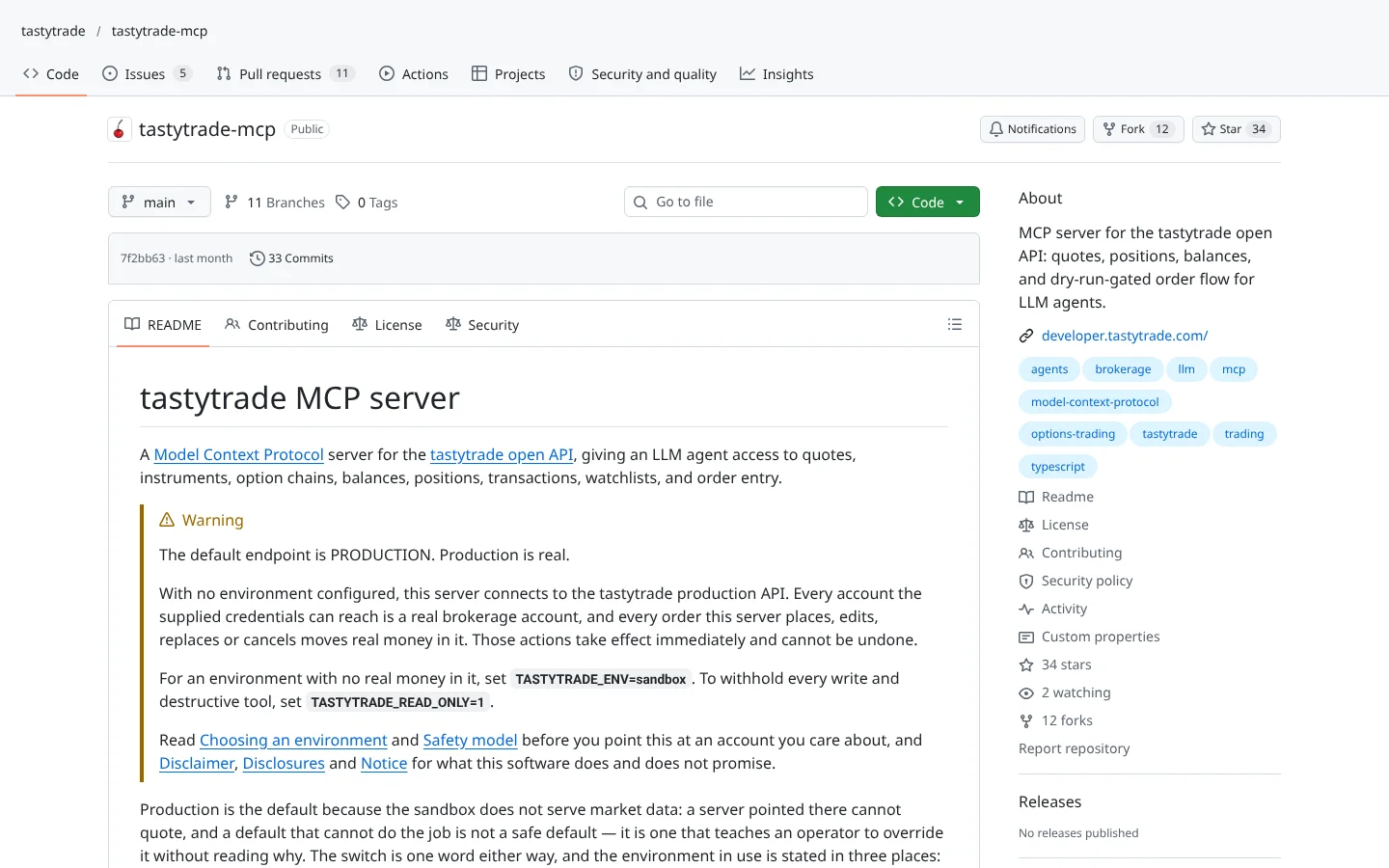 50Score
 tastytrade MCPtastytrade/tastytrade-mcp
tastytrade's self-hosted MCP server with a dry-run step before live orders.
★ 34 stars · Intermediate · updated 2026-10
 50Score
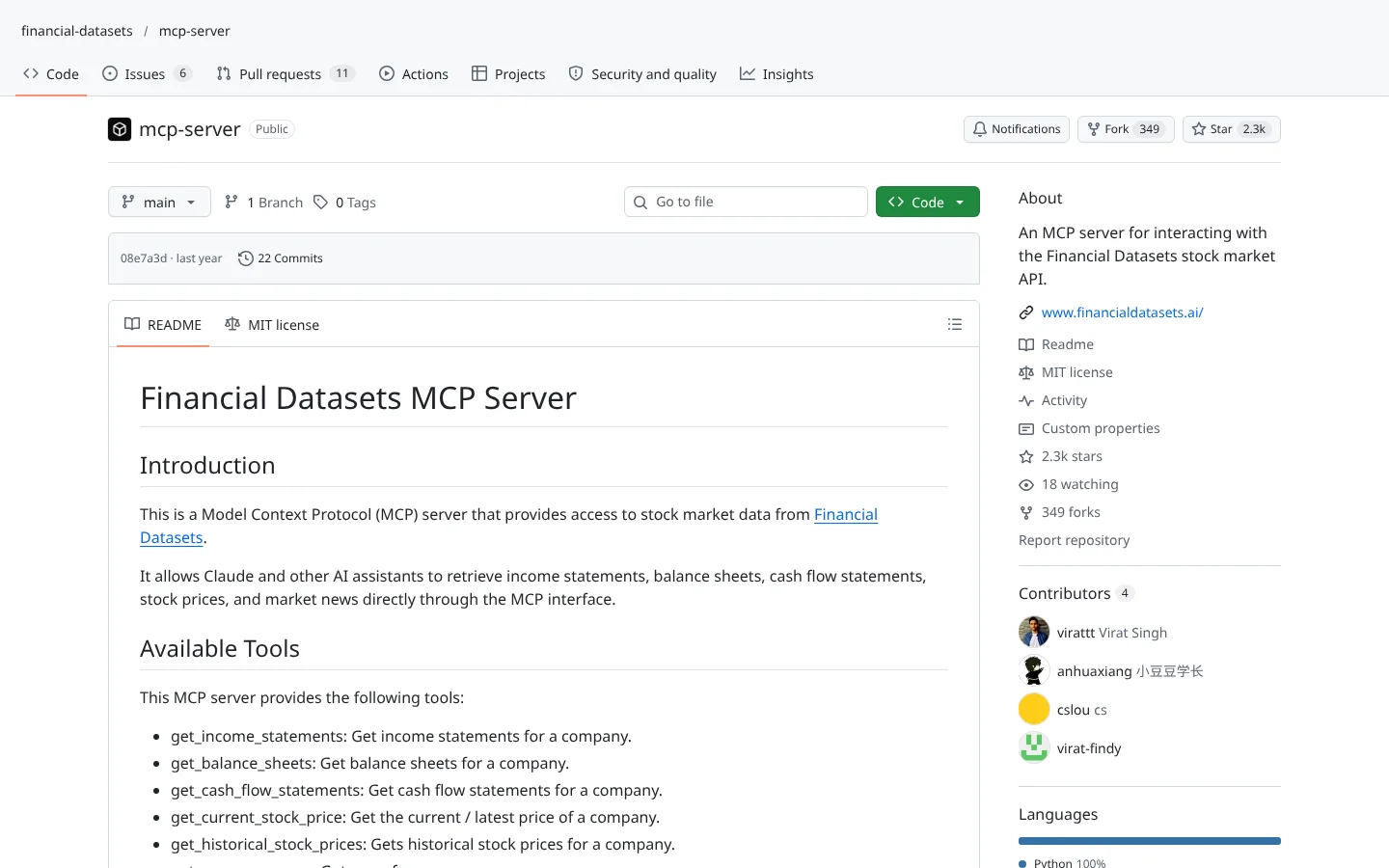
 Financial Datasets MCPfinancial-datasets/mcp-server
Pulls income statements, balance sheets, prices and news into an AI chat.
★ 2.3k stars · Beginner · updated 2025-06
Claude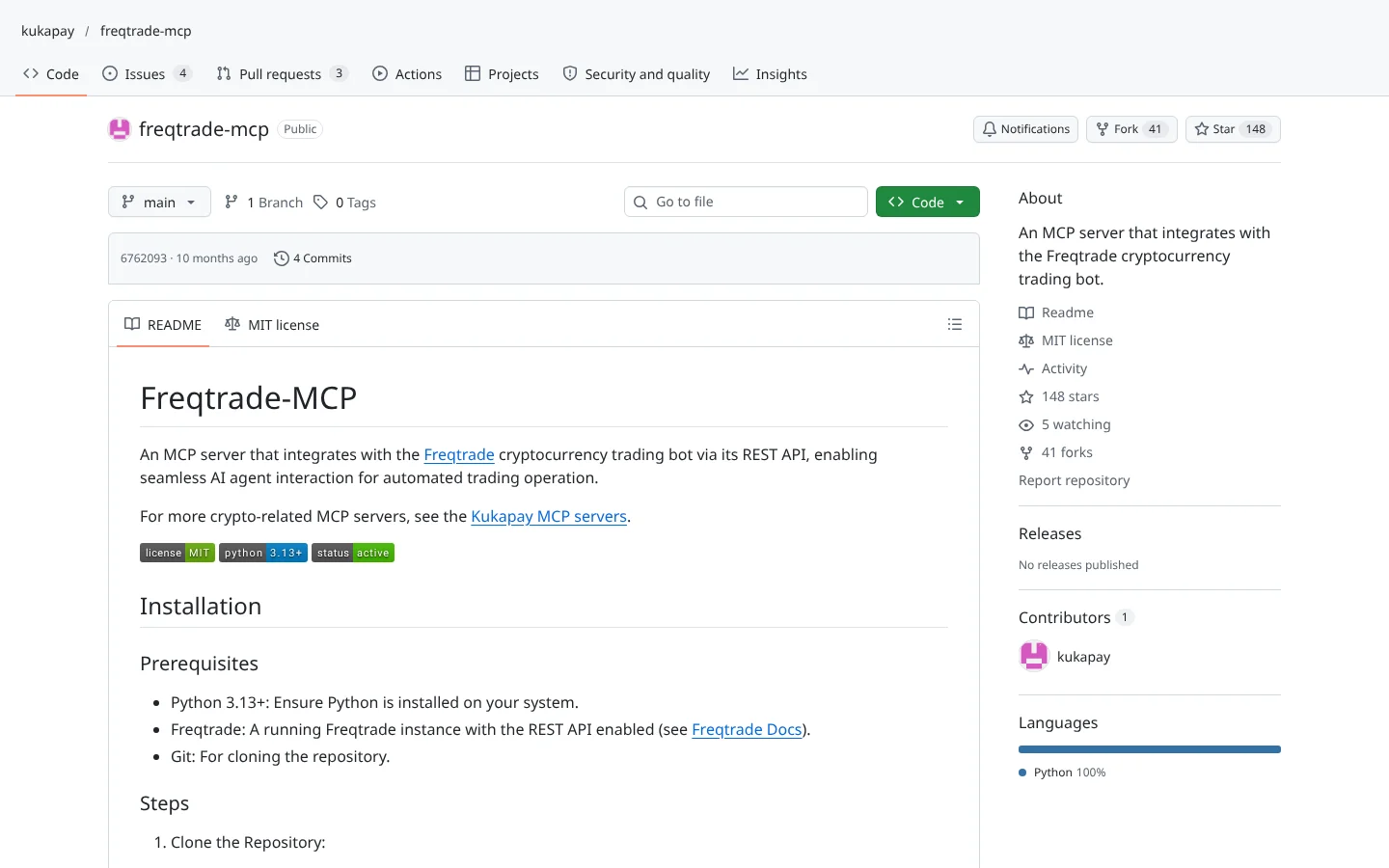 45Score
 Freqtrade MCPkukapay/freqtrade-mcp
Lets an AI assistant query and control a running Freqtrade bot.
★ 148 stars · Intermediate · updated 2025-12

Keep reading across FullStack Alpha
Not ready to run code yourself? Our hands-on AI stock tool reviews on AIStockPickerApp.com score finished products on five pillars, the AI stock tools directory at AIStockPickerApps.com sorts 200+ tools by the job they do, and AIStockTradingBots.com walks through broker APIs, bot setup and backtesting step by step. Or head back to the Trading Workflows home page to match tools to your own routine and budget.
It is a small program that lets an AI assistant use a tool on your behalf, such as reading your brokerage account, pulling stock data or drawing on a chart. You keep chatting normally and the server does the technical work.
Some servers allow it, but every reputable one offers a paper or read-only mode, and some force a confirmation step before any live order. Use those settings first.
 Bybit is not available to US users and
  OKX restricts them. US traders should stick to servers for brokers and exchanges they can legally use.
Incoming transmission | Free weekly newsletter
FullStack Alpha has tested 200 AI stock tools. Be honest: how many of yours do the same job, and which one did you forget you signed up for?
One email a week fixes that: which tools are worth the money, what they cost right now, and how the traders on this site wire them into a routine. Five minutes to read. Zero noise.
Inside every issue
5 MIN READ
The Verdict
One AI trading tool tested and scored. What it does well, what it costs, and the catch the sales page leaves out.
Price Watch
Price changes and live promos on the tools traders actually use, monthly and annual side by side, so you stop overpaying.
Workflow Teardown
One educator's routine taken apart: the scan, the chart, the tools, and the free swap for every paid one.
Scan of the Week
Exact scanner settings you can copy, pulled from the educator's own lesson with the timestamp.
Process beats prediction. This is the email that keeps your process honest.
FullStack Alpha Network
BestAITradingTools.com
Trading workflows, the tool matchmaker and the GitHub repo directory.