
 76Score
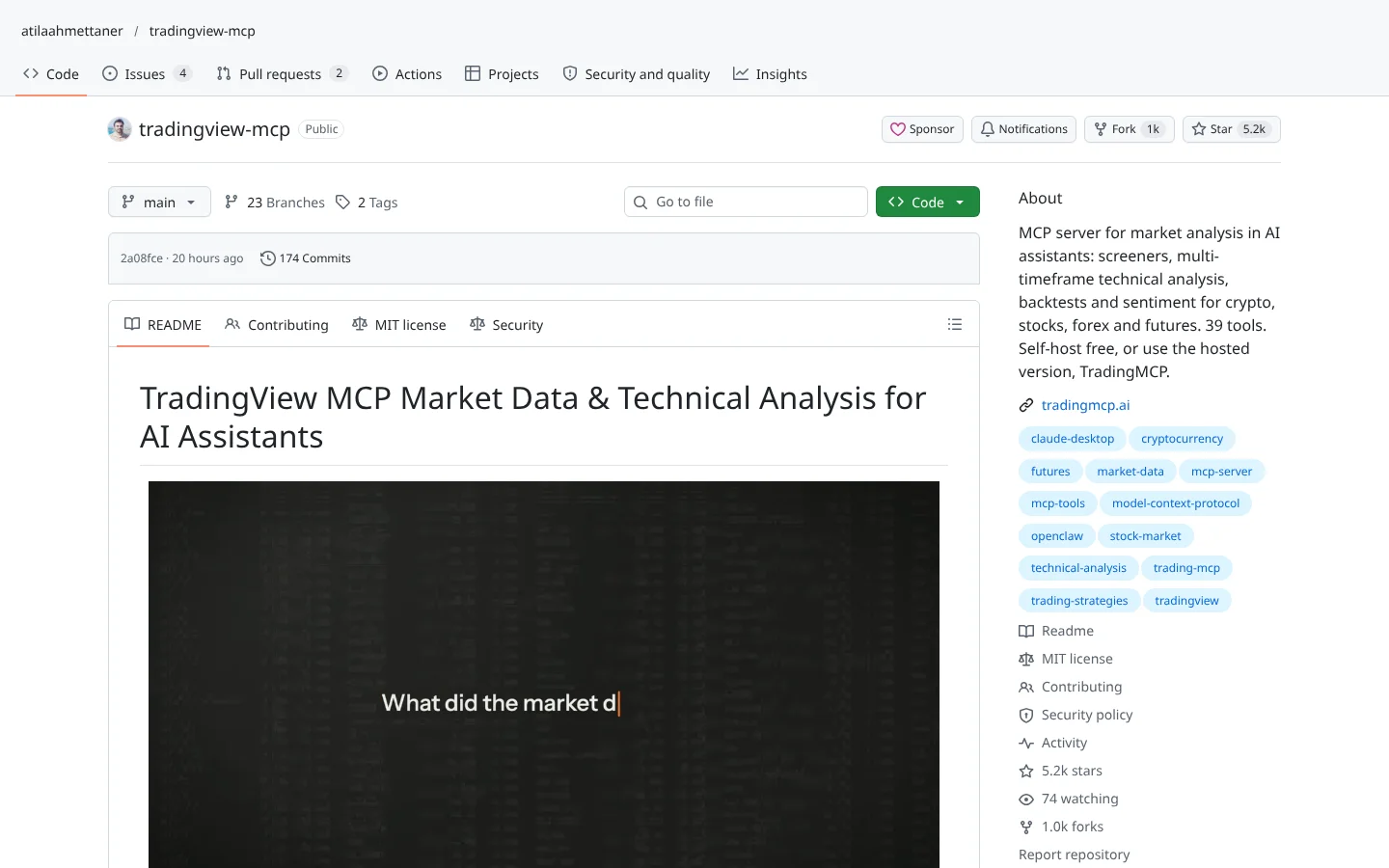
 TradingView MCP (atilaahmettaner)atilaahmettaner/tradingview-mcp
A community MCP server for screeners and multi-timeframe analysis, self-hosted free or as a paid hosted version.
★ 5.2k stars · Beginner · updated 2026-10

Connect Your AI deep dive
 tastytrade MCPtastytrade/tastytrade-mcp
tastytrade MCP is  tastytrade's own open-source plug that lets an AI assistant like
  Claude read quotes, option chains, balances, and positions, and place orders in your tastytrade account. Its standout feature is a forced dry-run step that issues a 60-second, single-use token before any order goes through. The catch: it connects to your real money account by default, and that token proves recency, not human approval.
Think of it as hiring an assistant who can fill out your trade tickets but has to show you a printed preview first, and the preview expires in a minute.
An AI that can place options trades in your account. What could go wrong? tastytrade actually thought about that. Here's how their official plug works.
tastytrade MCP lets Claude read quotes, option chains, balances and positions, and place orders in your tastytrade account. Think of an assistant who fills out trade tickets, but has to show you a printed preview first, and the preview expires in a minute.
Five things we like.
One, it's official, built by tastytrade.
Two, eighty-four tools, and seventy of them only read.
Three, every new order needs a dry run first, which issues a single-use token that expires in sixty seconds.
Four, a default cap of fifty thousand dollars per order.
Five, it refuses orders on frozen or closing-only accounts.
Now the fine print. It connects to your real money account by default, unless you switch to the sandbox. And that token proves an order is fresh, not that a human approved it. Claude can run both steps back to back.
There's almost no public user feedback yet, so expect to find edge cases.
Best for options traders who use Claude and want answers from their own account. Scroll down for setup steps.
This is education, not financial advice. Your market edge starts with the right tool. Stay alpha.
FullStack Alpha Editorial Team
Reviewed by Jay Rocco, Chief Editor
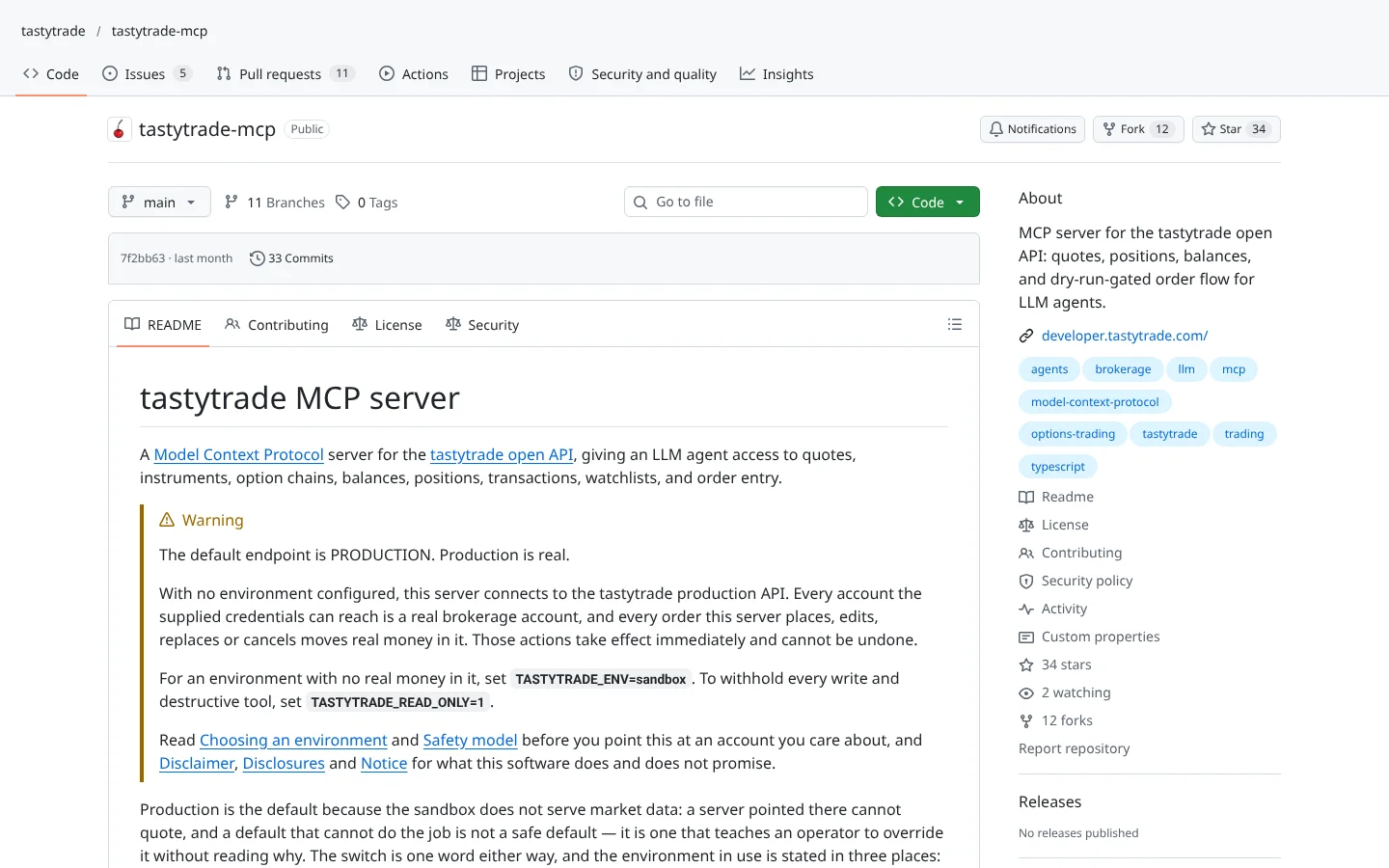
tastytrade MCP is a server published by tastytrade on GitHub. An MCP server is a plug that lets an AI assistant like Claude read data or use an app. This one talks to the tastytrade open API, the official channel software uses to reach your brokerage account, and exposes 84 tools: 70 that only read, 2 that write, and 12 the README labels destructive.
The read side covers what an options trader checks all day: quotes, instruments, option chains, balances, positions, transactions, watchlists, and live orders. tastytrade's developer site says its API spans equities, options, futures, futures options, and crypto. You can ask Claude "what is my buying power and which positions expire this week?" and get an answer pulled from your account instead of a guess.
The clever part is the order flow. Placing, editing, or replacing an order requires a confirmation token, and the only way to get one is to run the matching dry-run tool first. That token is single use, expires after 60 seconds, and is tied to the exact order details. There is also a notional cap (default $50,000 per order, set by MAX_ORDER_NOTIONAL_USD) and a refusal to send orders to frozen or closing-only accounts.
Here is the market truth. The README says it plainly: the token proves the order is recent and unchanged, not that a human approved it. An AI can run the dry run and the real order back to back. The guardrail stops typos and stale orders. It does not stop a bad idea. That part is still your job.
Community Score
50 / 100
GitHub data checked 2026. Community read: not enough independent discussion yet.
Works with
Good fit if you are
Skip it if you are
We found no Reddit or Hacker News discussion of tastytrade MCP worth citing. With a few dozen GitHub stars, it is a recent, official release that most options traders have not tried yet.
That leaves the README as the main evidence, and the README is unusually candid. It warns in capital letters that the default endpoint is production and that production is real. That honesty earns points. The lack of public testing means you should assume you will find edge cases yourself.
What they like
What they complain about
 Node.js is the free runtime that runs this server. The README requires version 22 or later.
 GitHub, then run the README's install and build commands. It is not published to npm, so there is no shortcut.
A tastytrade brokerage account
Every account and order tool talks to your tastytrade account through its open API.
A tastytrade OAuth client and refresh token
The server logs in with environment variables only, with no interactive sign-in.
An MCP-capable AI client
The server needs an AI app that speaks MCP. The README configures Claude Desktop and Claude Code and notes others use their own config files.
Claude DesktopClaude Code Cursor
 Zed
Zed Continue
Node.js 22 or newer
The server is written in TypeScript and built locally with npm.
Node.jsProduction is the default
Unless you set TASTYTRADE_ENV to sandbox, every order hits your real account. The README calls this out in capital letters for a reason.
The token is not your approval
The dry-run token proves an order is fresh and unchanged. It does not prove a human looked at it. An AI can chain both steps.
Some destructive actions skip the dry run
Order cancels, a quote-alert delete, and four watchlist changes run without a token. A wrong cancel can leave a hedge unprotected.
Sandbox is a thin practice field
The sandbox serves no market data and resets daily, so you cannot fully rehearse an options workflow before going live.
Options leverage
Options can lose 100 percent of premium quickly, and some spreads carry larger risk. An AI that drafts orders fast does not change that math.

Keep reading across FullStack Alpha
Not ready to run code yourself? Our hands-on AI stock tool reviews on AIStockPickerApp.com score finished products on five pillars, the AI stock tools directory at AIStockPickerApps.com sorts 200+ tools by the job they do, and AIStockTradingBots.com walks through broker APIs, bot setup and backtesting step by step. Or head back to the Trading Workflows home page to match tools to your own routine and budget.
76ScoreTradingView MCP (atilaahmettaner)atilaahmettaner/tradingview-mcpA community MCP server for screeners and multi-timeframe analysis, self-hosted free or as a paid hosted version.
★ 5.2k stars · Beginner · updated 2026-10
 72Score
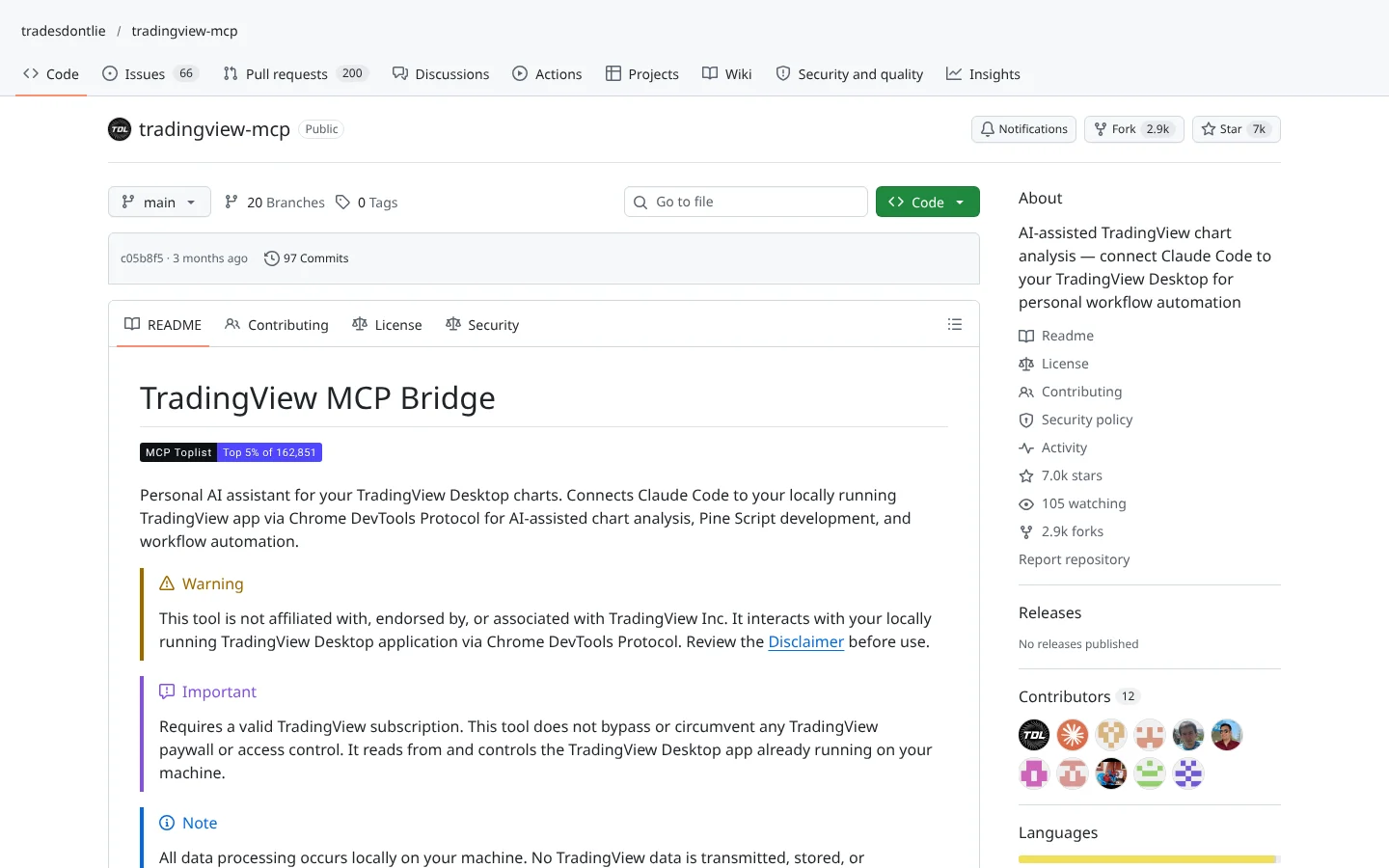
 TradingView MCP (tradesdontlie)tradesdontlie/tradingview-mcp
Connects Claude Code to TradingView Desktop for chart reading and Pine Script work.
★ 7.0k stars · Intermediate · updated 2026-10
 70Score
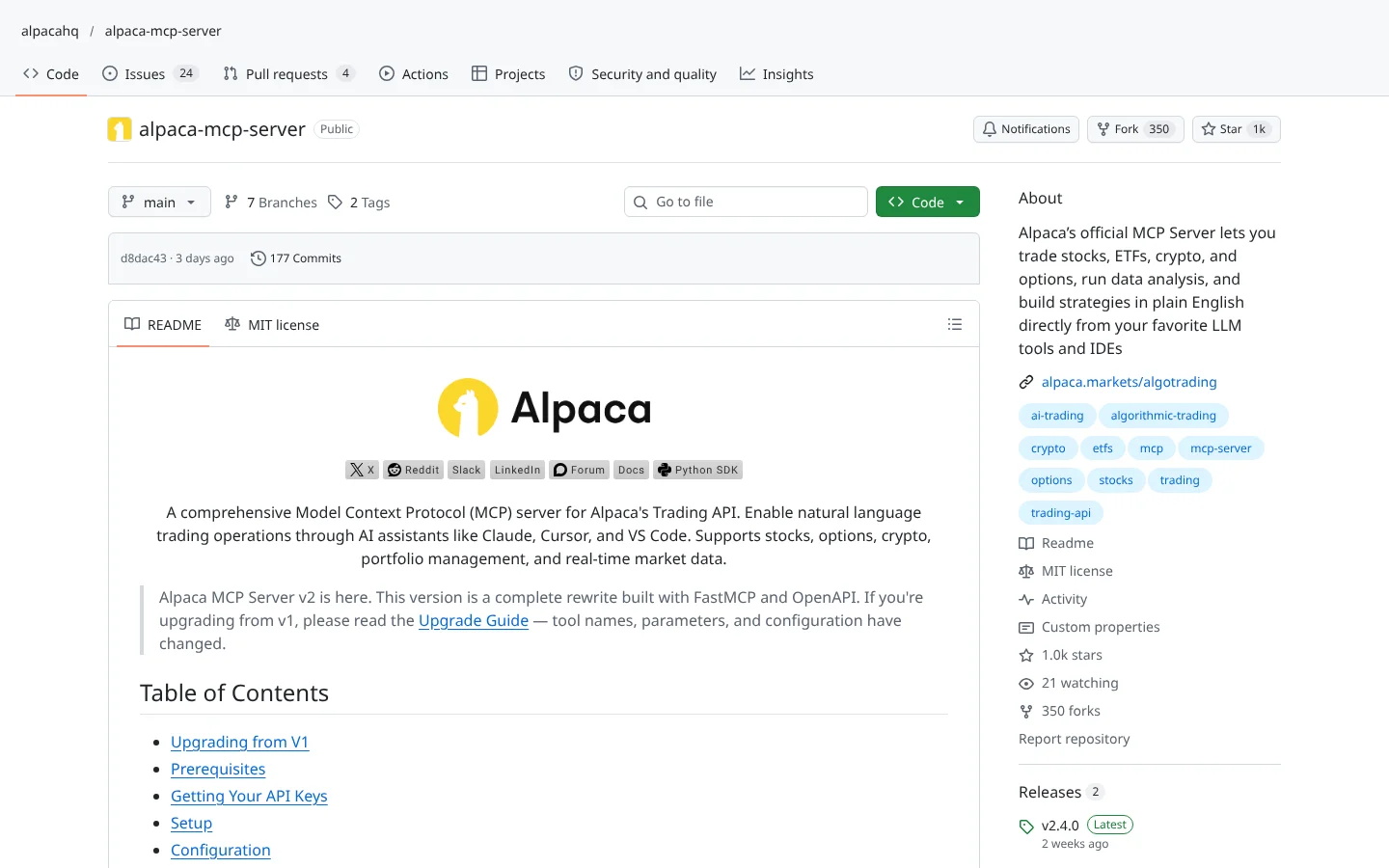
 Alpaca MCP Serveralpacahq/alpaca-mcp-server
Alpaca's official MCP server. Ask an AI assistant to check positions or place paper trades in plain English.
★ 1.0k stars · Beginner · updated 2026-10
tastytrade MCP is one of the most thoughtfully guarded broker connectors we have reviewed. The forced dry run, 60-second token, notional cap, and loud production warning show a team that has thought about what goes wrong when an AI touches a brokerage account. Its Community Score is held back by thin public discussion and a non-standard license label, not by the engineering.
The practical takeaway: use tastytrade MCP as a research desk first and an order clerk second. Start in sandbox, lower the cap, and read every dry run. The best system is the one where the AI does the typing and you still do the thinking.
Yes. The code is MIT licensed and you run it on your own computer. Vendored tastytrade documentation in the repo carries its own notice, and you still pay tastytrade's normal trading costs.
It has strong guardrails, including a forced dry run, a 60-second single-use token, and a default $50,000 notional cap per order. But it defaults to production, and the token does not mean a human approved the order, so start in sandbox and stay involved.
Yes. The README gives configuration for Claude Desktop and Claude Code, and notes Cursor, Zed, and Continue use their own config files.
It supports tastytrade's sandbox environment through TASTYTRADE_ENV. The sandbox uses separate credentials, resets every 24 hours, and does not serve market data.
It works with whatever your tastytrade account and API support. tastytrade's developer site lists equities, options, futures, futures options, and crypto, and the server includes option chain and complex order tools.
Incoming transmission | Free weekly newsletter
FullStack Alpha has tested 200 AI stock tools. Be honest: how many of yours do the same job, and which one did you forget you signed up for?
One email a week fixes that: which tools are worth the money, what they cost right now, and how the traders on this site wire them into a routine. Five minutes to read. Zero noise.
Inside every issue
5 MIN READ
The Verdict
One AI trading tool tested and scored. What it does well, what it costs, and the catch the sales page leaves out.
Price Watch
Price changes and live promos on the tools traders actually use, monthly and annual side by side, so you stop overpaying.
Workflow Teardown
One educator's routine taken apart: the scan, the chart, the tools, and the free swap for every paid one.
Scan of the Week
Exact scanner settings you can copy, pulled from the educator's own lesson with the timestamp.
Process beats prediction. This is the email that keeps your process honest.
FullStack Alpha Network
BestAITradingTools.com
Trading workflows, the tool matchmaker and the GitHub repo directory.
 ChatGPT