
 96Score
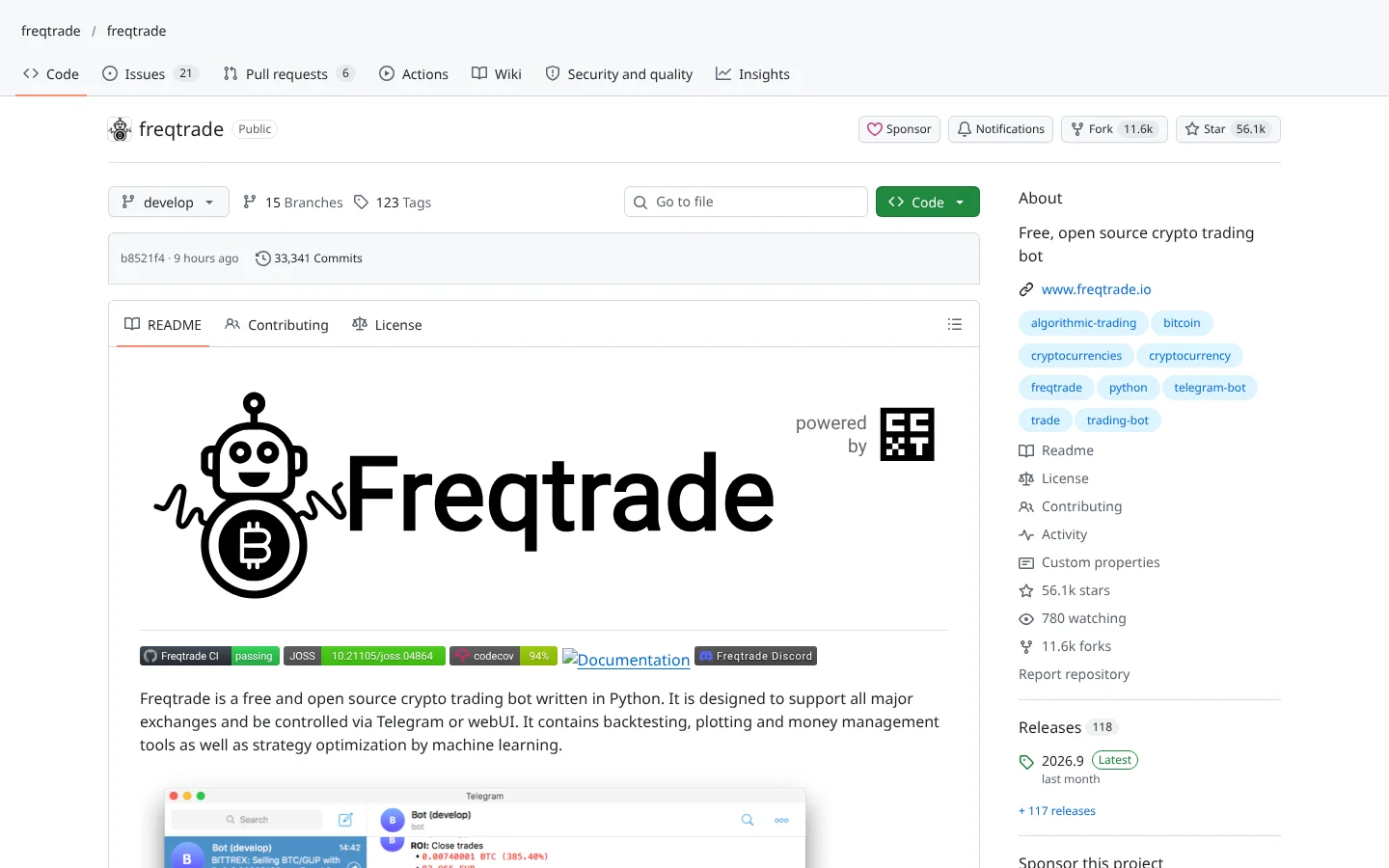
 Freqtradefreqtrade/freqtrade
The most widely used open-source crypto bot, with FreqAI for models that retrain on rolling data.
★ 56k stars · Intermediate · updated 2026-10

Open-source AI trading directory
GitHub is where the free AI trading tools live. It is also where abandoned code, copycat bots and key-stealing traps live.
We checked 35 of the best-known AI trading repos, verified every star count and update date, and scored each one on what real traders actually do with it. No code required to read this page.
Somebody told you the best AI trading tools are free on GitHub. They're right. They just left out the part that matters. Here it is in ninety seconds.
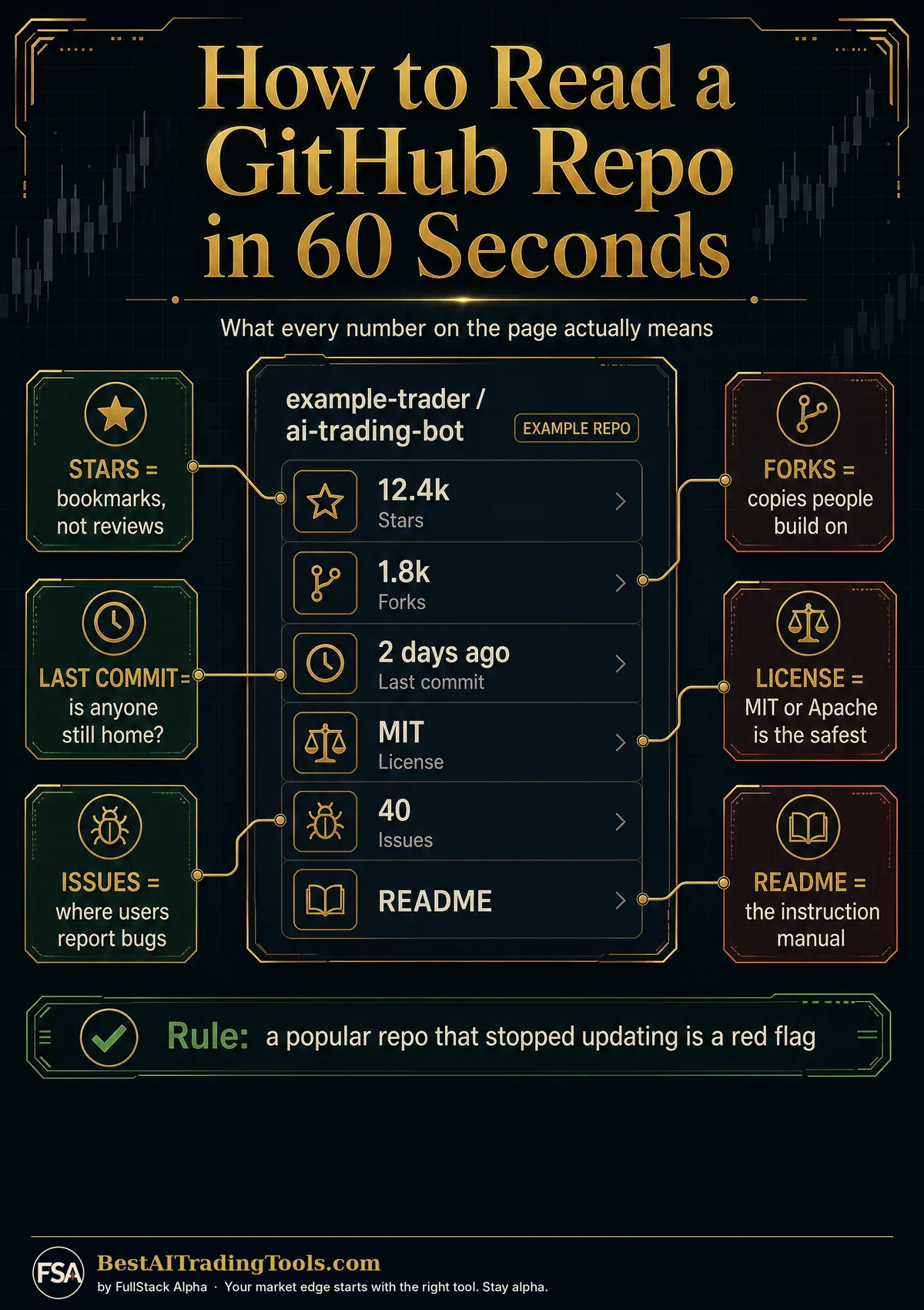
GitHub is where programmers share code. Microsoft owns it, and more than a hundred million developers use it. Each project is called a repo. Think of it as a recipe card anyone can copy.
The first number you'll see is stars. A star is a bookmark, not a review. TradingAgents has around a hundred eighteen thousand stars, and the people who read its code still found real problems.
So we built the Community Score. Five checks out of a hundred: how many people use it, whether anyone still updates it, what traders say on Reddit and Hacker News, how many builders work on it, and whether the license lets you use it. Freqtrade tops our list at ninety-six.
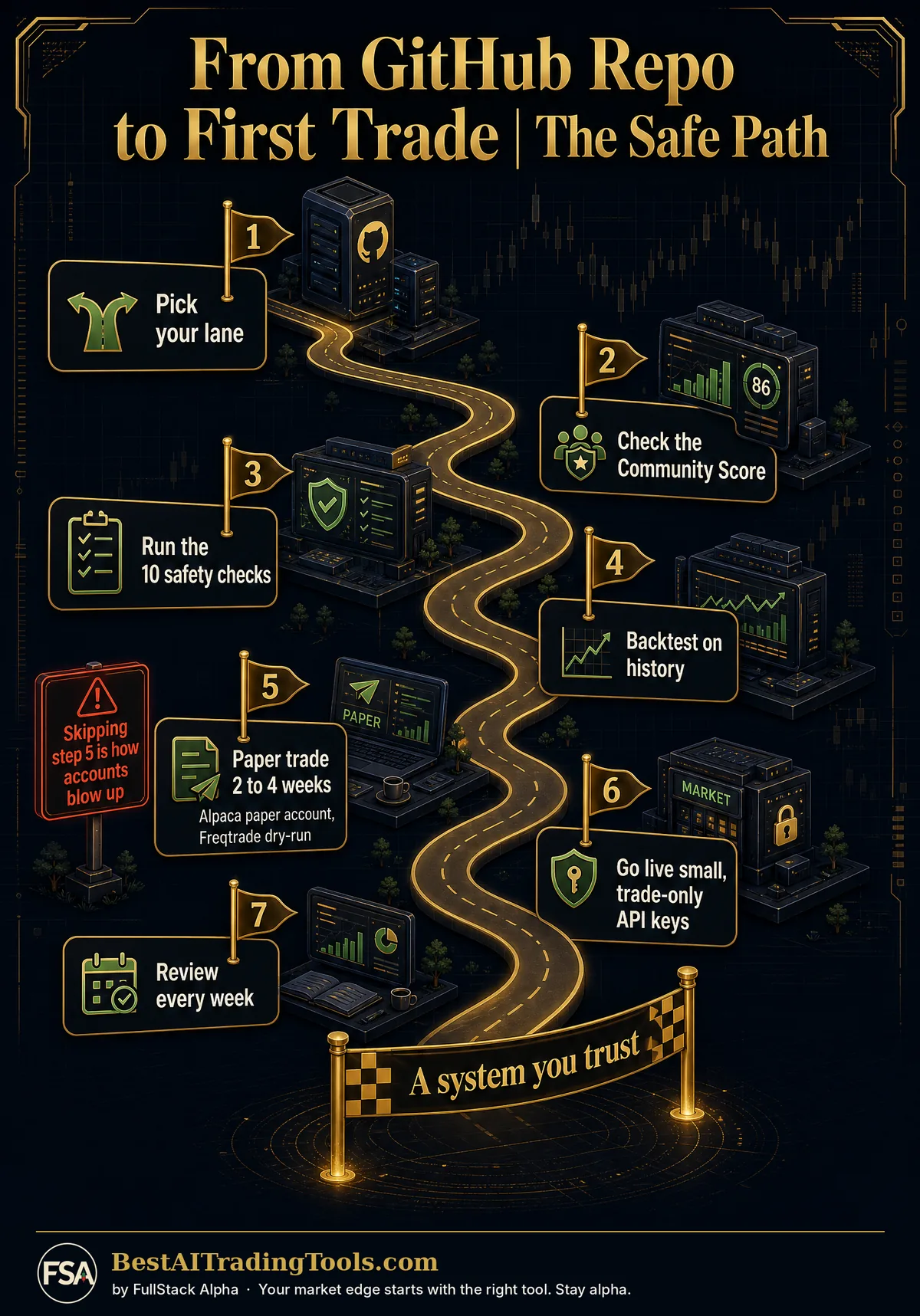
Here's the move that saves beginners money. Never start with real cash. Most serious tools have a fake-money mode. Freqtrade calls it dry-run. Hummingbot has paper trading. And Alpaca gives you a free paper account, so you can watch a bot trade for weeks before it touches a dollar.
Your system: pick one repo, run it on fake money, and keep notes.
Scroll down for the top ten, the beginner glossary and the full directory of thirty-five.
This is education, not financial advice. Your market edge starts with the right tool. Stay alpha.
FullStack Alpha Editorial Team
Reviewed by Jay Rocco, Chief Editor
New here? Start with this
Step 01
Pick a lane
Want an AI to talk to your broker? A bot that trades crypto? A way to test ideas on history? Each lane below answers one of those.
Step 02
Check the score
Every repo carries a Community Score out of 100. It tells you if the project is alive, trusted and legal to use, before you install anything.
Step 03
Start in paper mode
Run it with fake money for weeks. A strategy that cannot survive paper trading will not survive your real account.




 8 repos →



 7 repos →

 6 repos →



 5 repos →


 5 repos →


 4 repos →
| # | Repo | What it does | Stars | Score |
|---|---|---|---|---|
| 1 | Freqtradefreqtrade/freqtrade | Trading Bots | 56,110 | 96Score |
| 2 | Nautilus Tradernautechsystems/nautilus_trader | Backtesting | 31,017 | 92Score |
| 3 | Qlibmicrosoft/qlib | Quant and ML | 49,791 | 90Score |
| 4 | CCXTccxt/ccxt | Research and Data | 44,614 | 90Score |
| 5 | Hummingbothummingbot/hummingbot | Trading Bots | 20,775 | 87Score |
| 6 | QuantConnect LEANQuantConnect/Lean | Backtesting | 22,288 | 87Score |
| 7 | Machine Learning for Tradingstefan-jansen/machine-learning-for-trading | Quant and ML | 21,624 | 87Score |
| 8 | TradingAgentsTauricResearch/TradingAgents | AI Agents | 117,975 | 85Score |
| 9 | OpenBBOpenBB-finance/OpenBB | Research and Data | 74,845 | 85Score |
| 10 | edgartoolsdgunning/edgartools | Research and Data | 2,826 | 85Score |
FreqtradeNautilus TraderQlibCCXTHummingbotQuantConnect LEANMachine Learning for TradingTradingAgentsOpenBBedgartoolsVibe-TradingvectorbtAI Hedge FundOctoBotQuantDingerPyBrokerFinRobotFinRLJesseTradingView MCP (atilaahmettaner) OpenAlgoTradingView MCP (tradesdontlie)Alpaca MCP ServerBacktrader
 tastytrade MCP
Showing 35 of 35 repos
96ScoreFreqtradefreqtrade/freqtradeThe most widely used open-source crypto bot, with FreqAI for models that retrain on rolling data.
★ 56k stars · Intermediate · updated 2026-10
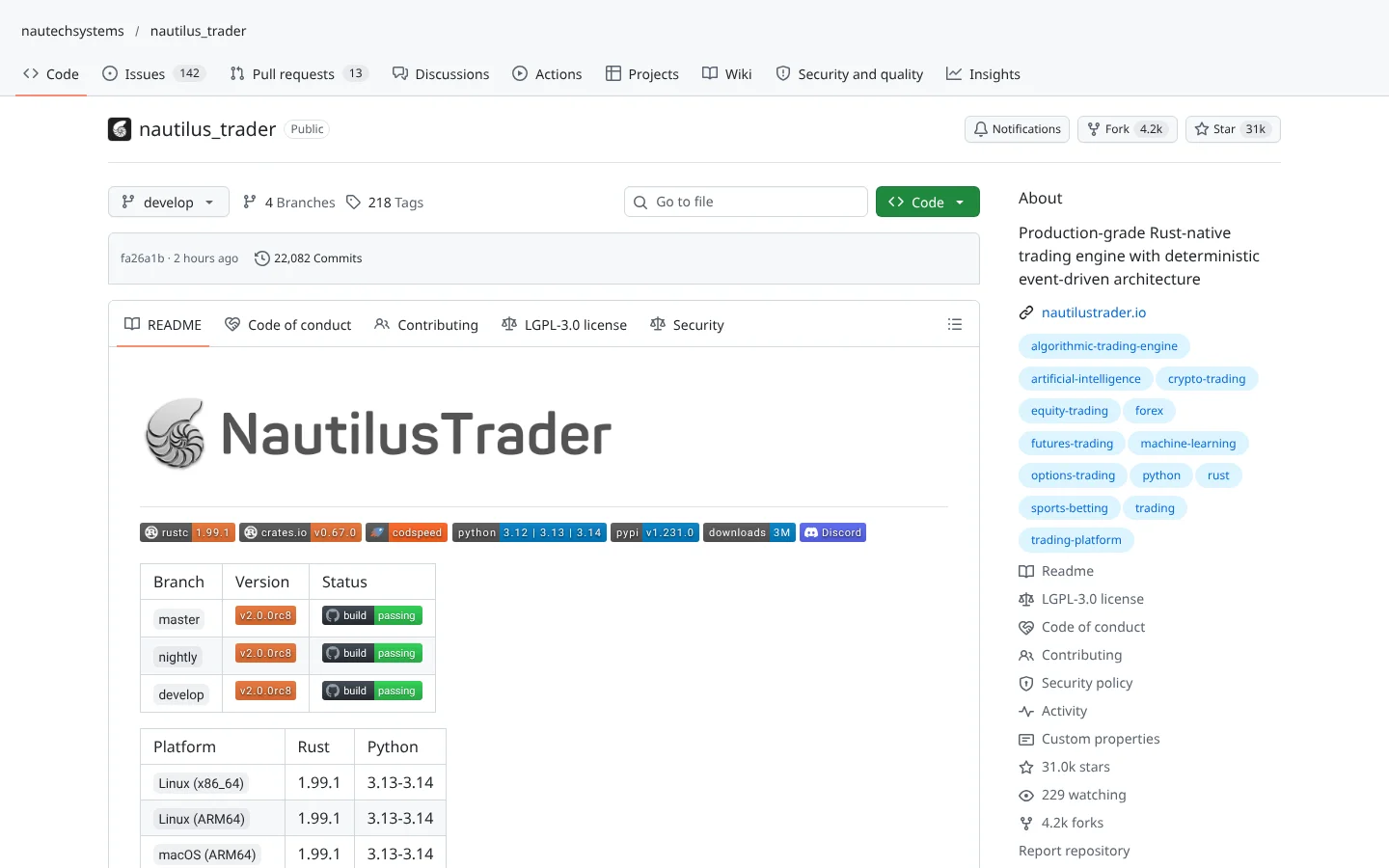 92ScoreNautilus Tradernautechsystems/nautilus_trader
A Rust-powered, Python-driven platform where the backtest code and the live code are the same.
★ 31k stars · Advanced · updated 2026-10
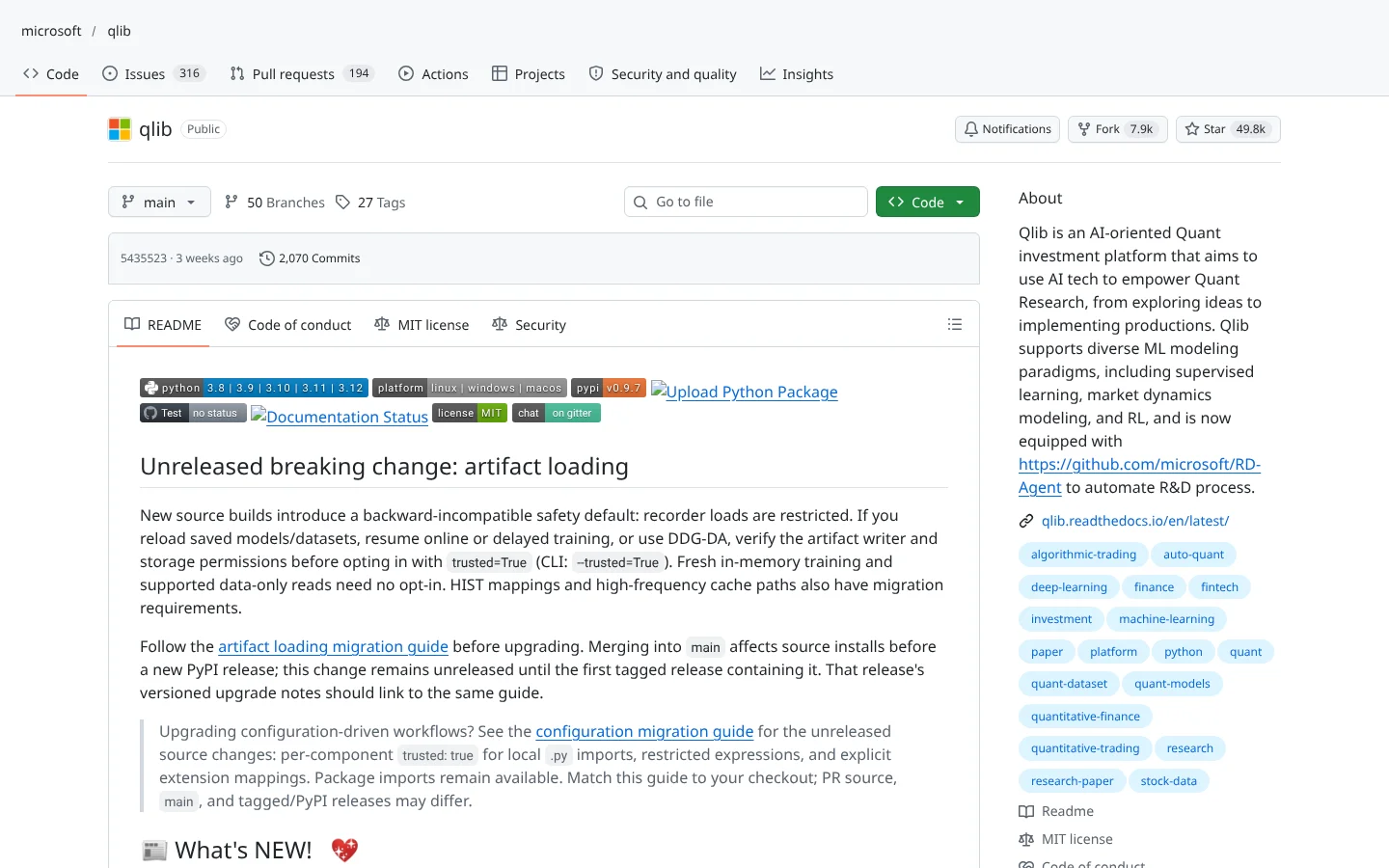 90ScoreQlibmicrosoft/qlib
Microsoft Research's quant platform: data pipeline, factor library and model training in one place.
★ 50k stars · Advanced · updated 2026-10
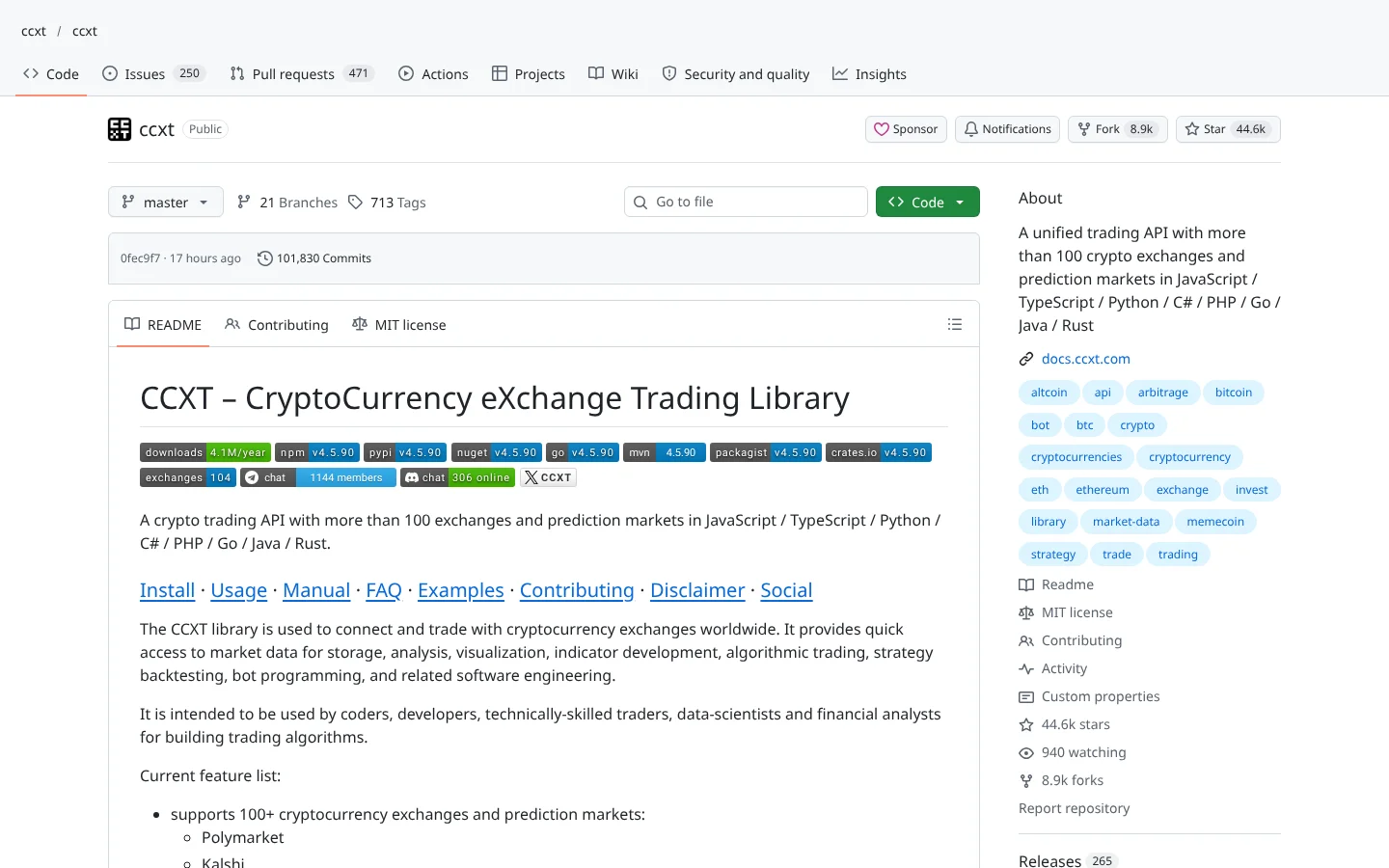 90ScoreCCXTccxt/ccxt
One library to talk to 100+ crypto exchanges. The plumbing under most crypto bots.
★ 45k stars · Intermediate · updated 2026-10
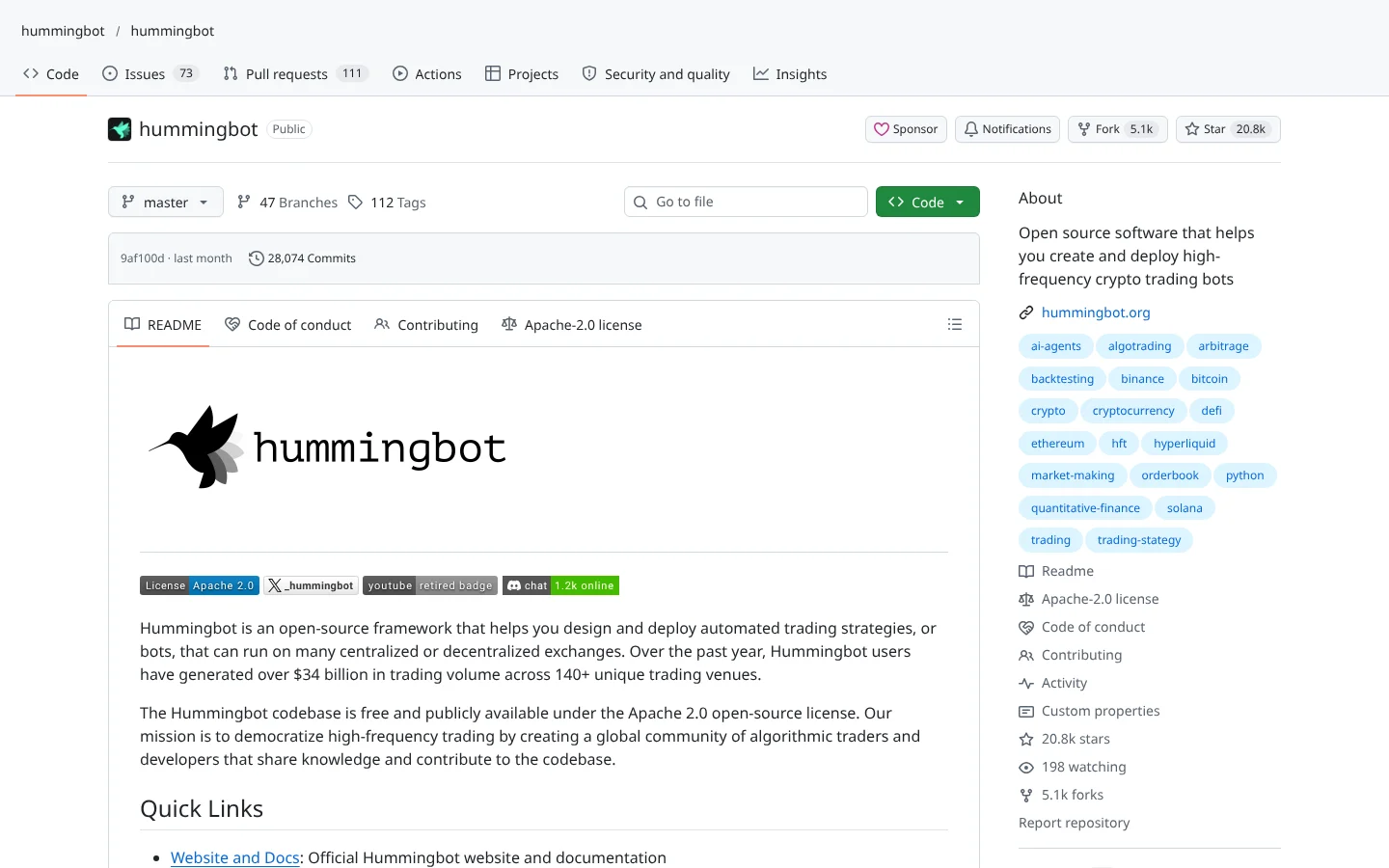 87ScoreHummingbothummingbot/hummingbot
Market-making and arbitrage bot framework that connects to dozens of centralized and decentralized exchanges.
★ 21k stars · Advanced · updated 2026-10
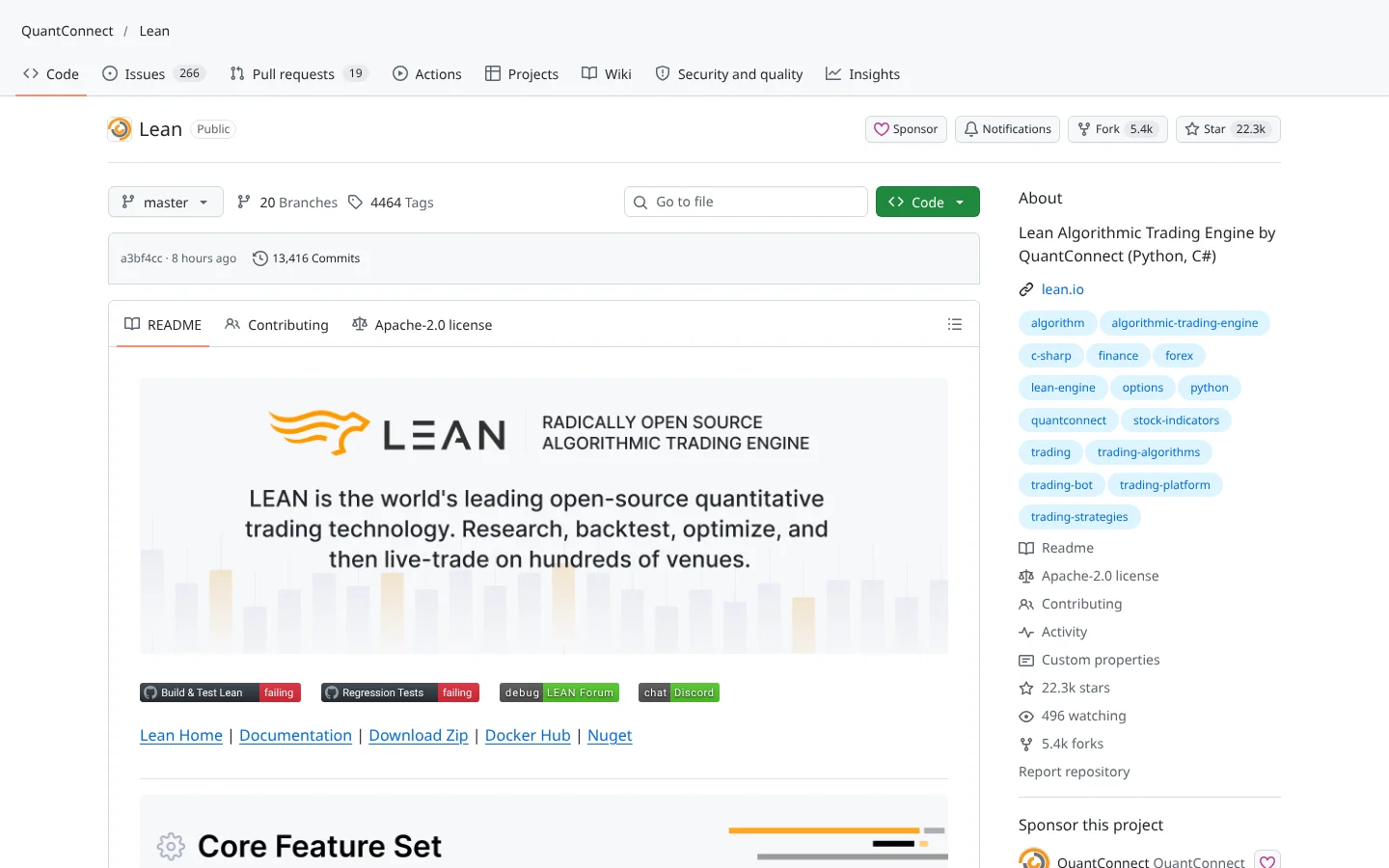 87ScoreQuantConnect LEANQuantConnect/Lean
The open-source engine behind QuantConnect. Institutional-grade backtesting in C# or Python.
★ 22k stars · Advanced · updated 2026-10
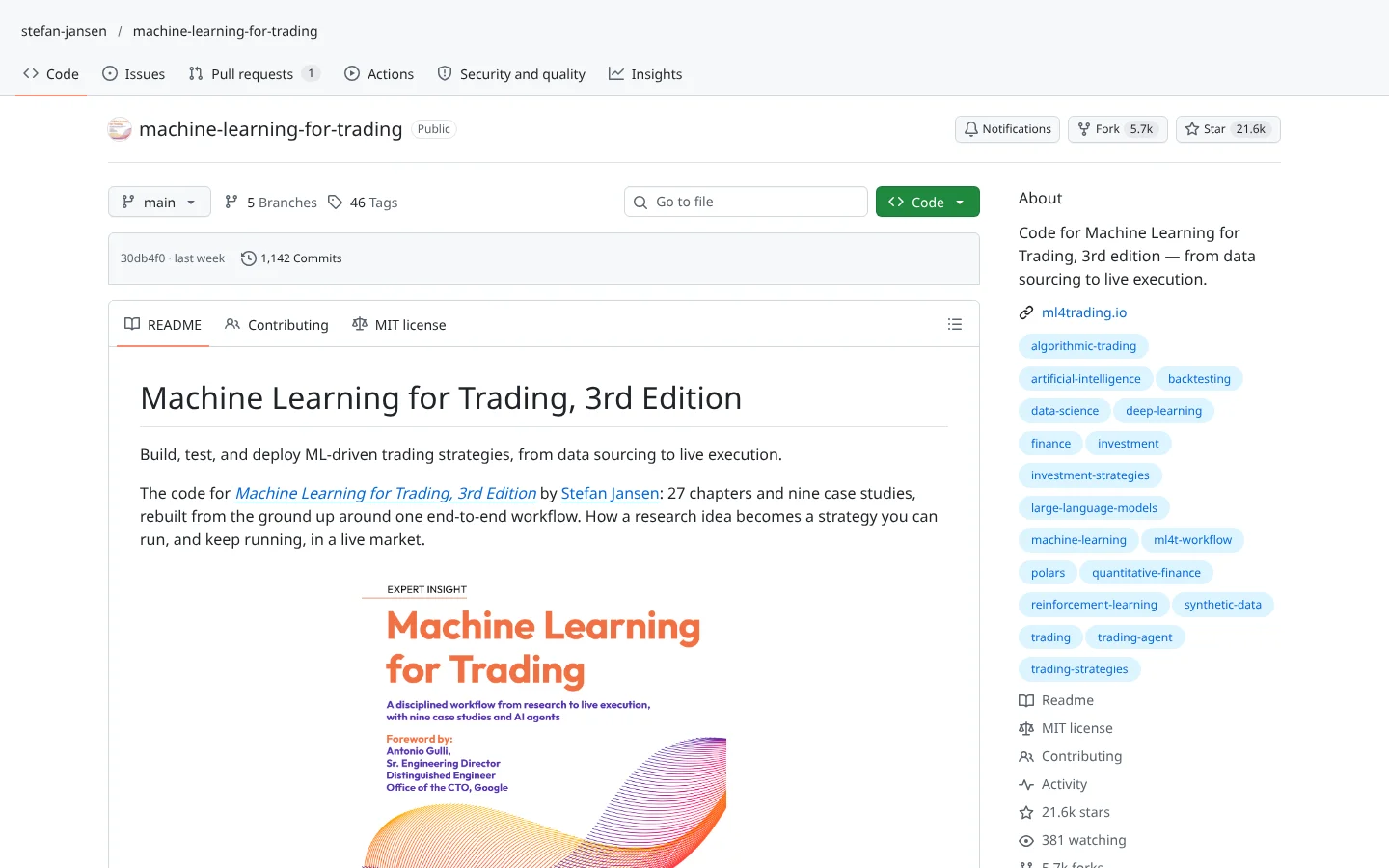 87ScoreMachine Learning for Tradingstefan-jansen/machine-learning-for-trading
The companion code to Stefan Jansen's book. Hundreds of notebooks from features to live strategies.
★ 22k stars · Intermediate · updated 2026-10
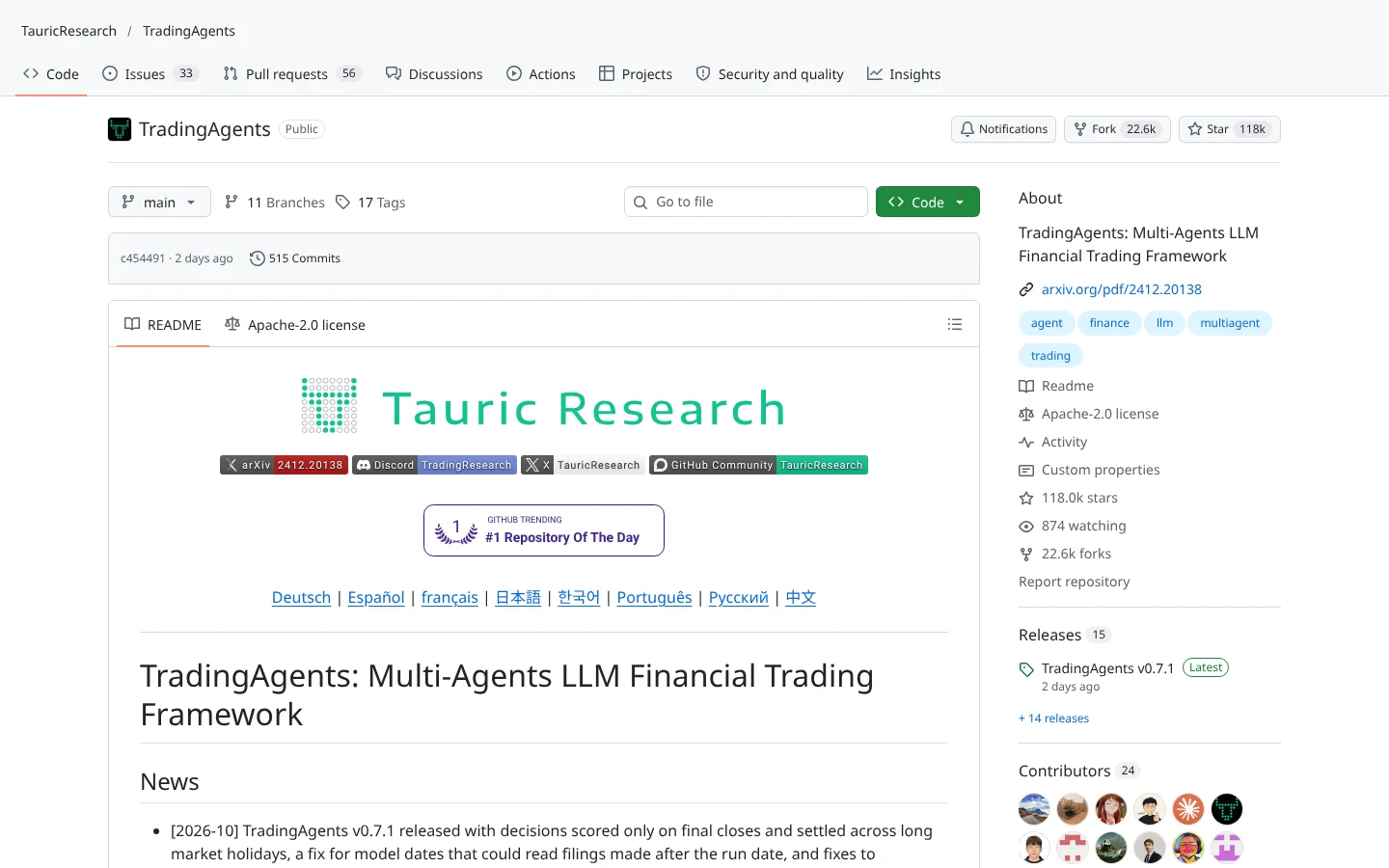 85ScoreTradingAgentsTauricResearch/TradingAgents
A multi-agent research desk: analyst agents argue the bull and bear case, a risk agent signs off before any trade idea moves.
★ 118k stars · Intermediate · updated 2026-10
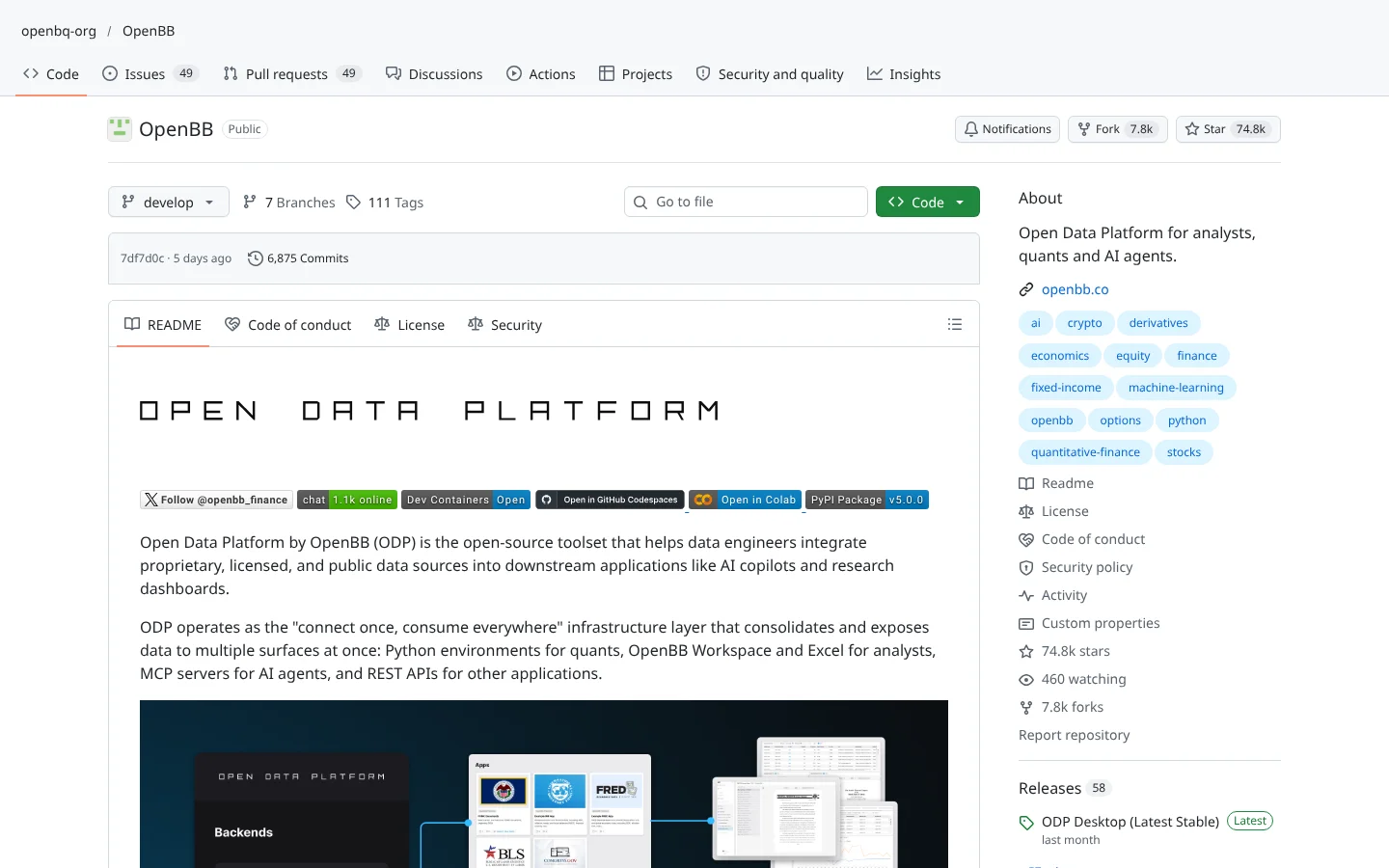 85ScoreOpenBBOpenBB-finance/OpenBB
The free, open-source answer to the Bloomberg Terminal: one Python toolkit over 100+ data providers.
★ 75k stars · Beginner · updated 2026-10
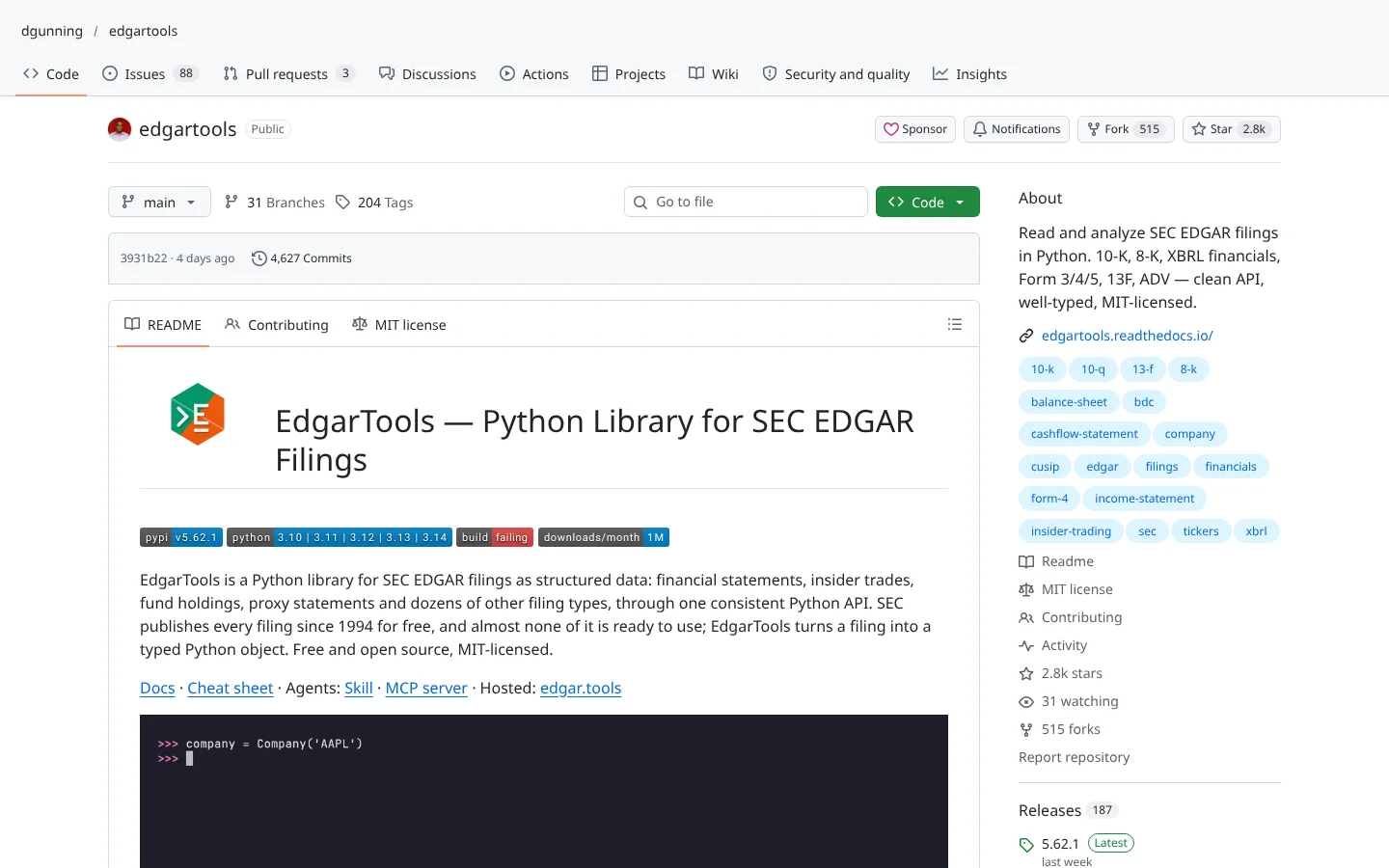 85Scoreedgartoolsdgunning/edgartools
Read SEC filings in Python without wrestling EDGAR. Includes an MCP server.
★ 2.8k stars · Beginner · updated 2026-10
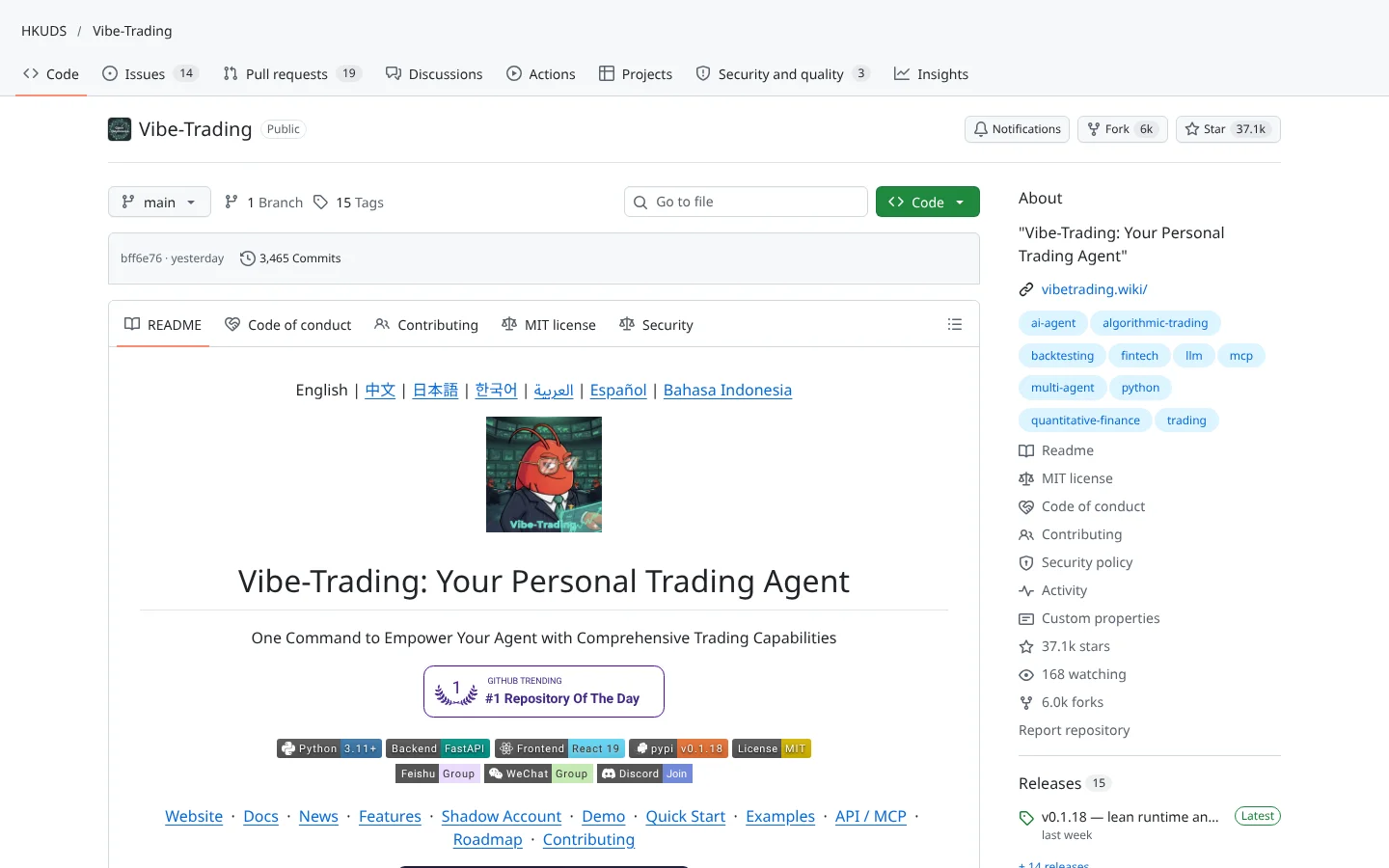 84ScoreVibe-TradingHKUDS/Vibe-Trading
A multi-agent research workspace from HKU with built-in backtest engines and trade-journal analysis.
★ 37k stars · Intermediate · updated 2026-10
 Claude
 Codex
Codex Local models
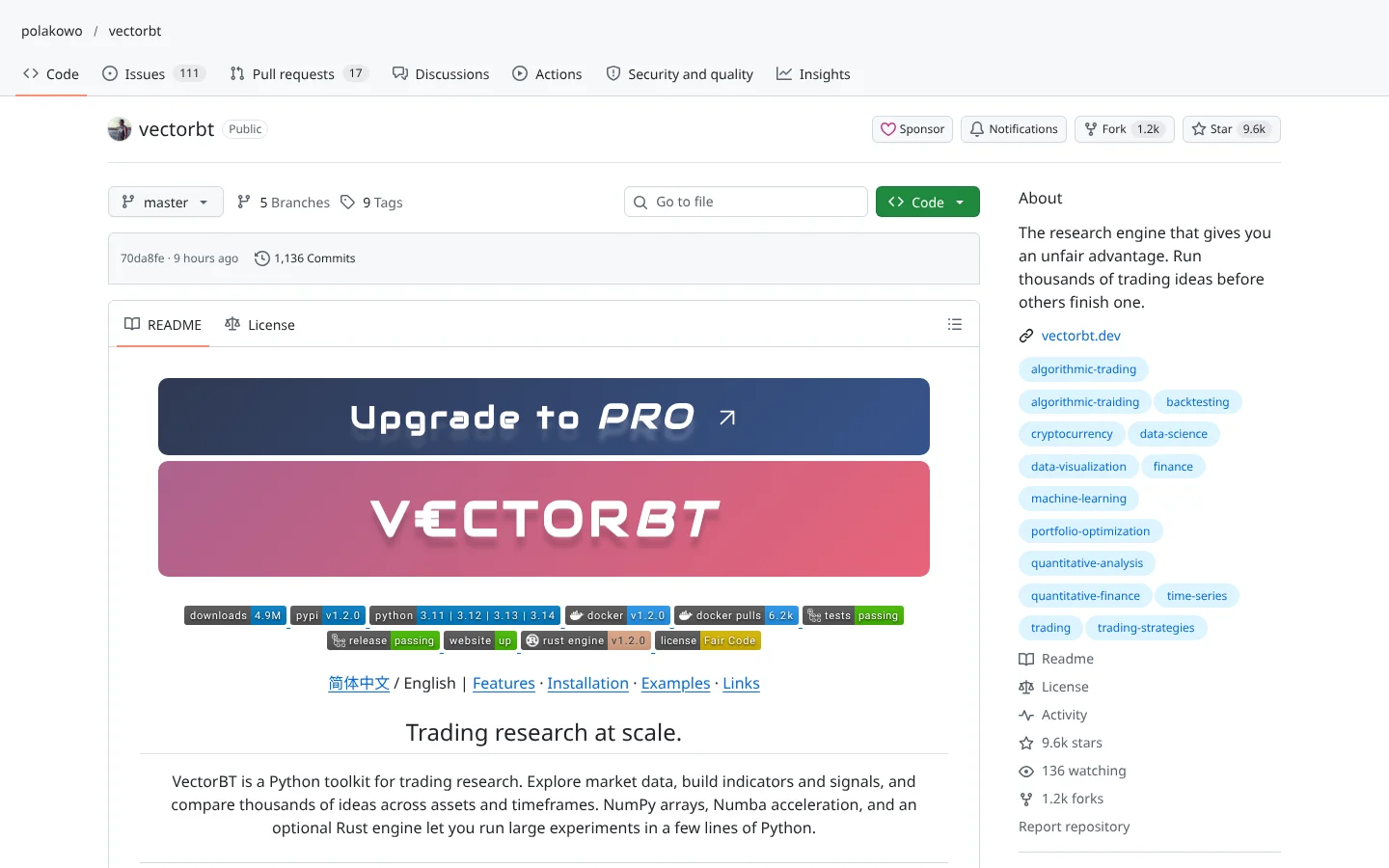 84Scorevectorbtpolakowo/vectorbt
Vectorized backtesting that tests thousands of parameter combinations in seconds.
★ 9.6k stars · Intermediate · updated 2026-10
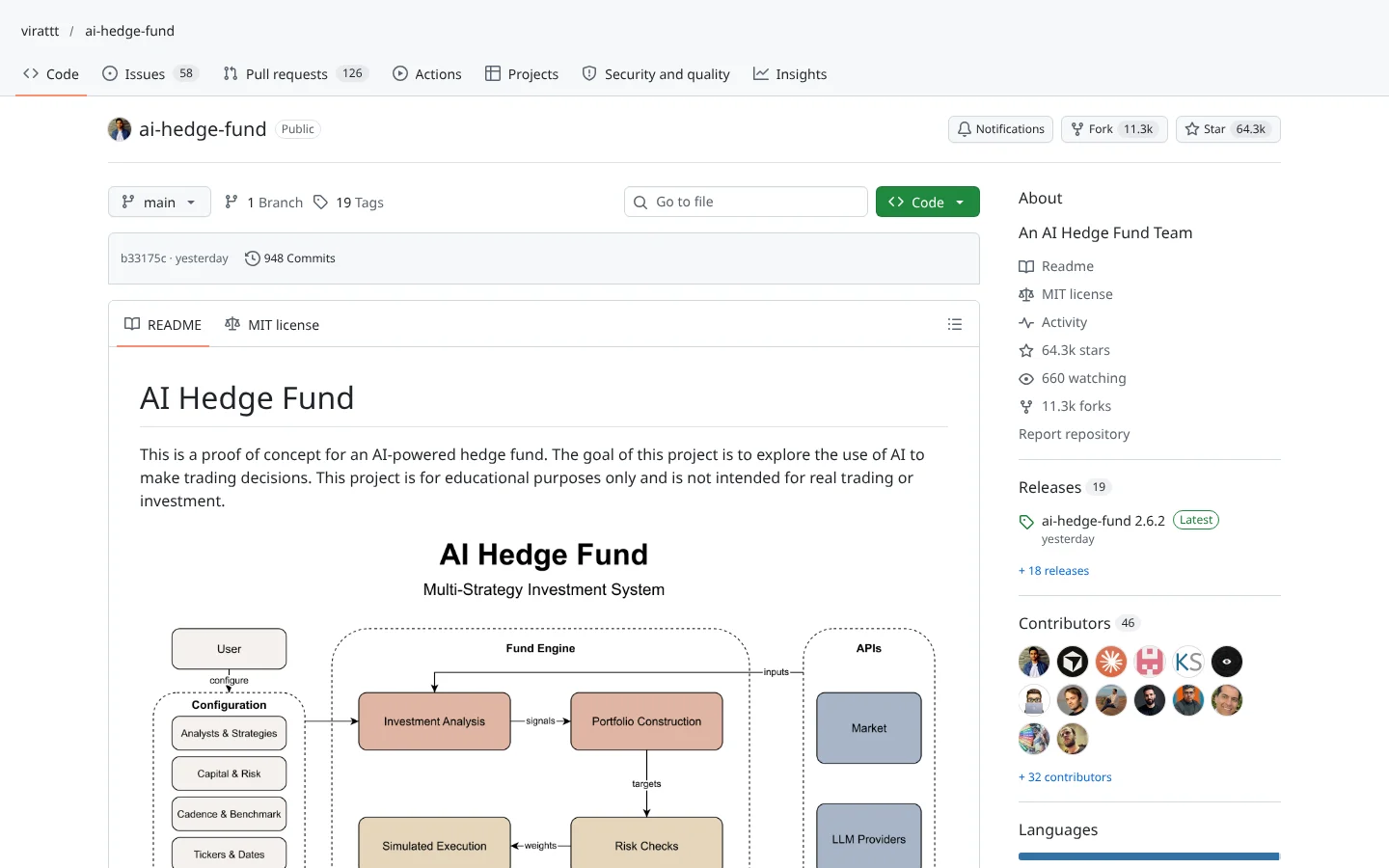 83ScoreAI Hedge Fundvirattt/ai-hedge-fund
Investor-persona agents debate a stock, then a portfolio agent makes the call. A teaching project, not a fund.
★ 64k stars · Intermediate · updated 2026-10
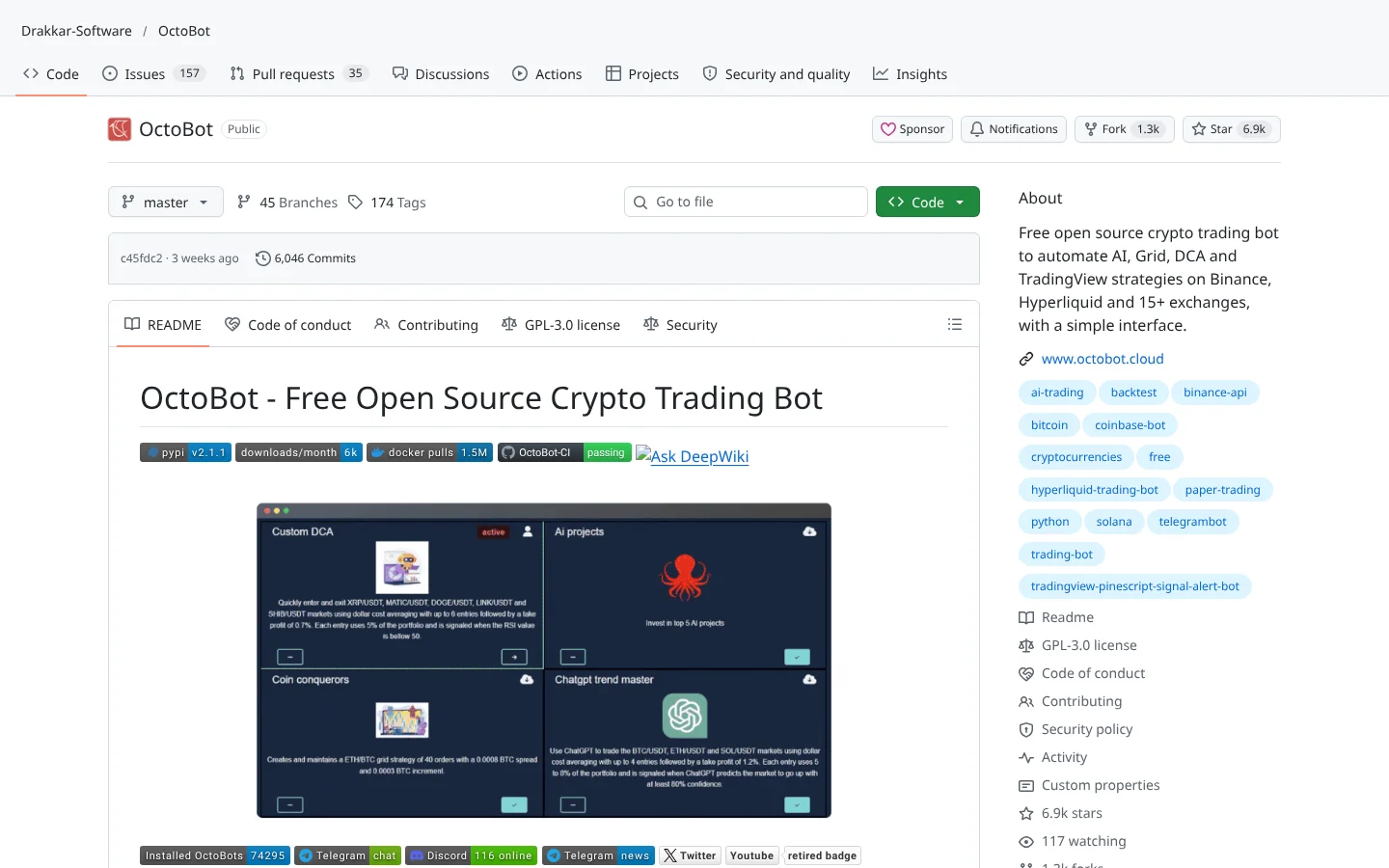 80ScoreOctoBotDrakkar-Software/OctoBot
A modular crypto bot with a web interface, aimed at people who would rather click than code.
★ 6.9k stars · Beginner · updated 2026-10
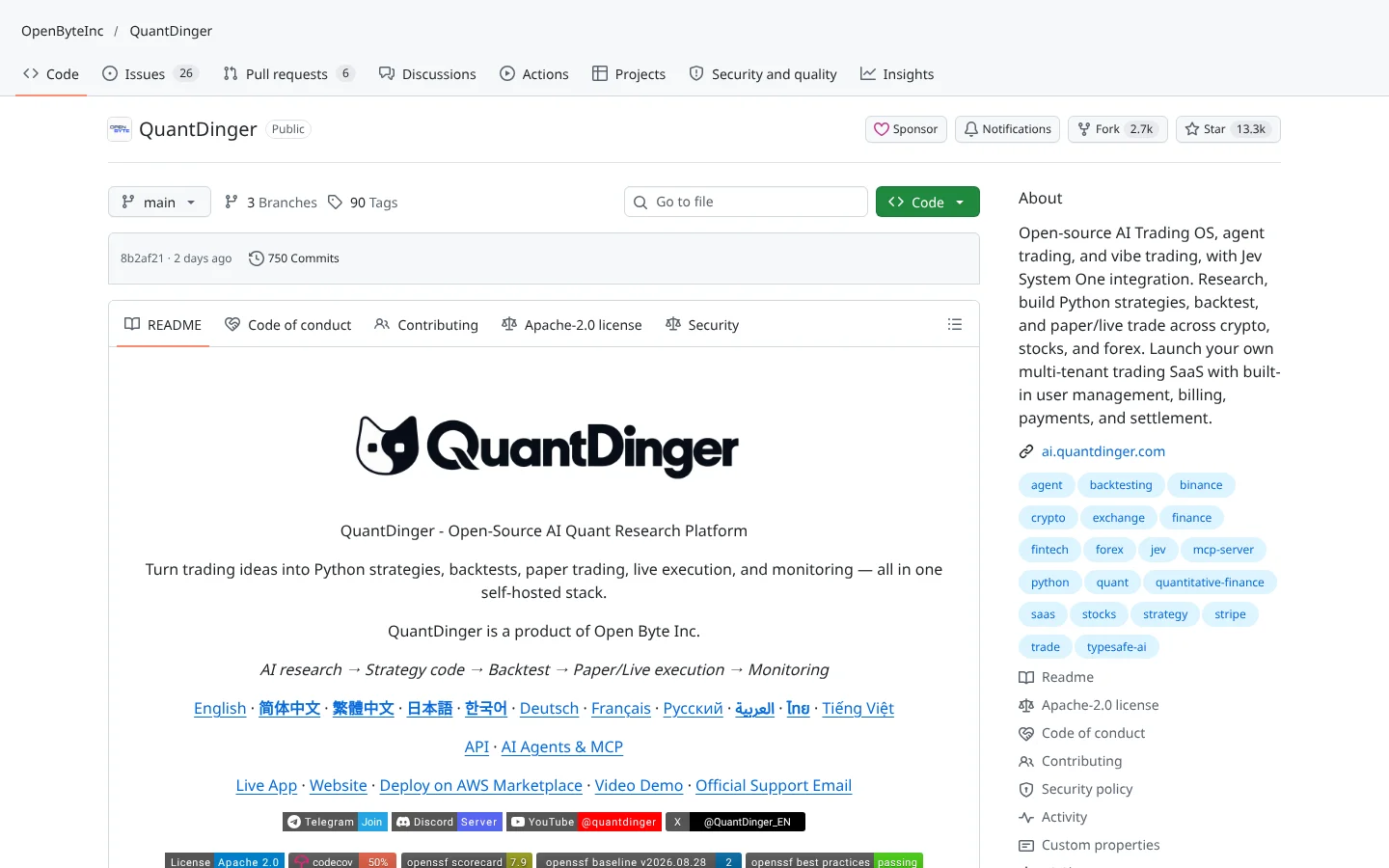 80ScoreQuantDingerOpenByteInc/QuantDinger
A self-hosted AI trading operating system covering research, backtests and paper or live trading.
★ 13k stars · Intermediate · updated 2026-10
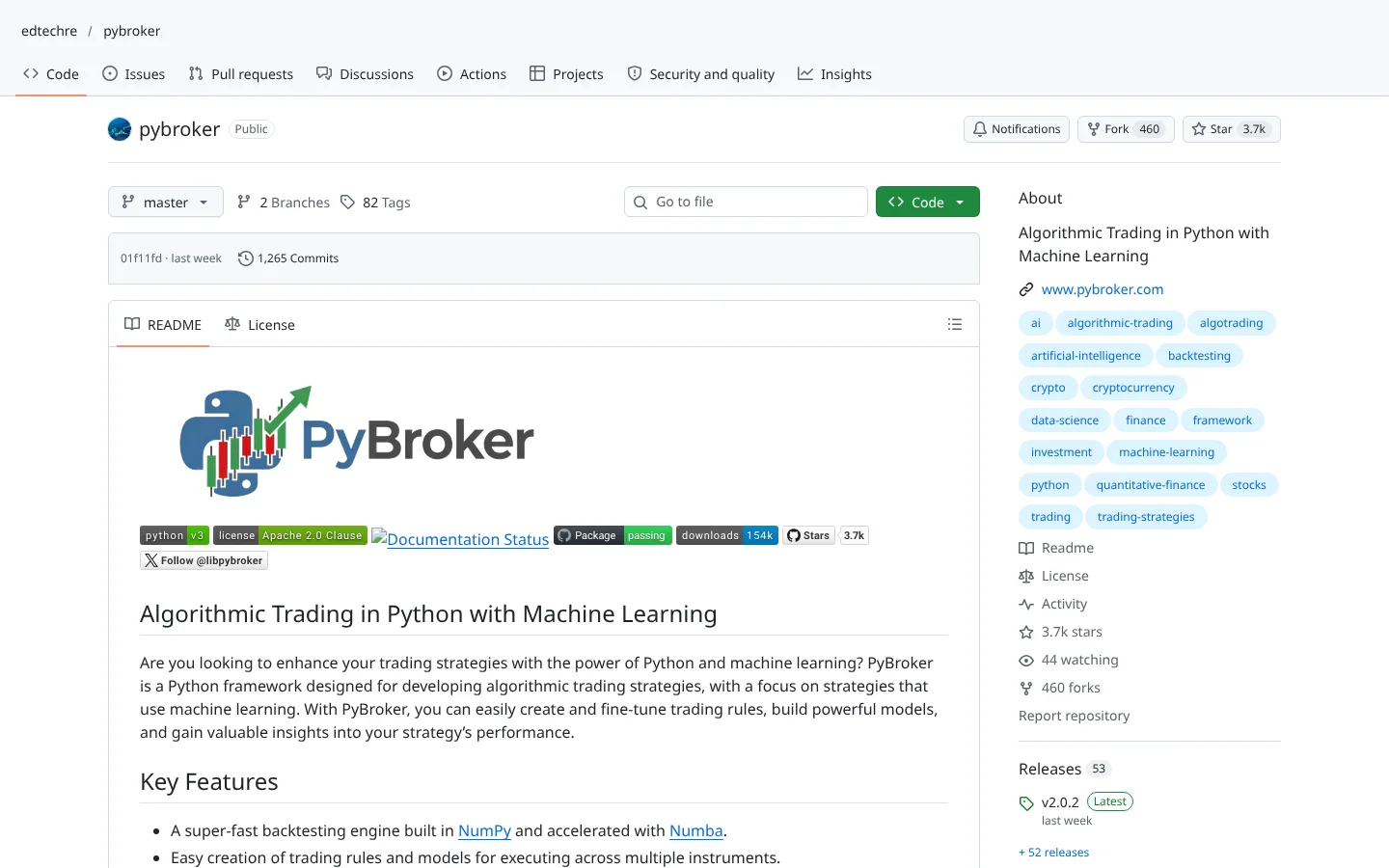 80ScorePyBrokeredtechre/pybroker
A Python backtester built for machine learning strategies, with walk-forward analysis baked in.
★ 3.7k stars · Intermediate · updated 2026-10
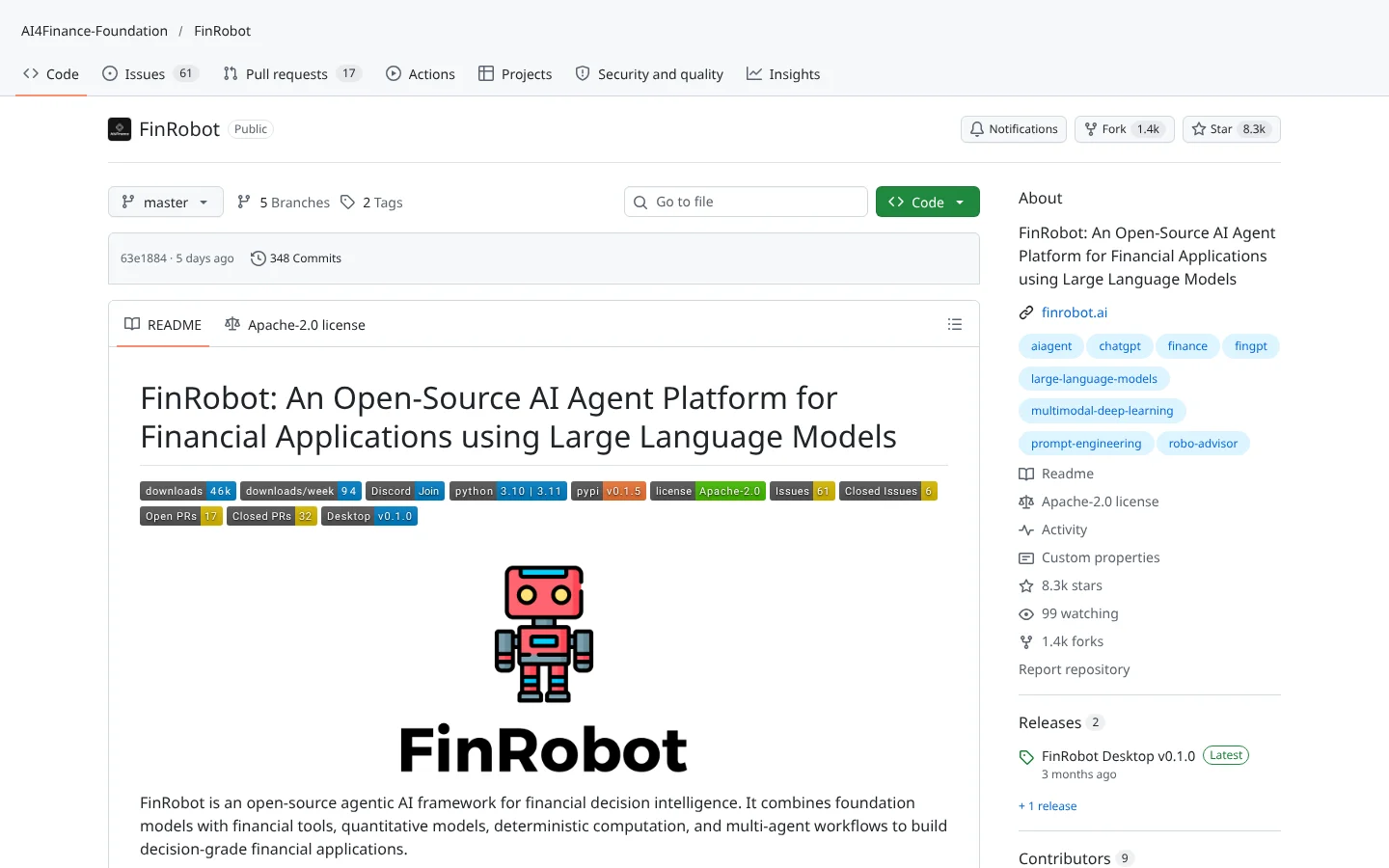 78ScoreFinRobotAI4Finance-Foundation/FinRobot
LLM agents that draft equity research reports from filings and market data.
★ 8.3k stars · Advanced · updated 2026-10
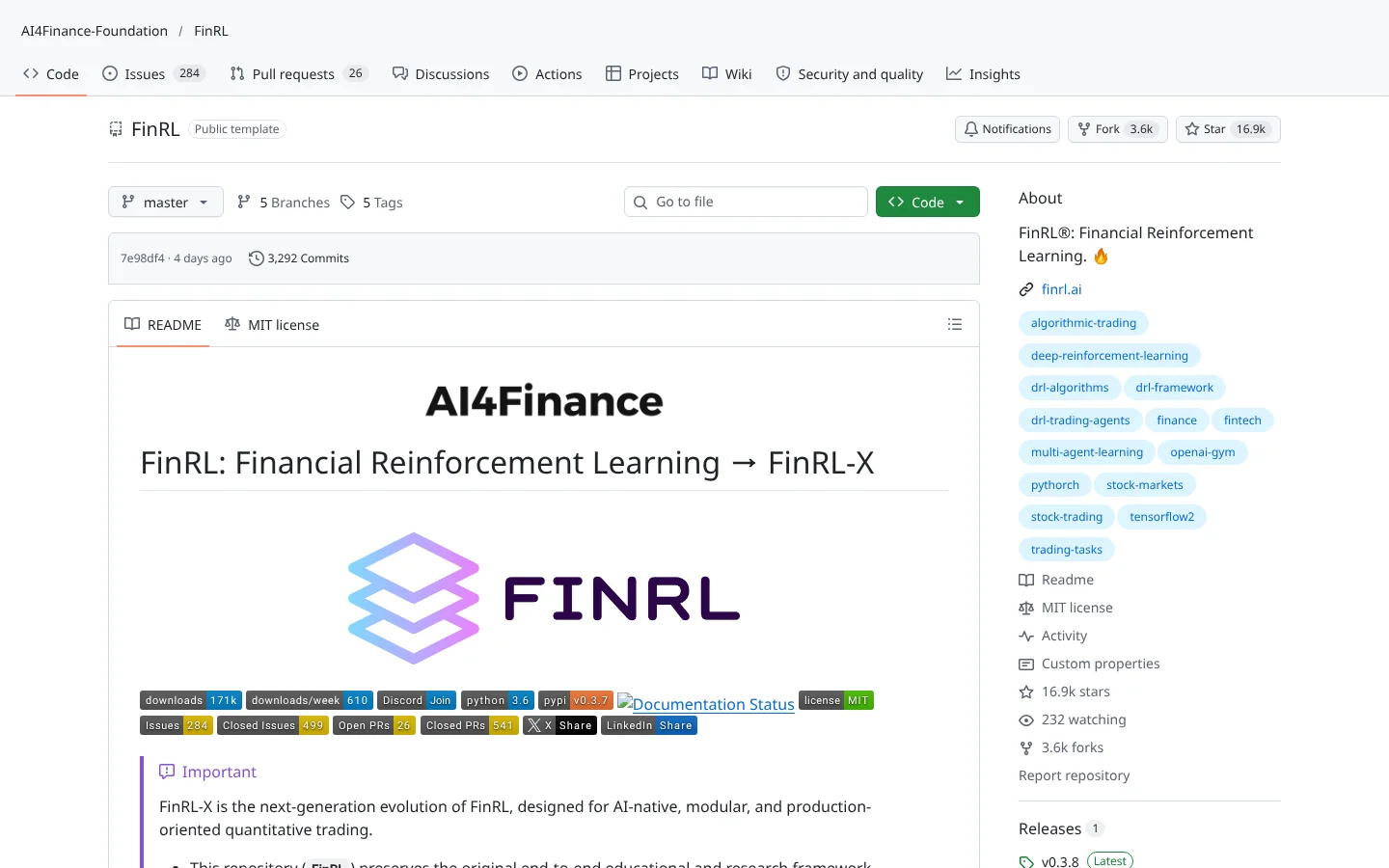 78ScoreFinRLAI4Finance-Foundation/FinRL
Deep reinforcement learning for trading, with ready-made market environments.
★ 17k stars · Advanced · updated 2026-10
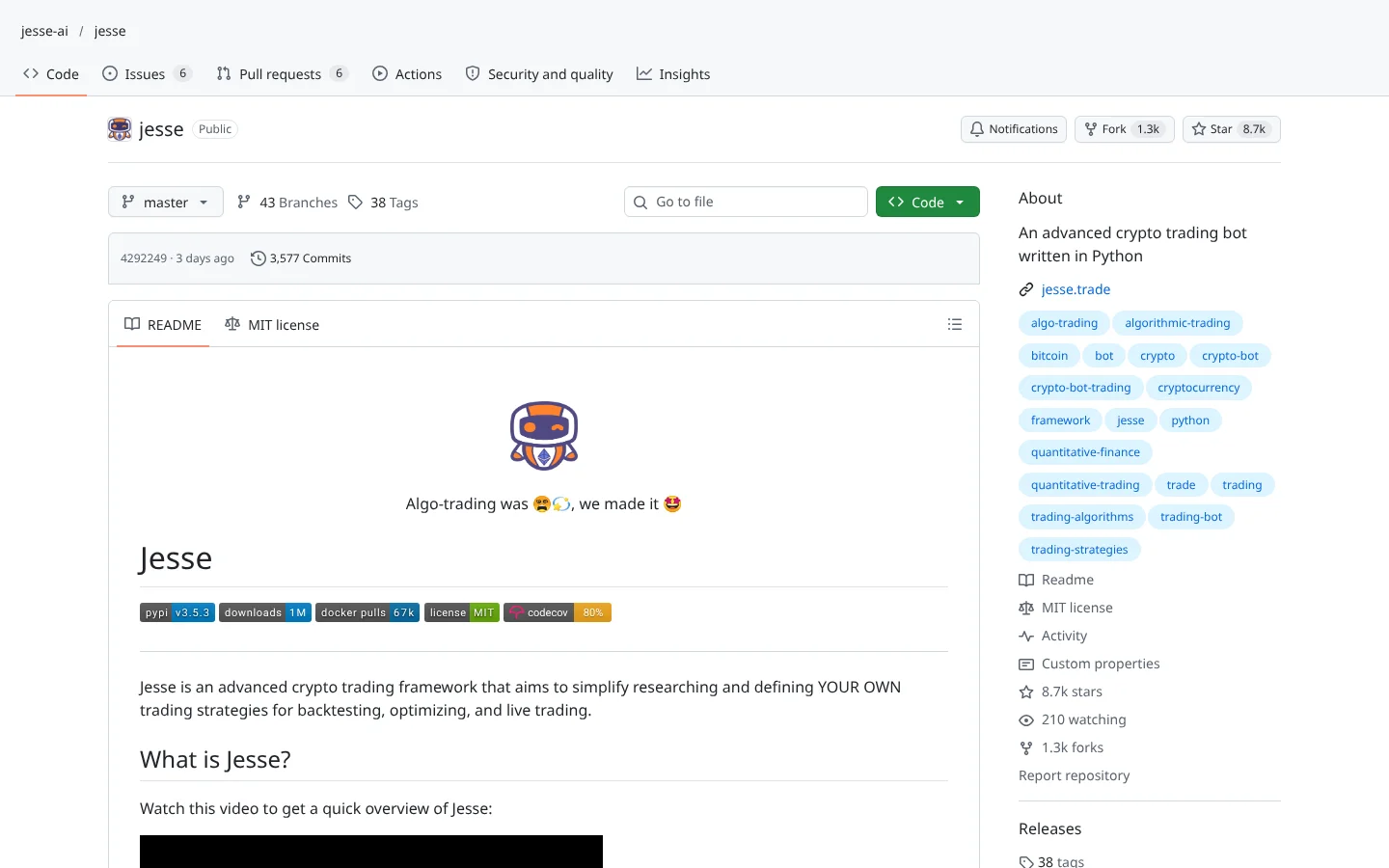 77ScoreJessejesse-ai/jesse
A Python crypto strategy framework with optimization, walk-forward testing and a local MCP server.
★ 8.7k stars · Intermediate · updated 2026-10
ClaudeCodex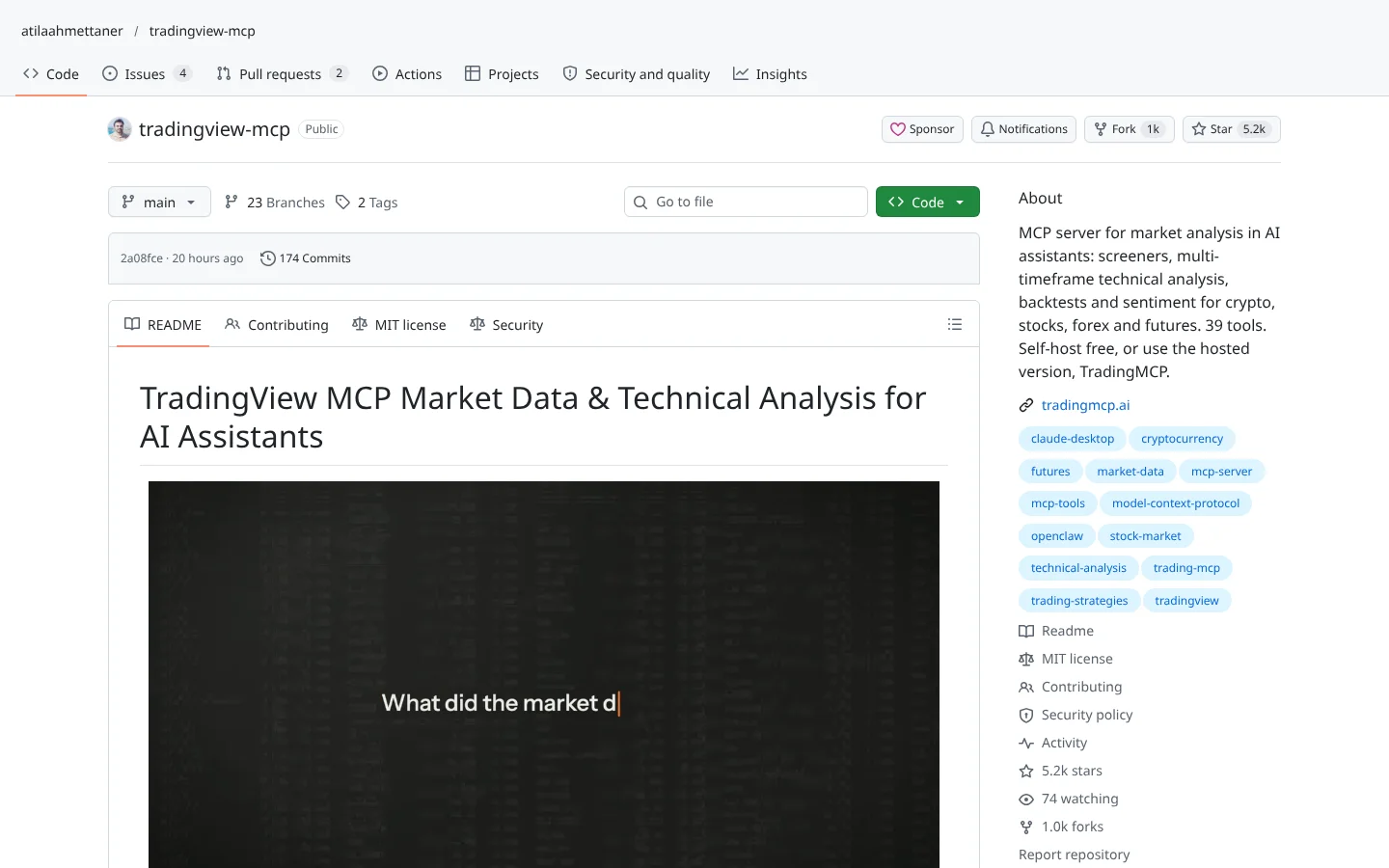 76ScoreTradingView MCP (atilaahmettaner)atilaahmettaner/tradingview-mcp
A community MCP server for screeners and multi-timeframe analysis, self-hosted free or as a paid hosted version.
★ 5.2k stars · Beginner · updated 2026-10
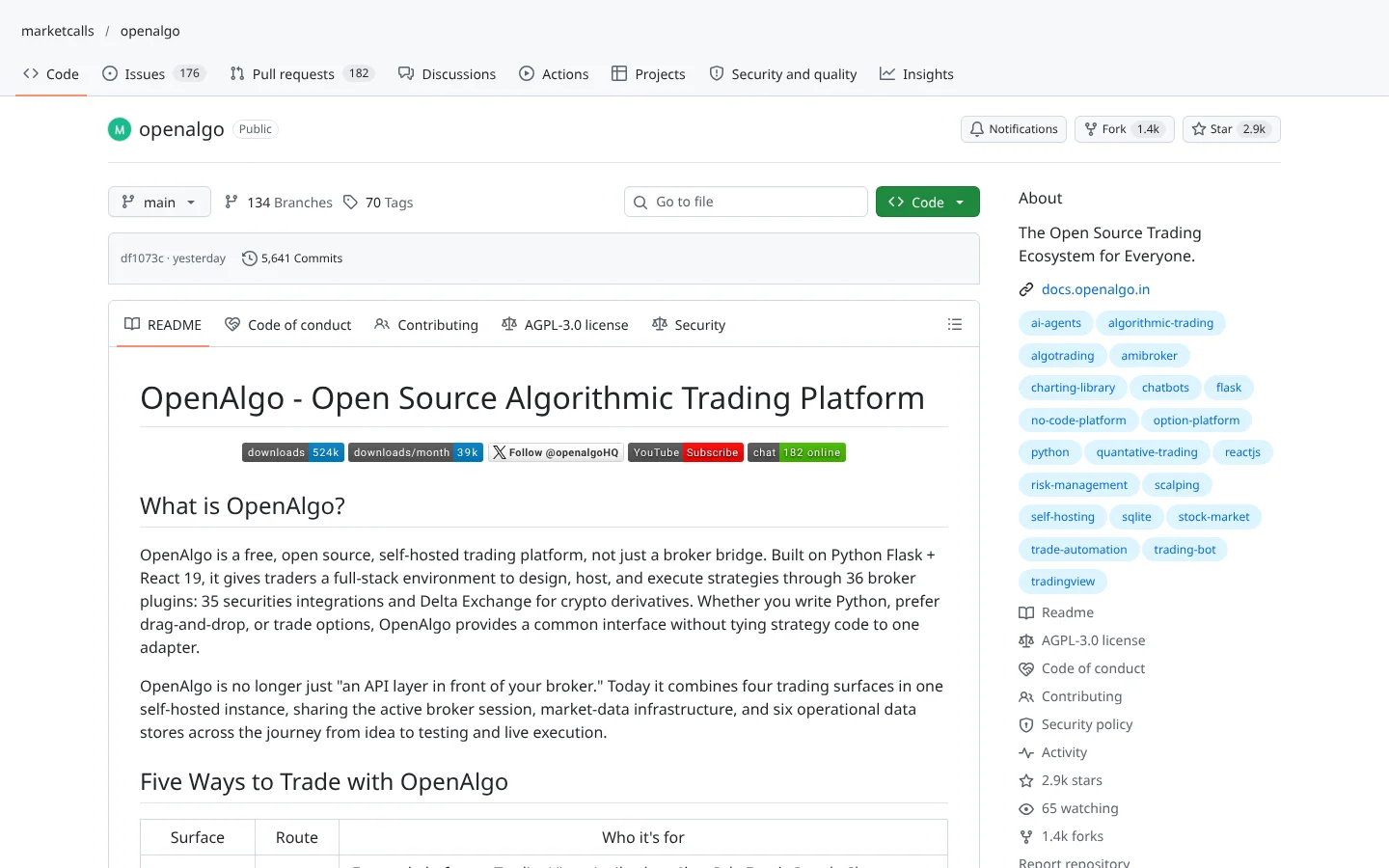 73ScoreOpenAlgomarketcalls/openalgo
A self-hosted trading platform with dozens of broker plugins, built mainly for Indian brokers.
★ 2.9k stars · Intermediate · updated 2026-10
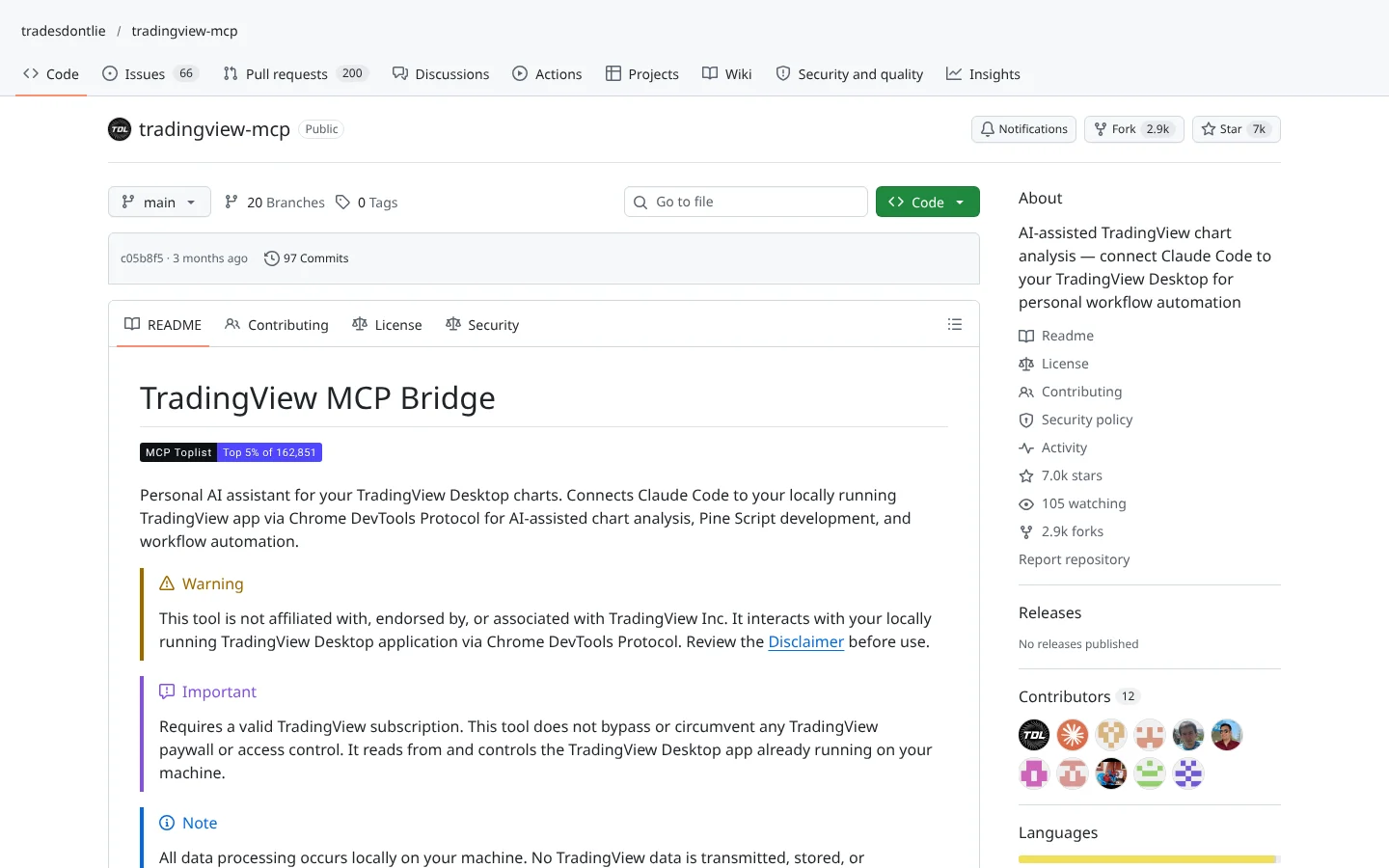 72ScoreTradingView MCP (tradesdontlie)tradesdontlie/tradingview-mcp
Connects Claude Code to TradingView Desktop for chart reading and Pine Script work.
★ 7.0k stars · Intermediate · updated 2026-10
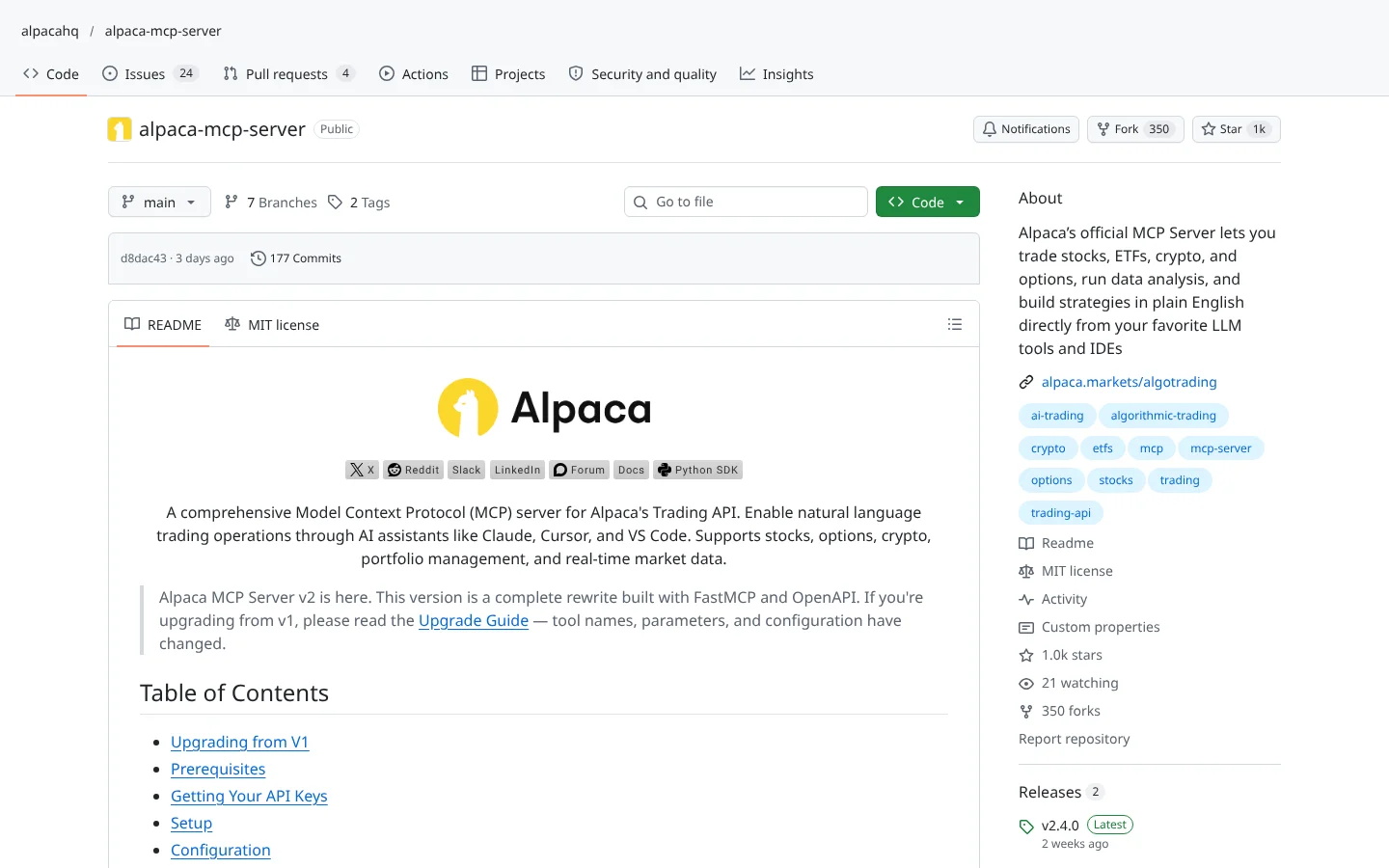 70ScoreAlpaca MCP Serveralpacahq/alpaca-mcp-server
Alpaca's official MCP server. Ask an AI assistant to check positions or place paper trades in plain English.
★ 1.0k stars · Beginner · updated 2026-10
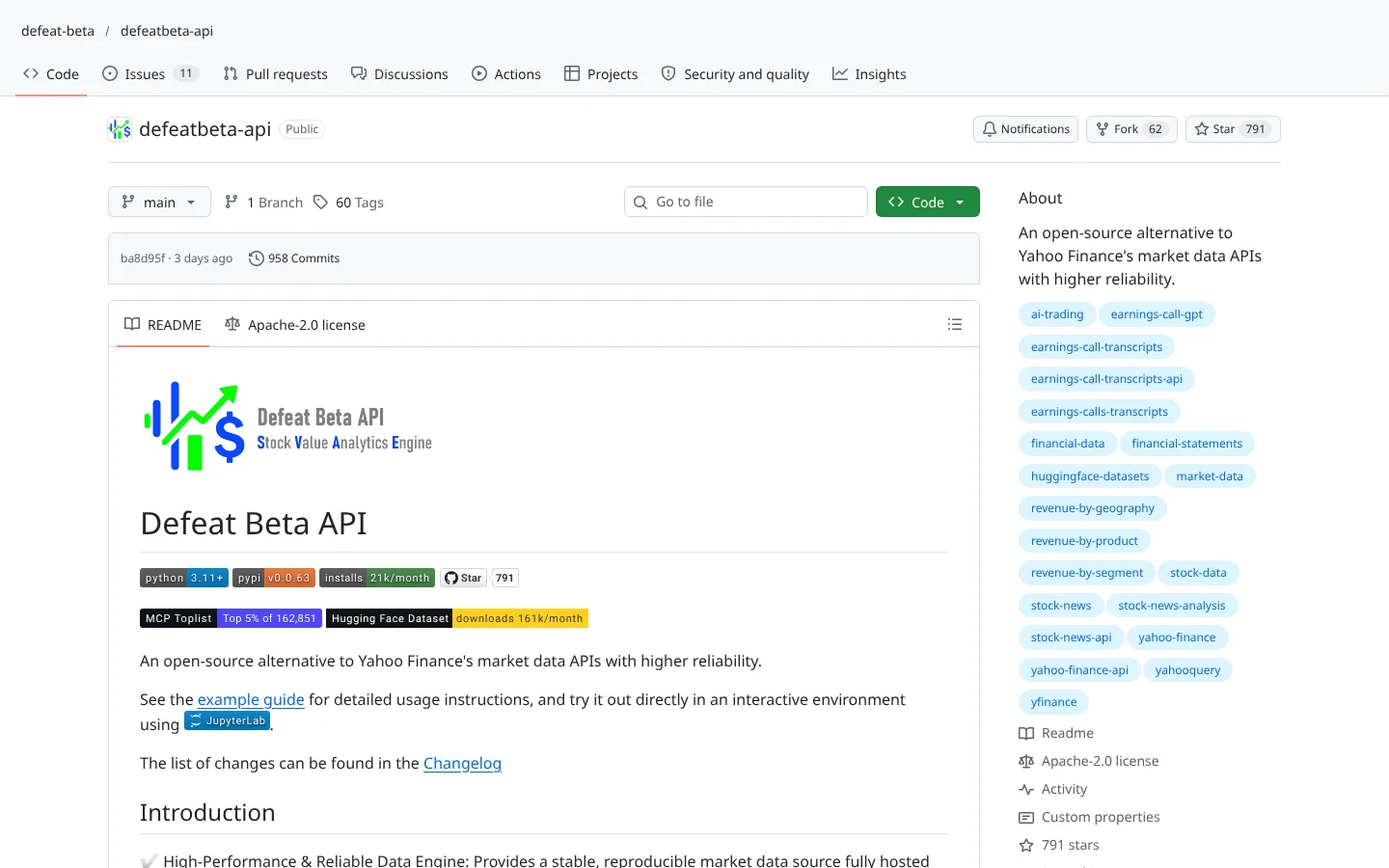 67ScoreDefeatBeta APIdefeat-beta/defeatbeta-api
An open-source alternative to Yahoo Finance data with its own MCP server.
★ 791 stars · Beginner · updated 2026-10
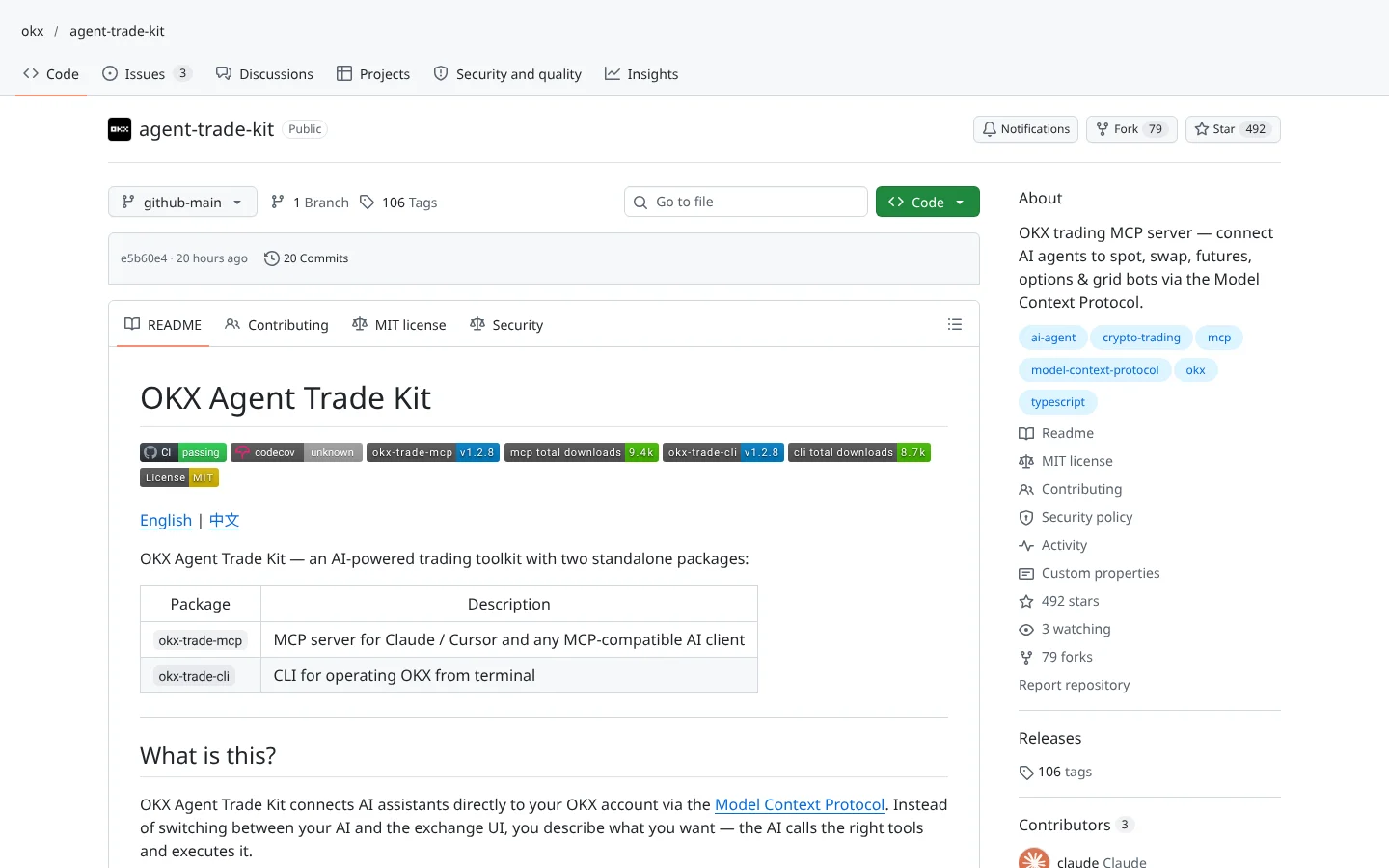 66ScoreOKX Agent Trade Kitokx/agent-trade-kit
OKX's official MCP toolkit with a read-only mode. OKX restricts US users.
★ 492 stars · Intermediate · updated 2026-10
ClaudeCodex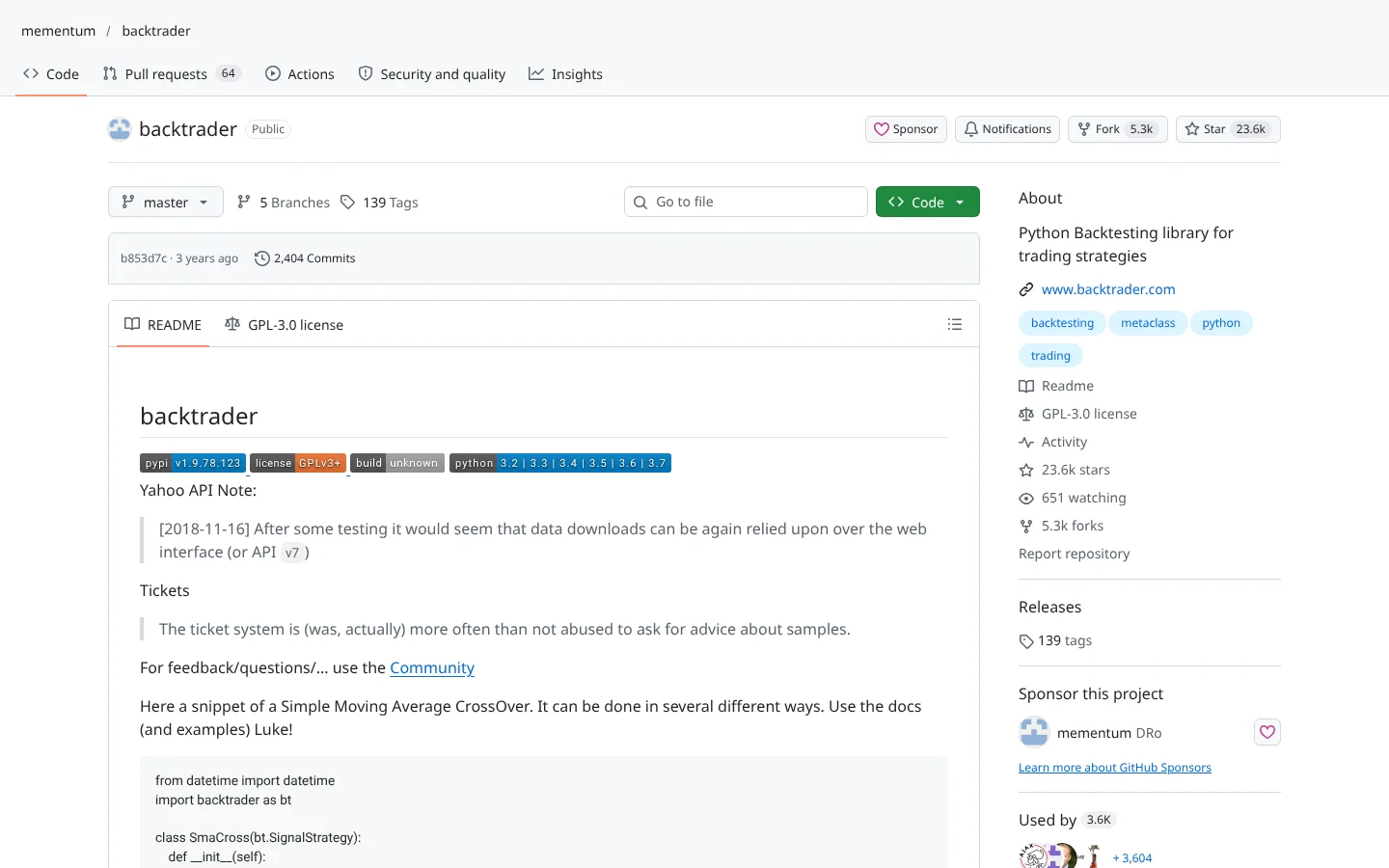 63ScoreBacktradermementum/backtrader
The classic Python event-driven backtester. Huge community, no updates since 2024.
★ 24k stars · Intermediate · updated 2024-08
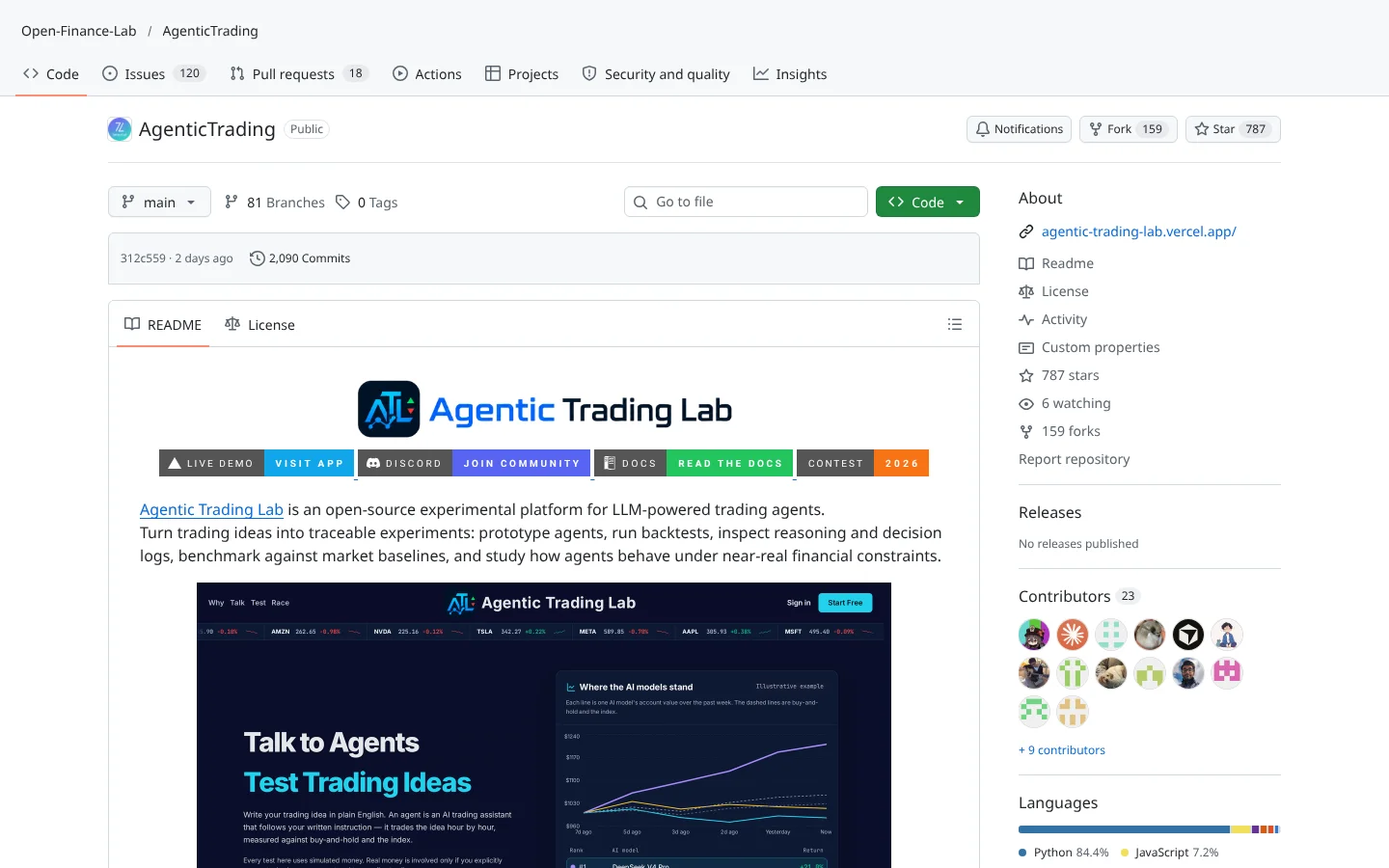 62ScoreAgenticTradingOpen-Finance-Lab/AgenticTrading
A research framework for graph-coordinated trading agents with decision logs and simulated fills.
★ 787 stars · Advanced · updated 2026-10
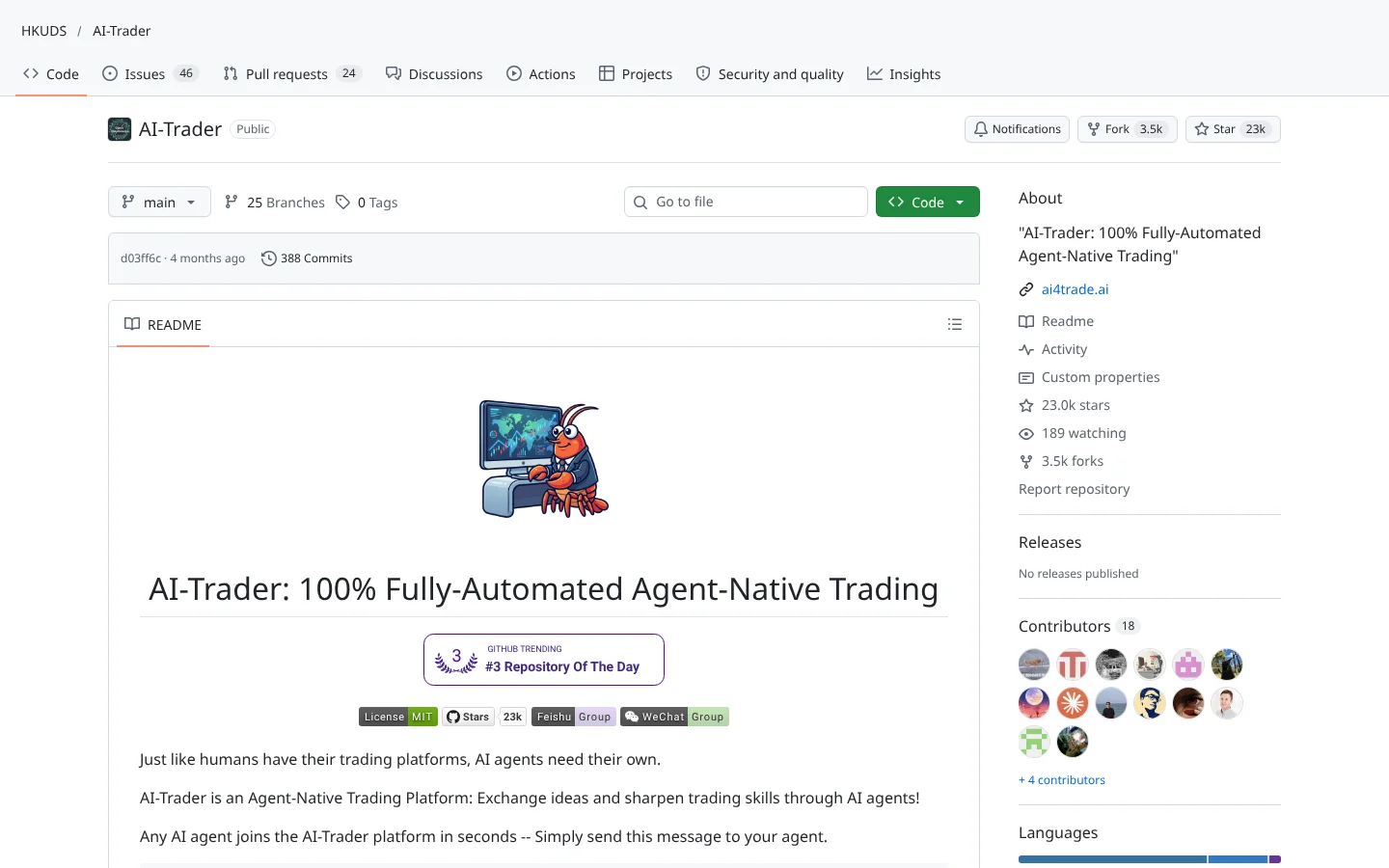 60ScoreAI-TraderHKUDS/AI-Trader
An agent-native platform where coding agents act as market participants through a skill file.
★ 23k stars · Advanced · updated 2026-06
ClaudeCodex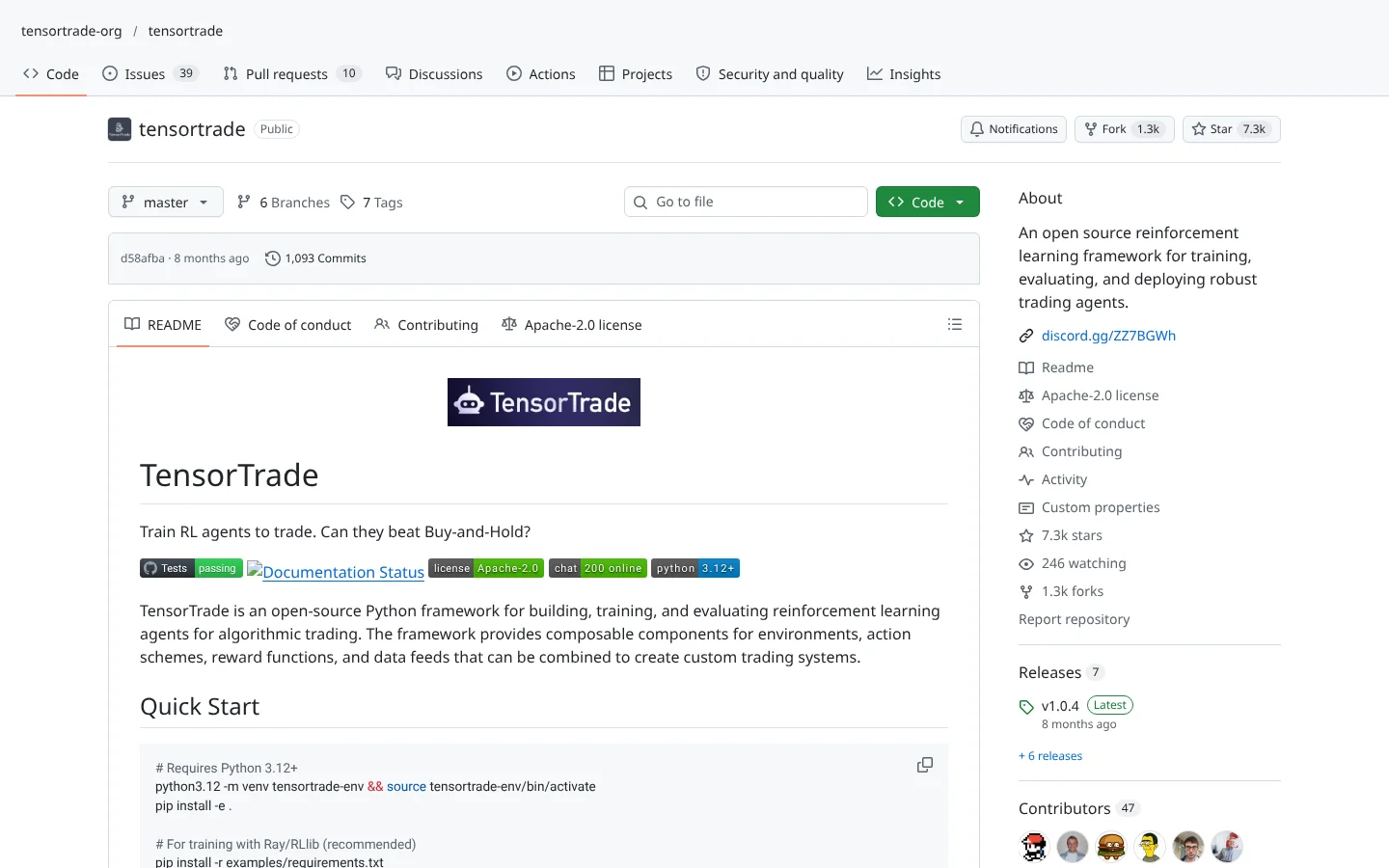 60ScoreTensorTradetensortrade-org/tensortrade
A reinforcement learning framework for building and training trading agents.
★ 7.3k stars · Advanced · updated 2026-02
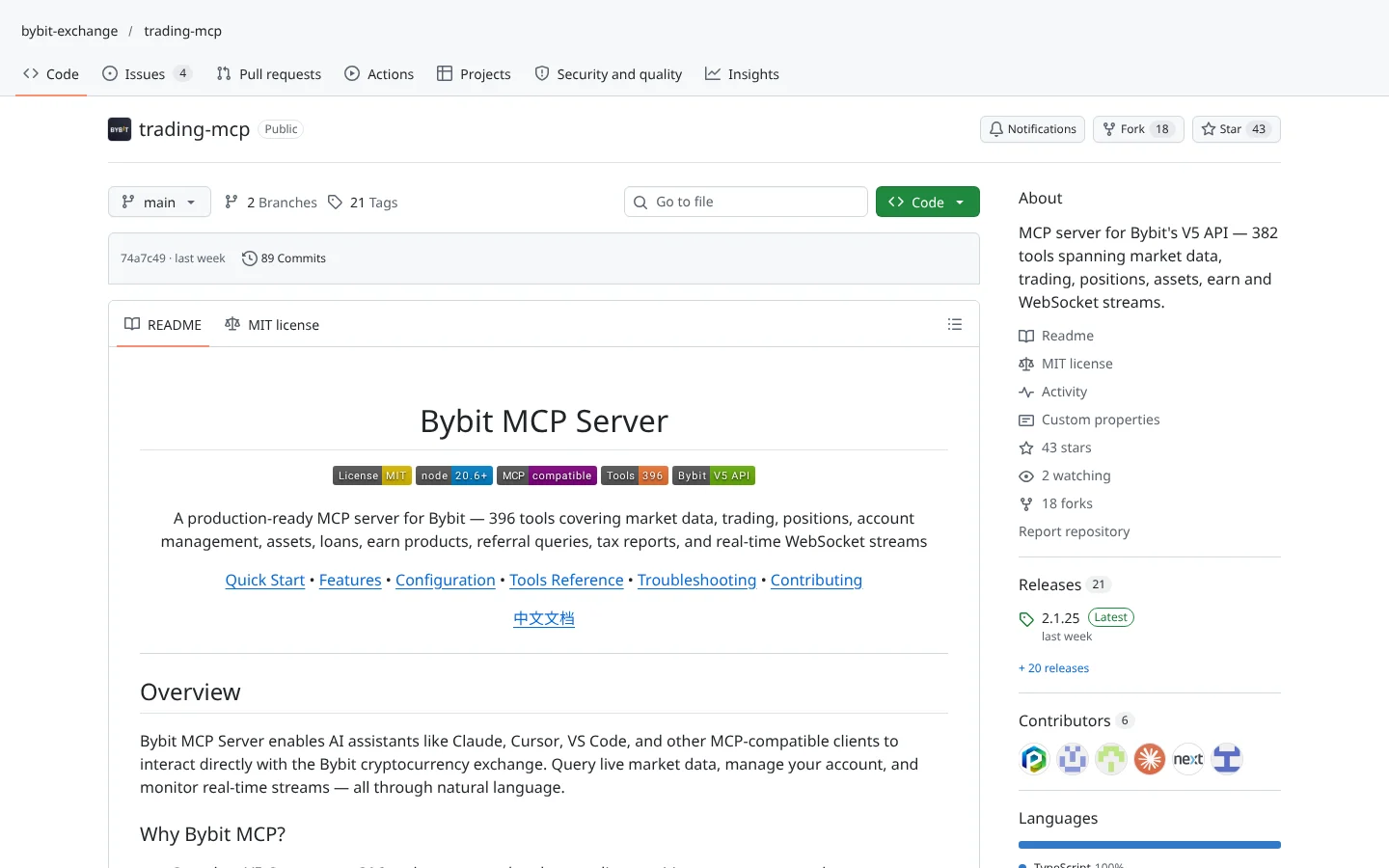 57ScoreBybit Trading MCPbybit-exchange/trading-mcp
Bybit's official MCP server for its V5 API. Bybit is not available to US users.
★ 43 stars · Intermediate · updated 2026-10
Claude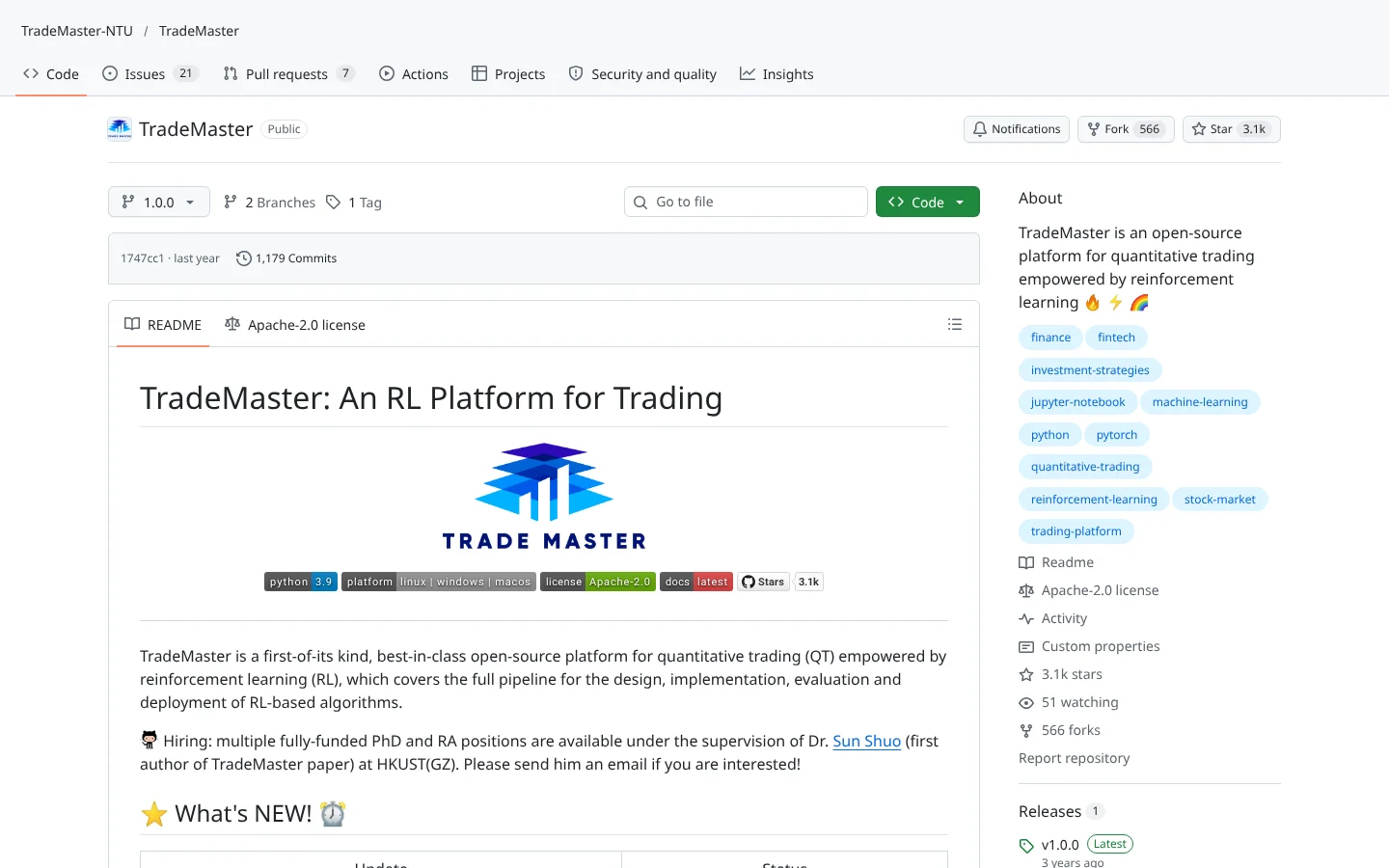 52ScoreTradeMasterTradeMaster-NTU/TradeMaster
NTU's reinforcement learning platform with standard environments and benchmarks. Quiet since mid-2025.
★ 3.1k stars · Advanced · updated 2025-06
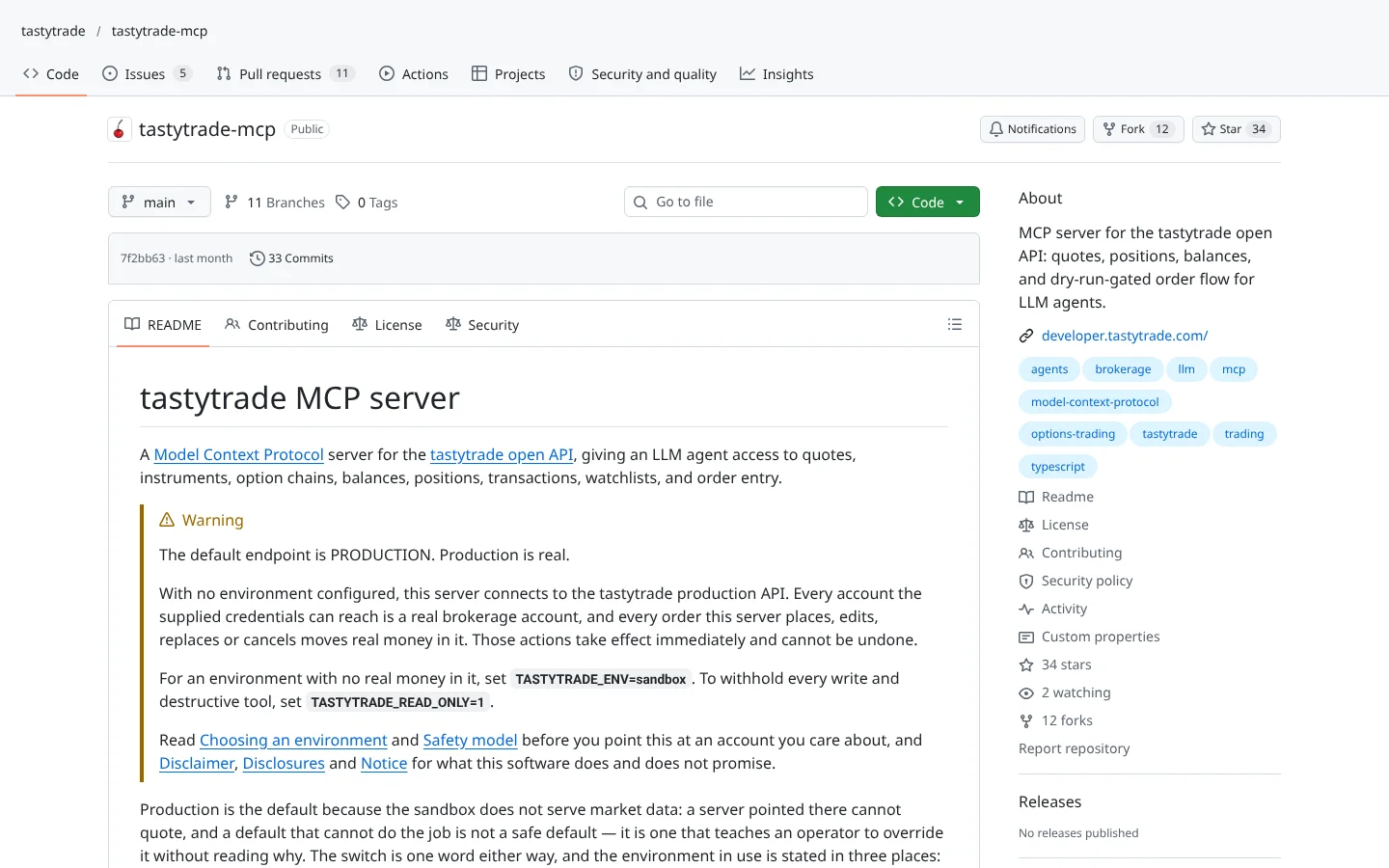 50Scoretastytrade MCPtastytrade/tastytrade-mcp
tastytrade's self-hosted MCP server with a dry-run step before live orders.
★ 34 stars · Intermediate · updated 2026-10
 50Score
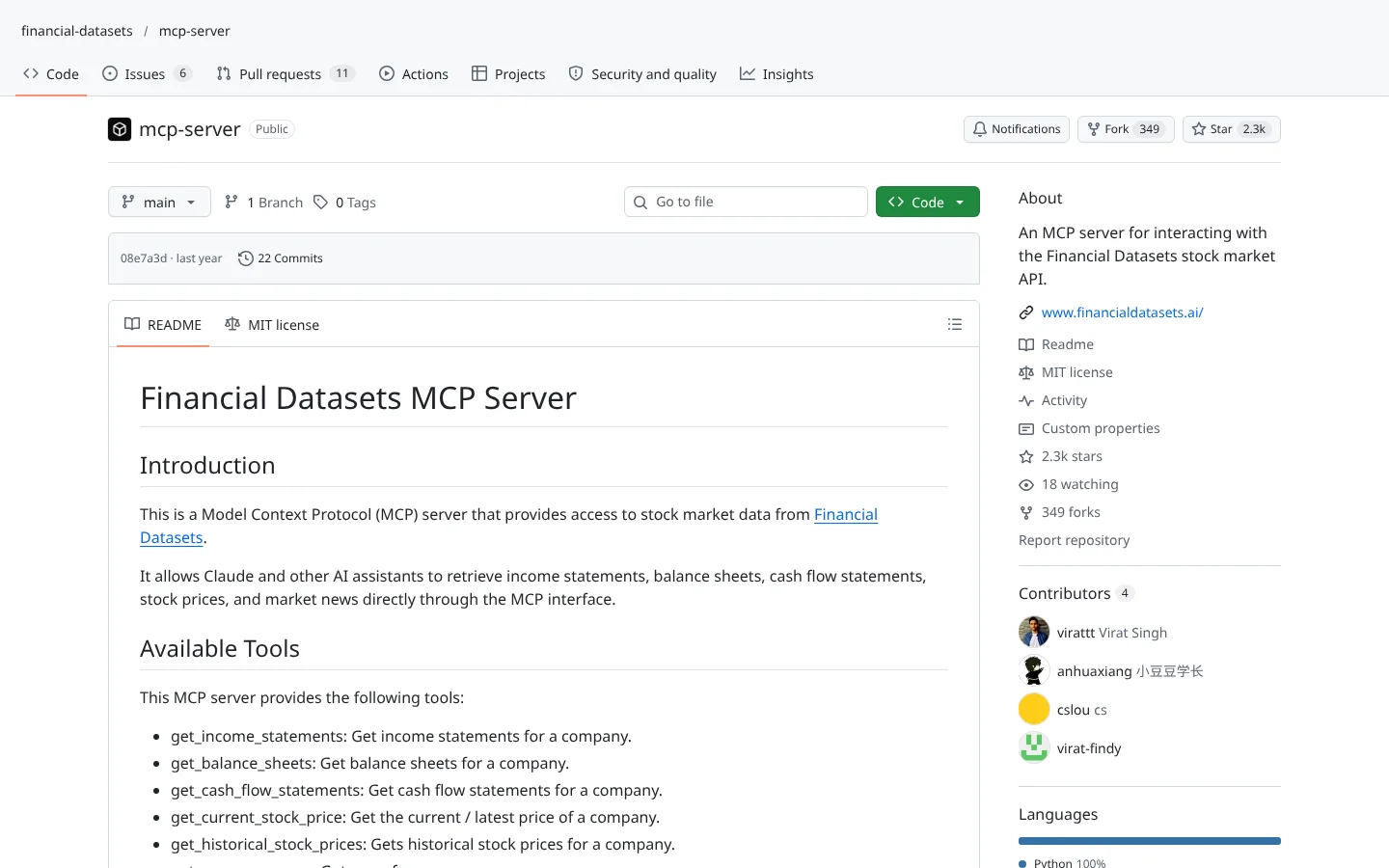
 Financial Datasets MCPfinancial-datasets/mcp-server
Pulls income statements, balance sheets, prices and news into an AI chat.
★ 2.3k stars · Beginner · updated 2025-06
Claude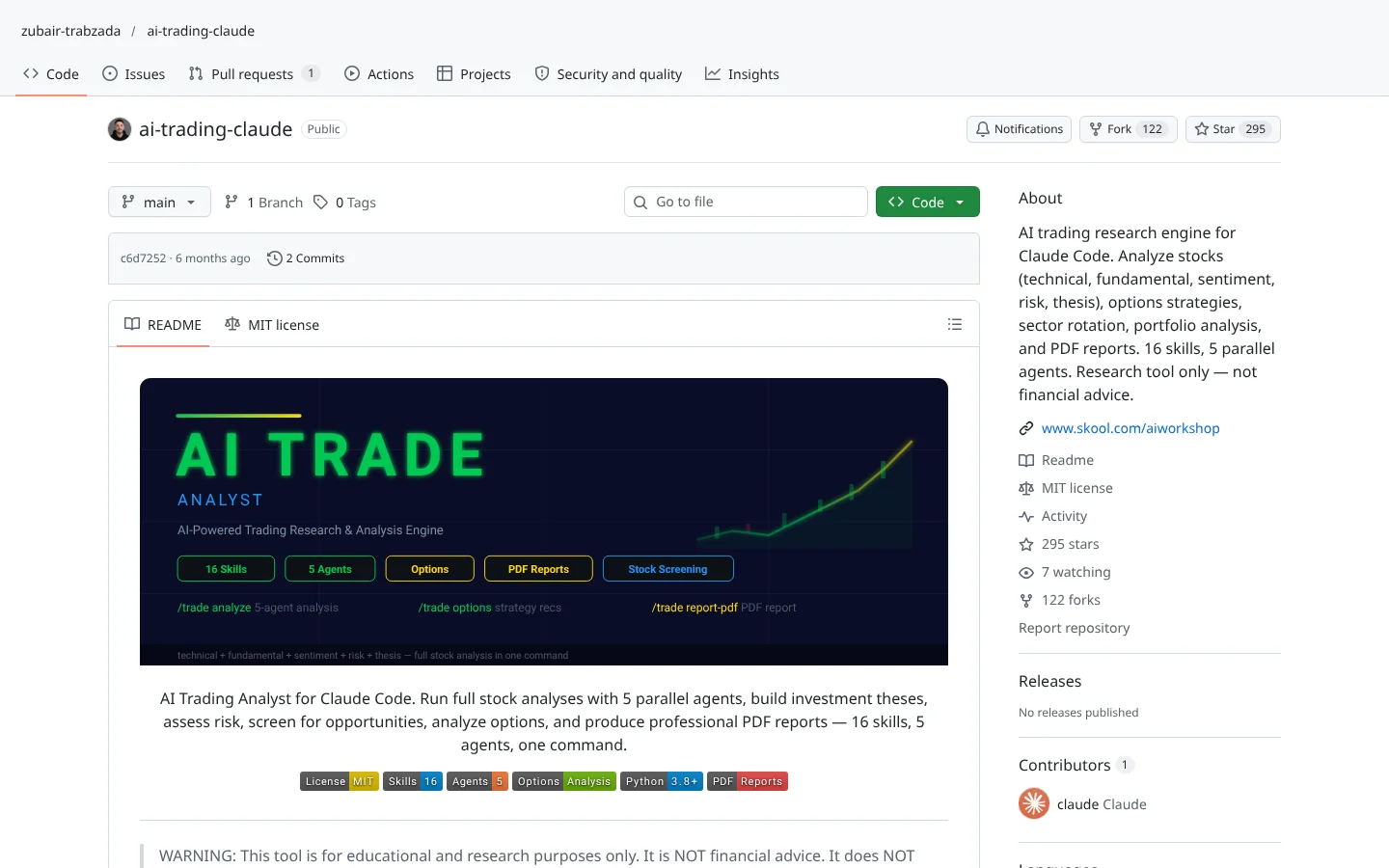 48Score
 AI Trading Analyst for Claude Codezubair-trabzada/ai-trading-claude
A Claude Code skill pack that runs parallel analysis agents and outputs a research report.
★ 295 stars · Beginner · updated 2026-04
 45Score
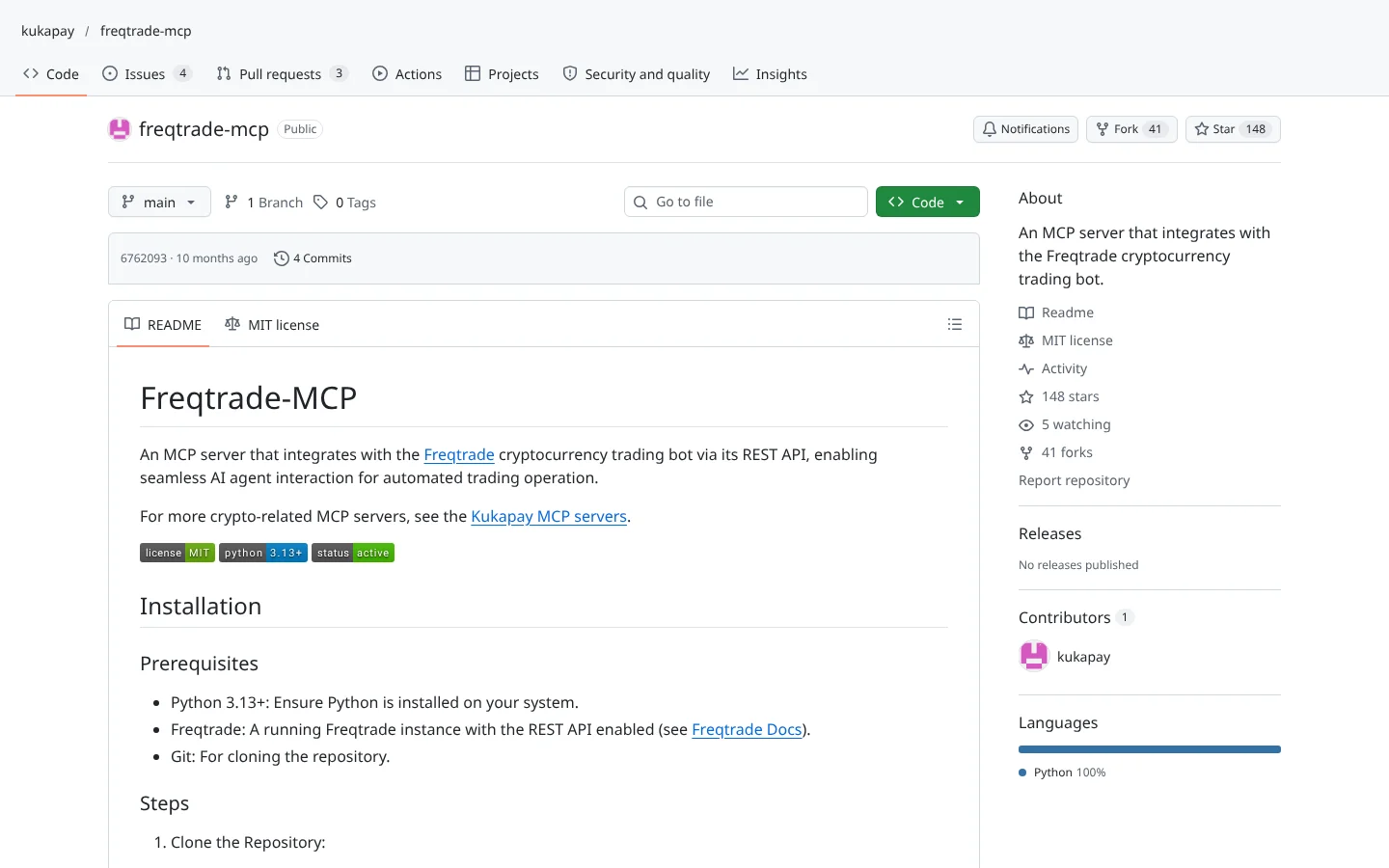
 Freqtrade MCPkukapay/freqtrade-mcp
Lets an AI assistant query and control a running Freqtrade bot.
★ 148 stars · Intermediate · updated 2025-12
Claude, ChatGPT and Codex plug in directly through MCP servers. Agent frameworks let you swap models, including free local ones. Grok has no built-in connector on these 35 yet, but its API speaks the same format many frameworks accept.
Where the code actually sends orders or pulls numbers. Check each deep dive for the exact list, since support varies repo to repo.
Fake trading bots are a known way to steal API keys and crypto wallets. They copy a real project's name, buy stars, and wait.
A 5,000-star repo created last week is not a success story. It is a warning sign.
Run the 10-point safety checkOur Community Score blends five public signals: stars, recent updates, builder activity, license and what traders really say. No vendor pays for placement.
It measures whether a project is alive and trusted. Nothing on GitHub can promise profits, and nobody honest will.
See how the score works
Keep reading across FullStack Alpha
Not ready to run code yourself? Our hands-on AI stock tool reviews on AIStockPickerApp.com score finished products on five pillars, the AI stock tools directory at AIStockPickerApps.com sorts 200+ tools by the job they do, and AIStockTradingBots.com walks through broker APIs, bot setup and backtesting step by step. Or head back to the Trading Workflows home page to match tools to your own routine and budget.
By our Community Score, Freqtrade, Nautilus Trader, Qlib, CCXT and QuantConnect LEAN lead the pack. The best one for you depends on your lane: Freqtrade for crypto bots, LEAN or Nautilus for serious backtesting, and an MCP server like  Alpaca's if you want Claude or ChatGPT to talk to your broker.
The well-known projects are, if you start in paper mode and keep API keys out of the code. The danger is copycat repos built to steal keys. Check stars against the repo's age, read before you run, and never paste a live broker key into code you have not read.
For most of them, a little Python helps. The MCP connectors are the exception: you talk to Claude or ChatGPT in plain English and the repo handles the code. Look for the Beginner filter in the directory.
Use the Works with filter. MCP servers like Alpaca's connect straight to Claude, ChatGPT and Codex. Agent frameworks like TradingAgents let you pick the AI model, including free local models that run on your own computer.
None of the 35 lists Grok as a built-in option on its main page today. Several agent frameworks accept any model that speaks the OpenAI format, and xAI built its API that way, so technical users can wire Grok in. Expect to edit a config file.
The code is free. Running it is not. Budget for market data, a broker account and somewhere to host it. Every deep dive lists what you need to run that repo.
A rating out of 100 built from public data: GitHub stars, how recently the code was updated, how many people built on it, license clarity and what traders say on Reddit and Hacker News. It is not an Alpha Score, which only comes from our own hands-on testing.
Incoming transmission | Free weekly newsletter
FullStack Alpha has tested 200 AI stock tools. Be honest: how many of yours do the same job, and which one did you forget you signed up for?
One email a week fixes that: which tools are worth the money, what they cost right now, and how the traders on this site wire them into a routine. Five minutes to read. Zero noise.
Inside every issue
5 MIN READ
The Verdict
One AI trading tool tested and scored. What it does well, what it costs, and the catch the sales page leaves out.
Price Watch
Price changes and live promos on the tools traders actually use, monthly and annual side by side, so you stop overpaying.
Workflow Teardown
One educator's routine taken apart: the scan, the chart, the tools, and the free swap for every paid one.
Scan of the Week
Exact scanner settings you can copy, pulled from the educator's own lesson with the timestamp.
Process beats prediction. This is the email that keeps your process honest.
FullStack Alpha Network
BestAITradingTools.com
Trading workflows, the tool matchmaker and the GitHub repo directory.
 Gemini
 DeepSeek
 Grok
Grok Interactive Brokers
 tastytrade
 TradingView
 Binance
 Coinbase
 Kraken
 OKX
OKX Bybit
Bybit SEC EDGAR
 MetaTrader 5