
 96Score
 Freqtradefreqtrade/freqtrade
The most widely used open-source crypto bot, with FreqAI for models that retrain on rolling data.
★ 56k stars · Intermediate · updated 2026-10
Trading Bots deep dive
 OctoBotDrakkar-Software/OctoBot
OctoBot is a free, GPL-licensed crypto trading bot with a visual interface, built to let people automate grid, DCA and  TradingView strategies without writing code. It fits beginners who want a simulator and a dashboard instead of a terminal. The catch: its headline AI mode has users reporting no success, and the new interface is still in beta.
Think of it as a programmable coffee machine for crypto: you pick the recipe from a menu, set the strength, and it brews trades on schedule, but it cannot tell you whether the beans are any good.
Want a crypto bot but don't write code? OctoBot is built for you. Just don't believe the AI mode hype yet. Here's why.
OctoBot is a free crypto trading bot with a visual dashboard. Think of a programmable coffee machine. Pick the recipe, set the strength, and it brews trades on schedule. It can't tell you if the beans are any good.
It's popular because it lets beginners automate without a terminal.
Five things we like. One, a click-friendly interface. Two, grid and dollar-cost averaging modes. Three, it can follow TradingView alerts. Four, a built-in simulator before real money. Five, an active team keeps it updated.
It works with Binance, Coinbase, Bybit, KuCoin, OKX and Hyperliquid.
Reviews are mixed. Users like the modes, but some report the AI-only mode hasn't made money, and setting up exchange connections can be a headache.
Run the simulator for a few weeks across both calm and choppy markets before you fund it.
Two cautions. Grid bots bleed when markets trend hard in one direction. And the newest interface is still in beta.
Best for crypto beginners who want a dashboard, not code. Scroll down for setup steps and alternatives.
This is education, not financial advice. Your market edge starts with the right tool. Stay alpha.
FullStack Alpha Editorial Team
Reviewed by Jay Rocco, Chief Editor
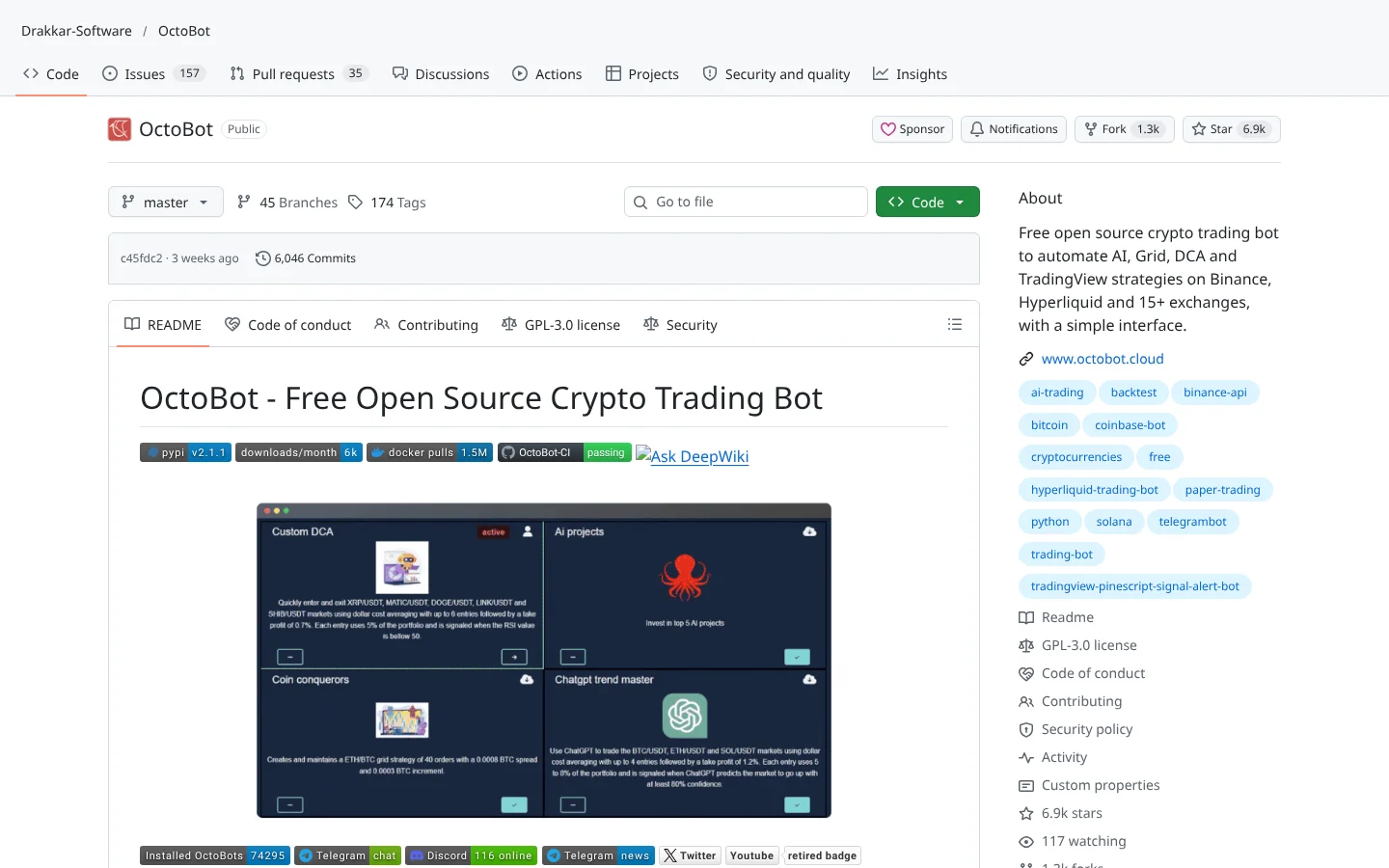
OctoBot is a crypto trading bot that has been in development since 2018. It is written in Python, but you do not need to touch the code. You install an app or a Docker container, open a web dashboard, pick a strategy and connect an exchange. The pitch is simple: automate the trading plan you already have.
The strategy menu covers the classics. Grid trading places a ladder of buy and sell orders at set price gaps and collects small gains as price bounces between them. DCA (dollar-cost averaging) buys on a schedule to smooth out your average cost. Crypto baskets spread money across many coins or a theme, and TradingView mode fires trades when your TradingView alerts or Pine Script strategies trigger.
Then there is the AI angle. The bot connects to  OpenAI models like ChatGPT and to local models through
  Ollama. The ChatGPT trading mode feeds market context to the model, asks for its opinion and trades on the answer. It is a clever demo of what language models can do, and, as we will see, a weak foundation for a strategy on its own.
OctoBot connects to more than 15 exchanges through  CCXT, a widely used library that speaks to many exchanges in one language. Named exchanges include
  Binance,
  Coinbase, Bybit,
  KuCoin,
  OKX,
OKX,  Hyperliquid,
  MEXC,
MEXC,  Bitget and
  Gate.io. A built-in simulator lets you trade with fake money, and the classic manual bot can test strategies on years of historical exchange data.
Community Score
80 / 100
GitHub data checked 2026. Community read: mixed.
Works with
Good fit if you are
Skip it if you are
Public chatter about the bot lives mostly inside its own subreddit, r/Octobot, which tells you something on its own. Users there call it a great tool and like how many trading modes and AI evaluators you can configure. The project is clearly maintained, with commits landing in the last few days.
The friction shows up in two places. First, exchange login setup: one thread describes correct Coinbase API credentials that the bot still rejected. Second, the AI-only approach. One user who ran the ChatGPT evaluator alone in daily trading mode put it plainly in the quote below.
“I have not had any success using only GPTEvaluator in DailyTradingMode.”
 virtuacool, r/Octobot, 2025
What they like
What they complain about
 Raspberry Pi from the
  GitHub releases page, or run the one-line
  Docker command from the README. A DigitalOcean one-click image also exists.
A computer, Raspberry Pi or cloud server
The bot has to stay on to trade. A cheap always-on box beats a laptop that sleeps.
A crypto exchange account with API access
The bot places orders through your exchange's API.
BinanceCoinbase BybitKuCoinOKXHyperliquid
A TradingView account (optional)
Only needed if you want TradingView alerts to trigger trades.
An AI model (optional)
Only needed for the ChatGPT trading mode. Use a paid OpenAI key or a free local model through Ollama.
OpenAIOllamaThe AI mode has a weak track record
Asking a chatbot for its opinion on a chart is not a strategy. Users report no success running the GPT evaluator alone. Use AI as one input, never the whole system.
Grid bots bleed in trends
Grids love sideways chop. In a hard sell-off they keep buying all the way down, and you end up holding a falling coin.
Beta software
The new node mode and interface are described by the project as a work in progress that may contain bugs or incomplete features.
Exchange connection headaches
Users report API credential problems, and the README notes Bybit API access was temporarily unavailable. Exchanges change rules and the bot has to catch up.
GPL license strings
GPL-3.0 means if you distribute a modified version you must share your code. Commercial users who want to keep changes private need a separate license from  Drakkar-Software.

Keep reading across FullStack Alpha
Not ready to run code yourself? Our hands-on AI stock tool reviews on AIStockPickerApp.com score finished products on five pillars, the AI stock tools directory at AIStockPickerApps.com sorts 200+ tools by the job they do, and AIStockTradingBots.com walks through broker APIs, bot setup and backtesting step by step. Or head back to the Trading Workflows home page to match tools to your own routine and budget.
96ScoreFreqtradefreqtrade/freqtradeThe most widely used open-source crypto bot, with FreqAI for models that retrain on rolling data.
★ 56k stars · Intermediate · updated 2026-10
 87Score
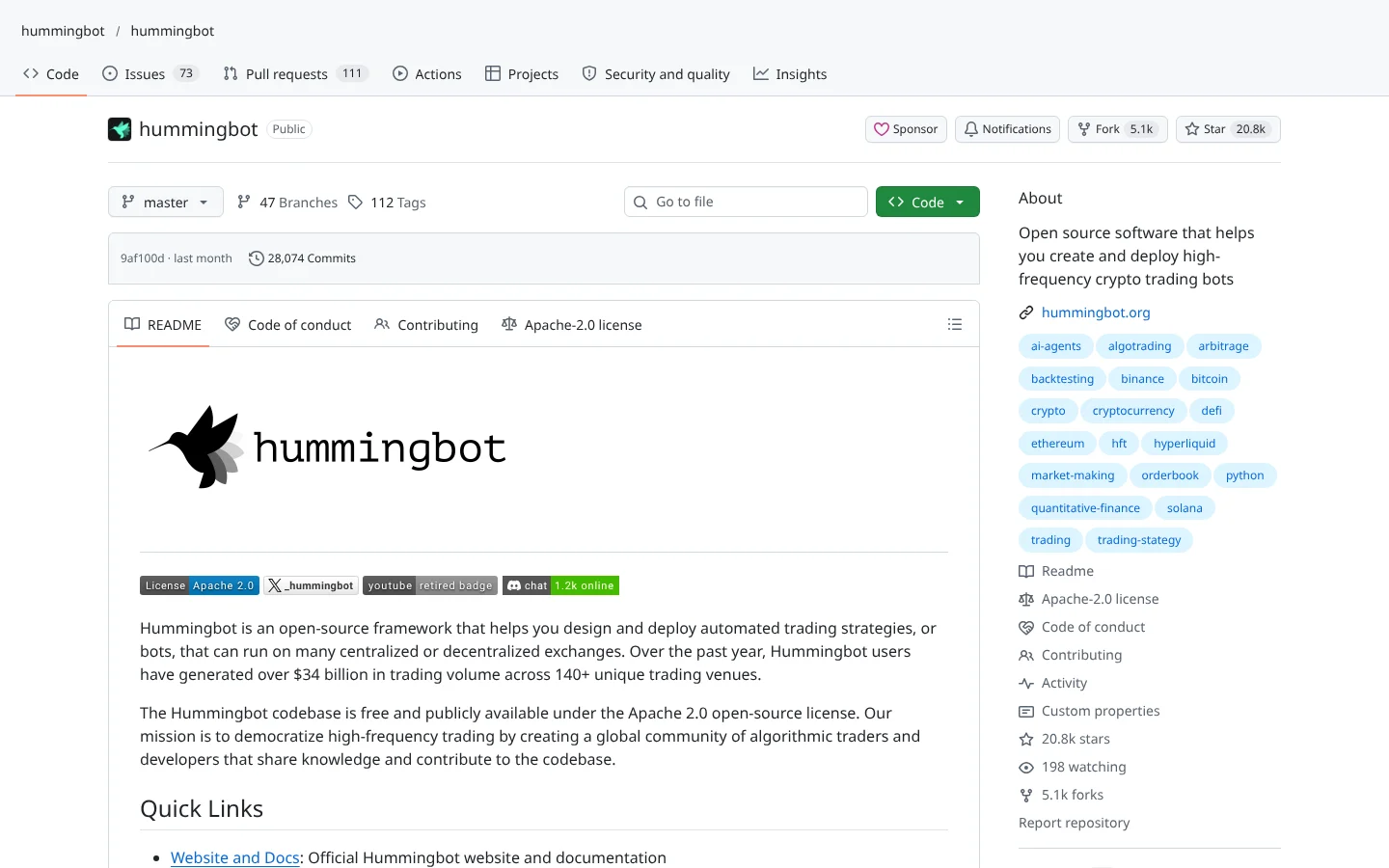
 Hummingbothummingbot/hummingbot
Market-making and arbitrage bot framework that connects to dozens of centralized and decentralized exchanges.
★ 21k stars · Advanced · updated 2026-10
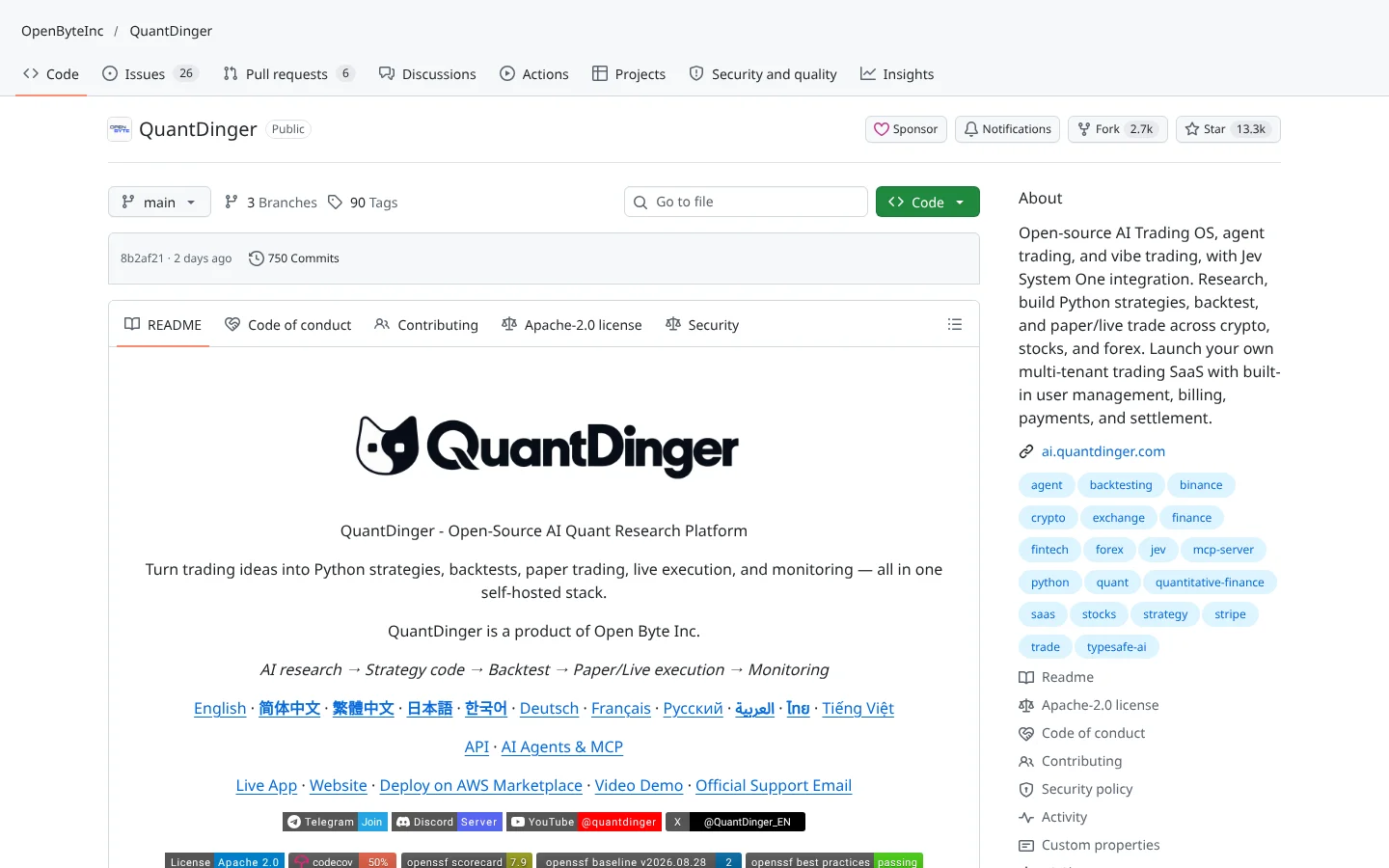 80Score
 QuantDingerOpenByteInc/QuantDinger
A self-hosted AI trading operating system covering research, backtests and paper or live trading.
★ 13k stars · Intermediate · updated 2026-10
OctoBot is one of the friendliest ways to automate a crypto plan without learning to code. The simulator, backtester, TradingView hooks and broad exchange support give a beginner real tools, and the project has eight years of steady maintenance behind it. For grid and DCA traders, that is a solid free foundation.
Just do not buy it for the AI. The ChatGPT mode is a fun experiment, and the user evidence says it is not an edge. Use it to execute rules you already believe in, test them in the simulator first, and treat the AI features as a second opinion, not a strategy.
Yes. The self-hosted OctoBot is free and open source under GPL-3.0. The developers also run octobot.cloud for hosted options, and offer commercial licenses for institutions.
The code is public, keys stay on your own machine in self-hosted mode, and the project recommends starting in simulation. The real risk is the strategy and the market, not the software, so never give the bot withdrawal rights.
No. It is built for crypto exchanges only. For stocks, look at tools that support brokers like  Alpaca or
  Interactive Brokers.
Yes. It connects to OpenAI models and local Ollama models, and its ChatGPT trading mode trades on the model's market opinion. Users report poor results using that mode alone.
More than 15 through CCXT, including Binance,  Binance US, Coinbase, Bybit, KuCoin, OKX, Hyperliquid, MEXC, Bitget, Gate.io,
  Crypto.com and
  HTX.
HTX.
Incoming transmission | Free weekly newsletter
FullStack Alpha has tested 200 AI stock tools. Be honest: how many of yours do the same job, and which one did you forget you signed up for?
One email a week fixes that: which tools are worth the money, what they cost right now, and how the traders on this site wire them into a routine. Five minutes to read. Zero noise.
Inside every issue
5 MIN READ
The Verdict
One AI trading tool tested and scored. What it does well, what it costs, and the catch the sales page leaves out.
Price Watch
Price changes and live promos on the tools traders actually use, monthly and annual side by side, so you stop overpaying.
Workflow Teardown
One educator's routine taken apart: the scan, the chart, the tools, and the free swap for every paid one.
Scan of the Week
Exact scanner settings you can copy, pulled from the educator's own lesson with the timestamp.
Process beats prediction. This is the email that keeps your process honest.
FullStack Alpha Network
BestAITradingTools.com
Trading workflows, the tool matchmaker and the GitHub repo directory.
 Claude