
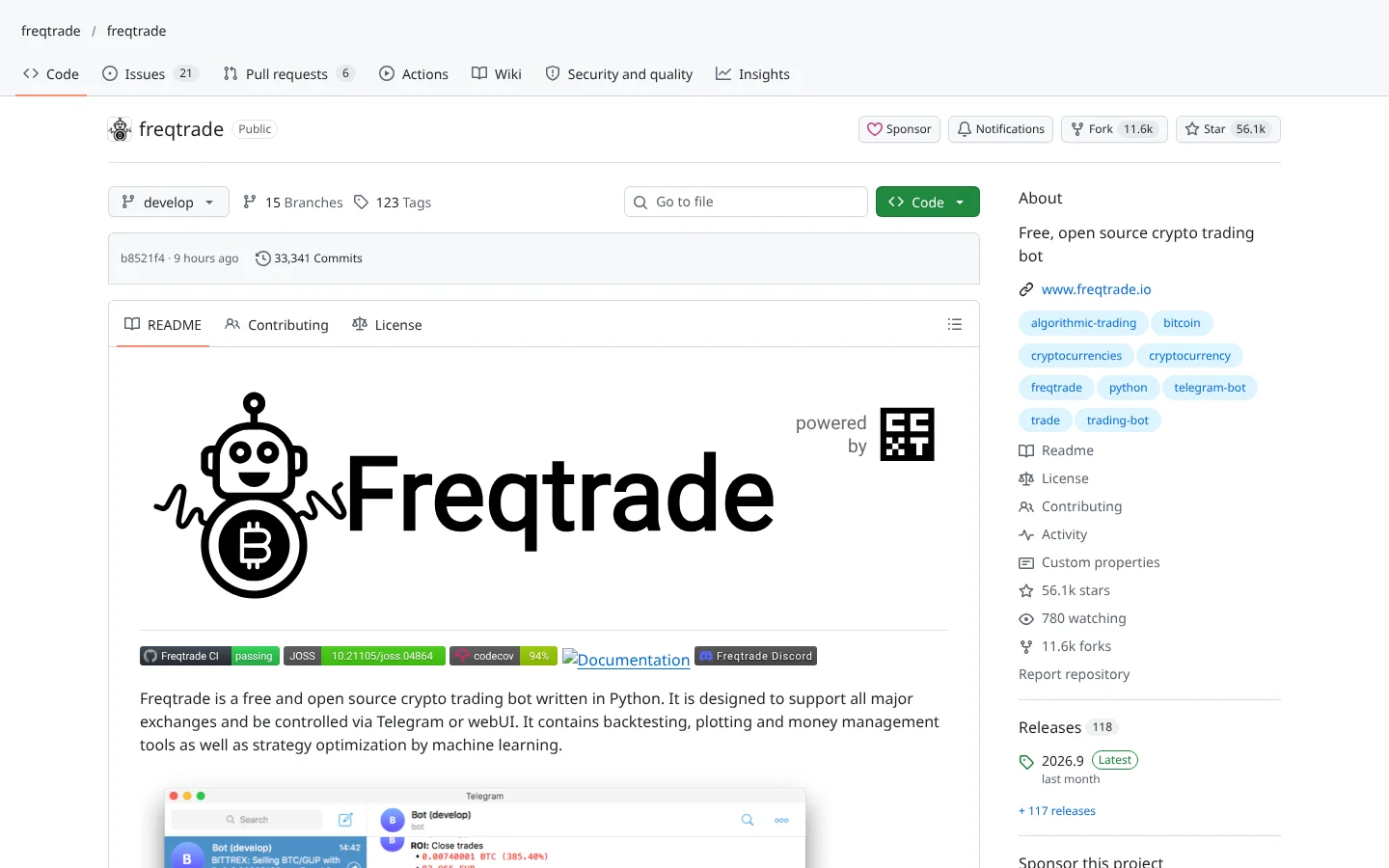
 96Score
 Freqtradefreqtrade/freqtrade
The most widely used open-source crypto bot, with FreqAI for models that retrain on rolling data.
★ 56k stars · Intermediate · updated 2026-10

Trading Bots deep dive
 QuantDingerOpenByteInc/QuantDinger
QuantDinger is an open-source, self-hosted AI trading platform that bundles market research, Python strategy building, backtesting, paper trading and live execution across crypto, stocks and forex. It suits technical traders who want one control room they own, with keys on their own machine. The catch: it is a heavy, server-grade stack, and the only public discussion so far comes from its creators.
Think of it as buying the whole trading floor instead of a single terminal: research desk, test lab, order room and security guard, all running on a box you control.
Imagine owning the entire trading floor instead of renting one terminal. That's QuantDinger. Here's what it does, and the one setting to change on day one.
QuantDinger is a self-hosted AI trading platform. Research, strategy building, backtesting, paper trading and live orders, all on a machine you control.
It's popular with builders who want everything in one place, with their keys on their own server.
Five things we like. One, the full workflow in one stack. Two, keys and strategies stay on your machine. Three, crypto, stocks and forex. Four, serious tools for stress-testing strategies. Five, an Apache license on the backend.
It works with Interactive Brokers, Alpaca, Binance, OKX and Bybit, plus AI providers like OpenAI and DeepSeek.
Reviews? The only public posts we found came from its creators. No independent track record yet.
If you've ever juggled five tabs and three subscriptions to place one trade, the appeal is obvious.
Two cautions. Manual Docker installs ship with a default admin login. Change it immediately. And it's a heavy, server-grade setup for a single trader.
Best for technical traders who want one control room they own. Scroll down for setup steps and alternatives.
This is education, not financial advice. Your market edge starts with the right tool. Stay alpha.
FullStack Alpha Editorial Team
Reviewed by Jay Rocco, Chief Editor
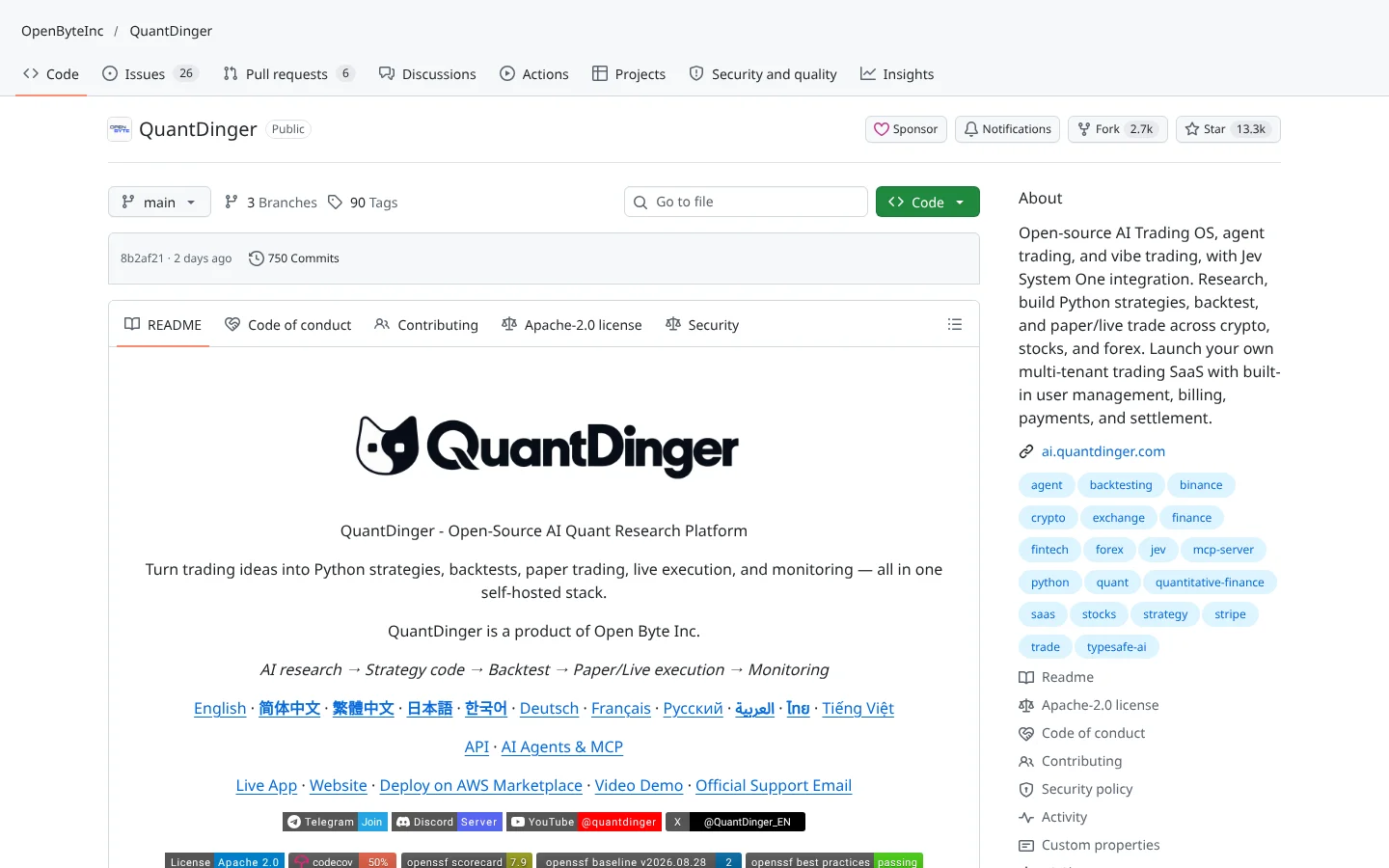
QuantDinger, from Open Byte Inc, calls itself an open-source AI Trading OS, and the label fits. It is not a single bot. It is a platform you install with Docker (software that packages an app and everything it needs into one sealed box), then open in your browser at a local address. Inside you get AI market research, a Python strategy editor, server-side backtesting, paper accounts and live trading.
The research side plugs into several AI providers:  OpenRouter, OpenAI-compatible services,
  Google,
  DeepSeek,
  Grok,
Grok,  MiniMax or your own endpoint. Strategies are written in Python against what the project calls Strategy API V2, which handles entries, position sizing, risk and the switch from test to live. If you can write a little Python, you can build here.
The testing tools are more serious than most retail platforms. A strategy evolution feature searches parameter settings, then checks them with walk-forward validation (training on one slice of history and testing on the next), a blind holdout period, Monte Carlo reshuffles and transaction-cost stress tests. The README is refreshingly blunt that these compare robustness and do not forecast returns.
Execution reaches crypto exchanges  Binance,
  OKX,
OKX,  Bitget,
  Bybit, Gate and
  HTX, plus
  Interactive Brokers and
  Alpaca for stocks. An optional AI gate can veto live entry orders before they reach the exchange, while exits and stop-losses always go through. There is also an MCP server (a plug that lets an AI assistant like
  Claude use the app) for clients such as
  Cursor, Claude Code and Codex.
Community Score
80 / 100
GitHub data checked 2026. Community read: not enough independent discussion yet.
Works with
Good fit if you are
Skip it if you are
QuantDinger has more than 13,000  GitHub stars and around 2,700 forks (copies people build on), so plenty of developers are curious. But our search turned up only two
  Hacker News posts, both from the creator. No independent user threads, no war stories, no complaints about bugs or wins.
The one praise point, that the local-first design keeps your keys and strategies on your own machine, is the creator's own claim. It is a credible design choice, and the README backs it with specific controls. Still, a claim is not a track record, so weigh it that way.
What they like
What they complain about
 Docker images. Install Docker Desktop or Docker Engine with Compose v2 first.
A computer or server that can run Docker
The platform runs several services at once: web app, API, workers and a PostgreSQL database.
 Amazon Web Services
An AI provider account and API key
Research and the optional pre-trade AI gate need a language model.
OpenRouter OpenAIGoogleDeepSeek
A broker or exchange account with API access
Needed only for live trading. Paper and signal-only accounts work without one.
Basic Python skills
Indicators and strategies are written in Python.
No independent track record
Thousands of stars, zero third-party user reports found. You are trusting the README, not a community.
Default password trap
Manual Docker installs keep a default admin login for backward compatibility. Leave it in place on an internet-facing server and you have handed someone your trading desk.
Big surface area
More services mean more things to update, secure and debug. The README recommends exposing only a TLS reverse proxy, which tells you this is real server work.
AI gate fails open
If the AI provider fails during the pre-trade check, the order is allowed and the failure is logged. Do not treat the AI  gate as your only risk control.
Mixed licensing
The backend is Apache 2.0, but the web and mobile front ends are source-available under their own terms, and branding is restricted. Read them before building a business on it.

Keep reading across FullStack Alpha
Not ready to run code yourself? Our hands-on AI stock tool reviews on AIStockPickerApp.com score finished products on five pillars, the AI stock tools directory at AIStockPickerApps.com sorts 200+ tools by the job they do, and AIStockTradingBots.com walks through broker APIs, bot setup and backtesting step by step. Or head back to the Trading Workflows home page to match tools to your own routine and budget.
96ScoreFreqtradefreqtrade/freqtradeThe most widely used open-source crypto bot, with FreqAI for models that retrain on rolling data.
★ 56k stars · Intermediate · updated 2026-10
 87Score
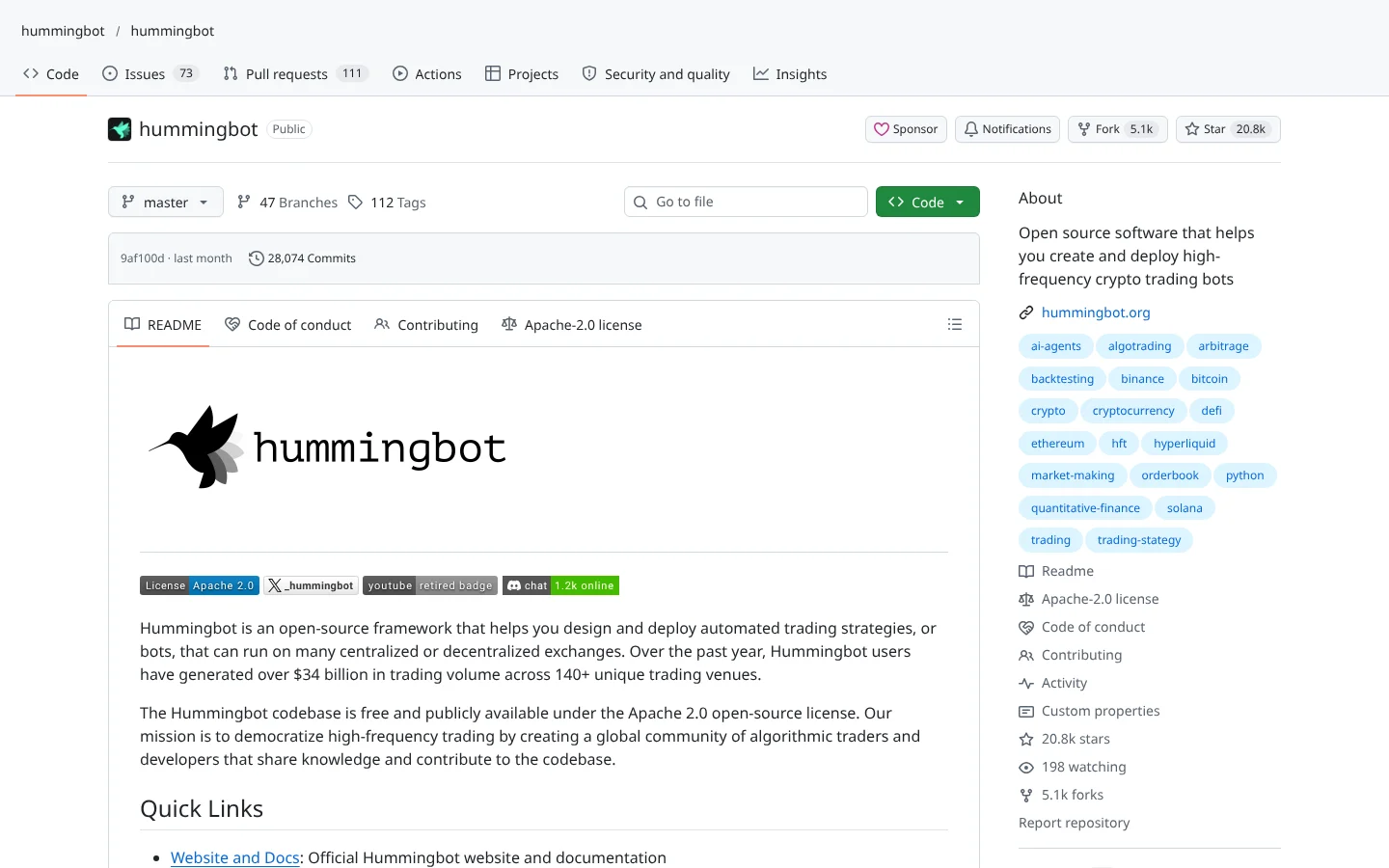
 Hummingbothummingbot/hummingbot
Market-making and arbitrage bot framework that connects to dozens of centralized and decentralized exchanges.
★ 21k stars · Advanced · updated 2026-10
 80Score
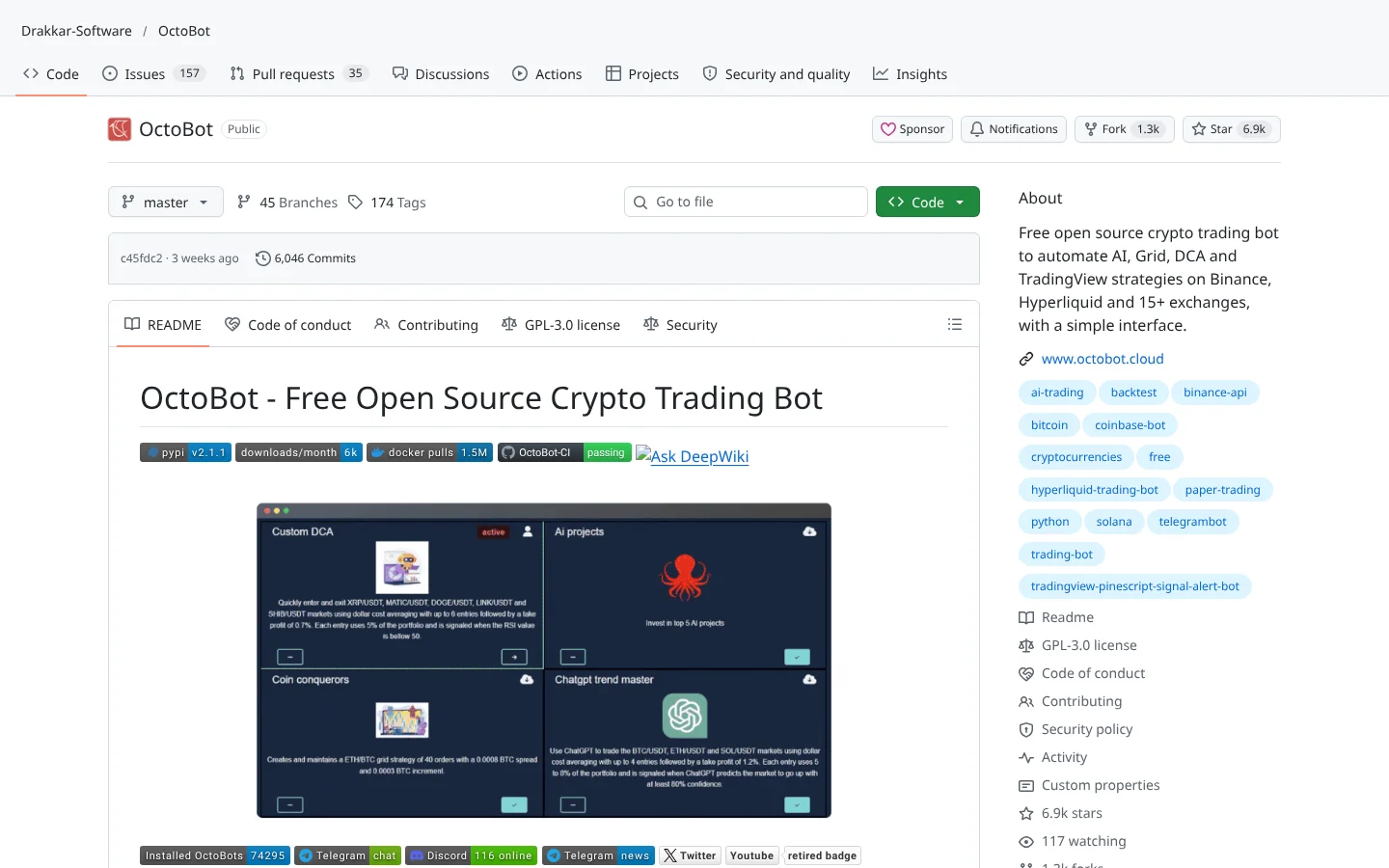
 OctoBotDrakkar-Software/OctoBot
A modular crypto bot with a web interface, aimed at people who would rather click than code.
★ 6.9k stars · Beginner · updated 2026-10
QuantDinger is the most complete self-hosted AI trading platform in this batch. Research, Python strategies, honest robustness tests, paper accounts and live routing across crypto, stocks and forex, all on hardware you control. The safety design, from paper-only AI agents to restricted keys, shows people who have thought about how traders blow up.
But you are adopting infrastructure, not an app. If Docker and a database sound like chores, this is the wrong tool. If they do not, install QuantDinger on a private machine, change the defaults, paper trade for a few months and wait for independent users to report before you scale real money.
QuantDinger is an open-source, self-hosted AI trading platform from Open Byte Inc. It combines AI market research, Python strategy building, backtesting, paper trading and live trading for crypto, stocks and forex.
The backend is free under the Apache 2.0 license, and the README mentions a free single-node AWS Marketplace option. Commercial licensing, branding rights and deployment support are handled through the company's contact channels.
It keeps keys and data on your own machine, defaults AI agents to paper trading and recommends restricted API keys. You must change the default admin password and keep the server private, and no independent audits or user reports were found.
Interactive Brokers and Alpaca for traditional markets, plus crypto exchanges Binance, OKX, Bitget, Bybit, Gate and HTX.
Yes, through its MCP server, which the README says works with clients such as Claude Code, Cursor and Codex. Its built-in research uses providers like OpenRouter, OpenAI-compatible APIs, Google, DeepSeek, Grok and MiniMax.
Incoming transmission | Free weekly newsletter
FullStack Alpha has tested 200 AI stock tools. Be honest: how many of yours do the same job, and which one did you forget you signed up for?
One email a week fixes that: which tools are worth the money, what they cost right now, and how the traders on this site wire them into a routine. Five minutes to read. Zero noise.
Inside every issue
5 MIN READ
The Verdict
One AI trading tool tested and scored. What it does well, what it costs, and the catch the sales page leaves out.
Price Watch
Price changes and live promos on the tools traders actually use, monthly and annual side by side, so you stop overpaying.
Workflow Teardown
One educator's routine taken apart: the scan, the chart, the tools, and the free swap for every paid one.
Scan of the Week
Exact scanner settings you can copy, pulled from the educator's own lesson with the timestamp.
Process beats prediction. This is the email that keeps your process honest.
FullStack Alpha Network
BestAITradingTools.com
Trading workflows, the tool matchmaker and the GitHub repo directory.