
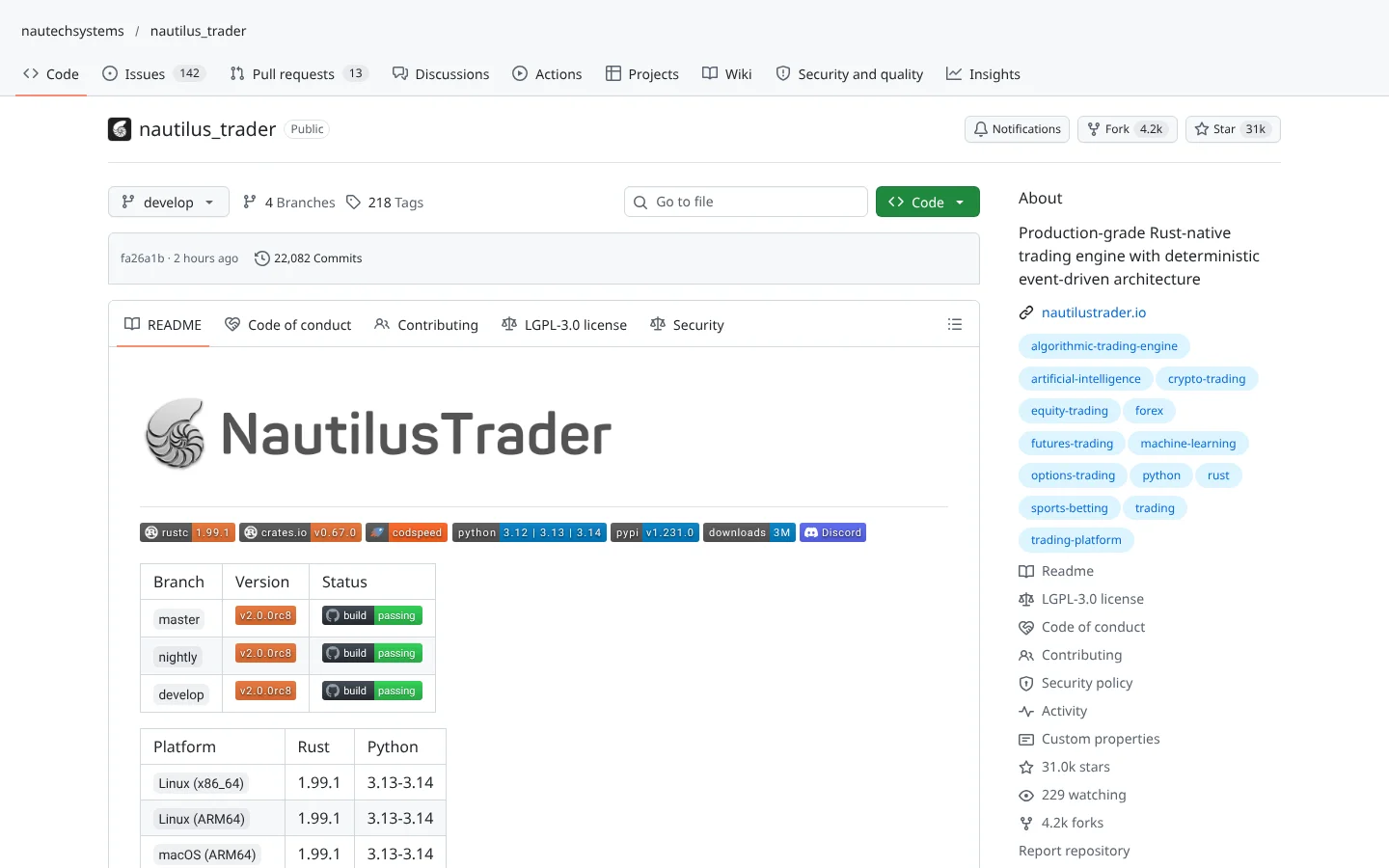
 92Score
 Nautilus Tradernautechsystems/nautilus_trader
A Rust-powered, Python-driven platform where the backtest code and the live code are the same.
★ 31k stars · Advanced · updated 2026-10
Backtesting deep dive
 PyBrokeredtechre/pybroker
PyBroker is a free Python framework for testing stock strategies on history, built around machine learning models and walk-forward analysis so your model is graded on data it never saw. It fits Python users who want honest numbers before trusting a model. The catch: it is a research lab, not a trading bot, and it is stocks only with no order-queue simulation.
Think of it as a driving test for your trading model: it trains on one stretch of road, then makes the model drive a stretch it has never seen, and grades it on that.
What if your trading model had to pass a driving test before it got the keys? That's PyBroker. Here's why quants on Reddit like it.
PyBroker is a free Python library from developer Edward West for testing stock strategies, especially ones powered by machine learning. Think of a driving test: it trains your model on one stretch of road, then grades it on a stretch it's never seen.
Five things we like.
One, walk-forward testing. Train, test on fresh data, slide forward, repeat.
Two, bootstrapping, which reshuffles your results to show a range of outcomes, not one lucky number.
Three, it's fast, built on NumPy and Numba.
Four, version two added automatic tuning with Optuna, plus slippage modeling.
Five, data from Alpaca, Yahoo Finance and AKShare out of the box.
Threads on r/algotrading and Hacker News call it fast, free and well documented, with a responsive maintainer.
Two cautions. It's stocks only, and it tests strategies, it doesn't place trades. And the license includes a Commons Clause, so you can't sell a product built mainly on it.
Best for Python users who want honest numbers before trusting a model. Scroll down for the scorecard and setup steps.
This is education, not financial advice. Your market edge starts with the right tool. Stay alpha.
FullStack Alpha Editorial Team
Reviewed by Jay Rocco, Chief Editor
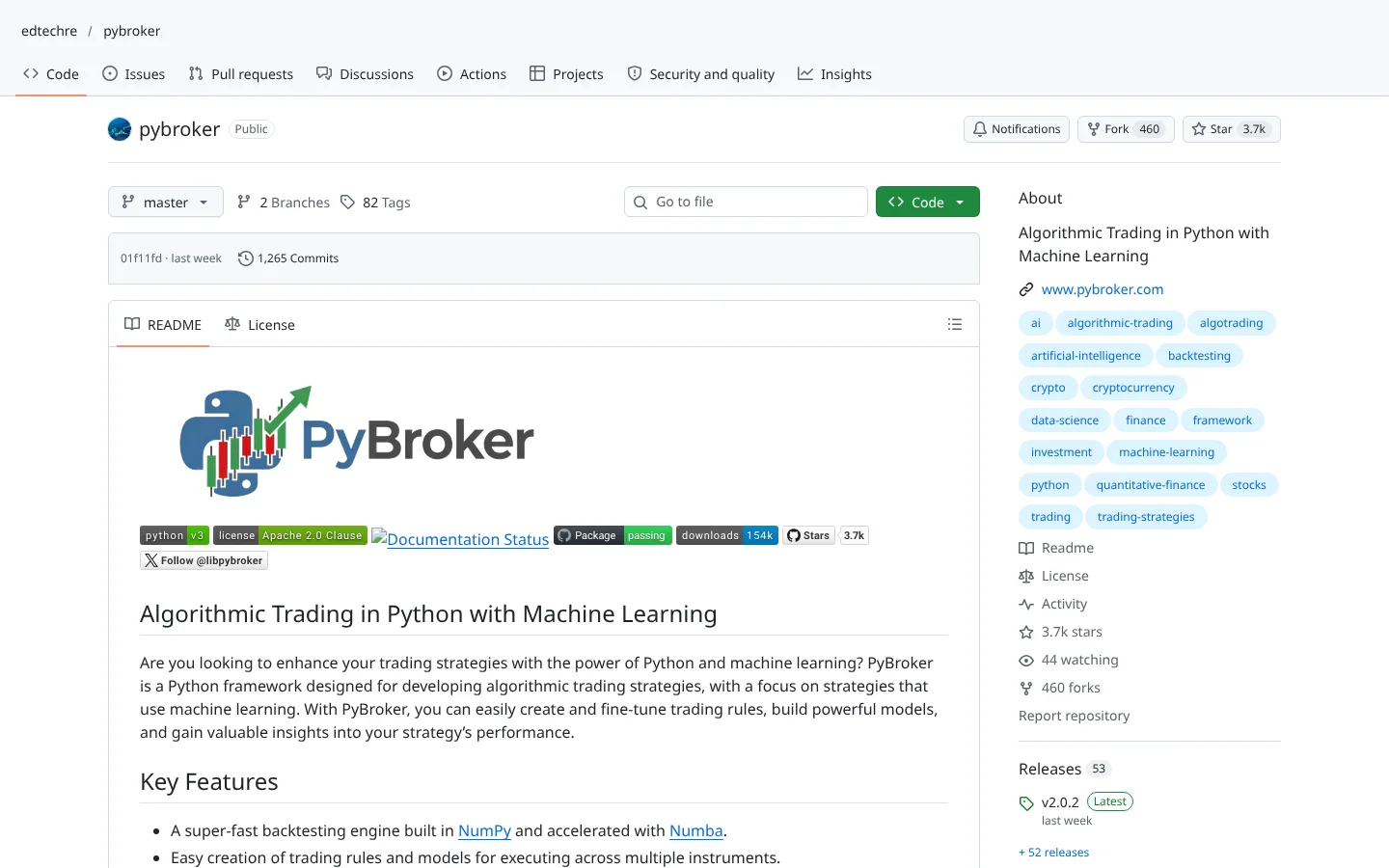
This is a Python library from developer Edward West for building and testing trading strategies, especially ones powered by machine learning (software that learns patterns from past data). You install it with one pip command, pull price data, write rules and models, and run a backtest (replaying your strategy on old prices to see what would have happened).
Its signature move is walk-forward analysis. Most beginner backtests train a model on all your history, then test it on that same history, which is like grading a student on the exact questions they studied. The library splits time into windows: train on one, test on the next, slide forward, repeat. The result looks far more like what live trading would have felt like.
It also uses bootstrapping, which resamples your trade results many times to show a range of outcomes rather than one lucky number. The engine runs on  NumPy and
  Numba, which in plain terms means it sorts through big piles of numbers fast. It caches downloaded data, indicators and trained models so repeat runs do not start from scratch, and version 2 added
  Optuna for automatic parameter tuning.
Data comes from Alpaca,  Yahoo Finance and
  AKShare out of the box, or any custom source you wire in. The docs do not describe live order placement, so treat it as the lab where ideas earn their way into a separate execution setup. It even ships skills that help AI coding agents write strategies and backtests for you.
Community Score
80 / 100
GitHub data checked 2026. Community read: positive.
Works with
Good fit if you are
Skip it if you are
This repo earns the warmest reception in this batch. Threads on r/algotrading, r/Python and  Hacker News praise it as fast, free and well documented, and users single out walk-forward testing and bootstrapped metrics as the features that matter. Several people mention a responsive maintainer, and the version 2 release added Optuna tuning and slippage modeling.
The criticisms are specific and fair. It covers stocks only, with no options or perpetual futures. Because it processes data in bulk, it does not simulate an order queue, so fills in thin markets look cleaner than reality. And default data sources are limited to free feeds, which brings their own gaps.
“nice one, always good to see more open source backtesters out there”
 golden_womanhood, r/algotrading, 2026
What they like
What they complain about
 Alpaca for data, keep the API key and secret in a .env file or environment variables and load them in code, never typed into a shared notebook.
A computer with Python 3.11 or newer
It is a Python library you run in scripts or Jupyter notebooks.
Historical price data
Backtests need clean history. Free sources work for daily stock data.
Basic Python and pandas skills
Rules, indicators and models are all written in code.
A separate broker for live trading
The library tests ideas. Execution needs a broker account with its own paper mode.
No live trading
The docs describe backtesting and walk-forward analysis only. You will need separate code or tools to execute trades.
Cleaner fills than reality
Bulk processing means no order-queue simulation. Thinly traded stocks will look easier to buy and sell than they really are.
Free data has holes
Free feeds can carry missing bars, bad splits and survivorship bias (dead companies quietly missing from the list). Garbage in, flattering backtest out.
License limits commercial use
Apache 2.0 with the Commons Clause means you cannot sell a product or service whose value comes mainly from the library. Personal and internal use is fine.
ML is easy to fool
Walk-forward helps, but test enough ideas and one will look brilliant by luck. Keep a final untouched period for the last check.
Keep reading across FullStack Alpha
Not ready to run code yourself? Our hands-on AI stock tool reviews on AIStockPickerApp.com score finished products on five pillars, the AI stock tools directory at AIStockPickerApps.com sorts 200+ tools by the job they do, and AIStockTradingBots.com walks through broker APIs, bot setup and backtesting step by step. Or head back to the Trading Workflows home page to match tools to your own routine and budget.
92ScoreNautilus Tradernautechsystems/nautilus_traderA Rust-powered, Python-driven platform where the backtest code and the live code are the same.
★ 31k stars · Advanced · updated 2026-10
 87Score
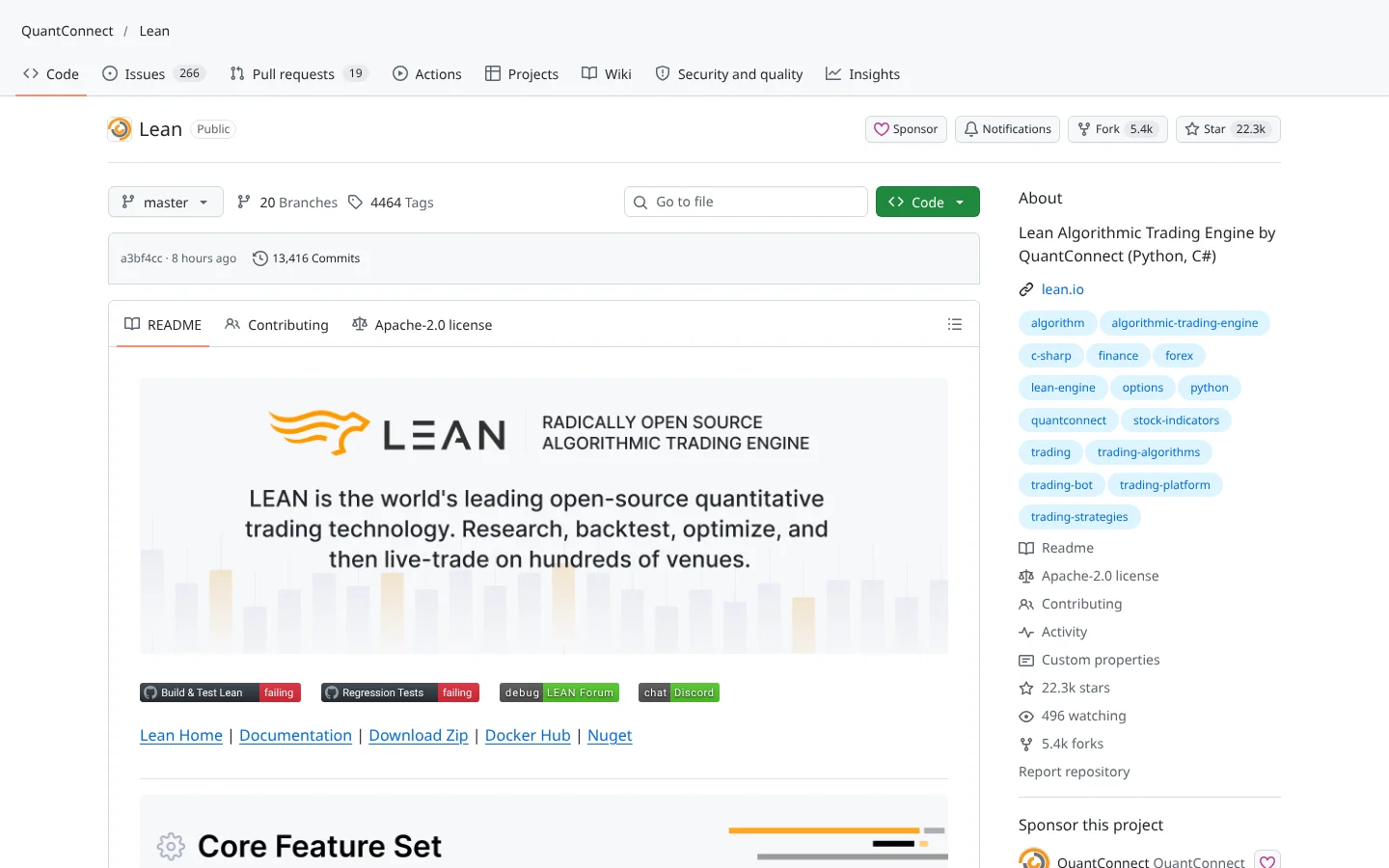
 QuantConnect LEANQuantConnect/Lean
The open-source engine behind QuantConnect. Institutional-grade backtesting in C# or Python.
★ 22k stars · Advanced · updated 2026-10
 84Score
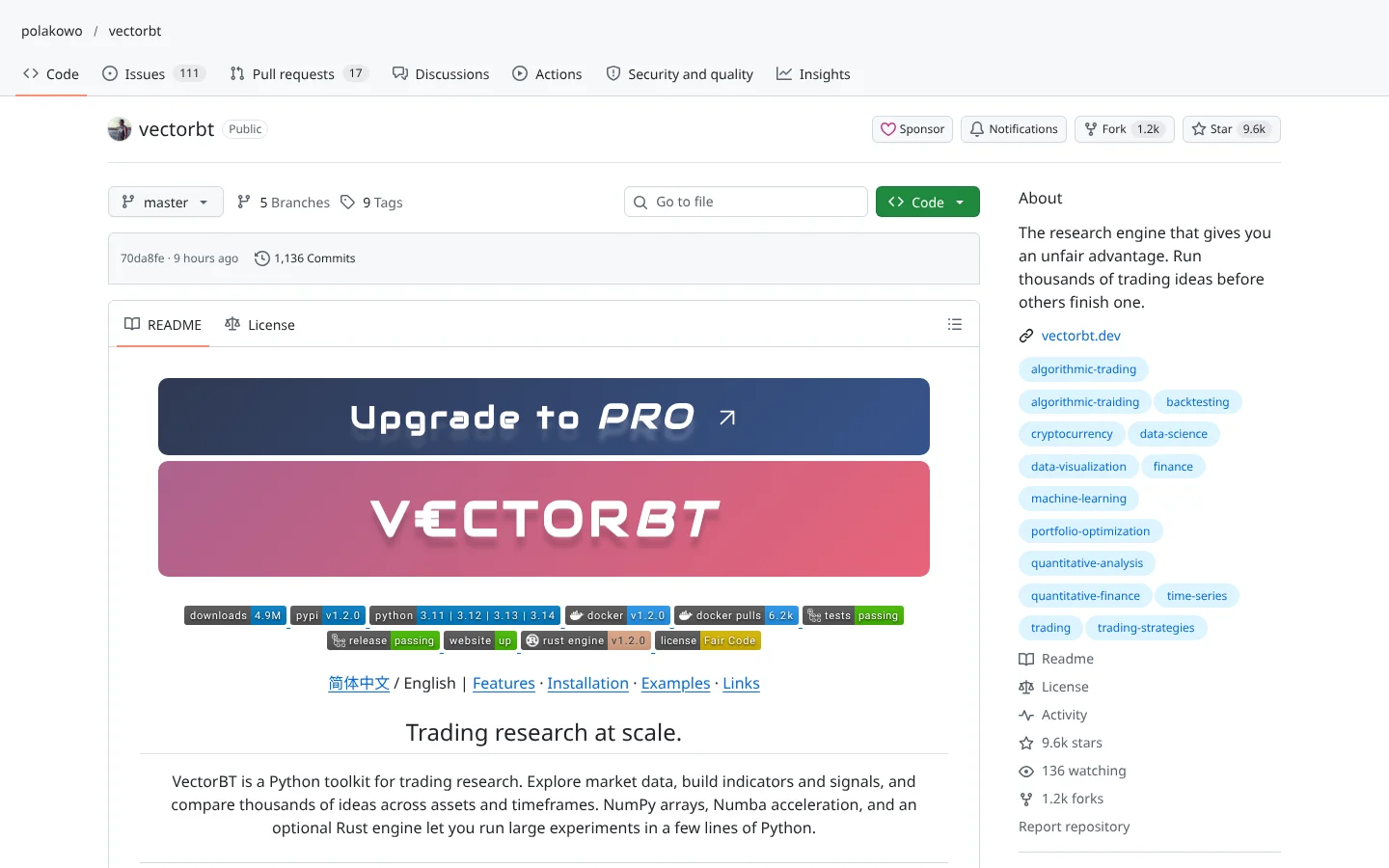
 vectorbtpolakowo/vectorbt
Vectorized backtesting that tests thousands of parameter combinations in seconds.
★ 9.6k stars · Intermediate · updated 2026-10
PyBroker does one job and does it honestly: it makes machine learning strategies pass a test that resembles real life. Walk-forward analysis, bootstrapped stats and fast processing are exactly the guardrails most retail quants skip, and the community response is the most positive in this group. For a free tool, that is real value.
Know its lane. It will not place trades, it will not model options, and its fills are kinder than the real market. Use PyBroker as the filter that kills bad ideas cheaply, then paper trade the survivors at a real broker. Systems beat hacks, and this is a system for saying no.
Here is the practical test. If your idea cannot survive walk-forward testing on free daily data, it will not survive slippage, fees and your own nerves in a live account. Run that test first, write down the result, and only then spend money on better data or a live setup.
PyBroker is a free Python framework for backtesting trading strategies, with a focus on machine learning. Its standout features are walk-forward analysis, bootstrapped performance metrics and a fast NumPy and Numba engine.
Yes, for personal and internal use. It is licensed under Apache 2.0 with the Commons Clause, which forbids selling a product or service whose value comes mainly from PyBroker.
Its docs describe backtesting and walk-forward testing, not live order placement. Most users pair it with a broker's own API for execution after a strategy passes testing.
Alpaca, Yahoo Finance and AKShare are built in, and you can plug in any custom data source. The examples focus on US stocks.
Yes, that is its core purpose. You register models and training functions, and walk-forward analysis trains and tests them on rolling windows so results reflect unseen data.
Incoming transmission | Free weekly newsletter
FullStack Alpha has tested 200 AI stock tools. Be honest: how many of yours do the same job, and which one did you forget you signed up for?
One email a week fixes that: which tools are worth the money, what they cost right now, and how the traders on this site wire them into a routine. Five minutes to read. Zero noise.
Inside every issue
5 MIN READ
The Verdict
One AI trading tool tested and scored. What it does well, what it costs, and the catch the sales page leaves out.
Price Watch
Price changes and live promos on the tools traders actually use, monthly and annual side by side, so you stop overpaying.
Workflow Teardown
One educator's routine taken apart: the scan, the chart, the tools, and the free swap for every paid one.
Scan of the Week
Exact scanner settings you can copy, pulled from the educator's own lesson with the timestamp.
Process beats prediction. This is the email that keeps your process honest.
FullStack Alpha Network
BestAITradingTools.com
Trading workflows, the tool matchmaker and the GitHub repo directory.
 Claude