
 90Score
 Qlibmicrosoft/qlib
Microsoft Research's quant platform: data pipeline, factor library and model training in one place.
★ 50k stars · Advanced · updated 2026-10
Quant and ML deep dive
 TensorTradetensortrade-org/tensortrade
TensorTrade is a free Python framework for training AI trading agents through reinforcement learning, where a program learns by trial and error and gets rewarded for good results. It gives you the building blocks: a simulated market, a portfolio, actions and rewards. The catch: its own published test shows the agent losing to buy-and-hold once a 0.1% trading fee is added, and it demands real machine-learning skill.
Think of it as a flight school for a robot pilot: you build the simulator, set the scoring rules, and let the robot crash thousands of times until it learns to land, or never does.
FullStack Alpha Editorial Team
Reviewed by Jay Rocco, Chief Editor
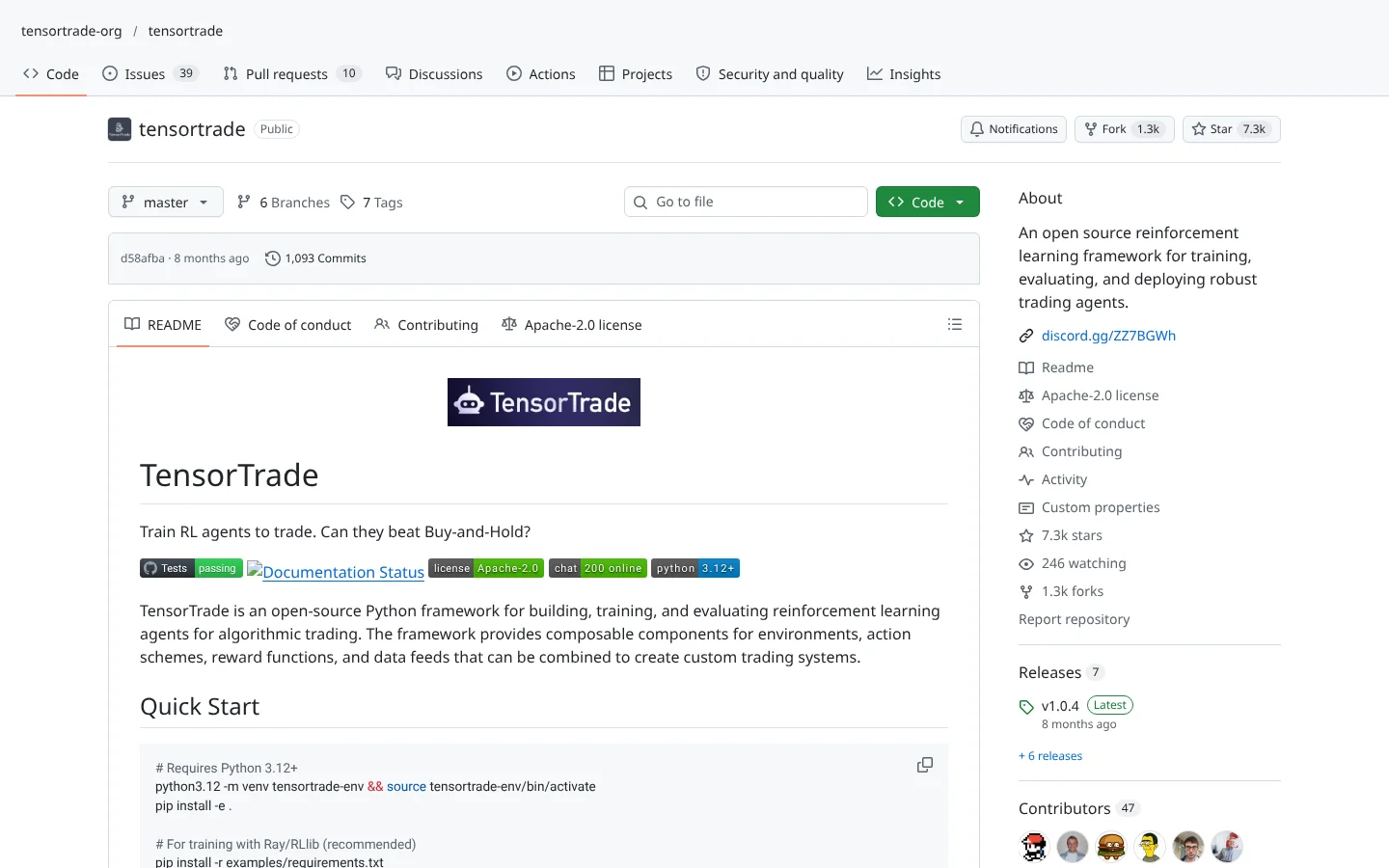
Here is the dream every quant-curious trader has had: skip writing rules, let an AI figure out the market by itself. TensorTrade is a toolkit for trying exactly that. It uses reinforcement learning, a type of machine learning where a program tries actions, gets a score, and slowly learns which actions earn higher scores. It is the same idea that taught computers to beat humans at video games.
The framework breaks a trading problem into parts you can swap. A trading environment ties together an observer (what the agent sees, like recent prices), an action scheme (what it can do, by default buy, sell or hold), a reward scheme (how it is scored, by default position-based returns), a portfolio of wallets and a simulated exchange with configurable commission. Data flows from a feed, through the exchange and broker, to trades. Change one part and you have a new experiment.
Training runs on Ray RLlib, a popular library for reinforcement learning that the README calls the recommended route, and example scripts cover simple training, long distributed runs and Optuna-based tuning (automatically searching for the best settings). The docs include tutorials on overfitting, commission analysis and walk-forward validation, which means testing on time periods the agent never trained on.
What sets this project apart is honesty. Its README asks, can they beat buy-and-hold? Then it shows the answer. On BTC/USD, a PPO agent (a standard reinforcement learning method) made a test profit of 239 dollars with zero commission, beating buy-and-hold. Add a 0.1% fee and it lost 650 dollars, worse than simply holding. The authors say commission costs currently outweigh the agent's prediction gains. That is the most useful sentence in the whole repo.
Community Score
60 / 100
GitHub data checked 2026. Community read: not enough independent discussion yet.
Works with
Good fit if you are
Skip it if you are
The public conversation is old. The only real thread we found was the 2019  Hacker News launch discussion, back when the project lived under a different account. The top caution from that thread still stands: a commenter told readers to check a disclaimer from the creator of
  Keras before putting money into this kind of system.
Since then, the project has kept a steady fan base, about 7,300 stars and over 1,300 forks (a fork is someone's copy they build on). The last code push we saw was February 2026, so it is maintained, but slowly. The README's open admission that fees beat the agent is, in our view, a sign the current maintainers are serious.
“For anyone considering putting money into this, make sure to read this disclaimer from François Chollet (who made Keras) first”
MasterScrat, Hacker News, 2019What they like
What they complain about
 Ray RLlib and the other training tools the example scripts use.
Python 3.11 or 3.12
TensorTrade is a Python framework. The README gives both versions in different places.
Historical price data
The agent learns from past prices. The README's examples use BTC/USD, and the framework includes a data module for fetching data.
Ray RLlib
The recommended library for training agents, installed with the example requirements.
RayA decent computer or cloud machine
Training an agent means running thousands of simulated episodes. Longer runs benefit from more CPU power.
Docker (optional)
The repo includes Docker shortcuts for running notebooks, docs and tests in a ready-made container.
 Docker
Fees erase the edge
The README's own test shows a 0.1% commission turning a winning agent into a loser that trails buy-and-hold. Most real trading costs more than that once spreads and slippage are included.
Overfitting is the default outcome
RL agents are very good at memorizing history. Without walk-forward testing, a beautiful training result usually means nothing.
Steep learning curve
You need comfort with Python, machine learning concepts and debugging training runs. Beginners will spend weeks before their first meaningful experiment.
No live trading path in the README
The exchange is simulated, and the README names no supported broker or exchange. Going live means building and securing that bridge yourself.
Slow maintenance pace
The last code push we saw was February 2026, there are no tagged releases listed, and the community link still points to an older account.

Keep reading across FullStack Alpha
Not ready to run code yourself? Our hands-on AI stock tool reviews on AIStockPickerApp.com score finished products on five pillars, the AI stock tools directory at AIStockPickerApps.com sorts 200+ tools by the job they do, and AIStockTradingBots.com walks through broker APIs, bot setup and backtesting step by step. Or head back to the Trading Workflows home page to match tools to your own routine and budget.
90ScoreQlibmicrosoft/qlibMicrosoft Research's quant platform: data pipeline, factor library and model training in one place.
★ 50k stars · Advanced · updated 2026-10
 87Score
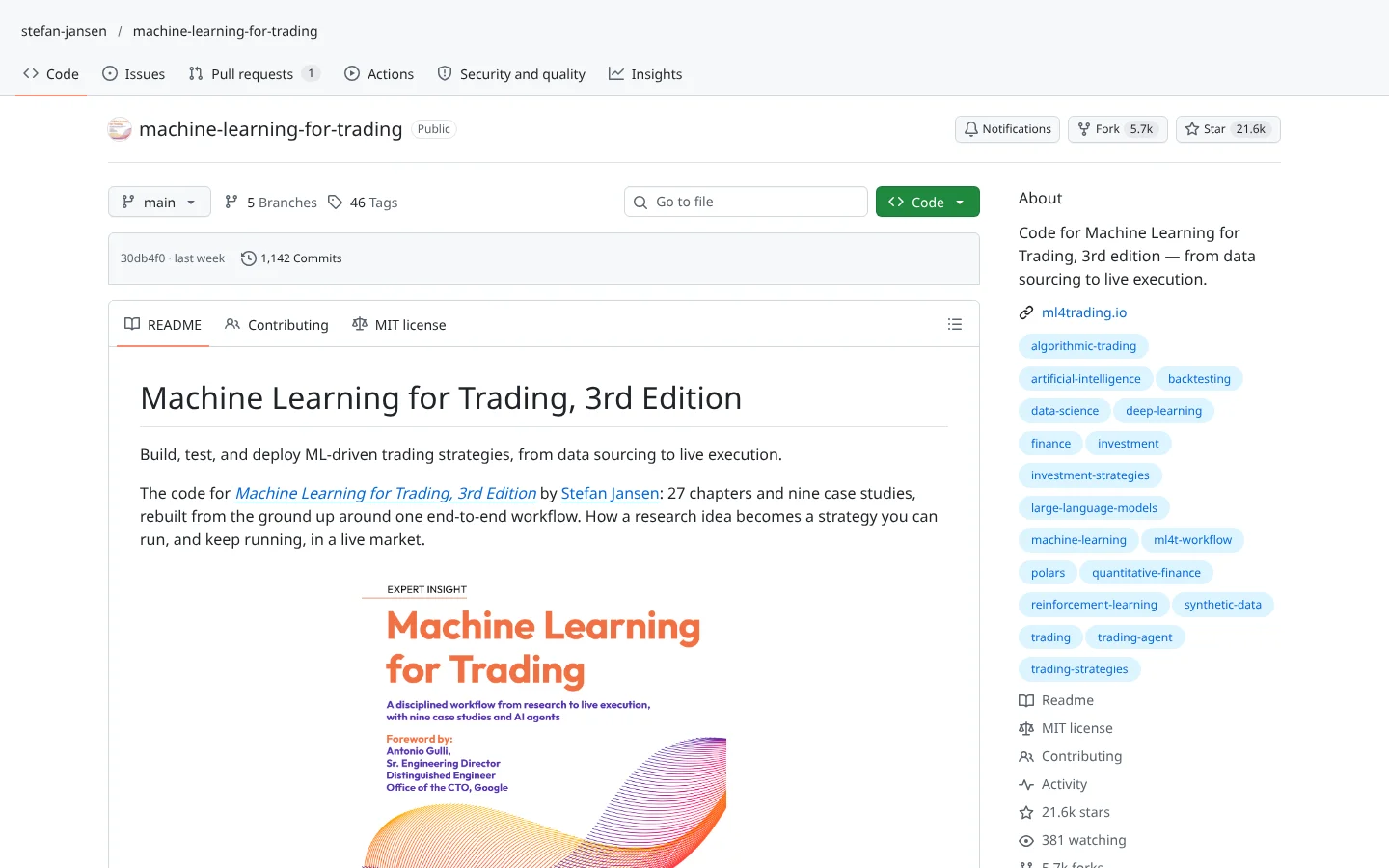
 Machine Learning for Tradingstefan-jansen/machine-learning-for-trading
The companion code to Stefan Jansen's book. Hundreds of notebooks from features to live strategies.
★ 22k stars · Intermediate · updated 2026-10
 78Score
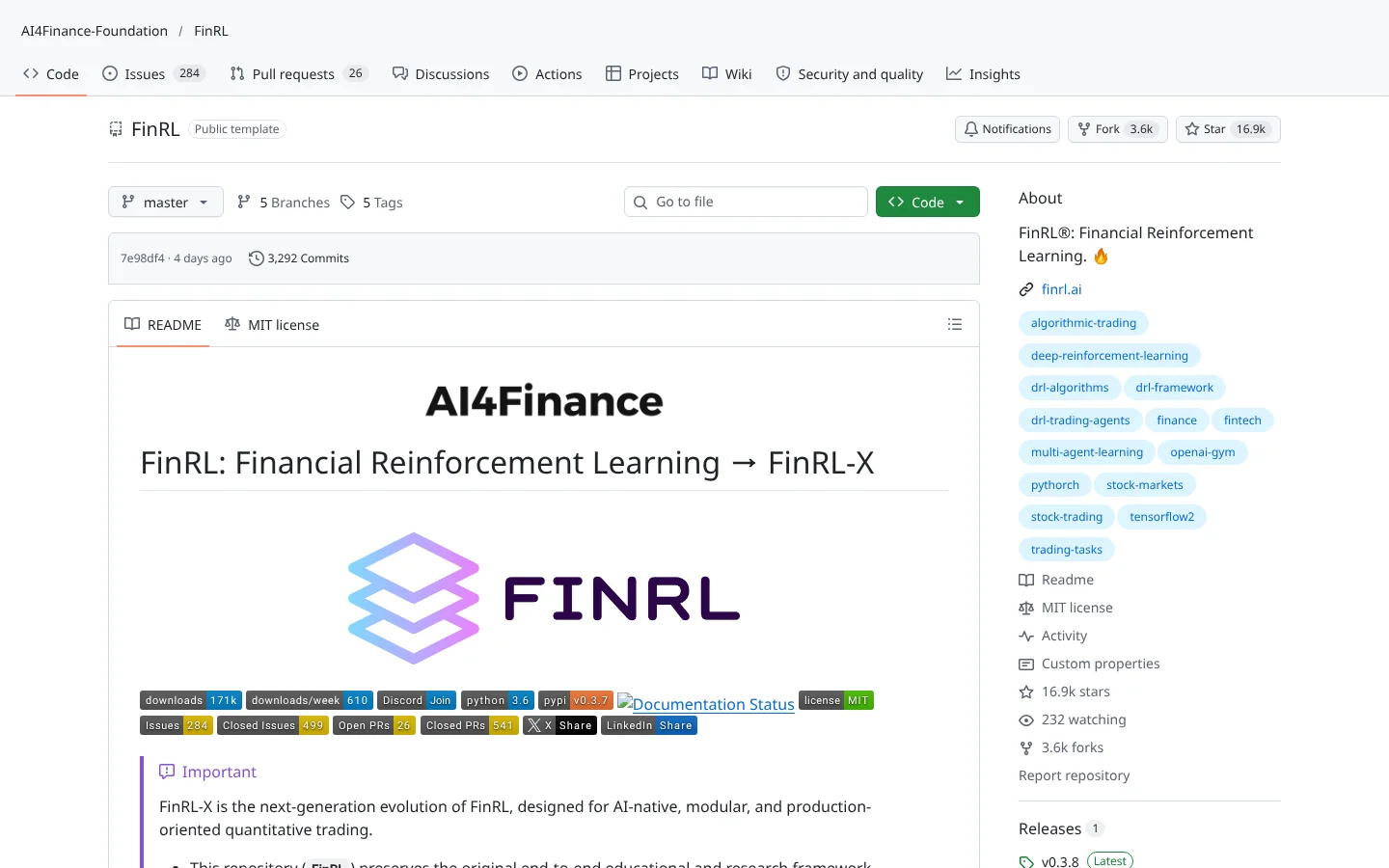
 FinRLAI4Finance-Foundation/FinRL
Deep reinforcement learning for trading, with ready-made market environments.
★ 17k stars · Advanced · updated 2026-10
TensorTrade is the most honest reinforcement learning trading framework we have reviewed. It gives you clean parts, real tutorials on overfitting and fees, and published results that admit the agent loses after costs. For anyone who wants to learn how AI trading actually works, that candor is the lesson.
As a money-maker, it is not ready, and it does not pretend to be. Use TensorTrade to study, to test ideas and to cure yourself of the belief that an AI will print profits on its own. Systems beat hacks. The system here is the scientific method, and it starts by comparing everything to buy-and-hold.
TensorTrade is an open-source Python framework for building, training and evaluating reinforcement learning agents for trading. You combine a simulated exchange, a portfolio, an action menu and a reward rule, then let the agent learn by trial and error.
Yes. It is free under the Apache-2.0 license. Your costs are computing power for training and any market data you buy.
Its own README says not yet. A test agent beat buy-and-hold with zero fees but lost to it once a 0.1% commission was added. Treat it as a research tool.
The README's examples use BTC/USD, and the framework works on price data you feed it, so you can experiment with other markets. It does not name specific supported exchanges or brokers.
Yes, but slowly. The last code push we saw was in February 2026, and the README has recent docs and experiment logs. Releases are not regularly tagged.
Incoming transmission | Free weekly newsletter
FullStack Alpha has tested 200 AI stock tools. Be honest: how many of yours do the same job, and which one did you forget you signed up for?
One email a week fixes that: which tools are worth the money, what they cost right now, and how the traders on this site wire them into a routine. Five minutes to read. Zero noise.
Inside every issue
5 MIN READ
The Verdict
One AI trading tool tested and scored. What it does well, what it costs, and the catch the sales page leaves out.
Price Watch
Price changes and live promos on the tools traders actually use, monthly and annual side by side, so you stop overpaying.
Workflow Teardown
One educator's routine taken apart: the scan, the chart, the tools, and the free swap for every paid one.
Scan of the Week
Exact scanner settings you can copy, pulled from the educator's own lesson with the timestamp.
Process beats prediction. This is the email that keeps your process honest.
FullStack Alpha Network
BestAITradingTools.com
Trading workflows, the tool matchmaker and the GitHub repo directory.