
 Yahoo Finance
 92Score
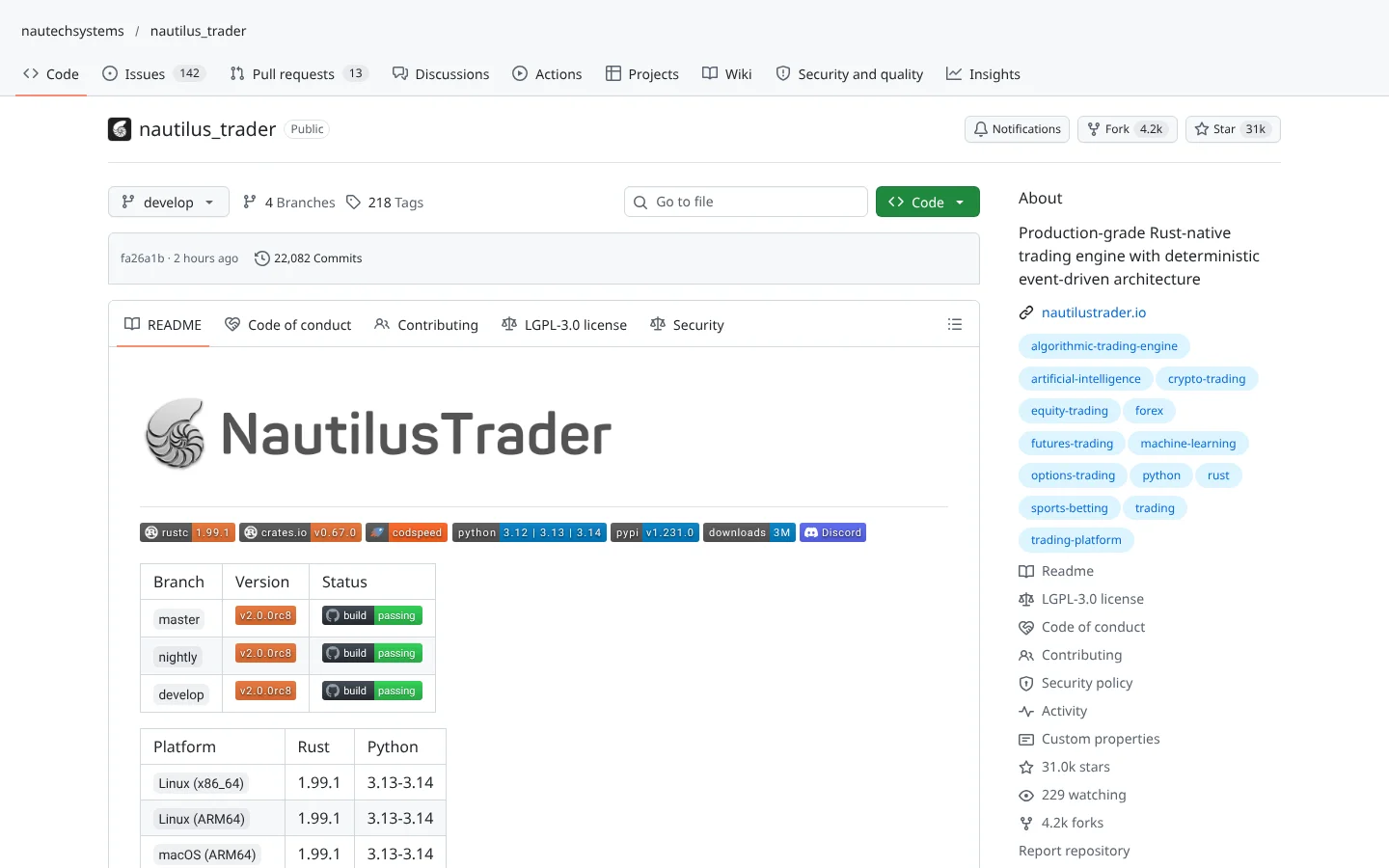
 Nautilus Tradernautechsystems/nautilus_trader
A Rust-powered, Python-driven platform where the backtest code and the live code are the same.
★ 31k stars · Advanced · updated 2026-10
Backtesting deep dive
 Backtradermementum/backtrader
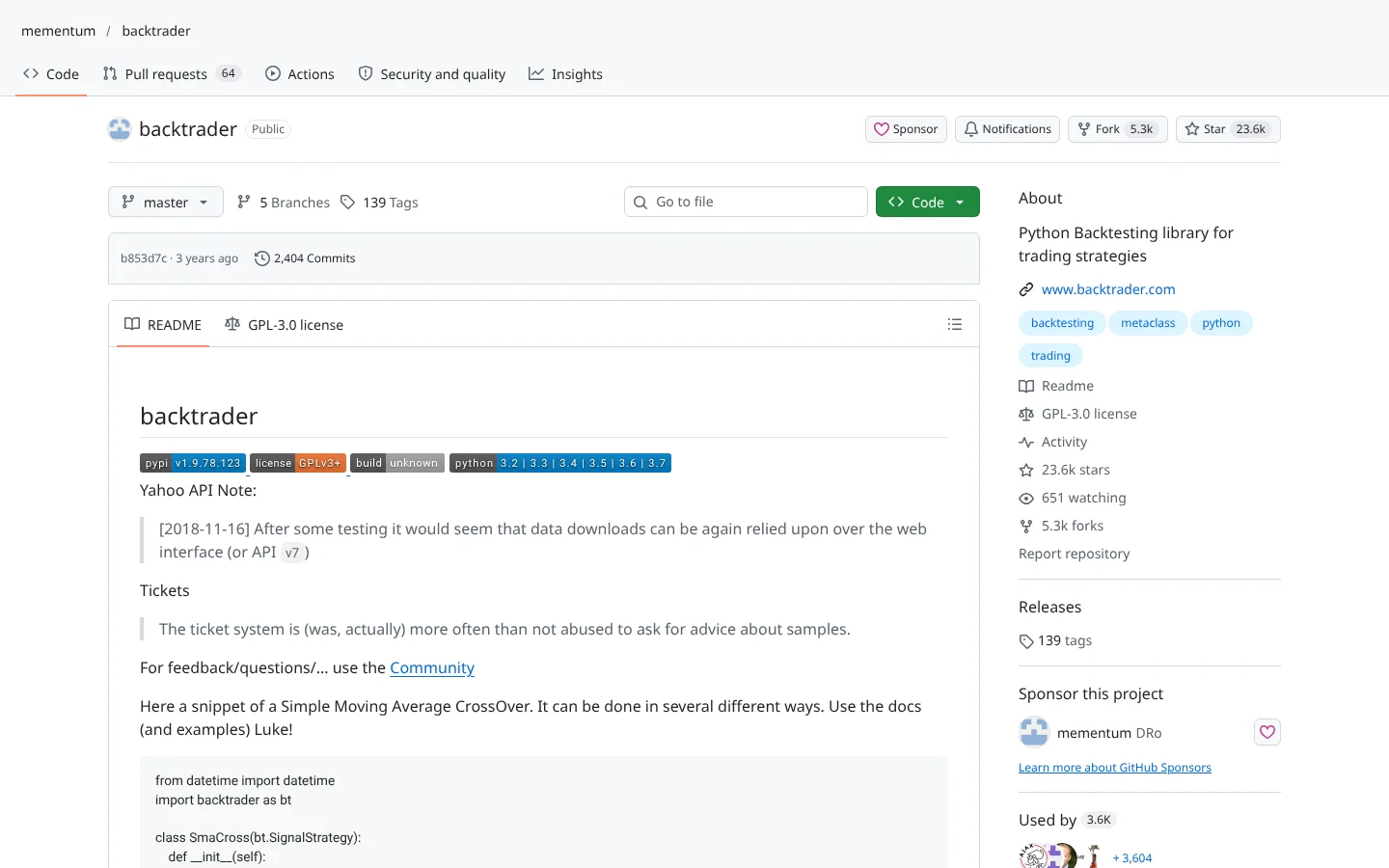
Backtrader is a free Python library that replays your trading idea on historical prices so you can see what would have happened, and it can also connect to a few brokers for live trading. It is famous for being easy to learn and well documented, which is why it has more than 23,000  GitHub stars. The catch: the code has not been updated since August 2024, its broker connections are dated, and users say it gets slow as your tests get bigger.
Think of it as a flight simulator for trading strategies: you fly your plan through years of past weather before you ever put passengers on board.
For years, if you asked Reddit how to start backtesting in Python, the answer was one word. Backtrader. The code hasn't been updated since August 2024. So should you still use it?
Backtrader is a free Python library that replays your trading idea on old prices, trade by trade. Think of a flight simulator for strategies. You fly your plan through years of past weather before any passengers board.
Five things we like.
One, it's easy to learn, with docs and a quickstart people still praise.
Two, a realistic simulated broker with stop, limit, trailing and bracket orders.
Three, a hundred twenty-two built-in indicators, plus TA-Lib support.
Four, it grades results with stats like the Sharpe ratio.
Five, one line of code charts the whole run.
It reads CSV files or pandas data, and names Interactive Brokers and Oanda for live trading, though those links are dated.
Two cautions. Nobody's fixing bugs, so a future Python update could break it. And it slows down on big tests.
Best for beginners learning how backtesting works. Training wheels are supposed to come off. Scroll down for faster, maintained alternatives.
This is education, not financial advice. Your market edge starts with the right tool. Stay alpha.
FullStack Alpha Editorial Team
Reviewed by Jay Rocco, Chief Editor
Most traders test an idea the expensive way: live, with real money, and a story about why the last loss did not count. This library exists to stop that. It is a Python library for backtesting, which means replaying your strategy on old prices to see what would have happened, trade by trade.
You write a strategy as a small Python class with rules like buy when the fast average crosses above the slow one. Its engine, called Cerebro, feeds it price data one bar at a time, fills orders through a simulated broker, and reports the results. The simulated broker is surprisingly complete: market, limit, stop, stop-limit, trailing stops, bracket and one-cancels-other orders, plus commissions, slippage (the gap between the price you wanted and the price you got) and position-sizing rules.
The toolbox is deep. The README lists 122 built-in indicators, support for  TA-Lib, multiple data feeds and timeframes at once, resampling daily bars into weekly ones, trading calendars, and analyzers such as Sharpe ratio and SQN that grade a strategy's results. Data can come from CSV files, pandas tables or online sources, and one line of code plots the whole run with matplotlib.
It can also trade live. The README names three broker integrations: Interactive Brokers, Oanda and  Visual Chart. Read the fine print, though. The Interactive Brokers link depends on IbPy, an old package that is not even on PyPI, and the Oanda link uses an older REST connection. The last code update landed in August 2024, so those connections are aging with no one tending them.
Community Score
63 / 100
GitHub data checked 2026. Community read: mixed.
Works with
Good fit if you are
Skip it if you are
Sentiment is mixed, and the split is predictable. Beginners love how fast they can get a first backtest running, and the documentation and quickstart guide get regular credit. It was the default answer to 'how do I start backtesting in Python' for years, and 23,600 stars and 5,300 forks (a fork is someone's copy they build on) show it.
The complaints come from people who stuck around. Event-driven backtests are slow, and experienced users on r/algotrading point newcomers to more actively maintained tools. The pattern is common: people learn the concepts here, then outgrow it. That is not a failure. Training wheels are supposed to come off.
“Backtesting is a very time consuming process in pyalgotrade or even backtrader.”
 MoreEconomy965, r/algotrading, 2024
What they like
What they complain about
 matplotlib.
 pandas table. Simple, clean data makes your first results easier to trust.
Python on your computer
It is a Python library. The README says Python 3.2 or newer, but any current Python is the sensible choice.
Historical price data
Backtests need old prices. It reads CSV files, pandas data and some online sources.
A supported broker (only for live trading)
Live trading works through a handful of integrations named in the README, each needing extra packages.
TA-Lib (optional)
Adds a large library of classic indicators if the 122 built-in ones are not enough.
No updates since August 2024
The last code push was August 19, 2024. Bugs stay unfixed, and future Python or library changes could break things with nobody coming to fix them.
Slow on big tests
Stepping through every bar one at a time is realistic but slow. Testing thousands of settings or years of minute data can take a very long time.
Dated broker links
Live trading leans on IbPy for  Interactive Brokers, which is not on
  PyPI, and an older
  Oanda connection. Expect friction before any live order works.
Backtests flatter you
A great backtest is not a forecast. Tuning rules until the past looks perfect, called overfitting, is the most common way beginners fool themselves.
Copyleft license
Under GPL-3.0, if you distribute software built on it, you must share your source code. Fine for personal use, a real issue for a commercial product.

Keep reading across FullStack Alpha
Not ready to run code yourself? Our hands-on AI stock tool reviews on AIStockPickerApp.com score finished products on five pillars, the AI stock tools directory at AIStockPickerApps.com sorts 200+ tools by the job they do, and AIStockTradingBots.com walks through broker APIs, bot setup and backtesting step by step. Or head back to the Trading Workflows home page to match tools to your own routine and budget.
92ScoreNautilus Tradernautechsystems/nautilus_traderA Rust-powered, Python-driven platform where the backtest code and the live code are the same.
★ 31k stars · Advanced · updated 2026-10
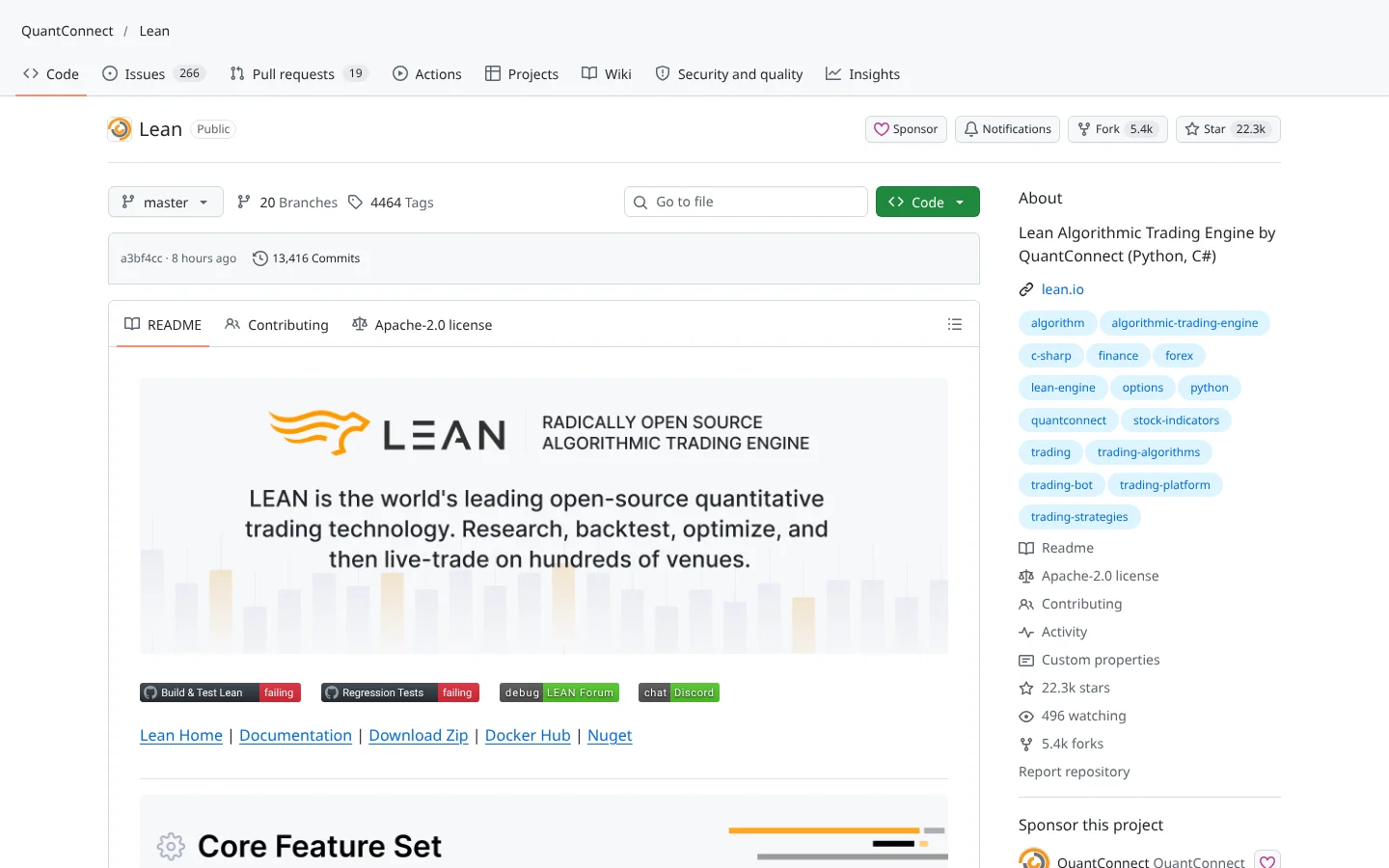 87Score
 QuantConnect LEANQuantConnect/Lean
The open-source engine behind QuantConnect. Institutional-grade backtesting in C# or Python.
★ 22k stars · Advanced · updated 2026-10
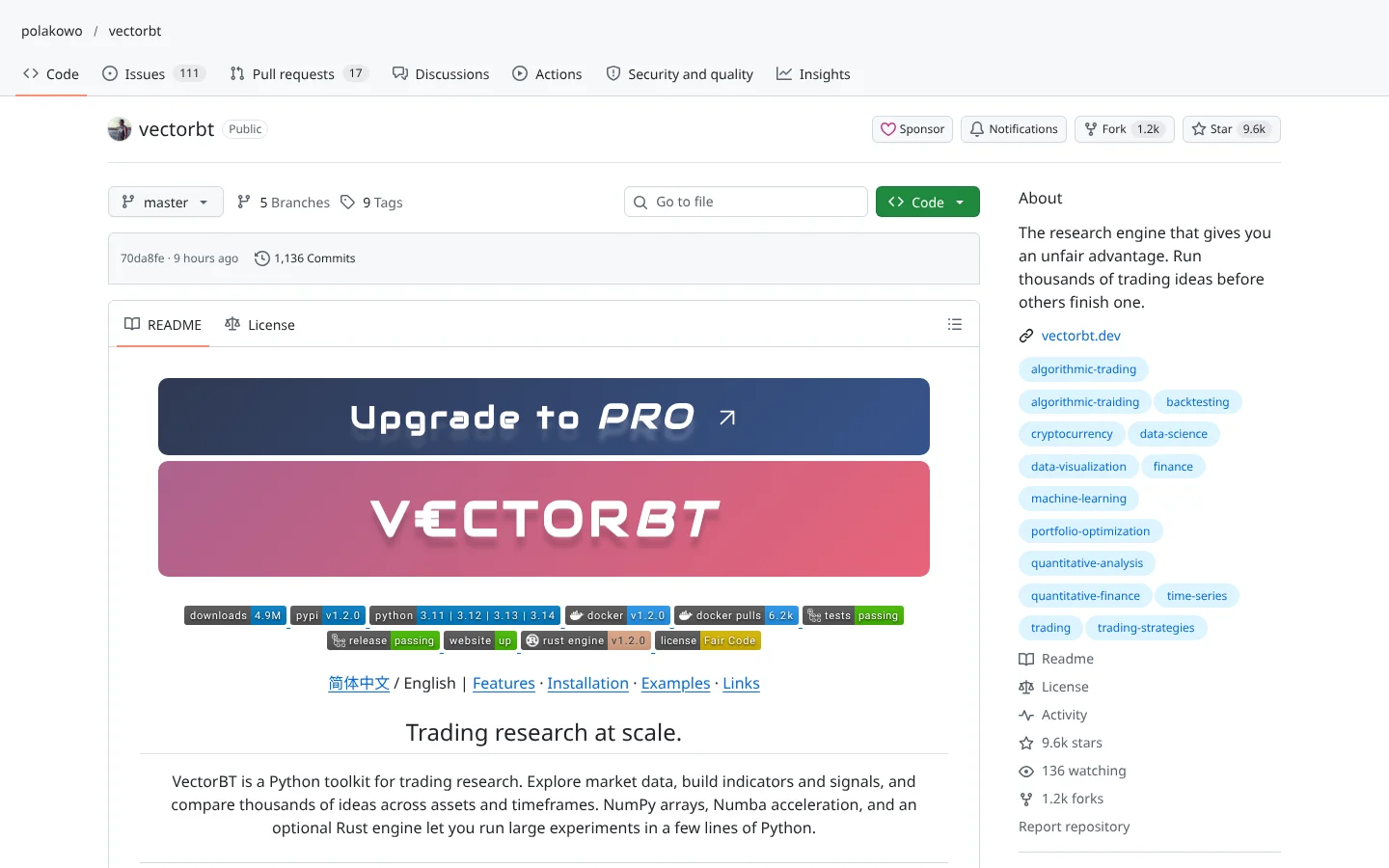 84Score
 vectorbtpolakowo/vectorbt
Vectorized backtesting that tests thousands of parameter combinations in seconds.
★ 9.6k stars · Intermediate · updated 2026-10
This library is still one of the best classrooms in algorithmic trading. Clear docs, a gentle learning curve, a deep toolbox and years of community answers make it the fastest way to learn what a backtest is and how strategies break. For a beginner, that education is worth more than raw speed.
But do not mistake a classroom for a production system. The code has not moved since August 2024, the broker connections are aging and big tests crawl. Learn on it, build your process on it, then move your serious testing and any live trading to a tool that someone still maintains. Systems beat hacks, and a system needs a mechanic.
Not actively. The repo's last code push was August 19, 2024. It still installs and runs for many users, but new bugs and compatibility issues are unlikely to get official fixes.
Yes. It is free and open source under the GPL-3.0 license. You only pay for things like premium data or a broker account if you want them.
Run pip install backtrader, or pip install backtrader[plotting] to include charts. Then follow the quickstart guide on backtrader.com to write and run your first strategy.
It lives at github.com/mementum/backtrader. The repo has more than 23,000 stars and 5,000 forks, and the docs are at backtrader.com.
Yes, through integrations with Interactive Brokers, Oanda and Visual Chart. They depend on older extra packages, so expect setup work and test with tiny sizes first.
Incoming transmission | Free weekly newsletter
FullStack Alpha has tested 200 AI stock tools. Be honest: how many of yours do the same job, and which one did you forget you signed up for?
One email a week fixes that: which tools are worth the money, what they cost right now, and how the traders on this site wire them into a routine. Five minutes to read. Zero noise.
Inside every issue
5 MIN READ
The Verdict
One AI trading tool tested and scored. What it does well, what it costs, and the catch the sales page leaves out.
Price Watch
Price changes and live promos on the tools traders actually use, monthly and annual side by side, so you stop overpaying.
Workflow Teardown
One educator's routine taken apart: the scan, the chart, the tools, and the free swap for every paid one.
Scan of the Week
Exact scanner settings you can copy, pulled from the educator's own lesson with the timestamp.
Process beats prediction. This is the email that keeps your process honest.
FullStack Alpha Network
BestAITradingTools.com
Trading workflows, the tool matchmaker and the GitHub repo directory.
 Claude