
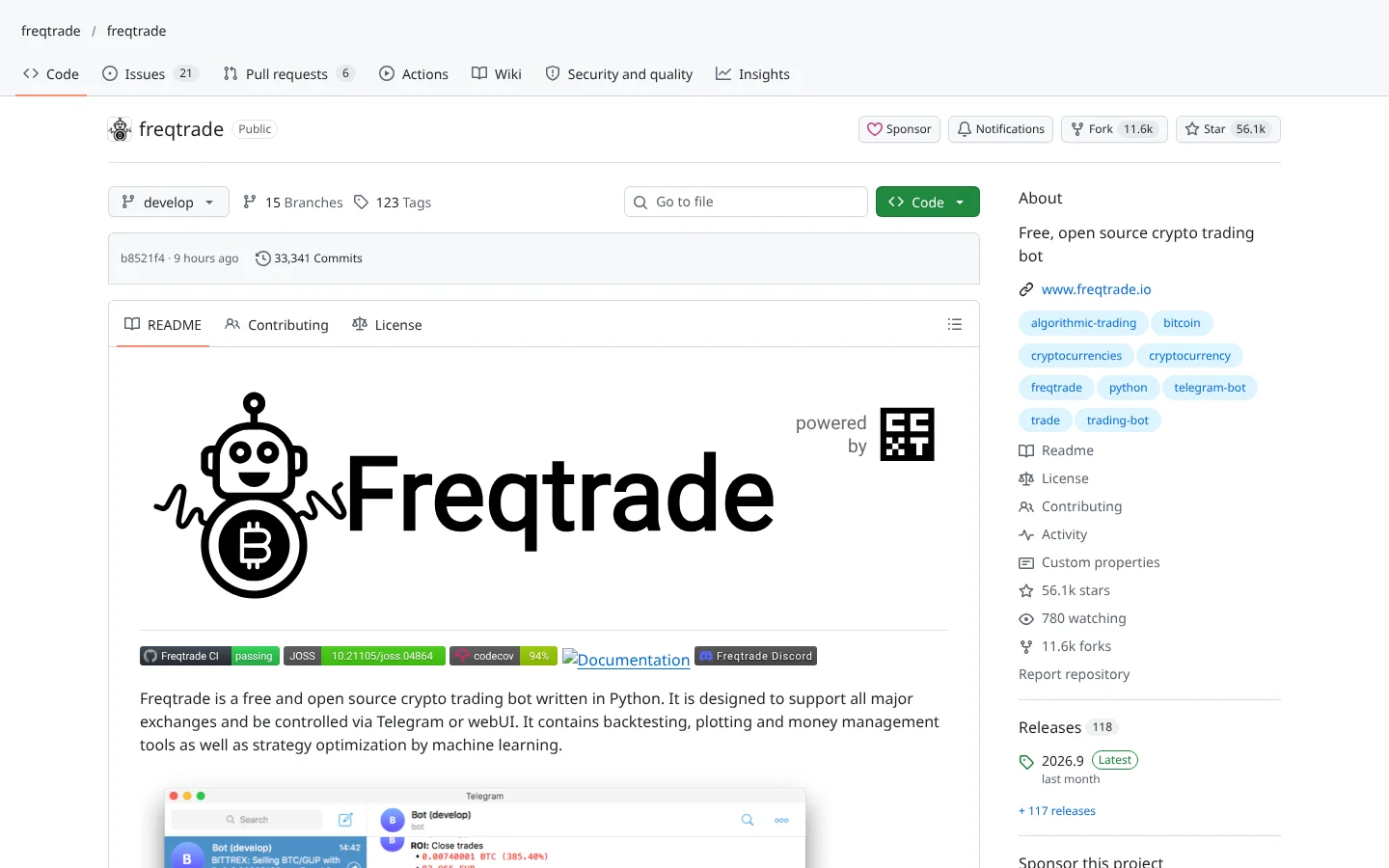
 96Score
 Freqtradefreqtrade/freqtrade
The most widely used open-source crypto bot, with FreqAI for models that retrain on rolling data.
★ 56k stars · Intermediate · updated 2026-10

Trading Bots deep dive
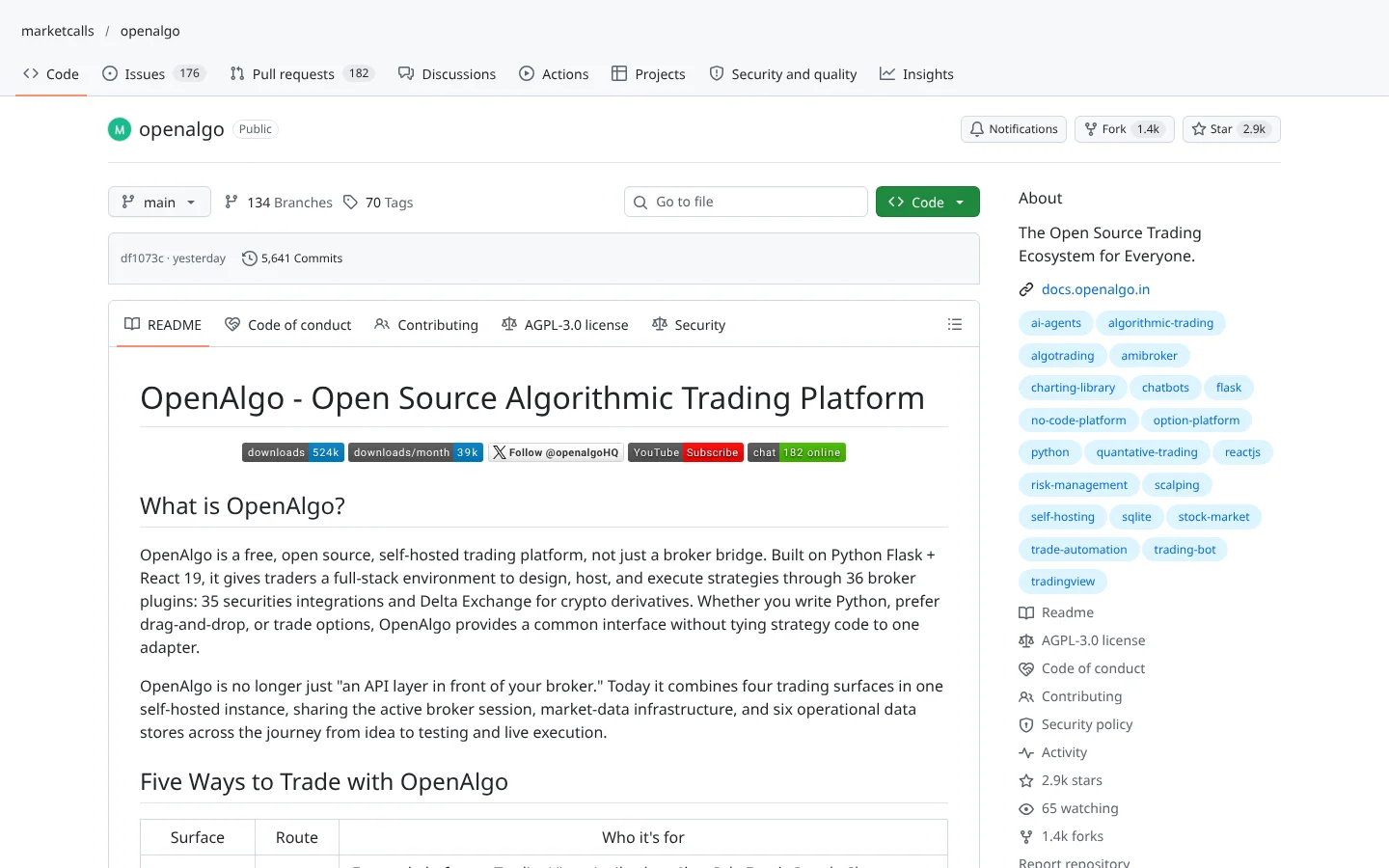
 OpenAlgomarketcalls/openalgo
OpenAlgo is a free, open-source trading platform you run on your own computer or server. It gives you one control panel and one set of commands for more than 30 brokers, plus a fake-money sandbox, a drag-and-drop strategy builder and an AI chat assistant. The catch: nearly every supported broker is Indian, so a US trader with a Schwab or  Fidelity account gets very little from it.
Think of it as a universal TV remote for brokerage accounts: one set of buttons, and OpenAlgo translates each press into whatever language your broker speaks.
One set of buttons for thirty-six brokers. OpenAlgo is a seriously impressive build. Unless you trade through Schwab or Fidelity. Here's why.
OpenAlgo is a free, self-hosted trading platform from the team at marketcalls. Think of a universal TV remote for brokerage accounts. Press one button, and it translates into whatever language your broker speaks.
Five things we like.
One, write your strategy once, and switch brokers without rewriting it.
Two, a fake-money sandbox with real prices, called API Analyzer mode.
Three, Flow, a drag-and-drop strategy builder, no code needed.
Four, it turns TradingView, Amibroker, Excel and Google Sheets signals into orders.
Five, twelve options tools, including an option chain and a volatility surface.
Now the catch. Nearly all thirty-six brokers are Indian, like Zerodha and Upstox. US traders get very little. And self-hosting makes you the IT department, so lock the server down.
We found almost no independent reviews, though more than thirteen hundred forks say people are building on it.
Best for traders in India who want one control panel. Scroll down for US-friendly alternatives.
This is education, not financial advice. Your market edge starts with the right tool. Stay alpha.
FullStack Alpha Editorial Team
Reviewed by Jay Rocco, Chief Editor
Every broker speaks its own dialect.  Zerodha's code for placing an order looks nothing like
  Upstox's, and switching brokers usually means rewriting your whole trading script. This project sits in the middle. You write your strategy once against its single set of commands (an API, which is just a menu of commands one program can send another), and it handles the translation for whichever of its 36 broker plugins you connect.
The project, a repo (a project's folder of code on GitHub) run by the team at marketcalls, has grown well past a simple translator. It ships a browser-based Python editor that runs and schedules your scripts, a no-code builder called Flow where you drag boxes together to make a strategy, and twelve options tools such as an option chain, max pain and a volatility surface. It can also take signals from  TradingView,
  Amibroker,
  ChartInk, Excel and
  Google Sheets, so a chart alert can turn into an order without you touching a keyboard.
The part most beginners should care about is API Analyzer Mode. It is the built-in sandbox: you get pretend capital (the README says one crore rupees) and real market prices, and your orders fill against fake money with a margin system and scheduled position closing. That is paper mode, meaning trading with fake money against real prices, and the README tells you to use it before going live. Good advice. Most blown accounts belong to people who skipped this step.
Then there is the AI layer. The platform includes an MCP server (a plug that lets an AI assistant like  Claude read data or use an app), and the README lists Claude Desktop,
  Cursor,
  Windsurf and
  ChatGPT as compatible. A built-in AI Agent can read market data, draw charts and compute indicators, and it works with a ChatGPT subscription, many cloud models, or
  local models through Ollama. Every order it proposes waits for your explicit approval, and it shows you the exact order details first. That approval gate is the single smartest design choice in the project.
Community Score
73 / 100
GitHub data checked 2026. Community read: not enough independent discussion yet.
Good fit if you are
Skip it if you are
Here is the honest read: we found almost no independent discussion. Our search of  Reddit and
  Hacker News turned up one thread, and it was the creator's own Hacker News launch post. That is not a red flag about quality. It is a gap in evidence, and you should treat it that way.
The GitHub numbers tell a busier story. The repo has close to 3,000 stars and more than 1,300 forks (a fork is someone's copy they build on), and the code was updated the day before we checked. A high fork count relative to stars usually means people are actually customizing it for their own setups, not just bookmarking it. Most of that activity likely lives in Indian trading communities we did not search.
What they like
What they complain about
 GitHub to your computer, then open that folder in a terminal.
A supported broker account with API access
The software places orders through your broker, so you need an account that allows programs to trade. Some brokers charge for API or data access.
ZerodhaUpstox Angel One
 Dhan
Dhan Fyers
Fyers Kotak Neo
A computer or cloud server
It is self-hosted. To trade during market hours without your laptop open, rent a small server with at least 1 CPU and 2GB of memory.
 Amazon Web Services
An AI model (optional)
Only needed for the AI Agent or MCP features. You can use a ChatGPT subscription, a cloud model, or a free local model.
A charting or signal tool (optional)
If you want chart alerts to place trades, it can receive them by webhook.
India-first broker list
Of the 36 broker plugins, nearly all are Indian brokers. If you trade US stocks through a US broker, there is little to connect to, and you would be better served elsewhere.
You are the IT department
Self-hosting means you handle updates, backups and server security. A trading server with your broker keys on it is a target, so lock it down and keep it patched.
Automation fails fast
A webhook that fires twice or a script with a typo can place real orders in seconds. Keep semi-auto approval on and use small sizes until you trust the setup.
AI can be confidently wrong
The AI Agent can misread data or suggest a bad trade. The approval gate helps, but only if you actually read the order before clicking yes.
Thin independent feedback
We found almost no outside reviews, so you are relying mostly on the project's own documentation. Test everything yourself.

Keep reading across FullStack Alpha
Not ready to run code yourself? Our hands-on AI stock tool reviews on AIStockPickerApp.com score finished products on five pillars, the AI stock tools directory at AIStockPickerApps.com sorts 200+ tools by the job they do, and AIStockTradingBots.com walks through broker APIs, bot setup and backtesting step by step. Or head back to the Trading Workflows home page to match tools to your own routine and budget.
96ScoreFreqtradefreqtrade/freqtradeThe most widely used open-source crypto bot, with FreqAI for models that retrain on rolling data.
★ 56k stars · Intermediate · updated 2026-10
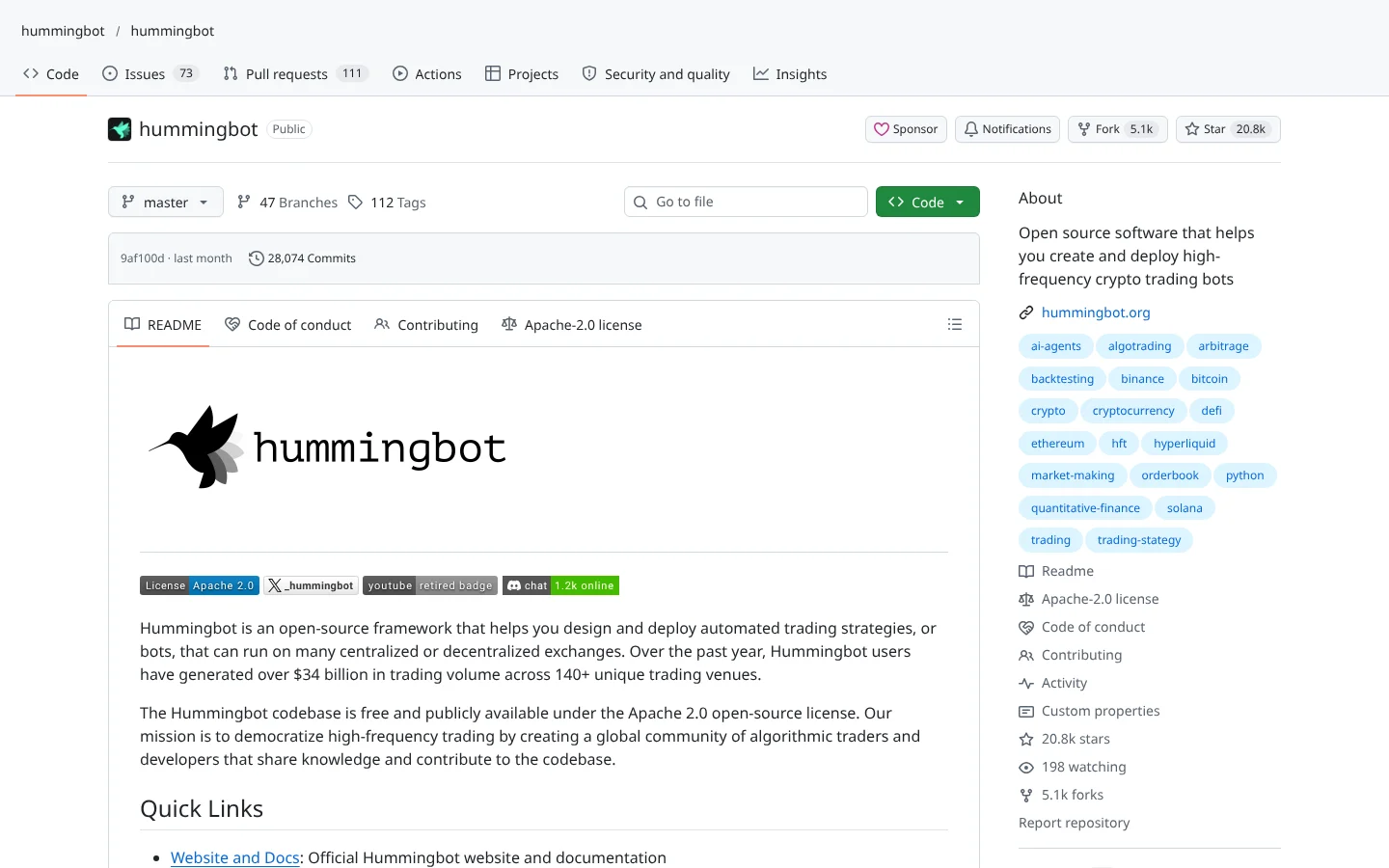 87Score
 Hummingbothummingbot/hummingbot
Market-making and arbitrage bot framework that connects to dozens of centralized and decentralized exchanges.
★ 21k stars · Advanced · updated 2026-10
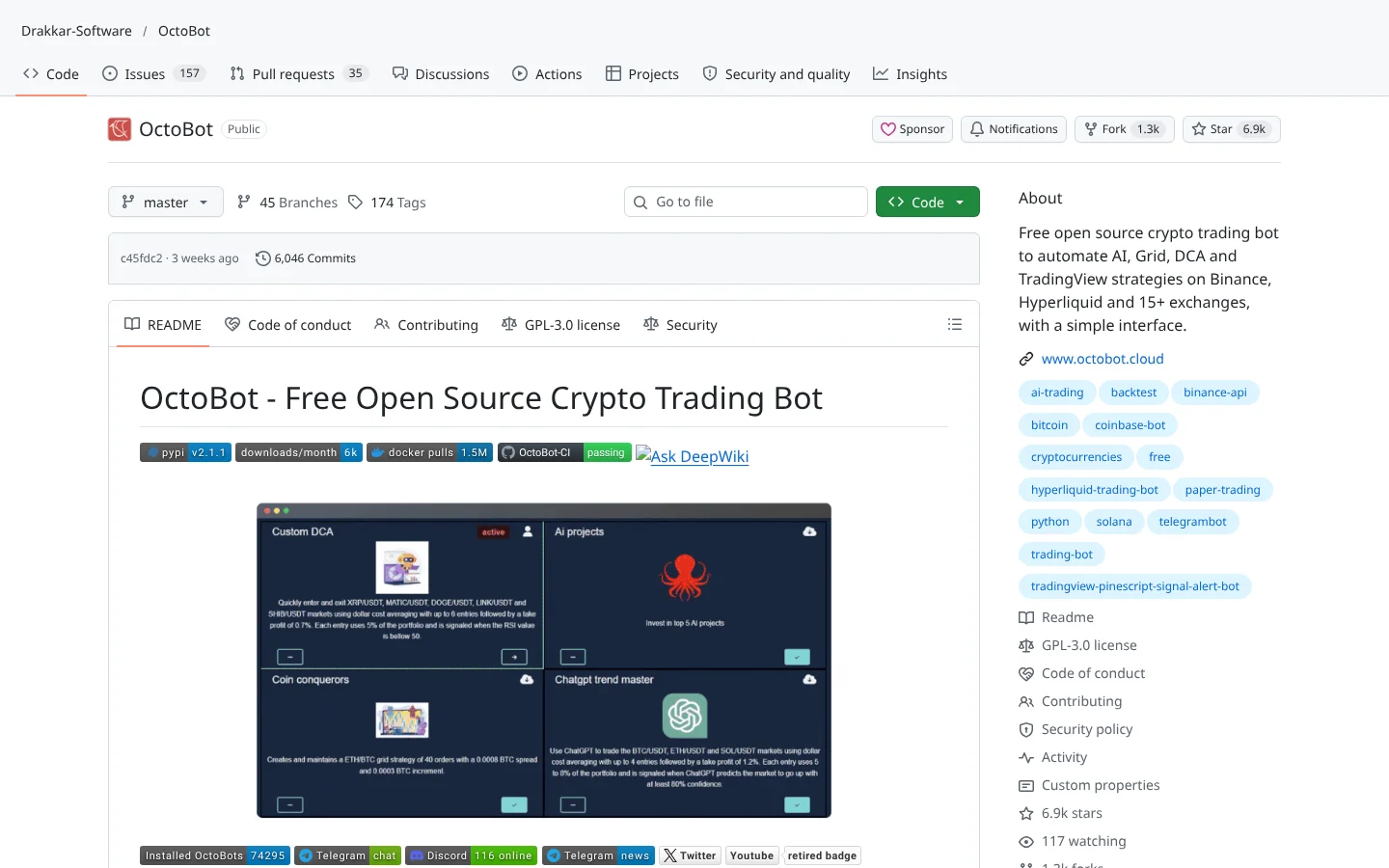 80Score
 OctoBotDrakkar-Software/OctoBot
A modular crypto bot with a web interface, aimed at people who would rather click than code.
★ 6.9k stars · Beginner · updated 2026-10
OpenAlgo is one of the most complete free trading platforms on GitHub, if your broker is on its list. One API across dozens of brokers, a proper sandbox, a no-code builder, options analytics and an AI agent that cannot trade without your permission. That is a lot of system for zero dollars in software.
For a US trader, though, the verdict flips. The broker list is built for India, and no amount of clever features fixes a missing connection. If you trade through Zerodha, Upstox or another supported Indian broker, it deserves a serious test in Analyzer Mode. If you trade through Schwab or Fidelity, bookmark it and move on. Systems beat hacks, but only systems that plug into your actual account.
Yes. It is free, open-source software under the AGPL-3.0 license. Your costs come from elsewhere: your broker's API or data fees, a server if you want it running all day, and any paid AI model you connect.
The software encrypts broker tokens, hashes passwords and supports two-factor login, and the AI Agent needs your approval for every order. Safety still depends on you: keep your server patched, keep keys in the .env file, and test in Analyzer Mode before trading real money.
Not based on its current broker list. The 36 plugins are almost all Indian brokers, plus  Delta Exchange for crypto derivatives. If your account is with a US broker, the platform has nothing to connect to today.
Yes. It has an MCP server that the README says works with Claude Desktop, Cursor, Windsurf and ChatGPT, and a built-in AI Agent that can use a ChatGPT subscription, many cloud models, or local models through Ollama. Every order the AI suggests waits for your approval.
Yes, through API Analyzer Mode. It gives you sandbox capital, real market prices, common order types and a separate database, so you can test a strategy with fake money before going live.
Incoming transmission | Free weekly newsletter
FullStack Alpha has tested 200 AI stock tools. Be honest: how many of yours do the same job, and which one did you forget you signed up for?
One email a week fixes that: which tools are worth the money, what they cost right now, and how the traders on this site wire them into a routine. Five minutes to read. Zero noise.
Inside every issue
5 MIN READ
The Verdict
One AI trading tool tested and scored. What it does well, what it costs, and the catch the sales page leaves out.
Price Watch
Price changes and live promos on the tools traders actually use, monthly and annual side by side, so you stop overpaying.
Workflow Teardown
One educator's routine taken apart: the scan, the chart, the tools, and the free swap for every paid one.
Scan of the Week
Exact scanner settings you can copy, pulled from the educator's own lesson with the timestamp.
Process beats prediction. This is the email that keeps your process honest.
FullStack Alpha Network
BestAITradingTools.com
Trading workflows, the tool matchmaker and the GitHub repo directory.