
 Local models
 85Score
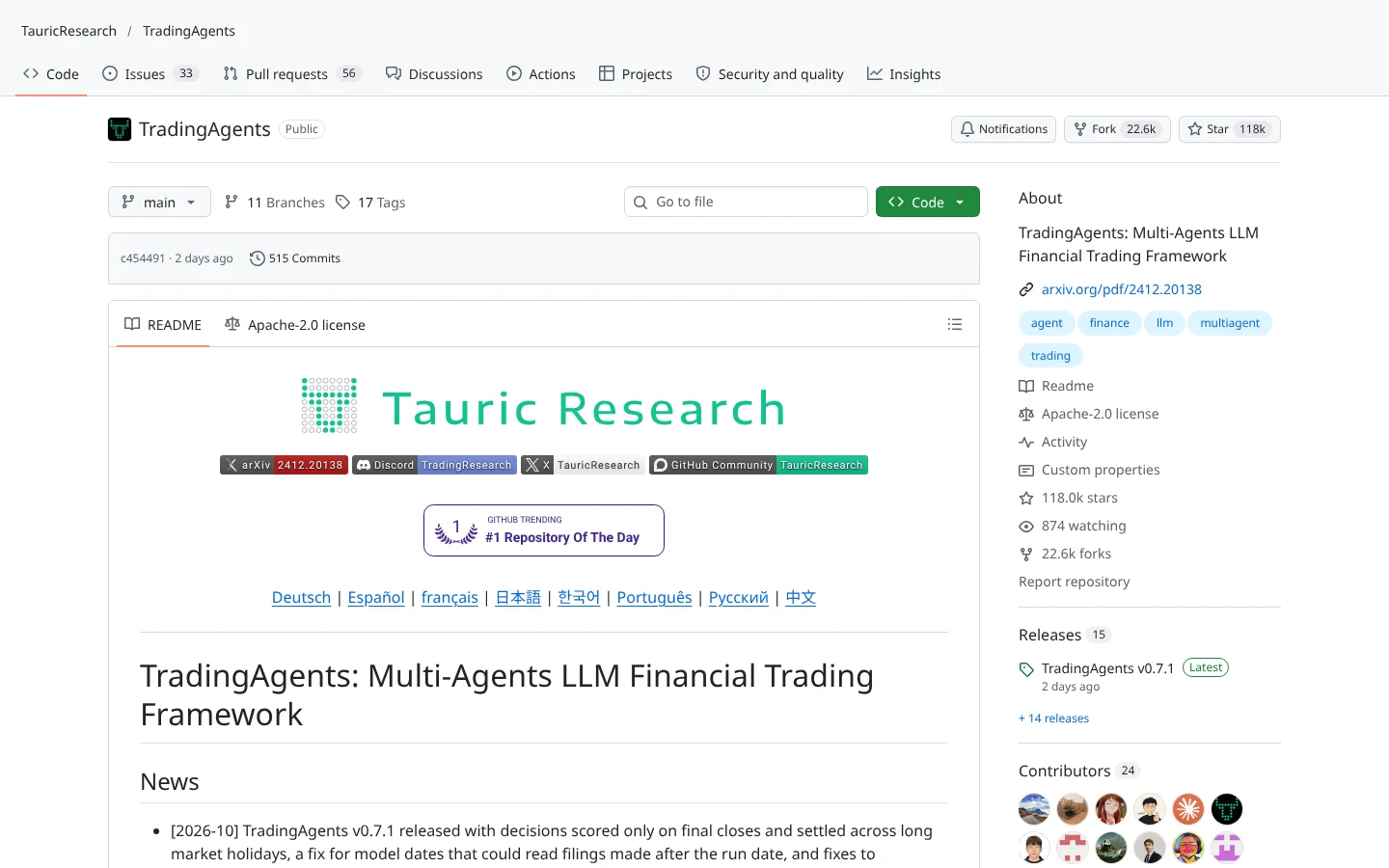
 TradingAgentsTauricResearch/TradingAgents
A multi-agent research desk: analyst agents argue the bull and bear case, a risk agent signs off before any trade idea moves.
★ 118k stars · Intermediate · updated 2026-10

AI Agents deep dive
 Vibe-TradingHKUDS/Vibe-Trading
Vibe-Trading is a free, MIT-licensed AI trading agent from the HKU Data Science lab that pulls market data, tests strategies on history, paper trades and can connect to about 18 brokers. It fits curious tinkerers who already use AI assistants and want one install that does research and testing. The catch: it is huge, it moves fast, and independent user reviews are close to zero.
Think of it as hiring a research analyst, a quant intern and a trade clerk who all live inside one app on your laptop and take orders from whichever AI model you plug in.
Thirty-seven thousand stars, and almost no public reviews. That gap tells you something about Vibe-Trading. Here's the rest.
Vibe-Trading is a free AI trading agent from the University of Hong Kong. Think of hiring an analyst, a quant intern and a trade clerk who all live in one app and take orders from whatever AI you plug in.
It's popular because it does research, backtests and paper trading in one install.
Five things we like. One, near-daily updates. Two, an MIT license. Three, wide global market coverage. Four, built-in backtesting so ideas get tested, not just discussed. Five, it connects to about eighteen brokers.
It works with OpenRouter, OpenAI and Anthropic models, and brokers like Alpaca and Interactive Brokers.
Reviews? We found no real independent discussion yet. It's too new.
Treat it like a promising rookie: let it paper trade for a while before it touches real money.
Two cautions. Its README warns that a fake X account, project and token use its name. Ignore them. And AI calls cost money, while AI backtests can look better than reality because the model may already know what happened.
Best for curious tinkerers who already use AI assistants. Scroll down for the scorecard and setup steps.
This is education, not financial advice. Your market edge starts with the right tool. Stay alpha.
FullStack Alpha Editorial Team
Reviewed by Jay Rocco, Chief Editor
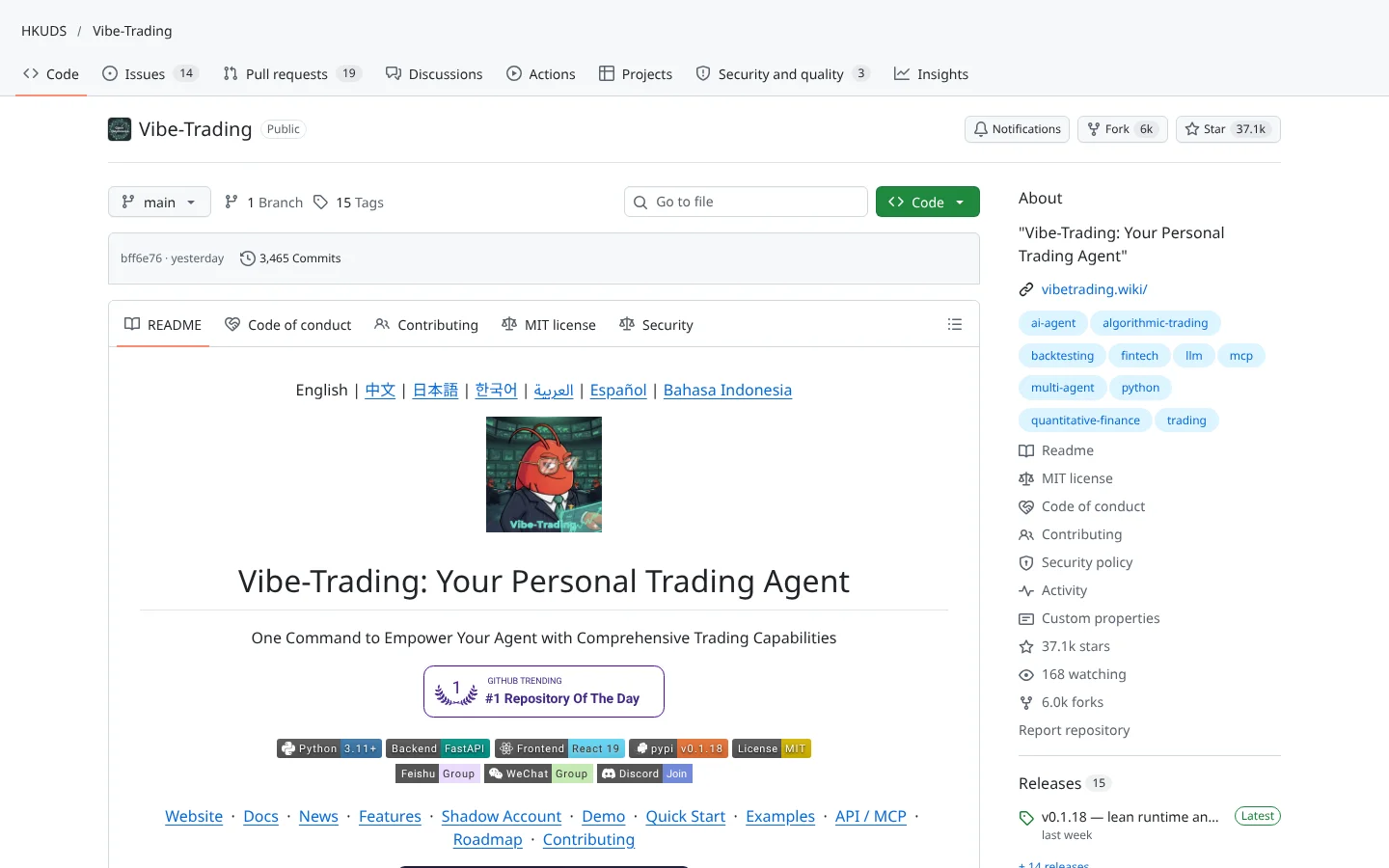
The project is a repo (a project's folder of code on  GitHub) from HKUDS, the Data Science lab at the
  University of Hong Kong. You install it with one pip command, point it at an AI model, and talk to it in plain language. Ask it to research a ticker, build a strategy, test it on old prices, or run it with fake money, and it routes the work to the right tool.
Under the hood it is a stack of parts most retail traders would never assemble on their own. There is a swarm of AI agents (small AI workers that each handle one task and hand results to the next). There is an Alpha Zoo of 478 factors, which are measurable signals like momentum or value. There is a quant library of roughly 306 tested math functions, plus separate backtest engines for China A-shares, crypto with perpetual funding costs, options, futures and mixed baskets.
Market coverage is wide. The README lists US, UK, Canadian, Indian, Brazilian, Argentine, Hong Kong and China stocks, futures on CME and NYMEX, crypto, metals and FX. Data comes from sources such as  Yahoo Finance,
  Financial Modeling Prep,
  Tiingo,
  AKShare and
  Binance, and broker connectors include
  Alpaca,
  Interactive Brokers,
  Robinhood,
  OKX,
OKX,  MetaTrader 5,
  eToro,
  Trading 212 and
  Zerodha. Some of those connectors are paper-only or read-only, so check yours before you plan around it.
Two features stand out for regular traders. A trade-journal reader parses your past trades, and a Shadow Account compares what your strategy would have done with what you actually did. That second one is uncomfortable in the useful way: it shows you exactly how much your own impulses cost you.
Community Score
84 / 100
GitHub data checked 2026. Community read: not enough independent discussion yet.
Works with
Good fit if you are
Skip it if you are
Here is the strange part. The repo has about 37,000 GitHub stars and nearly 6,000 forks (copies people build on), yet our search found almost no independent discussion. Two  Hacker News submissions drew zero comments, and
  Reddit hits for the name were about the generic phrase vibe trading, not this repo.
Stars measure curiosity, not results. A repo can trend on GitHub because an AI lab posted it and a wave of developers bookmarked it. Until real traders publish their experiences, treat the star count as a reason to look, not a reason to fund an account.
What they like
What they complain about
 OpenRouter is the shipped default. You can switch to
  OpenAI,
  Anthropic's Claude models or a custom endpoint in settings.
A computer with Python 3.11 or newer
It installs as a Python package and runs a local web app and command line.
An AI model account and API key
The agents need a language model to think with. You pay that provider for usage.
OpenRouterOpenAIAnthropicMarket data access
Free sources cover most testing. Paid feeds add depth and reliability.
A broker or exchange account with an API (optional)
Only needed for live trading or reading your real portfolio. Some connectors are paper-only or read-only.
Hype outran the evidence
Tens of thousands of stars, almost no public user reports. You are an early tester, whether you signed up for that or not.
Fake tokens trade on the name
The README warns that an X account, a  Virtuals project and a token contract using the project's name are not official. The project says it has never launched a token. Do not connect a wallet to anything claiming otherwise.
AI costs add up
Multi-agent runs call your AI model many times. A long research session can burn through API credits faster than you expect.
Moving target
Some features are marked unreleased or fixed only on the main branch. Docs and behavior can change between weeks.
Backtests are not forecasts
A strategy that looks great on history can fail live. Paper trade it through different market conditions before risking real money.

Keep reading across FullStack Alpha
Not ready to run code yourself? Our hands-on AI stock tool reviews on AIStockPickerApp.com score finished products on five pillars, the AI stock tools directory at AIStockPickerApps.com sorts 200+ tools by the job they do, and AIStockTradingBots.com walks through broker APIs, bot setup and backtesting step by step. Or head back to the Trading Workflows home page to match tools to your own routine and budget.
85ScoreTradingAgentsTauricResearch/TradingAgentsA multi-agent research desk: analyst agents argue the bull and bear case, a risk agent signs off before any trade idea moves.
★ 118k stars · Intermediate · updated 2026-10
 83Score
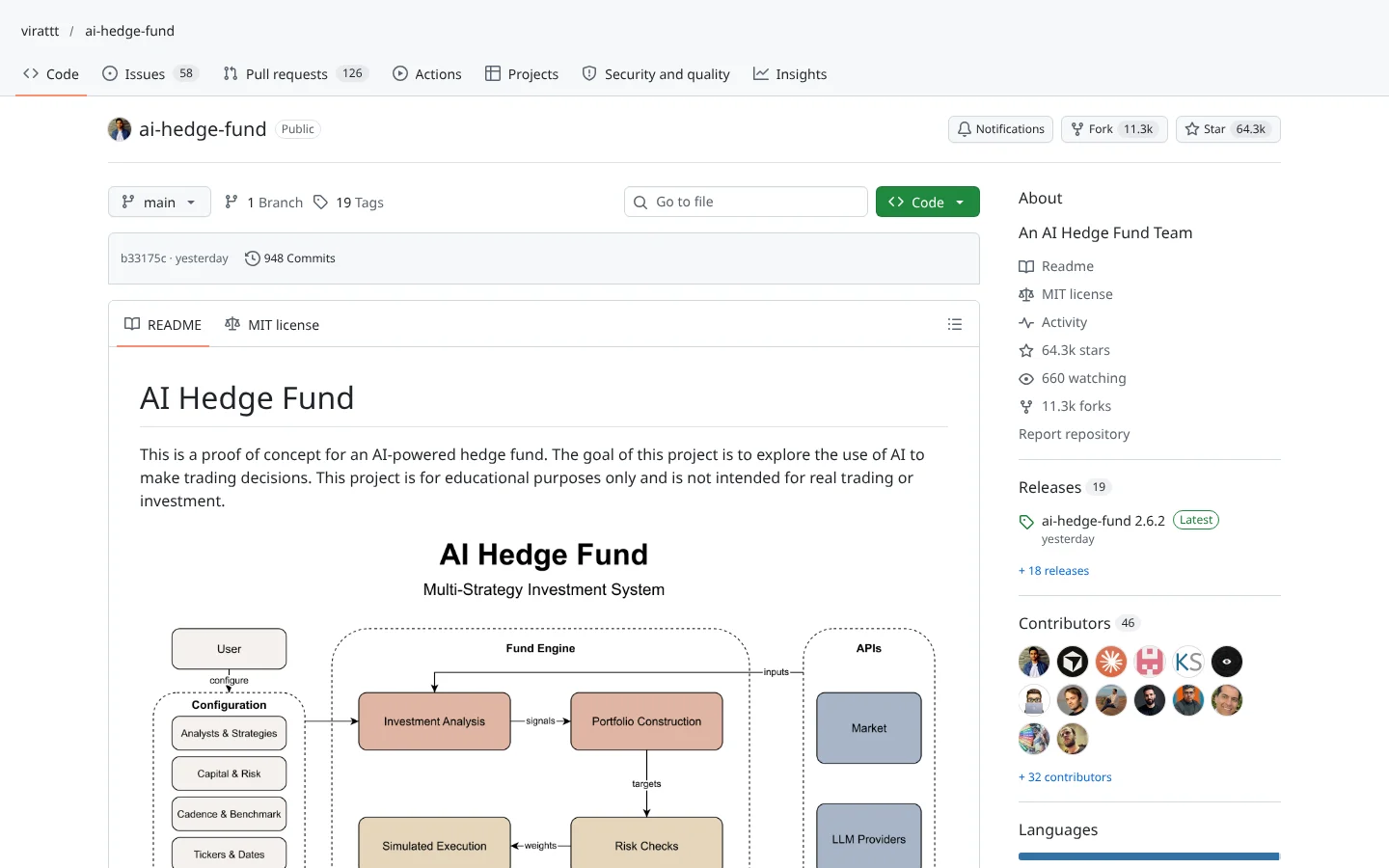
 AI Hedge Fundvirattt/ai-hedge-fund
Investor-persona agents debate a stock, then a portfolio agent makes the call. A teaching project, not a fund.
★ 64k stars · Intermediate · updated 2026-10
 78Score
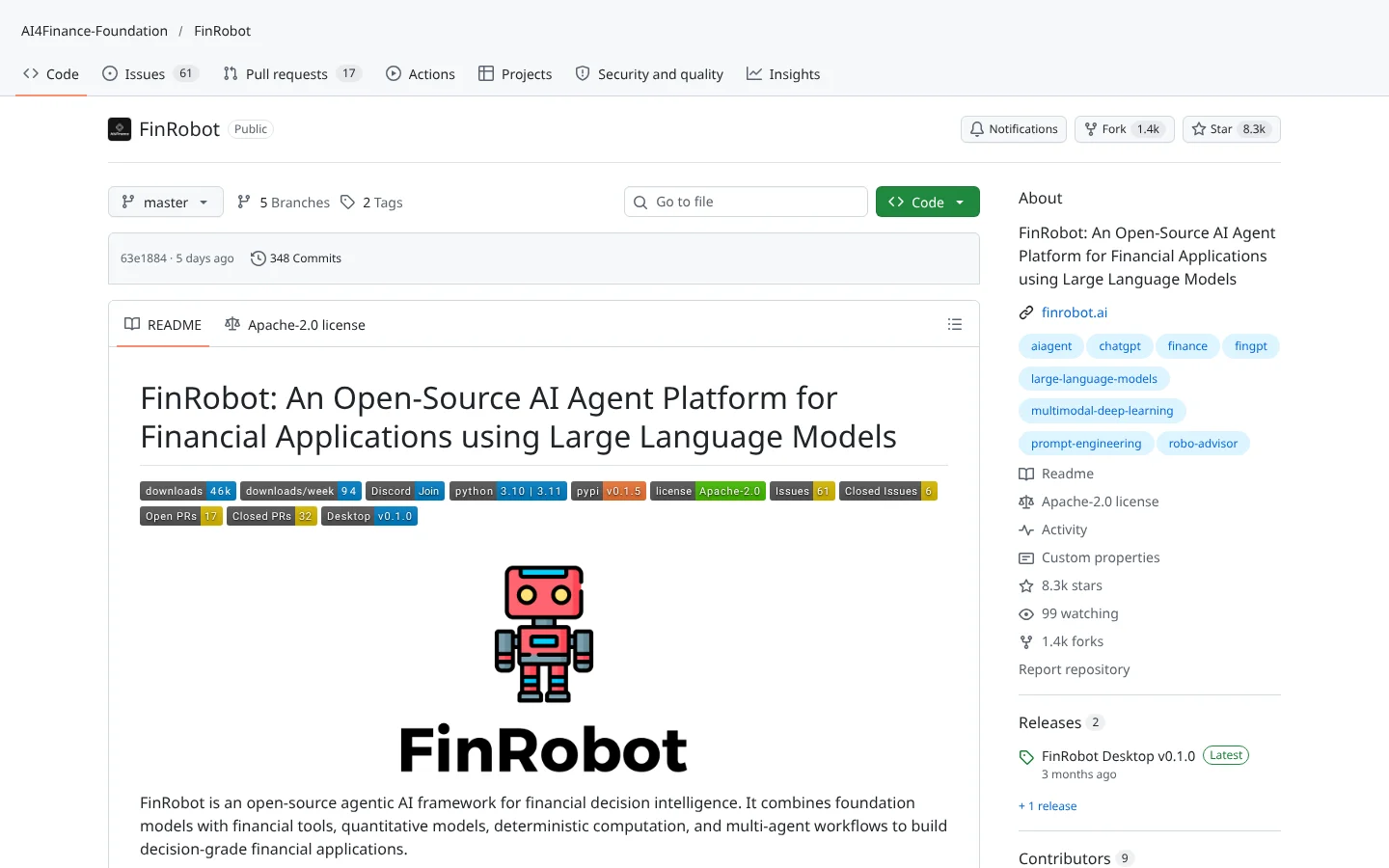
 FinRobotAI4Finance-Foundation/FinRobot
LLM agents that draft equity research reports from filings and market data.
★ 8.3k stars · Advanced · updated 2026-10
Vibe-Trading is the most ambitious free AI trading workspace we have looked at. One install gives you agents, a factor library, multiple backtest engines, paper accounts and a broker hub that reaches markets most US tools ignore. For an AI-curious trader, that is a lot of machinery for zero license cost.
But ambition is not proof. With almost no independent user feedback, Vibe-Trading belongs in your lab, not your brokerage account. Install it, use the Shadow Account to audit your own habits, paper trade for a quarter, and let the community catch up before you trust it with capital.
Vibe-Trading is a free, open-source AI trading agent from the University of Hong Kong's Data Science lab. It combines market research, strategy testing on history, paper trading and optional live trading in one Python package.
Yes. It is MIT licensed, so the software costs nothing. You still pay your AI model provider for usage, and any paid data feeds or broker fees.
It has a kill switch, pre-trade checks and paper-only defaults on some connectors, which is a good sign. But there is almost no public track record from real users, so start in paper mode and keep live sizes small if you ever go live.
Yes. The README lists Anthropic's Claude models, OpenAI models including Codex, OpenRouter,  MiniMax and custom endpoints. It also ships an MCP server so AI assistants can use its tools directly.
The README lists about 18 connectors, including Alpaca, Interactive Brokers, Robinhood, OKX, Binance, MetaTrader 5, eToro, Trading 212 and Zerodha. Some are paper-only or read-only, so confirm your broker's status first.
Incoming transmission | Free weekly newsletter
FullStack Alpha has tested 200 AI stock tools. Be honest: how many of yours do the same job, and which one did you forget you signed up for?
One email a week fixes that: which tools are worth the money, what they cost right now, and how the traders on this site wire them into a routine. Five minutes to read. Zero noise.
Inside every issue
5 MIN READ
The Verdict
One AI trading tool tested and scored. What it does well, what it costs, and the catch the sales page leaves out.
Price Watch
Price changes and live promos on the tools traders actually use, monthly and annual side by side, so you stop overpaying.
Workflow Teardown
One educator's routine taken apart: the scan, the chart, the tools, and the free swap for every paid one.
Scan of the Week
Exact scanner settings you can copy, pulled from the educator's own lesson with the timestamp.
Process beats prediction. This is the email that keeps your process honest.
FullStack Alpha Network
BestAITradingTools.com
Trading workflows, the tool matchmaker and the GitHub repo directory.
 Gemini
 DeepSeek