
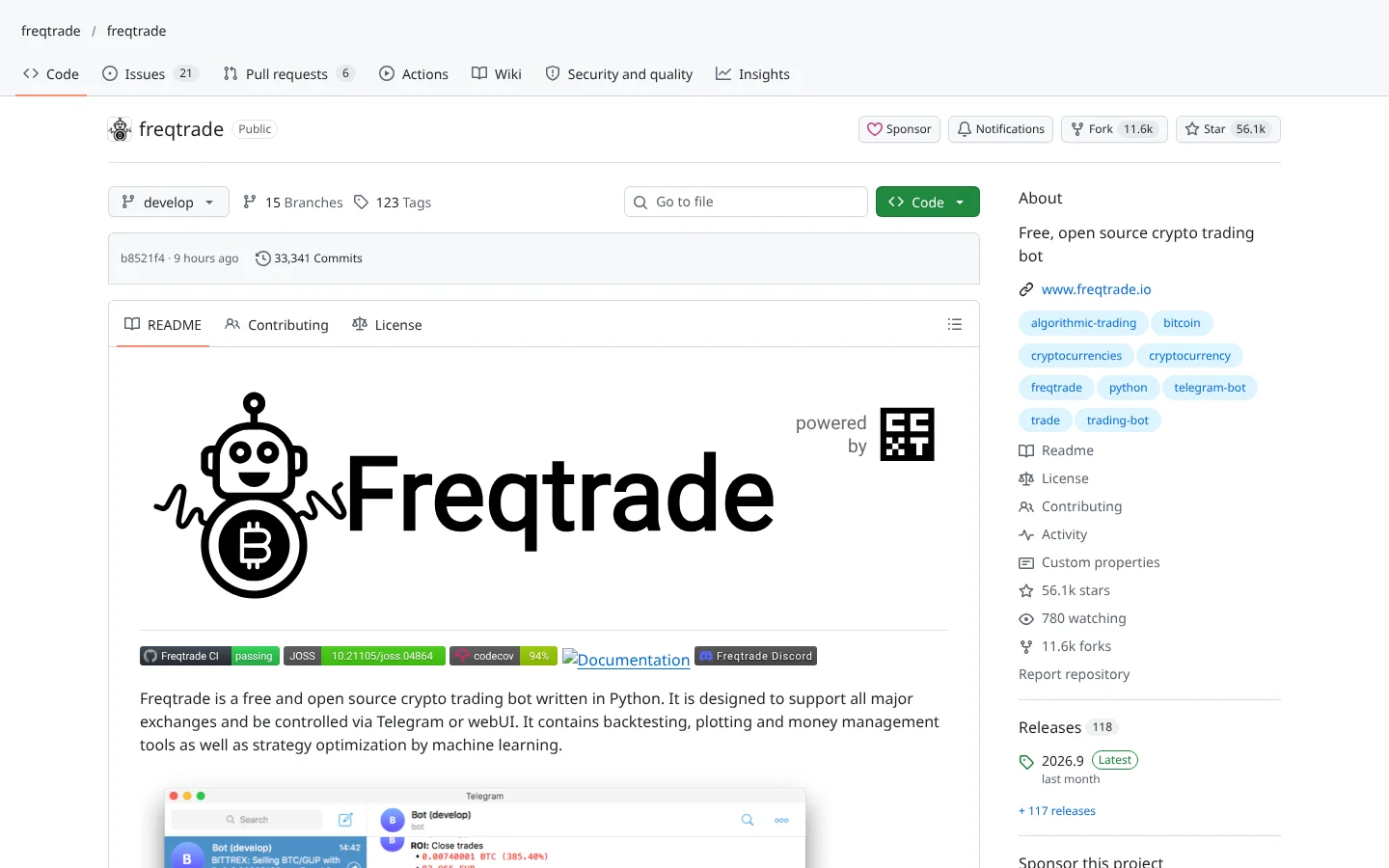
 96Score
 Freqtradefreqtrade/freqtrade
The most widely used open-source crypto bot, with FreqAI for models that retrain on rolling data.
★ 56k stars · Intermediate · updated 2026-10

Trading Bots deep dive
 Jessejesse-ai/jesse
Jesse is an open-source Python framework for writing crypto trading strategies, testing them on history, stress-testing the results and running them live. It fits traders who can write a little Python and want serious tools to catch overfitting before it costs money. The catch: free code, but paper trading and most live exchanges sit behind a paid license, and public user discussion is thin.
Think of it as a test kitchen with a strict food critic built in: you can cook any recipe you like, but it keeps asking whether the dish only tasted good because you were hungry.
Most backtesters tell you your strategy is brilliant. Jesse tries to prove it isn't. That's exactly why you want it. Here's the catch, in ninety seconds.
Jesse is an open-source Python framework for building, testing and running crypto strategies. Think of a test kitchen with a strict food critic built in. Cook anything you like. It keeps asking if the dish only tasted good because you were hungry.
Five things we like.
One, a local web dashboard with charts and logs.
Two, optimization with Optuna, spread across your processor with Ray.
Three, Rule Significance Testing, which checks your entries against random ones.
Four, Monte Carlo analysis, which reshuffles trades to show how fragile your results are.
Five, Jesse MCP, a plug that lets Claude, Codex or Cursor help you write strategies.
It trades on Binance, Bybit, KuCoin and Kraken Pro.
Two cautions. The code is free, but paper trading and most live exchanges need a paid license from jesse.trade. And independent reviews are thin, so the evidence is mostly the project itself.
Best for crypto traders who write a little Python and want to catch overfitting early. Scroll down for the scorecard and setup steps.
This is education, not financial advice. Your market edge starts with the right tool. Stay alpha.
FullStack Alpha Editorial Team
Reviewed by Jay Rocco, Chief Editor
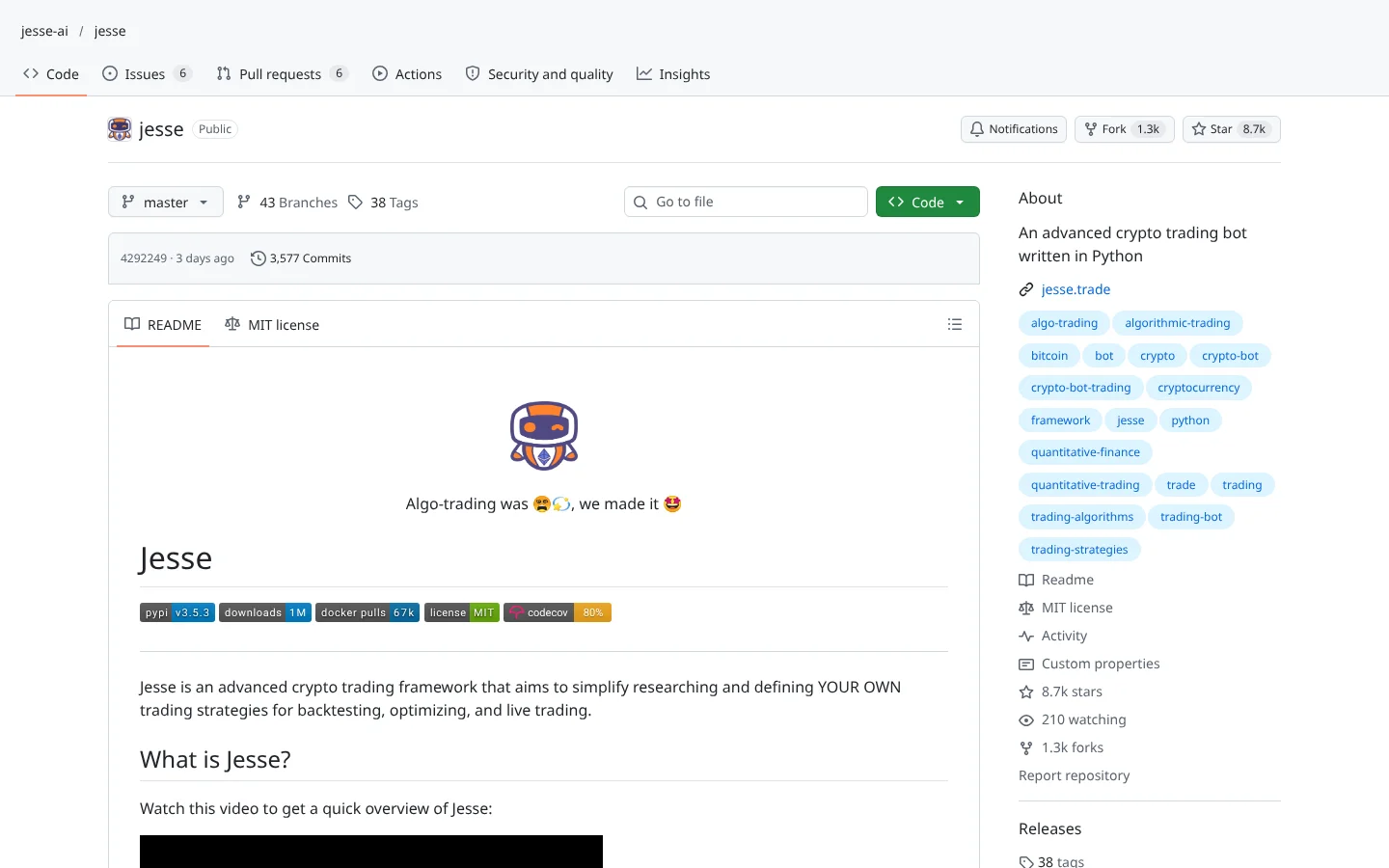
This is a Python framework (a toolkit of reusable code) for crypto traders who want to build their own strategies instead of renting someone else's. You write the rules in Python, then run a backtest (replaying your strategy on old prices to see what would have happened) through a local web dashboard with charts, logs and performance metrics.
Its real strength is the skepticism built into the testing. An optimize mode uses  Optuna to search settings, with Ray spreading the work across your processor cores. Rule Significance Testing compares your entry rule with random entries on the same history to check whether there is any edge at all. Monte Carlo analysis shuffles trade order and simulates candles to show how fragile the result is.
There is more under the hood. The project lists more than 300 indicators written in Rust for speed, a machine learning pipeline that trains scikit-learn models on labeled backtest data, and a research API for Jupyter notebooks. Live sessions support multiple accounts with alerts through  Telegram,
  Slack and
  Discord.
The AI angle is practical, not magical. Jesse MCP is a local MCP server (a plug that lets an AI assistant like  Claude read data or use an app) that connects tools such as Claude,
  Codex,
  Cursor, VS Code and
  Zed to your strategy project. The AI helps you write and inspect strategies. It does not decide trades on its own.
Why does that design matter? Most traders do not fail for lack of ideas. They fail because they fall in love with a backtest and skip the step where they try to kill it. This framework builds that step into the workflow, which is exactly the kind of system that beats another clever indicator.
Community Score
77 / 100
GitHub data checked 2026. Community read: not enough independent discussion yet.
Works with
ClaudeCodexGood fit if you are
Skip it if you are
The repo has close to 9,000 GitHub stars and about 1,300 forks (copies people build on), with code pushed in the last week. But our searches for independent discussion on  Reddit and
  Hacker News returned only unrelated results. That is partly a naming problem: try searching a common first name plus trading.
So the evidence is the project itself: active maintenance, detailed docs and an MIT license on the core code. That is a decent foundation. It is not the same as hundreds of traders reporting how live sessions behaved through a crash, so weigh it accordingly.
What they like
What they complain about
 Docker for beginners because it installs everything for you. The native route uses pip install jesse plus your own PostgreSQL database.
A computer or server with Python 3.10 to 3.13 or Docker
It runs a local dashboard and needs PostgreSQL for storage.
A crypto exchange account with API access
Live trading places orders through your exchange.
 Binance
 Bybit
Bybit KuCoin
 Kraken
 Coinbase
 Gate.io
 Hyperliquid
A Jesse license for paper and broad live trading
Live and paper trading run through an official plugin that requires a license key from jesse.trade. The free plan covers live trading on Gate.io and testnet exchanges only.
An AI assistant (optional)
Only needed if you want to use the MCP server to help write and inspect strategies.
AnthropicOpenAICursorFree code, paid trading
Backtesting is free and open source. Paper trading and live trading on most exchanges need a paid plan, which is easy to miss from the  GitHub page alone.
Optimization can manufacture fake edges
Try enough settings and something will look great by luck. Use the significance tests and keep an untouched period of data for the final check.
Thin public feedback
No independent community discussion was found, so live-trading quirks and bugs will be yours to discover.
Leverage cuts both ways
Futures and perpetual support makes it easy to trade with leverage. A strategy that survives a backtest can still be liquidated by one fast move.
Exposed dashboard
The dashboard listens on all network addresses by default. On a cloud server, protect it with a strong password and a firewall.

Keep reading across FullStack Alpha
Not ready to run code yourself? Our hands-on AI stock tool reviews on AIStockPickerApp.com score finished products on five pillars, the AI stock tools directory at AIStockPickerApps.com sorts 200+ tools by the job they do, and AIStockTradingBots.com walks through broker APIs, bot setup and backtesting step by step. Or head back to the Trading Workflows home page to match tools to your own routine and budget.
96ScoreFreqtradefreqtrade/freqtradeThe most widely used open-source crypto bot, with FreqAI for models that retrain on rolling data.
★ 56k stars · Intermediate · updated 2026-10
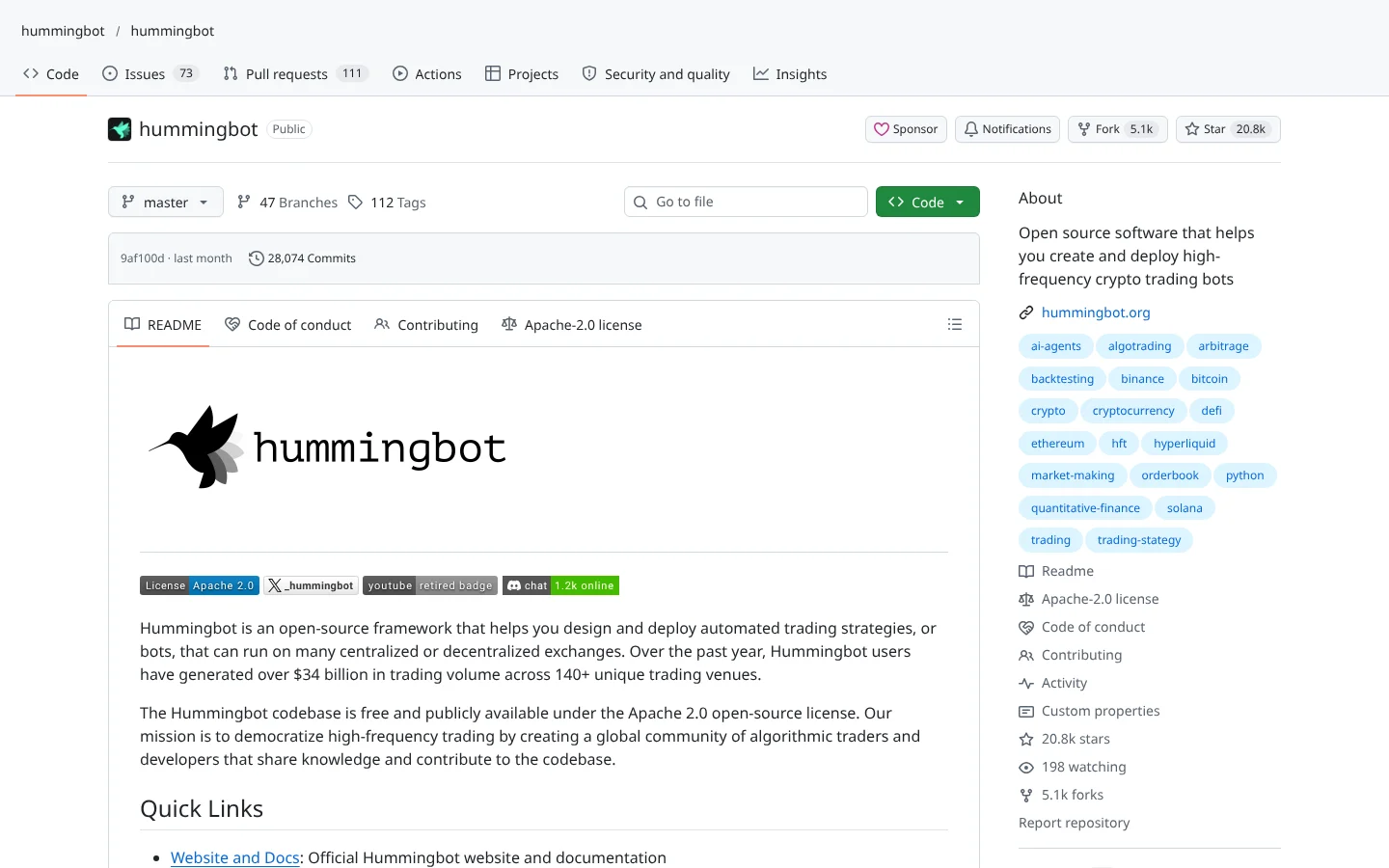 87Score
 Hummingbothummingbot/hummingbot
Market-making and arbitrage bot framework that connects to dozens of centralized and decentralized exchanges.
★ 21k stars · Advanced · updated 2026-10
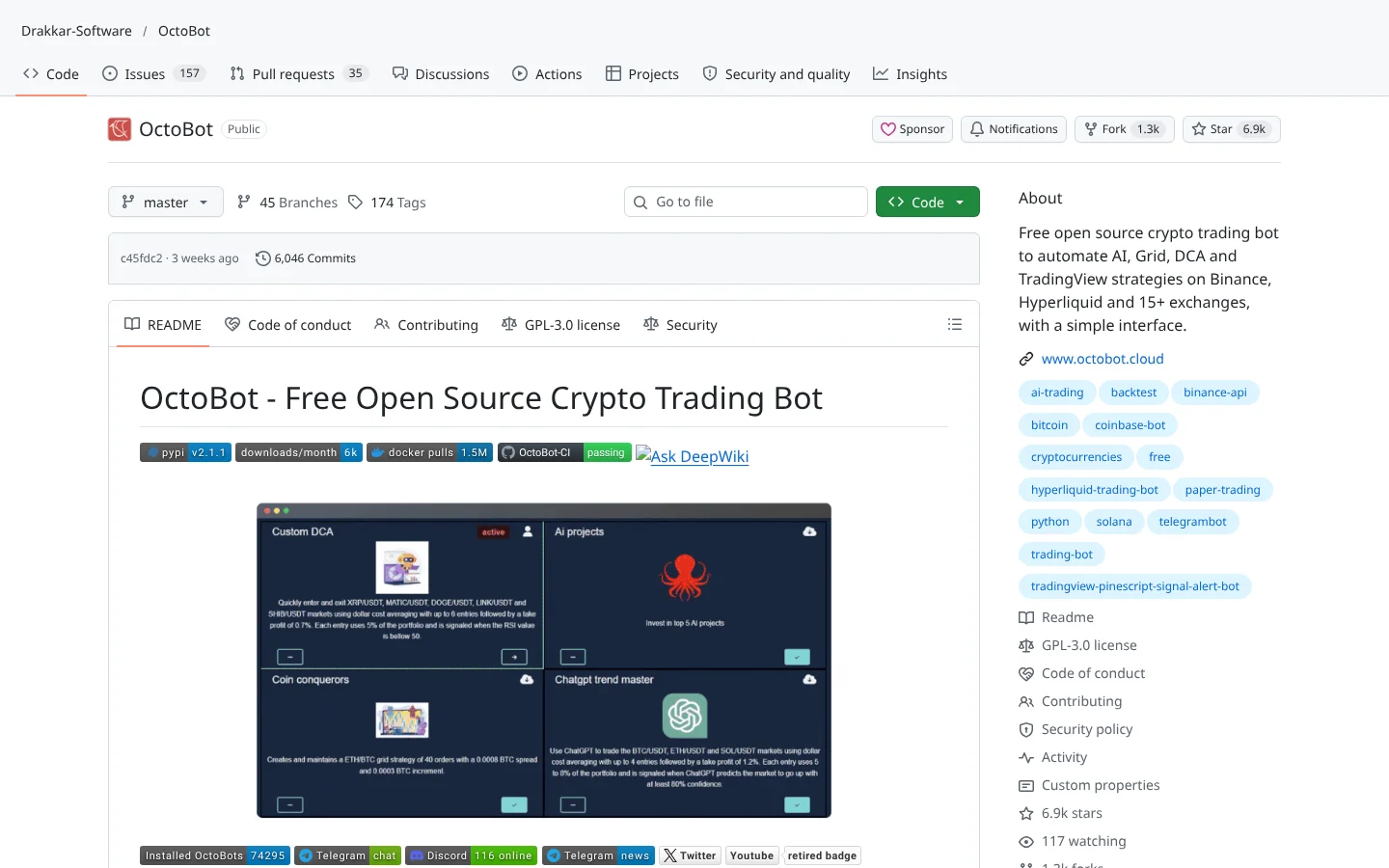 80Score
 OctoBotDrakkar-Software/OctoBot
A modular crypto bot with a web interface, aimed at people who would rather click than code.
★ 6.9k stars · Beginner · updated 2026-10
This is one of the most thoughtfully built crypto strategy frameworks in open source. Fast backtests, a deep indicator library and, above all, tools that try to prove your edge is fake: random-entry comparisons, Monte Carlo stress tests and optimization with proper guardrails. The MCP server makes it friendly to traders who already work alongside Claude or Codex.
Go in with clear eyes on cost and coverage. The research side is free, but paper trading and most live exchanges sit behind a paid plan, and it is crypto only. If you write Python and want a disciplined process for crypto, Jesse earns a serious trial. Backtest, try to break it, paper trade, then size small.
It is an open-source Python framework for researching, backtesting, optimizing and live trading crypto strategies. You write strategies in code and manage everything through a local web dashboard.
The core framework is free under the MIT license, including backtesting and optimization. Live and paper trading run through an official plugin that requires a license key, and the free plan only covers live trading on Gate.io and testnet exchanges.
Live trading is supported on Binance,  Binance US, Bybit, Coinbase, Gate.io, KuCoin, Kraken Pro, Hyperliquid,
  Apex Omni and
  Lighter, among others.
  Bitfinex is available for backtest data only.
Yes. Jesse MCP is a local MCP server that connects AI assistants such as Claude, Codex, Cursor, VS Code and Zed to your project folder.
Not for live trading today. The docs list  Alpaca as coming soon and offer
  Massive and custom data as backtest-only sources for traditional markets.
Incoming transmission | Free weekly newsletter
FullStack Alpha has tested 200 AI stock tools. Be honest: how many of yours do the same job, and which one did you forget you signed up for?
One email a week fixes that: which tools are worth the money, what they cost right now, and how the traders on this site wire them into a routine. Five minutes to read. Zero noise.
Inside every issue
5 MIN READ
The Verdict
One AI trading tool tested and scored. What it does well, what it costs, and the catch the sales page leaves out.
Price Watch
Price changes and live promos on the tools traders actually use, monthly and annual side by side, so you stop overpaying.
Workflow Teardown
One educator's routine taken apart: the scan, the chart, the tools, and the free swap for every paid one.
Scan of the Week
Exact scanner settings you can copy, pulled from the educator's own lesson with the timestamp.
Process beats prediction. This is the email that keeps your process honest.
FullStack Alpha Network
BestAITradingTools.com
Trading workflows, the tool matchmaker and the GitHub repo directory.